YouTube Alternatives in 2026: 7 Platforms Compared
Explore the best youtube alternatives in 2026, from Vimeo and Dailymotion to Twitch, Rumble, and creator-owned options, with costs and trade-offs for viewers.
- Editor's choice
 Vimeo
Professional hosting and private sharing
Starts atSee websiteVisit vimeo.comFull review - Great alternative
 Dailymotion
General video watching and uploading
Starts atFreeVisit dailymotion.comFull review - Also consider
 Twitch
Live streaming and community viewing
Starts atFreeVisit twitch.tvFull review
TL;DR:
- Vimeo is the strongest alternative for professional hosting and privacy controls, while Dailymotion is the closest general video site for casual viewers.
- Twitch and Kick suit live creators, but they are not a direct replacement for a searchable library of edited videos.
- Rumble and Odysee attract viewers who want looser moderation, and that audience mix shapes the comments and discovery on each.
- PeerTube and Nebula suit viewers and creators who value independence, though their catalogs are smaller than the major platforms.
Quick comparison
| Tool | Best for | Starts at | Free plan? | |
|---|---|---|---|---|
| Vimeo | Professional hosting and private sharing | See website | Yes | Visit |
| Dailymotion | General video watching and uploading | Free | Yes | Visit |
| Twitch | Live streaming and community viewing | Free | Yes | Visit |
 Rumble | Video hosting with looser moderation | Free | Yes | Visit |
 Odysee | Decentralized video with creator tips | Free | Yes | Visit |
 PeerTube | Self-hosted and federated video | Free | Yes | Visit |
 Nebula | Curated creator documentaries and essays | See website | Free trial | Visit |
The best youtube alternatives
People leave YouTube for different reasons, and no single alternative covers every use. Some want fewer ads, some want better creator pay, some want professional hosting, and some want a smaller community with different rules. The seven platforms below cover those needs, with honest notes on catalog size and moderation.

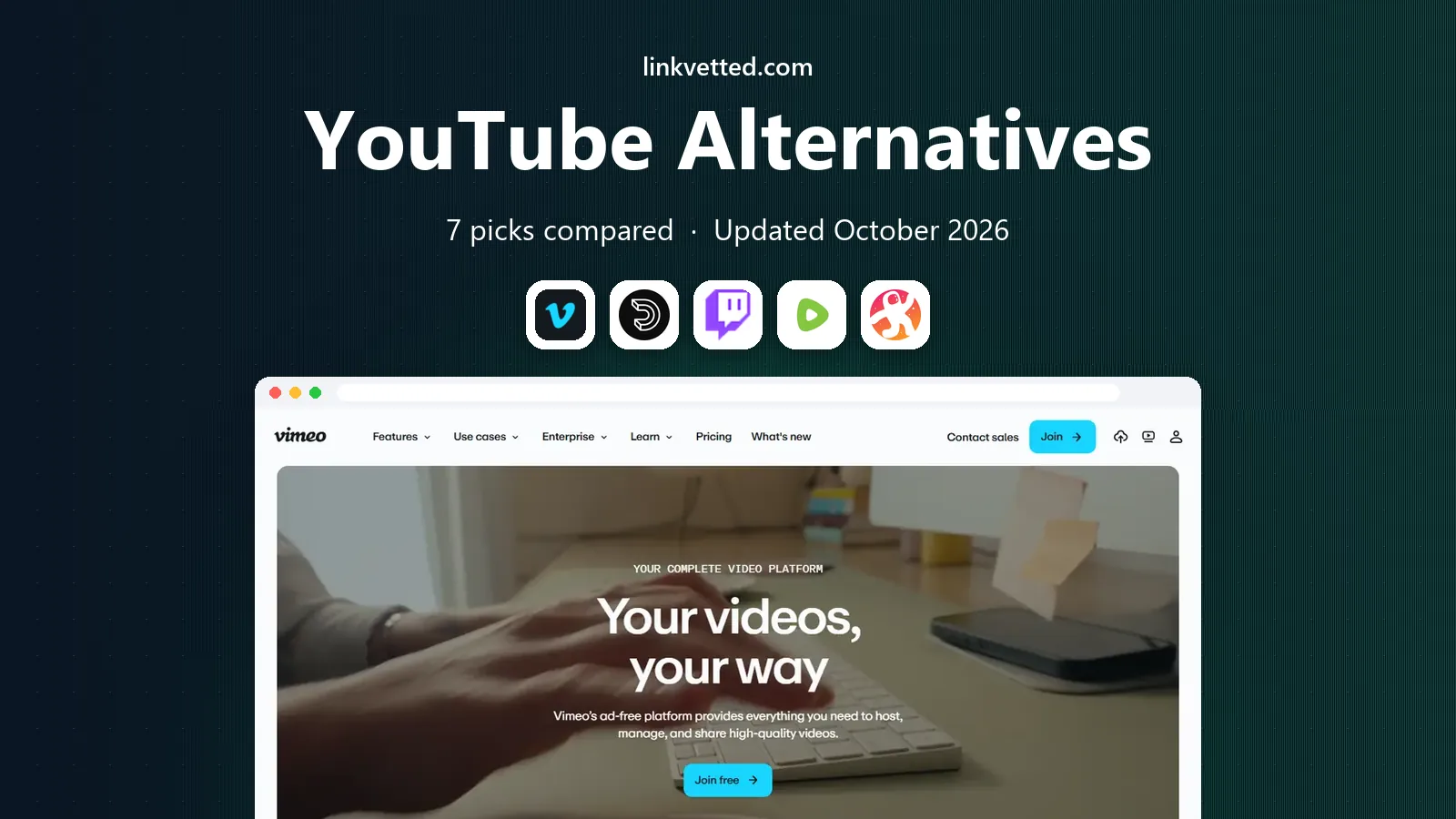
Vimeo is the most professional alternative in this list, and it shows in the player and the privacy options. Creators can host videos without ads, control who can view or embed a video, and present work in a clean player that suits portfolios, courses, and client delivery. For businesses and filmmakers, that control matters more than viral discovery, and Vimeo is built around it.
The trade-off is audience. Vimeo does not offer the same casual discovery feed as YouTube, so viewers will not stumble across your work in the same way. Paid plans also apply for larger storage and advanced features, while the free tier is limited. If your goal is to host and share finished work with a known audience, Vimeo fits well, but if you need discovery, pair it with another platform.
- Ad-free playback
- Strong privacy controls
- High-quality player
- Smaller discovery audience
- Paid plans for larger storage
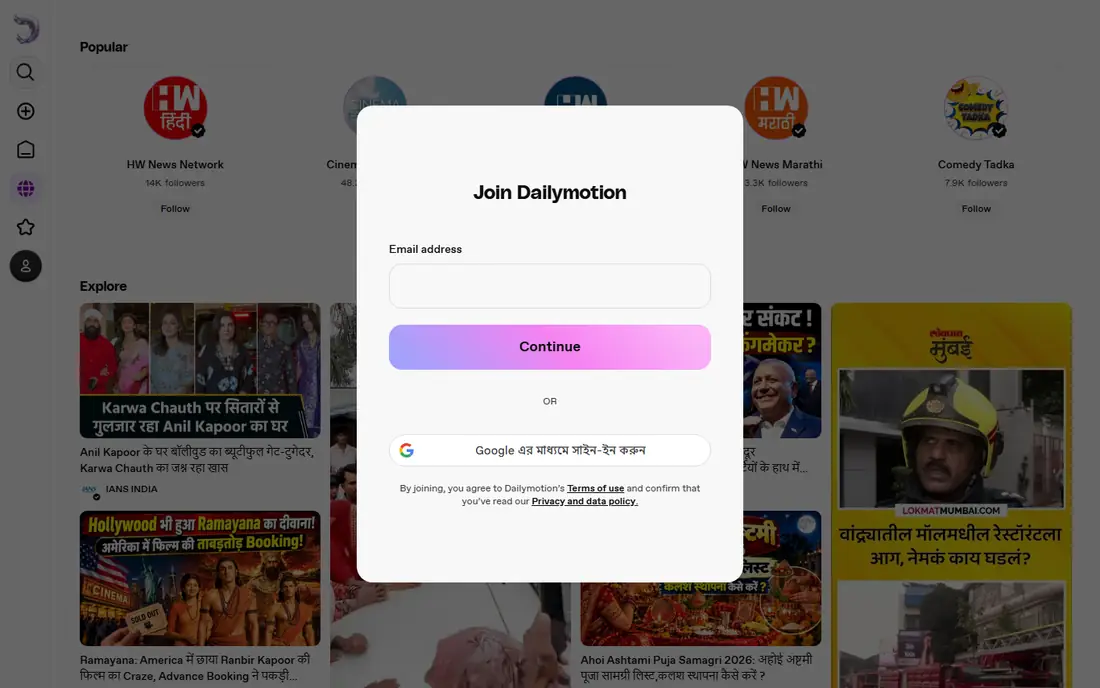
Dailymotion is the closest general-purpose alternative for everyday viewing. You can watch news, music, sport clips, and creator videos without an account, and uploading is straightforward for creators who want a second home for their work. The interface will feel familiar to YouTube viewers, which lowers the barrier for a switch.
Discovery and creator tools are thinner than on YouTube, and some niches have far less depth, so you may not find the same range of tutorials or long-form creators. Monetization options are also more limited for small creators. Dailymotion works best as a general viewing alternative and a backup upload site, rather than as a full replacement for a creator business built on YouTube.
- Large general catalog
- Easy uploads
- Free viewing
- Smaller creator ecosystem
- Less depth in some niches

Twitch dominates live streaming, and its strength is the live room itself. Viewers join a stream, chat in real time, support creators through subscriptions, and clip moments to share later. For gamers, talk shows, music streams, and live events, that live energy is hard to match on a library-first platform, and the community tools are built for regular viewers.
Twitch is less suited to edited, searchable videos that people find months later. Archives and highlights exist, but discovery favors live channels and recent streams. Creators who rely on search traffic for tutorials should keep a library elsewhere and use Twitch for live sessions, Q and A events, and community hangouts. That split gives you live reach without losing evergreen content.
- Large live audience
- Chat and subscriptions
- Clips and archives
- Live-first design
- Edited video discovery is weaker
Rumble has grown as a home for creators who feel restricted elsewhere, and it now hosts news, commentary, lifestyle, and live streams alongside its original viral video roots. Uploading is free, live streaming is available, and creators can earn through ads and subscriptions. For viewers, the front page leans heavily toward commentary and news, which suits that audience well.
The audience mix is the main thing to understand before joining. Rumble skews toward political commentary, so creators in other niches may find a smaller, less engaged audience, and viewers looking for broad entertainment may need to search harder. Moderation rules also differ from YouTube, so check the current policies and community norms before publishing, especially if your content is aimed at a general audience.
- Free uploads
- Live streaming
- Monetization options
- Audience skews political
- Smaller range in some categories
Odysee is built on decentralized hosting, which means videos are not stored and controlled in the same centralized way as on major platforms. Creators can upload, earn tips, and build channels, while viewers can browse a catalog that spans tech, commentary, gaming, and education. For creators worried about platform control, that structure is the main appeal.
The catalog is smaller than YouTube, and discovery can feel uneven across topics. The decentralized model also means moderation and support work differently, so new users should take time to learn how channels, tips, and content rules operate. Odysee suits creators and viewers who value independence and are willing to accept a smaller audience in exchange for that control.
- Blockchain-based hosting
- Creator tipping
- Varied catalog
- Smaller audience
- Interface and moderation differ from major sites
PeerTube is not one site but software that many independent sites, called instances, run. Each instance sets its own rules, and instances can share videos across the network, so you can join one that fits your interests or run your own. That federated design gives creators and communities real control over hosting, moderation, and data, without a central company setting every rule.
The trade-off is fragmentation. There is no single PeerTube catalog as large as YouTube, and finding videos across instances takes more effort, though search tools help. Running your own instance also needs technical skill and hosting costs. PeerTube suits communities, schools, and creators who want independence and can accept a smaller, more scattered audience in return.
- Federated instances
- No central ad model
- Self-hosting option
- Catalog is split across instances
- Setup needs technical skill
Nebula is a creator-owned streaming service focused on thoughtful video essays, documentaries, and educational series. Many creators on Nebula also publish on YouTube, but Nebula versions are often ad-free and include extras, which makes it a good second home for viewers who already follow those creators. The catalog feels curated rather than endless, and that focus helps viewers find substantial work without wading through low-effort uploads.
Nebula is not a general YouTube replacement, because it does not try to host everything. The catalog is smaller, the range of topics is narrower, and full access requires a subscription, though a trial is available. If you watch a lot of essays and documentaries from independent creators, Nebula is a strong addition to your viewing mix, but most viewers will still use another platform for news, music, and everyday clips.
- Curated creator-led catalog
- Ad-free viewing
- Podcast and class extras
- Subscription required for full access
- Smaller catalog than general sites
How we picked these
We compared official product pages, catalog focus, pricing, and moderation models, and we favored platforms that are live and usable in October 2026. We did not rank by size alone, because a huge catalog with the wrong rules or format is not a good fit for every viewer or creator. We also noted where a platform is live-first, professional hosting, or curated, because those differences decide whether it can replace YouTube for a given person.
How to pick a YouTube alternative for how you actually watch
Name the job first. A professional portfolio, a live stream, a news feed, and a documentary library are different jobs, and no platform here does all four well. List the three kinds of video you watch or publish most, then choose the platform that covers at least two of them, and keep YouTube or a second service for the rest if needed.
Check discovery before you move a channel. Upload a few videos, watch how they surface in search and feeds, and look at the comments and audience in your niche. A platform can be excellent in general and still be a poor fit for your topic, so a short test beats a full migration based on reputation alone.
Read the moderation and monetization rules. Rules shape who sees your work, how comments behave, and how you can earn. Check current policies on the vendor site, especially for news, health, and political content, and keep copies of your videos so a policy change or account issue does not erase your archive.
Keep your audience reachable. If you move, tell viewers where to find you through email, a website, or other social channels, because discovery alone will not move an audience. A simple landing page with links to each platform protects you if any one service changes its rules, pricing, or direction.
FAQ
What is the best YouTube alternative overall?
There is no single best choice, because the right platform depends on your goal. Vimeo suits professional hosting, Dailymotion suits general viewing, Twitch suits live streams, and Nebula suits curated essays and documentaries.
Can I upload to more than one alternative?
Yes, and many creators do. Uploading to two or three platforms spreads risk and reaches different audiences, though it adds work for titles, thumbnails, and comments, so start with one extra platform and add more only if the audience grows.
Are these alternatives free to watch?
Most are free to watch, with ads or limits on some, while Vimeo and Nebula use paid plans for full features. Check each platform before subscribing, because free tiers vary by storage, quality, and access to extras.
Do YouTube alternatives pay creators?
Some do, through ads, subscriptions, tips, or direct support, but rates and eligibility vary widely. Small creators should not expect YouTube-level ad income on a smaller platform, and direct support often matters more there.
Is PeerTube hard to use?
Watching on an existing PeerTube instance is simple, and you can browse videos without an account on many instances. Running your own instance is the harder part, because it needs hosting, maintenance, and moderation.