Best Wayback Machine Alternatives in 2026: 8 Tools Compared
Compare the best Wayback Machine alternatives for saving web pages, checking older versions, and keeping citations working, with free and paid options for 2026.

- Editor's choice
 Archive.today
Quick public snapshots
Starts atFreeVisit archive.phFull review - Great alternative
 Perma.cc
Stable research citations
Starts atFreeVisit perma.ccFull review - Also consider
 Common Crawl
Large scale web data research
Starts atFreeVisit commoncrawl.orgFull review
TL;DR:
- Archive.today and Ghostarchive are the simplest free options for a quick, public snapshot of a page.
- Perma.cc is the strongest choice for academic and legal citations because it is built to keep links stable.
- Pagefreezer and Stillio suit teams that need scheduled captures, change alerts, and records they can defend.
- Common Crawl and ArchiveBox work best for researchers and developers who want large data sets or a private archive.
- No single archive covers every page, so saving an important page in two places is a sensible habit.
Quick comparison
| Tool | Best for | Starts at | Free plan? | |
|---|---|---|---|---|
| Archive.today | Quick public snapshots | Free | Yes | Visit |
| Perma.cc | Stable research citations | Free | Yes | Visit |
| Common Crawl | Large scale web data research | Free | Yes | Visit |
 ArchiveBox | A private archive you control | Free | Yes | Visit |
 Pagefreezer | Compliance and legal records | See website | No | Visit |
 Stillio | Scheduled screenshots | See website | Free trial | Visit |
 Ghostarchive | Free public page and video saves | Free | Yes | Visit |
 Webrecorder | Interactive and dynamic pages | See website | Free trial | Visit |
The best Wayback Machine alternatives
The Wayback Machine is still useful, but it does not capture every page, and it does not capture on demand for every user. These alternatives cover the gaps, from a fast one page save to a scheduled record for a whole site.
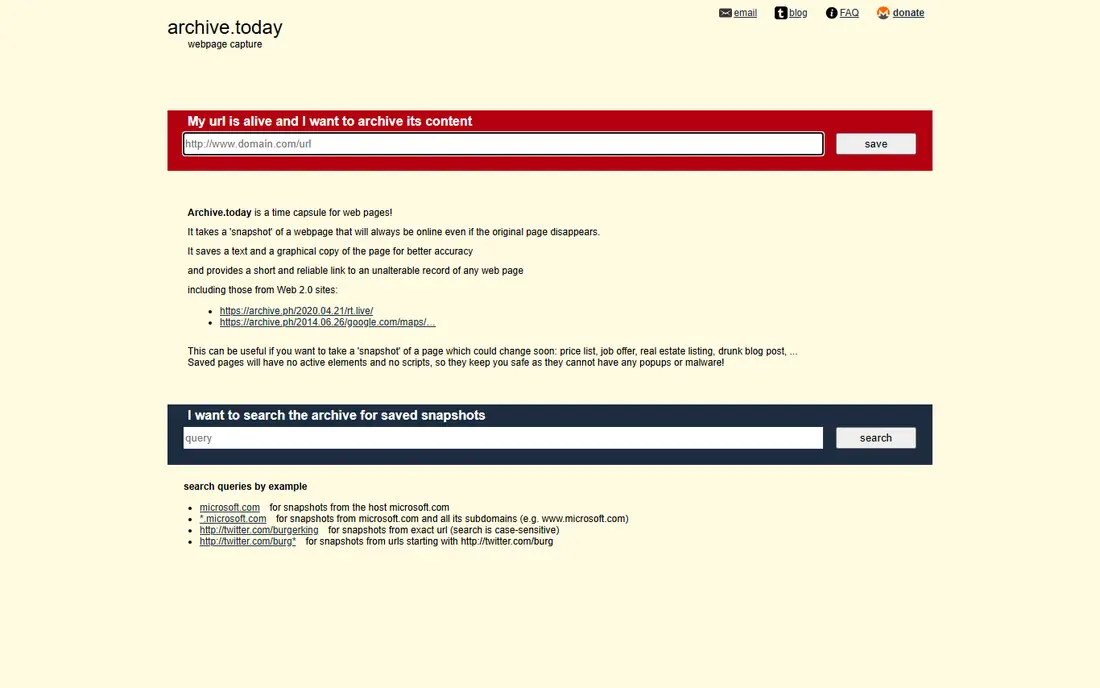
Archive.today is the tool we reach for first when a page might change or disappear soon. You paste a URL, it loads the page, and it saves the text, images, and a screenshot that other people can open. That on demand model is the main difference from a crawler that visits on its own schedule, and it helps with pages that are hard to capture in a normal crawl.
The trade off is control. Archive.today is a public service run without a clear business support page, and saved pages cannot be removed by request in the same way a private archive can be managed. For that reason, we would not use it as the only copy of evidence for a court case or a formal audit. For a quick reference copy, a news page, or a product page you want to quote later, it is fast and easy to use.
- Captures pages on demand
- Handles many script heavy pages
- Gives a short permanent link
- No account based private archive
- No scheduled capture for a whole site
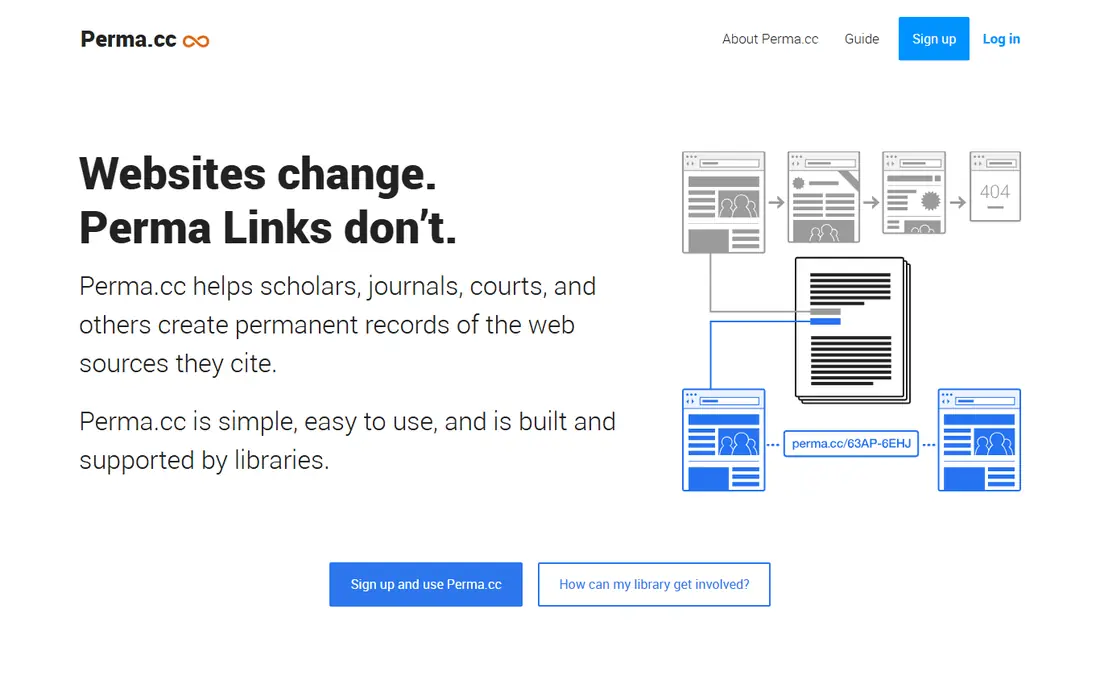
Perma.cc was made for a specific problem, which is that links in papers, briefs, and reports stop working. When you save a page with Perma.cc, you get a permanent link that points to the archived copy rather than to a live page that may move. That design makes it easier for a reader to check the source you cited, even years later.
It is less useful as a general web monitor. Perma.cc is not trying to track price changes, homepage redesigns, or social posts across a large site. Its strength is focus. If your main need is to cite web sources in a paper, a report, or a legal filing, and you want that citation to stay readable, start here before you look at broader tools.
- Built for citations and link rot
- Used by libraries and universities
- Keeps a stable record for a saved page
- Free use is tied to library and partner accounts for many users
- Not built for bulk site monitoring
Common Crawl is not a page viewer. It is a nonprofit project that crawls billions of pages and stores the results as large archive files that anyone can download. Researchers, developers, and data teams use it to study the web at scale, to train language models, or to look for patterns across many sites at once.
That scale comes with work. You need to know how to query an index, pick the right crawl, and process archive files, and moving large files can bring cloud transfer costs even though the data itself is free. For a person who just wants to see how one page looked last year, a simpler snapshot tool is better. For a research project that needs thousands or millions of pages, Common Crawl is hard to beat.
- Huge monthly crawls going back years
- Free data access
- Useful for research and model training
- No simple page viewer for casual browsing
- Large files need technical skill and storage
ArchiveBox is for people who want their own archive rather than a public one. It is open source software you run on your own server or computer, and it can save a page as HTML, a screenshot, a PDF, and other formats. That mix of formats helps when one format does not show a page well, and it keeps the record under your control.
The cost is effort. You need to install it, keep it updated, and make backups, and you need storage as the archive grows. A small team with a technical member can handle that, and a solo researcher with a home server can too. If you do not want to run software, choose a hosted tool instead. If privacy and control matter most, ArchiveBox is a strong fit.
- Open source and self hosted
- Saves pages in several formats
- Keeps your archive private
- You must install and maintain it
- Setup is harder than a hosted service
Pagefreezer is built for regulated teams, law firms, and public bodies that need a record they can stand behind. It captures websites, social media accounts, and other online content on a schedule, and it stores metadata that helps show when a capture was made and what it contained. That record keeping is the point, and it is what separates Pagefreezer from a free snapshot tool.
For a casual user, the price and the setup will feel heavy. For a compliance team, that is a fair trade for audit trails, retention controls, and support. If your need is a legal hold, a regulatory record, or proof of what a company published on a given date, this is the kind of tool to shortlist and to test with a demo before you buy.
- Scheduled capture for websites and social accounts
- Records with metadata for legal use
- Change alerts
- Priced for organisations, not casual users
- Setup takes more time than a one click saver
Stillio does one job well, which is to take screenshots of web pages at set times and store them in an archive you can browse. That simple idea covers a lot of real needs, from watching a competitor homepage to keeping a visual record of a pricing page, a job post, or a public notice. You choose the pages, the frequency, and the device size, and Stillio does the rest.
It is not a full web archive in the Wayback Machine sense. A screenshot shows what a page looked like, but it does not always let you click through links or replay interactive parts. For visual proof and change tracking, that is often enough. For deep research into old site structure, pair it with a tool that saves full page data.
- Automatic screenshots on a schedule you set
- Simple visual archive
- Useful for competitor and price tracking
- Focused on screenshots, not full page replay
- Plans scale with the number of pages tracked
Ghostarchive is a free archiver aimed at research and general use. You paste a URL, it saves a public snapshot, and you can search the archive by exact URL, by prefix, or with a wildcard. For some sites it also saves video, which many page archivers skip, and that makes it useful for clips and pages where video is part of the story.
The limits are practical. Captures are queued, so a save is not always instant, and pages must stay under a size limit. There is also less public detail about funding and staffing than with a university or nonprofit archive. We would treat Ghostarchive as a useful free copy, not as the only copy of a critical record. For quick, free saves, it earns a place on this list.
- Free public snapshots
- Can save some video
- Search by exact URL or prefix
- Queues can be slow at busy times
- No API and limited detail about who runs the service
Webrecorder is the pick when a page does not work as a flat snapshot. Many modern pages load content as you scroll, open menus, play media, or run scripts that a simple saver misses. Webrecorder records the browsing session itself, so the replay can keep more of that behaviour intact. That matters for social pages, interactive maps, and web apps.
For a simple article page, this extra fidelity is more than you need, and a free snapshot tool will be faster. For a researcher or archivist who needs to show how a dynamic page actually worked, Webrecorder is worth the learning curve. It sits at the specialist end of this list, and that is where it does its best work.
- Captures interactive pages with high fidelity
- Replay keeps much of the original behaviour
- Made by archiving specialists
- More complex than a simple screenshot tool
- Paid plans needed for larger team use
How we picked these
We compared official feature pages, pricing pages, and public documentation for archiving tools, and we checked what each tool is actually built to do rather than what a marketing page claims. We looked for tools that are still working in October 2026, that cover different needs, and that give a clear answer on cost, privacy, and replay. We also favoured tools with a clear use case, such as citations, compliance, private archives, or large scale research, so this list does not repeat the same snapshot tool eight times.
We did not claim hands on testing that did not happen. Our comparison is based on vendor pages, help docs, and public reviews, and we note where a price is not published or where a tool has a known limit. Prices and free tiers change, so check the vendor page before you rely on a plan for a long project.
What to check before you choose an archive tool
Start with the job, not the tool. A researcher citing a source needs a stable link. A compliance officer needs scheduled captures and metadata. A developer needs data files and an index. A casual reader just needs a quick copy before a page changes. When you name the job first, most of this list falls away, and the right two or three options become clear.
Check replay, not just the save
A saved page is only useful if you can read it later. Test a replay on a page like the ones you actually save, including pages with images, video, or menus. Check whether links still work, whether text is selectable, and whether the date of the capture is clear. A tool that saves fast but replays poorly will disappoint you later.
Check privacy and removal rules
Public archives are public. Do not save private pages, pages behind a login, or pages with personal data in a public tool. If you need privacy, use a self hosted tool such as ArchiveBox or a paid tool with private workspaces. Also check whether the service allows removal requests, and whether that matters for your use.
Check cost at the scale you need
Free tools are excellent for a few pages a week. They become slow or limited when you need hundreds of pages, daily captures, or team access. Paid tools charge by pages tracked, users, storage, or captures, so estimate your real volume before you pick a plan. A trial with your actual pages is the best test.
FAQ
What is the best free alternative to the Wayback Machine?
Archive.today and Ghostarchive are the simplest free options for a quick public snapshot. Perma.cc is also free for many academic users and is better for citations. For a private archive at no software cost, ArchiveBox is free to run, though you pay for your own hosting or computer time.
Can these tools find a page that was already deleted?
Sometimes, yes, if another archive captured it before it was removed. Search the Wayback Machine first, then try Archive.today, Ghostarchive, and Perma.cc by URL. Common Crawl can help for research if you can query its index, but it will not give you a simple page view for a casual search.
Are web archives legal to use?
Saving a public page for personal reference, research, or citation is common practice, but you should respect robots rules, paywalls, and copyright when you republish material. Do not use an archive to bypass a login or to share private content. For legal or compliance use, choose a tool that keeps metadata and supports a clear chain of custody.
Which alternative is best for legal or compliance records?
Pagefreezer is built for that job, with scheduled captures and records designed for legal and regulatory use. Perma.cc is a good choice for citations in papers and briefs. For court use, keep more than one record where possible and ask the vendor about export and authentication options before you rely on it.
Do any of these tools archive a whole website automatically?
ArchiveBox can crawl a site you control, and Pagefreezer and Stillio can track pages on a schedule. Archive.today and Ghostarchive save one page at a time on request. If you need a full site crawl, check the tool docs for crawl depth, rate limits, and storage before you start.