Best Trello Alternatives in 2026: 9 Tools Compared
Looking for Trello alternatives in 2026? We compared 9 free and paid kanban tools, from Asana, ClickUp, and monday.com to Linear and Basecamp in one guide.

- Editor's choice
 Asana
Structured team projects
Starts at$10.99 per user per monthVisit asana.comFull review - Great alternative
 ClickUp
All in one value
Starts at$7 per user per monthVisit clickup.comFull review - Also consider
 monday.com
Visual boards and automations
Starts at$9 per user per monthVisit monday.comFull review
TL;DR:
- Asana is the safest step up from Trello for structured team work, while ClickUp suits teams that want many views and features in one workspace.
- Monday.com fits visual operations work, Notion fits teams that want docs and tasks together, and Linear fits software teams that found Trello too general.
- Free plans differ sharply: ClickUp and Linear offer generous free tiers, while Asana's free plan now suits very small teams and monday.com's free tier is limited.
- Migration pain comes from automations and custom fields, not from boards alone, so test a real board import before switching a whole team.
- The best alternative is the one your team will update daily, not the one with the most views, so pilot with real work for two weeks.
Quick comparison
| Tool | Best for | Starts at | Free plan? | |
|---|---|---|---|---|
| Asana | Structured team projects | $10.99 per user per month | Yes | Visit |
| ClickUp | All in one value | $7 per user per month | Yes | Visit |
| monday.com | Visual boards and automations | $9 per user per month | Yes | Visit |
 Notion | Docs plus tasks | $10 per user per month | Yes | Visit |
 Jira | Software and agile teams | See website | Yes | Visit |
 Linear | Modern engineering teams | See website | Yes | Visit |
 MeisterTask | Clean visual kanban | See website | Yes | Visit |
 Basecamp | Flat price calm projects | See website | Yes | Visit |
 Wrike | Structured planning and proofing | $10 per user per month | Yes | Visit |
The best Trello alternatives
We compared tools that offer a kanban board view, task assignments, due dates, and collaboration, and that can plausibly replace Trello for a team. Each pick below solves a different Trello limit, from structure to reporting to scale.
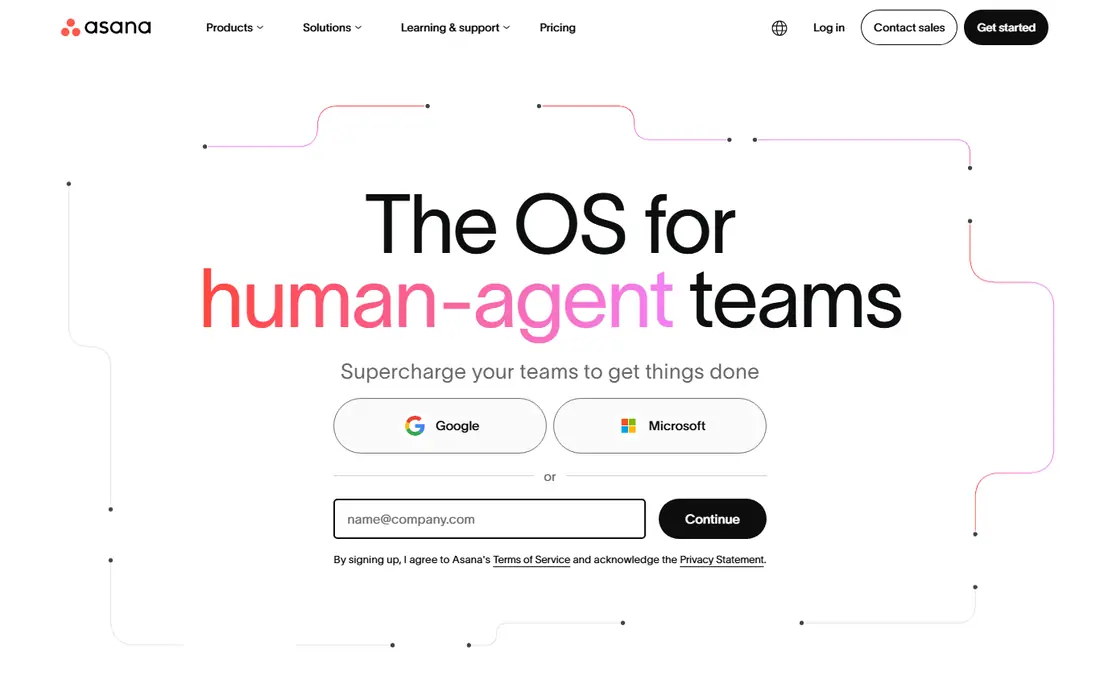
Asana is the most natural Trello upgrade for a team that needs more structure without a steep learning curve. A project becomes a set of tasks with owners, due dates, and dependencies, and the same work can be viewed as a board, a list, or a timeline. For marketing, operations, and product teams that outgrew a single board, that flexibility keeps work visible without forcing a complex setup. The cost is the honest catch. The free plan is narrow, and portfolios, workload views, and advanced approvals sit on higher tiers, so budget for the plan you will actually use, not the entry price. If your team wants structure, clear ownership, and cross project reporting, Asana is a strong first alternative to test.
- Board, list, timeline, and calendar views
- Dependencies and portfolios on paid plans
- Easy adoption for non technical teams
- Free plan suits very small teams
- Key planning features sit on higher tiers
- Per seat cost rises with large teams
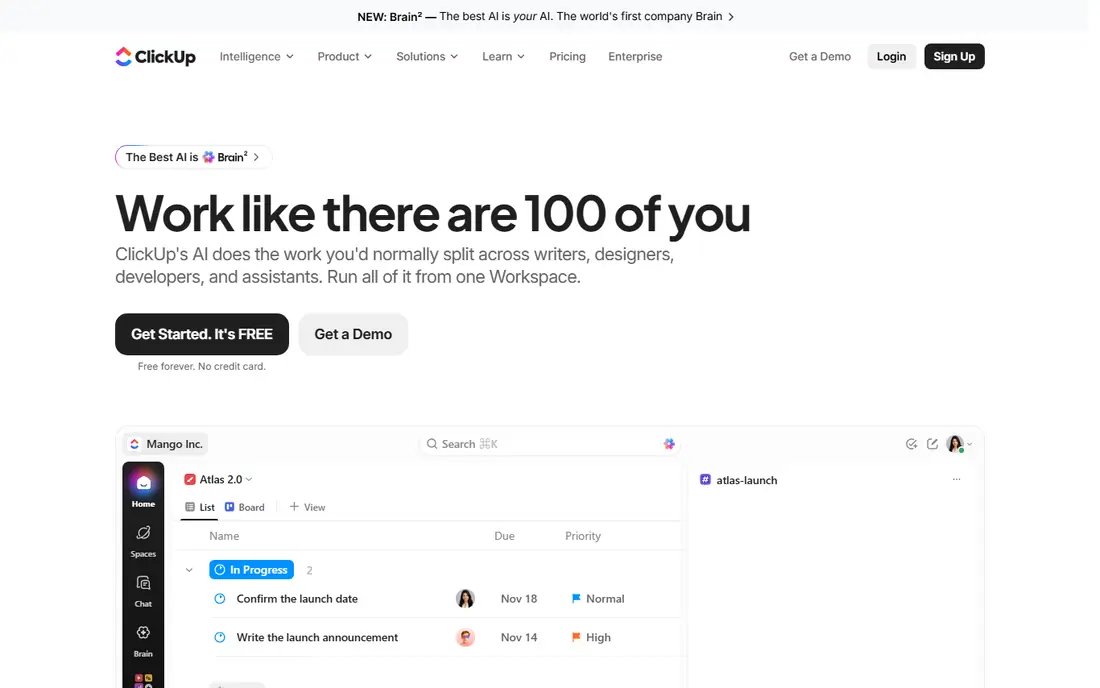
ClickUp appeals to teams that want to replace several tools at once. Boards sit next to docs, goals, dashboards, and time tracking, so a team can plan, write, and report without switching apps. The free plan, with unlimited tasks and members on its basic terms, is also more generous than most rivals, which makes it easy to pilot with a real team. That breadth is also its risk. Without an owner who turns off unused features and sets a clear structure, a ClickUp workspace can become messy fast. Teams that appoint an admin, start with one project, and add views gradually get the best value. If you want one workspace for almost everything and you can invest in setup, ClickUp is hard to beat on price.
- Many views including board, list, and Gantt
- Generous free plan
- Docs, goals, and time tracking in one workspace
- Setup can feel overwhelming
- Workspaces need an owner to stay tidy
- Some AI features cost extra

Monday.com suits operations and marketing teams that think in boards and status columns. You can build a board that mirrors your real workflow, add automations that move items, notify owners, or update dates, and view progress on a dashboard without building a report by hand. That visual clarity is why many Trello users move here when a single board no longer shows the whole operation. Pricing needs a careful read. The free tier is narrow, paid plans have seat minimums, and costs rise as you add people who only need to view work. If your workflow is visual, your team will use automations, and your budget covers per seat pricing, monday.com is a polished and flexible alternative.
- Highly visual and customizable boards
- Strong automations across boards
- Dashboards give a clear status picture
- Free tier is limited to very small teams
- Per seat pricing with minimums adds up
- Simplicity can hide complexity at scale
Notion is the alternative for teams that felt Trello was too narrow and also too separate from their docs. A task database can be viewed as a board, a calendar, or a table, and the same workspace holds meeting notes, specs, and wikis. For small product, content, and startup teams, that combination reduces tool switching and keeps context next to the task. The trade off is ownership. Notion gives you building blocks, not a ready made project system, so someone must design databases, set permissions, and keep templates tidy. If no one will own that work, a more structured tool such as Asana will serve you better. If you have a builder on the team, Notion can be both a Trello replacement and a knowledge base.
- Docs, wikis, and databases in one workspace
- Kanban boards are one view of a database
- Flexible templates
- Needs someone to build and maintain the system
- Project features are lighter than dedicated PM tools
- Large workspaces can slow down
Jira is the standard alternative when Trello was being used as a workaround for software work. Backlogs, sprints, issue types, and agile reports are built in, and integrations with code tools make it a natural home for engineering teams. For a team shipping software on a regular cadence, Jira's structure replaces Trello's simplicity with a system designed for that workflow. For non engineering teams, Jira can feel like overkill. Configuration takes time, and a simple marketing board does not need sprint reporting or issue hierarchies. Choose Jira when your team runs agile software work and needs that depth. For general project work, Asana, ClickUp, or monday.com will be easier to adopt.
- Sprint boards, backlogs, and agile reporting
- Deep developer tool integrations
- Strong issue tracking for software work
- Setup and admin overhead is high
- Interface feels heavy for non engineering teams
- Pricing rises with users and apps
Linear is built for product and engineering teams that want speed. Issues, cycles, and roadmaps feel native rather than bolted on, and the interface stays fast even with many issues. Teams that found Trello too loose for bug tracking, sprint planning, and release work often move to Linear and stay, because the workflow matches how software teams actually work. The limit is scope. Linear is less natural for marketing campaigns, HR processes, or general operations, where a broader PM tool fits better. Its free plan is generous for engineering teams, which makes a pilot easy. If your team builds software and Trello felt like a sticky note system, Linear is one of the cleanest replacements available.
- Fast, focused interface for engineering work
- Issue tracking with cycles and roadmaps
- Strong Git integrations
- Less suited to general business projects
- Some planning features sit on paid plans
- Smaller integration library than larger suites
MeisterTask is for teams that liked Trello's look but wanted a bit more structure. Boards are clean, cards are easy to move, and automations can handle routine steps without a complex setup. It also connects to MindMeister for teams that plan visually, which is a small but useful bonus for brainstorming to execution workflows. It will not match ClickUp or Asana on breadth. Project limits on the free plan, fewer views, and lighter reporting mean larger teams may outgrow it. For a small team that wants a prettier, slightly more capable Trello, with minimal learning curve, MeisterTask is a calm and practical pick.
- Clean, visual boards that stay close to Trello simplicity
- Automations and timelines on paid plans
- Easy onboarding
- Free plan limits projects
- Fewer views than larger PM suites
- Advanced reporting is thinner
Basecamp takes a different approach to replacing Trello. Instead of charging per seat, it offers flat pricing for a team, and each project gets its own space with messages, to dos, files, and a schedule. For a larger team tired of per seat bills, that pricing alone can justify a switch, and the calm interface reduces the noise that comes with many chat and PM tools. The catch is fit. Basecamp is not a kanban first tool, and teams that live in board view may miss Trello's drag and drop focus. It also offers fewer automations and less cross project reporting than Asana or monday.com. Choose Basecamp when you want one calm place per project and predictable pricing, not when you need deep board customization.
- Flat pricing can save money for large teams
- Chat, tasks, files, and schedules in one project space
- Simple, calm interface
- Kanban is not its main view
- Fewer automations than rivals
- Per project structure suits some teams better than cross project portfolios
Wrike suits teams that need structure and approval workflows, especially in marketing and creative work. Boards and timelines show progress, workload views show who is overloaded, and proofing lets reviewers comment on files inside the task. That combination helps when Trello's simple cards cannot show dependencies, approvals, or resource limits. The learning curve is steeper than Trello, and the interface can feel dense until you customize it. A team that invests in templates and a clear folder structure will get a lot from Wrike. A team that only needs a simple board should start with Asana, ClickUp, or MeisterTask instead.
- Board, Gantt, and table views
- Workload and resource planning
- Proofing suits creative and marketing teams
- Interface can feel dense at first
- Best features sit on paid plans
- Setup benefits from a clear project structure
How we picked these
We compared official feature pages, pricing pages, and public reviews, and we required a usable kanban view, task assignment, and collaboration features. We favored a mix of structured PM tools, all in one workspaces, engineering tools, and a flat price option, so the list covers different reasons for leaving Trello. We also noted free plan limits, since a free alternative that only works for two people is not a real replacement for a team. We did not migrate a live Trello workspace for this article. Our method was desk research, and we recommend testing migration with one real board, including attachments, labels, and automations, before switching a whole team. Check each vendor's current importer, since migration support changes over time.
How to switch from Trello without losing work
Audit before you migrate
List your boards, cards, labels, custom fields, automations, and Power-Ups. Boards and cards usually migrate well, while automations and custom integrations often need rebuilding. That audit tells you whether a switch is a weekend task or a project that needs an owner.
Pilot with one team and one board
Move one active board, not an archive, and run it in the new tool for two weeks. Ask the team to update tasks daily, and check whether board view, notifications, and mobile use feel natural. A pilot reveals adoption problems early, when they are cheap to fix.
Rebuild automations simply
Do not copy every Trello automation at once. Start with the five rules that save the most time, such as moving a card when a due date passes or notifying an owner on status change. Add more only after the team uses the new tool daily, and document each rule so a new admin can maintain it.
FAQ
What is the best free alternative to Trello?
ClickUp's free plan is generous for teams, Linear's free plan suits engineering teams, and Notion's free plan suits individuals and very small teams. Asana's free plan is narrower, so check team size limits before choosing on price alone.
Is Asana better than Trello?
Asana is better for structured, cross project work, with dependencies, timelines, and portfolios. Trello is simpler and cheaper for a single board. If your work needs structure and reporting, Asana is a step up. If a simple board is enough, Trello may still be the right tool.
Can I import my Trello boards into an alternative?
Many tools offer a Trello importer that brings boards, lists, cards, and comments, but automations and some custom fields may need rebuilding. Test an import with one board first, and check attachments and labels after the import.
What is the best Trello alternative for software teams?
Jira suits agile teams that need sprints and backlogs, while Linear suits modern product teams that want speed and focus. Choose Jira for deep agile reporting and Atlassian integrations, and Linear for a faster, more focused engineering workflow.
Do Trello alternatives offer kanban boards?
Yes, all the tools in this list offer a board view, though kanban is the main view for some and one of many views for others. If board view is your daily workspace, test it on mobile as well as desktop, since mobile board quality varies.
Should I switch from Trello at all?
Only if Trello limits your work. If you need dependencies, portfolios, workload views, or stronger reporting, a switch makes sense. If a simple board still covers your workflow, switching adds cost and learning time without a clear gain.