6 HR Software with Easy Interface Options Ranked for 2026
6 tools for the top HR software with easy interface, compared on pricing, free plans and best-fit use. The catches are listed up front. Choose faster.

- Editor's choice
 Rippling
Teams that want power and will invest in learning it
Starts at$8 per employee/monthVisit rippling.comFull review - Great alternative
 Namely
Mid-sized US businesses that outgrew straightforward HR
Starts atSee websiteVisit namely.comFull review - Also consider
 Factorial
Expanding teams wanting modern HR with room to scale
Starts atSee websiteVisit factorialhr.comFull review
Direct answer
If you need teams that want power and will invest in learning it, Rippling is the first tool to look at here. Look at Namely for mid-sized US businesses that outgrew straightforward HR, and at Factorial for growing teams wanting modern HR with room to scale. The remaining 3 options are covered below with prices and limits.
TL;DR:
- Top of the list is Rippling, which targets teams that want power and will invest in learning it.
- For micro firms needing the absolute basics, Breathe is worth a look.
- Check the limits for Rippling before you commit: no free trial, demo only.
- Neither Rippling nor Breathe, nor any of the other 4 tools, has a permanent free plan; trials and quotes are the norm.
- For the cheapest start, look at Eddy: $4 per person/month + $50 base.
Quick comparison
| Tool | Best for | Starts at | Free plan? | |
|---|---|---|---|---|
| Rippling | Teams that want power and will invest in learning it | $8 per employee/month | No | Visit |
| Namely | Mid-sized US businesses that outgrew straightforward HR | See website | No | Visit |
| Factorial | Expanding teams wanting modern HR with room to scale | See website | Free trial (14 days) | Visit |
 Eddy | Small companies whose owners are not HR experts | $4 per person/month + $50 base | Free trial | Visit |
 Gusto | US small teams that want HR to feel easy | $49 a month + $6 per person | Free trial | Visit |
 Breathe | Micro firms needing the absolute basics | £22 a month | Free trial (14 days) | Visit |
HR Software with Easy Interface, one by one
This LinkVetted guide covers 6 options for HR software with easy interface. Each profile lists a starting price, free plan details, strengths and drawbacks, so you can drop poor fits quickly.
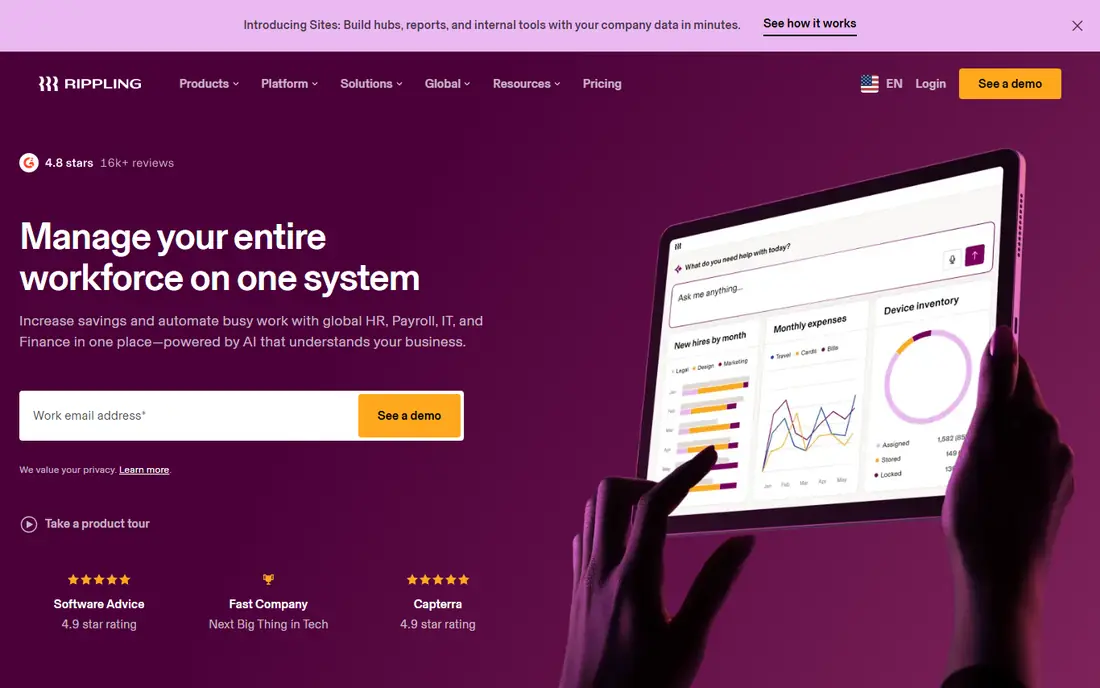
Rippling works best for teams that want power and will invest in learning it. The interface is refined, the workflows are thoughtful, and typical tasks take few clicks. Rippling rewards the learning investment with automation the more straightforward tools cannot match.
Businesses that invest the setup time get a system that replaces multiple tools. The base opens at $8 per employee a month with extra modules priced separately. On top of that, there is no trial, only guided demos. Worth adding: onboarding an employee provisions their laptop and accounts automatically, which is magical once configured and confusing before. Price to start with Rippling: $8 per employee/month. Rippling does not include a free plan.
Points against: No free trial, demo only.
- Automation removes repetitive admin
- Devices and apps
- Setup needs planning

Namely serves mid-sized US businesses that outgrew straightforward HR. Namely targets the awkward middle. On top of that, pricing is quote-only and there is no trial, so evaluation means a sales process.
On top of that, Namely is not the easiest interface in this roundup, but it is simple for its weight class. Beyond that, businesses with 50 to 500 employees that find Gusto too simple and Workday too heavy. No starting price is listed for Namely here; confirm pricing on the vendor site. Namely has no free tier.
Main advantages: benefits and HR in one system. Points against: No free trial.
- Made for firms past the startup stage
- Social-style employee profiles aid adoption
- Implementation takes weeks
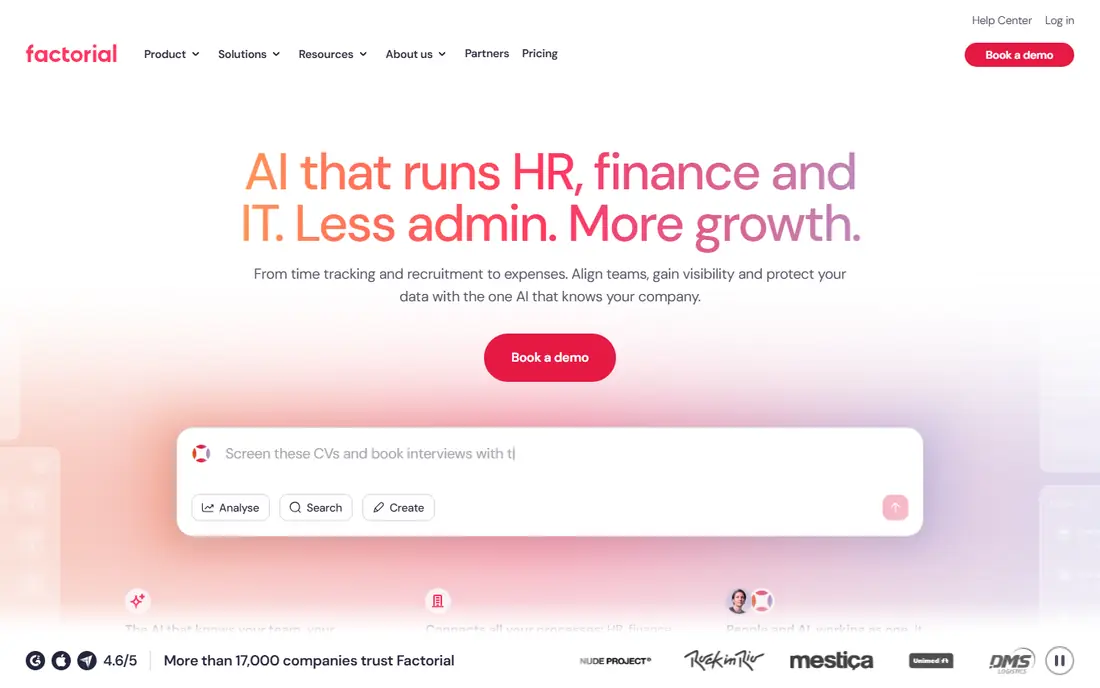
Where Factorial fits: expanding teams wanting modern HR with room to scale. Factorial brings a modern software feel to HR basics. Expanding teams get room to add performance, recruiting and expense features as needs develop.
European roots present in the employment workflows, though US firms use it too. For everyday use, the 14-day trial includes a real evaluation cycle. From a buyer's view, the system sits between the ultra-simple tools and the enterprise suites on both ease and depth. Check the vendor site for Factorial pricing; none is listed in this comparison. As for free access: Free trial (14 days).
Limits to weigh: Support response varies.
- Decent document and time-off management
- 14-day trial to evaluate
- Pricing not published, see the website
In short, Eddy is for small firms whose owners are not HR experts. Eddy assumes the person running HR also runs everything else. On top of that, the free trial lets owners test with real workflows.
Strengths: Built for owners.
Trade-offs to know: $50 base fee raises the effective price for tiny teams. Owners with no HR background get hiring, onboarding, time tracking and payroll without a consultant. On top of that, a five-person team pays more per head than the $4 recommends, so small teams should calculate the total. Price to start with Eddy: $4 per person/month + $50 base. On free options: Free trial.
- Hiring through payroll in one straightforward flow
- Low $4 per person starting rate
- Smaller integration library
Gusto is built with US small teams that want HR to feel easy in mind. Owners who have never run payroll before finish their first run without calling support. International hiring, deep analytics and complex approvals live elsewhere or on higher plans.
Watch-outs: Plus plan needed for time tracking at $80 plus $12 per person.
Worth adding: straightforward begins at $49 a month plus $6 per person, with Plus at $80 plus $12 for time tracking and more. For US teams under 100 who want HR handled without an HR person, Gusto's simplicity is the reason it wins. Price to start with Gusto: $49 per month + $6 per person. Trial and free access: Free trial.
- Onboarding flow staff complete without help
- Payroll runs in a handful of clicks
- Advanced features hide on higher levels
Breathe is aimed squarely at micro companies needing the absolute basics. Breathe does records and leave, not performance, recruiting or payroll depth. For everyday use, the 14-day trial confirms the fit rapidly.
Where it is weaker: UK focused.
The Micro plan costs 22 pounds a month for the entire business with 1 to 10 people, including employee records, time-off and entry-level documents. Expanding past 10 people moves you to higher levels with per-employee pricing. Breathe is HR software for firms that barely need HR software. As for the details, there is almost nothing to learn. Starting cost for Breathe: £22 per month. Free plan details: Free trial (14 days).
- Micro plan at 22 pounds a month per business for 1 to 10 people
- Simplest HR in this roundup
- Very restricted features
What went into this list
Each tool was reviewed on what its vendor publishes: price, plan limits, core features and stated drawbacks. We did not run hands-on tests. Seat minimums, billing terms and add-ons can move the real cost, so the starting prices here are a guide and not a quote. Position on the page reflects fit for a typical buyer first, with price clarity and free access breaking ties. Treat it as a guide, not a ruling.
Before you commit
- Confirm the entry price on the vendor page. For Namely and Factorial that means a quote rather than a fixed price.
- Take the trial from Factorial, Eddy, Gusto and Breathe and push a live task through it before you pay.
- Before choosing Rippling, weigh its main limit: no free trial, demo only.
- Ask the daily users to test Factorial on a live task before you roll it out to everyone.
- Check the integration list for Rippling against the tools you run today, and note which ones need a higher plan.
FAQ
How are the tools for HR software with easy interface ordered?
Rippling sits first and Breathe last because the order follows typical fit for HR software with easy interface, then price clarity and free access. It is a judgement call, so read each profile for fit and limits.
Is Rippling the right pick for everyone comparing HR software with easy interface?
No single tool suits every team. Rippling comes first because it fits teams that want power and will invest in learning it, while Namely suits mid-size US companies that outgrew simple HR and Factorial suits growing teams wanting modern HR with room to scale. Match the tool to your own size, budget and workflow before deciding.
What is the cheapest option for HR software with easy interface in this list?
On published monthly entry prices, Eddy is the lowest here at $4 per person/month + $50 base. Entry price is only part of the cost, because seats, add-ons and billing terms can change the total.
Can I try these tools before paying?
Often, yes. Factorial, Eddy, Gusto and Breathe offer a free trial. Use your own data and a real task during the test, and check what the free tier or trial limits before you rely on it.