Top 10 Free SEO Software in 2026: 10 Tools Compared
Our top 10 free seo software picks cover audits, keywords, and rank checks at no cost, from Google tools to free tiers from paid platforms in October 2026.
- Editor's choice
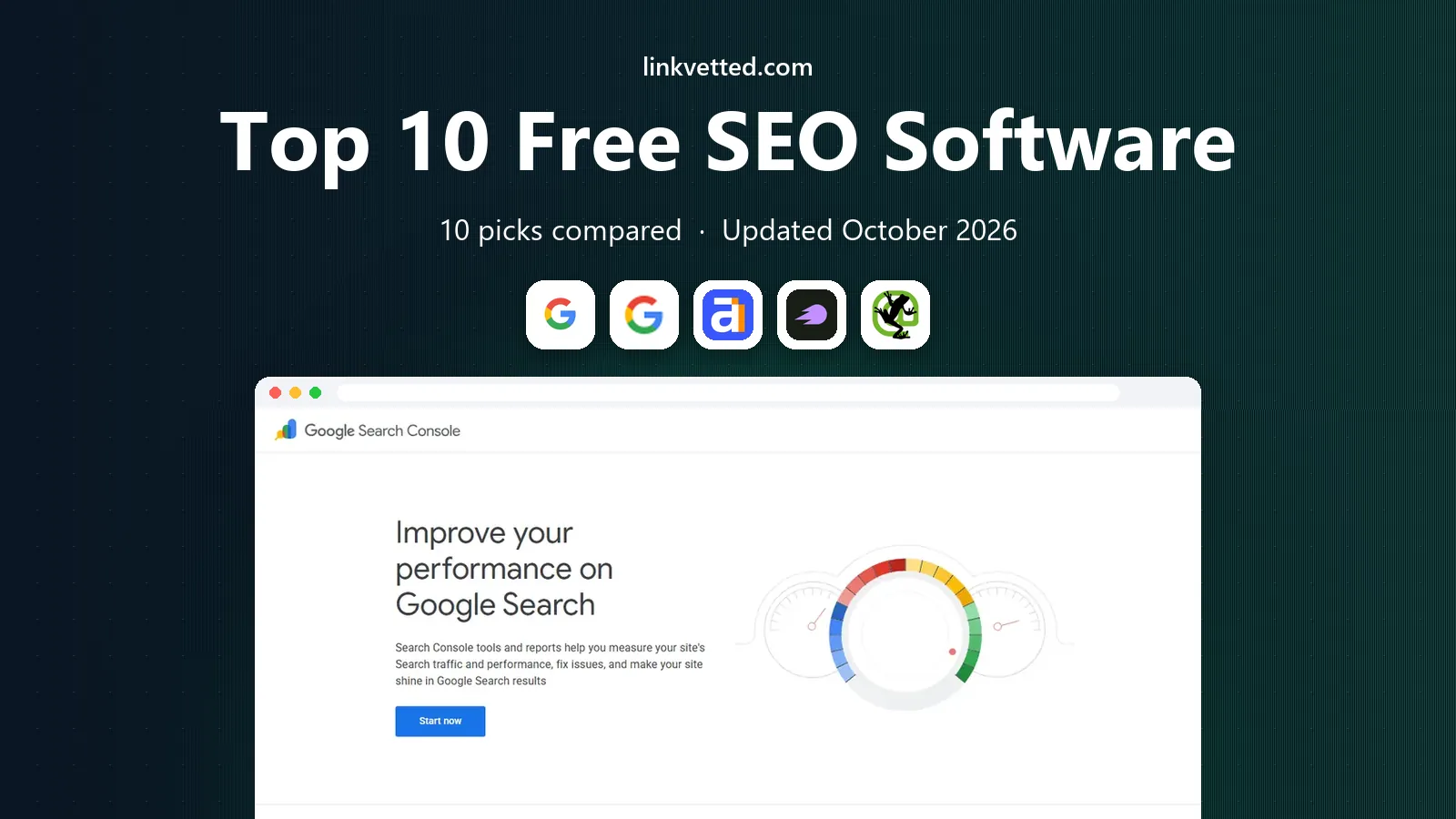
 Google Search Console
Seeing how Google views your site
Starts atFreeVisit search.google.comFull review - Great alternative
 Google Analytics
Measuring traffic after the click
Starts atFreeVisit analytics.google.comFull review - Also consider
 Ahrefs Webmaster Tools
Free site audits and backlink checks
Starts atFreeVisit ahrefs.comFull review
TL;DR:
- Google Search Console and Google Analytics are the free foundation every site should set up first.
- Ahrefs Webmaster Tools and Semrush free tools add audits and keyword data without a paid plan.
- Screaming Frog and Bing Webmaster Tools cover technical checks that Google tools miss.
- Free tiers always have limits, so check crawl, keyword, and report caps before you rely on one tool.
Quick comparison
| Tool | Best for | Starts at | Free plan? | |
|---|---|---|---|---|
| Google Search Console | Seeing how Google views your site | Free | Yes | Visit |
| Google Analytics | Measuring traffic after the click | Free | Yes | Visit |
| Ahrefs Webmaster Tools | Free site audits and backlink checks | Free | Yes | Visit |
 Semrush Free Tools | Free keyword and domain checks | Free | Yes | Visit |
 Screaming Frog SEO Spider | Technical crawling for smaller sites | Free | Yes | Visit |
 Google Keyword Planner | Free keyword volume ranges | Free | Yes | Visit |
 Bing Webmaster Tools | Covering Bing search performance | Free | Yes | Visit |
 Ubersuggest | Simple keyword ideas for beginners | Free | Yes | Visit |
 AnswerThePublic | Finding questions people ask | Free | Yes | Visit |
 Yoast SEO Free | On-page SEO for WordPress sites | Free | Yes | Visit |
The best free SEO software
Free SEO tools can take a site from guesswork to a clear task list, if you use the right ones for the right jobs. No single free tool does everything, so this list mixes Google tools, free audits, keyword research, and technical crawlers. Together, they cover most of what a small site needs.

Google Search Console is the first free tool every site owner should open. It shows which queries bring clicks, which pages rank, and which pages have indexing or mobile problems. Because the data comes from Google itself, it is the most reliable view of how your site performs in search.
The catch is scope. It only covers Google, and it does not give deep competitor keyword data or full site audits. Use it as the source of truth for your own site, and pair it with other tools for research.
- Shows search queries, clicks, and indexing problems
- Direct from Google
- No cost
- Data is limited to Google search
- No rival keyword depth

Google Analytics answers the question Search Console cannot: what happens after someone clicks. It tracks sessions, sources, pages, and conversions, so you can see whether search traffic actually leads to sales, signups, or calls. That link between traffic and outcome is what turns SEO from a traffic game into a business result.
The downside is complexity and privacy setup. Consent settings, data retention, and report configuration need attention, and new users can drown in reports. Start with a few key reports, and expand only when you need more detail.
- Tracks visits, sources, and conversions
- Strong reporting
- Wide adoption
- Setup needs care with privacy rules
- Data can overwhelm new users

Ahrefs Webmaster Tools gives small sites a taste of a paid audit platform at no cost. Once you verify a site, you get crawl audits, backlink data, and keyword views that flag broken links, slow pages, and missing titles. The issue list is practical, with fixes ranked by impact rather than a vague score.
The catch is the free limit. Data caps and project limits mean larger sites or agencies will hit a ceiling. It is still one of the best free audits for a single site, especially when paired with Search Console.
- Free audits for verified sites
- Backlink and keyword data
- Clear issue lists
- Free data limits apply
- Full keyword research needs a paid plan
Semrush free tools suit quick research when you need a keyword snapshot. The free tier offers keyword overviews, domain checks, and limited site audit runs, which is enough to compare a few keywords or check a rival domain before writing. The database behind it is large, so results feel more complete than many free-only tools.
The weakness is the daily limit. Free searches run out fast if you research many keywords in one sitting. Use it for focused checks, and save bulk research for a paid plan or another free tool.
- Keyword overview and domain checks
- Site audit credits
- Large database
- Free searches are limited each day
- Full reports need a paid plan
Screaming Frog is the technical crawler most SEO teams keep on hand, even with paid tools. The free version crawls up to 500 URLs and finds broken links, redirect chains, duplicate titles, and missing meta data. That list turns a vague technical audit into a set of pages to fix, one by one.
The catch is the 500 URL cap and the technical interface. Larger sites need a paid license, and beginners may need a guide to read the crawl output. For small sites, though, it is the fastest way to find technical faults.
- Crawls up to 500 URLs free
- Finds broken links and duplicate titles
- Exportable data
- Free crawl limit is 500 URLs
- Interface leans technical
Google Keyword Planner remains a useful free source for keyword ideas, with one caveat. It suggests related keywords and gives volume ranges based on Google data, which helps a writer choose topics with real demand. For content planning, that demand signal matters more than exact numbers.
The downside is precision. Free accounts see broad volume ranges, not exact counts, and you need a Google Ads account to access it. Treat it as a planning tool, and confirm intent with Search Console and rival page checks.
- Keyword ideas and volume ranges from Google
- Useful for planning content
- Volume ranges are broad for free accounts
- Needs a Google Ads account
Bing Webmaster Tools is the free complement to Search Console that many owners skip. It shows Bing queries, clicks, and indexing status, plus site scans that flag SEO and markup issues. For sites with older or desktop-heavy audiences, Bing traffic can be a meaningful share, and this tool is the only free way to see it clearly.
The catch is relative size. For most sites, Bing brings far less traffic than Google, so the tool should not replace Search Console. Set it up once, check it monthly, and fix the issues it flags.
- Shows Bing queries and clicks
- Site scans
- Keyword research tools
- Bing traffic is smaller than Google for most sites
- Some features duplicate Google
Ubersuggest suits beginners who want keyword ideas without a complex dashboard. It returns keyword ideas, volume estimates, difficulty scores, and content ideas in a simple layout. A new site owner can research a topic in minutes and leave with a short list of pages to write.
The weakness is free limits and depth. Daily free searches run out quickly, and the data is thinner than Ahrefs or Semrush for competitive analysis. It is a good learning tool, and a weaker choice for deep rival research.
- Simple keyword ideas and domain overview
- Content ideas
- Easy to read
- Free searches are limited each day
- Data depth is less than paid suites
AnswerThePublic helps writers find the questions behind a keyword. It turns a seed keyword into question, comparison, and preposition phrases that people actually search, which makes topic planning much easier. A content team can build FAQs and guides directly from those question clusters.
The catch is scope. It is a topic tool, not a full keyword suite, and free searches are limited. Use it at the start of content planning, then check volume and difficulty in another free tool before you commit to a topic.
- Visualizes question keywords
- Good for content topics
- Simple to use
- Free searches are limited
- Data is question focused, not full keyword research
Yoast SEO Free is the standard on-page helper for WordPress sites. The free plugin checks titles, meta descriptions, readability, and internal links as you write, and it handles sitemaps and basic schema. For a WordPress owner, that in-editor guidance prevents many common on-page mistakes.
The weakness is platform scope. It only works on WordPress, and advanced redirect and schema features need the premium version. It is not a research or audit tool, but it is a strong free layer on top of the tools above.
- Free WordPress plugin
- Readability and meta checks
- Sitemap support
- WordPress only
- Advanced features need the premium plugin
How we picked these
We compared official free tier pages, feature lists, and public limits for SEO tools in October 2026. We favored tools with a genuinely usable free plan, not just a short trial, and we noted crawl, search, and report limits, since those limits decide whether a free tool stays useful.
How to build a free SEO toolkit that covers the basics
Do not try to replace a paid suite with one free tool. Instead, assign each job to the best free option: Search Console for your own performance, Analytics for outcomes, Ahrefs Webmaster Tools for audits, a keyword tool for research, and Screaming Frog for technical crawls. Check each tool on a fixed schedule, and keep a simple task list of fixes, so free data turns into real changes.
Set up the Google foundation first
Search Console and Analytics take time to collect data, so set them up before you need them. Verify ownership, link the accounts, and check that data flows for at least a few weeks before you judge performance.
Run one audit and one crawl each month
A monthly audit from Ahrefs Webmaster Tools plus a Screaming Frog crawl catches broken links, duplicate titles, and indexing problems before they pile up. Fix high-impact issues first, and ignore low-priority warnings until the basics are clean.
Use free keyword limits wisely
Free keyword tools limit daily searches, so plan research in batches. Research one topic cluster at a time, save the results, and avoid burning free searches on vague terms that will not become pages.
FAQ
What is the best free seo software for beginners?
Google Search Console plus Ubersuggest or AnswerThePublic is a good beginner stack, because it covers your own performance and topic ideas without cost. Add Ahrefs Webmaster Tools once you want a proper audit, and Screaming Frog for technical checks.
Is free SEO software enough for a small business?
For many small sites, yes, at least at first. Free tools cover audits, keyword ideas, and performance tracking. Paid tools become worth it when you need bulk research, rival tracking at scale, or larger crawls.
How does Google Search Console differ from Google Analytics?
Search Console shows how your site performs in Google search, including queries and clicks. Analytics shows what visitors do after they arrive, including pages viewed and conversions. Together, they cover search performance and on-site results.
Are free SEO tools really free?
The tools on this list offer free plans or free tiers, but most limit searches, crawls, or reports. Check those limits before you rely on a tool, and expect to upgrade if your site grows or your research volume rises.
Which free tool finds broken links?
Screaming Frog free version finds broken links on sites up to 500 URLs, and Ahrefs Webmaster Tools flags crawl issues for verified sites. Both are useful, and they catch different issues, so running both once a month is a sensible habit.
Sources
https://search.google.com/search-console https://analytics.google.com https://ahrefs.com/webmaster-tools https://www.semrush.com https://www.screamingfrog.co.uk/seo-spider/ https://ads.google.com/home/tools/keyword-planner/ https://www.bing.com/webmasters https://neilpatel.com/ubersuggest/ https://answerthepublic.com https://yoast.com