Best Spreadsheet Alternatives for Compliance and Audit Trails in 2026: 8 Tools Compared
Compare the best spreadsheet alternatives compliance audit trails tools, with activity logs, permissions, and pricing for regulated team work in 2026.
- Editor's choice
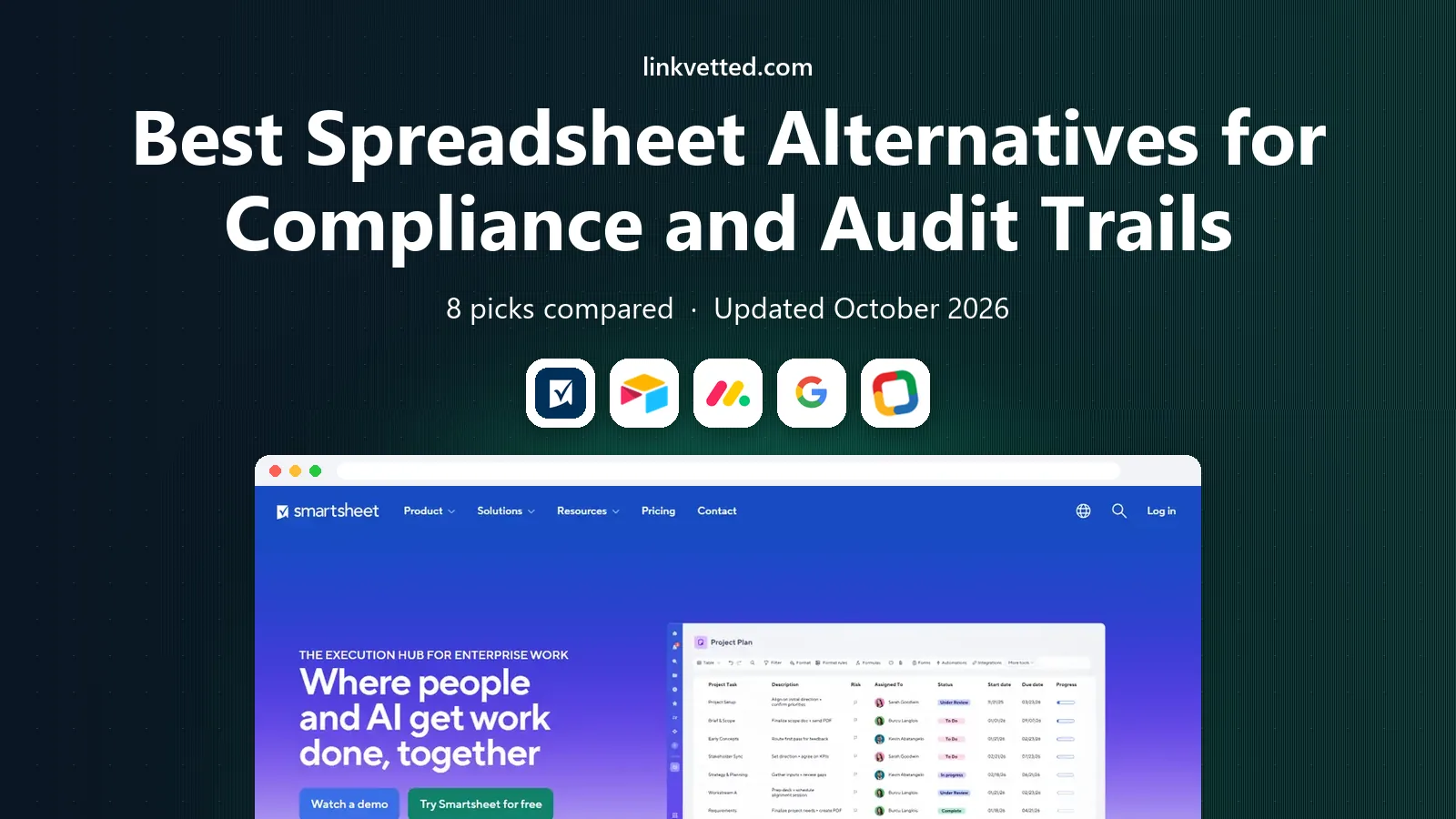
 Smartsheet
Grid work with audit history
Starts at$9 per member per monthVisit smartsheet.comFull review - Great alternative
 Airtable
Linked team databases
Starts at$20 per user per monthVisit airtable.comFull review - Also consider
 monday.com
Visual work tracking
Starts at$9 per seat per monthVisit monday.comFull review
TL;DR:
- Smartsheet and Airtable lead for teams that need a grid view plus activity history, permissions, and reporting in one place.
- Google Sheets and Zoho Sheet are the lowest-cost starting points, but full audit and retention controls often need a paid Workspace or enterprise tier.
- Airtable, monday.com, and Coda suit teams that need linked records and approvals, not just a flat grid of cells.
- Grist and Rows suit data-focused teams that want formulas, linked tables, and a clear record of who changed what.
- Audit depth varies by plan, so confirm activity log retention, export, and admin controls before choosing a tool for regulated work.
Quick comparison
| Tool | Best for | Starts at | Free plan? | |
|---|---|---|---|---|
| Smartsheet | Grid work with audit history | $9 per member per month | Free trial | Visit |
| Airtable | Linked team databases | $20 per user per month | Yes | Visit |
| monday.com | Visual work tracking | $9 per seat per month | Yes | Visit |
 Google Sheets | Low-cost collaboration | Free | Yes | Visit |
 Zoho Sheet | Free online spreadsheets | Free | Yes | Visit |
 Coda | Docs plus tables and approvals | See website | Yes | Visit |
 Grist | Formula-led team databases | $8 per user per month | Yes | Visit |
 Rows | Connected team spreadsheets | See website | Yes | Visit |
The best spreadsheet alternatives for compliance and audit trails
A spreadsheet alone rarely gives a compliance team what it needs. These tools add permissions, activity history, approvals, and reporting around familiar grid work.

Smartsheet feels closest to a spreadsheet for teams that track projects, budgets, and compliance tasks in rows and columns. Sheets support formulas, dropdowns, attachments, and automations, while activity logs and cell history show who changed a value and when. That record matters when a manager, an auditor, or a client asks why a date, a status, or a cost changed.
The catch is plan depth. Entry Pro pricing starts at $9 per member per month when billed annually, but fuller governance, advanced reporting, and admin controls sit on Business and Enterprise tiers. Small teams can start on Pro and track changes well, but regulated teams should confirm log retention and export options on their chosen tier before relying on Smartsheet as the system of record.
- Familiar sheet view
- Activity log and cell history
- Automations and approvals
- No permanent free plan
- Advanced governance sits on higher tiers
- Pricing rises with licensed members
Airtable replaces a flat spreadsheet with linked tables, so a compliance task can link to a vendor, a policy, and an owner without copying data across sheets. Grid, kanban, calendar, and timeline views show the same records in different ways, and interfaces let outside collaborators update only approved fields. Record history and permissions help teams control who edits sensitive fields.
Team pricing starts at $20 per user per month when billed annually, which is higher than a basic sheet tool, and free bases cap records at a low level. Enterprise tiers add deeper admin, audit, and retention controls that regulated teams may need. For operations work where linked data and controlled editing matter more than a pure grid, Airtable is our pick for most mid-size teams.
- Linked records and rich field types
- Interfaces and automations
- Record history and permissions
- Higher Team price
- Record limits on free and lower tiers
- Audit depth varies by plan
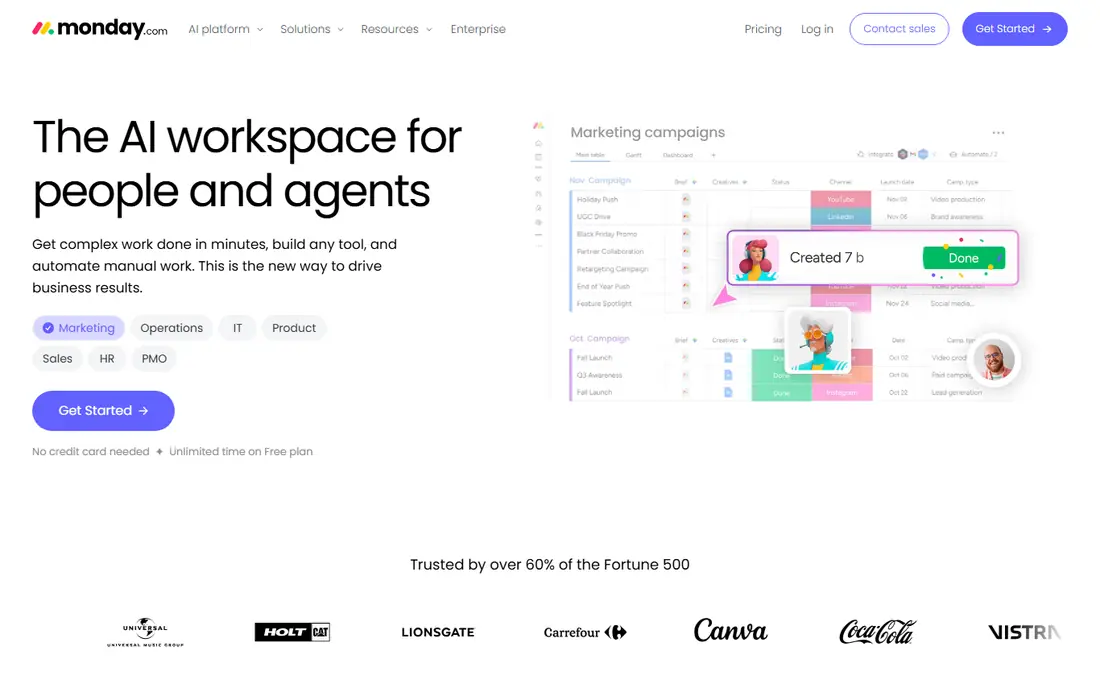
monday.com suits teams that track compliance tasks as work items with owners, dates, and statuses, rather than as raw cell data. Boards show progress visually, item updates keep discussion tied to a task, and activity logs record changes for review. Automations can route approvals, send reminders, and update statuses when a task moves, which reduces manual follow-up.
Paid plans start at $9 per seat per month when billed annually, with a three-seat minimum, and the free plan covers only two seats. Deeper audit, retention, and enterprise admin controls sit on higher tiers, so regulated teams should check plan details before committing. For a team that needs clear ownership and visible progress, monday.com is easy for new users to adopt.
- Visual boards and dashboards
- Activity log and item updates
- Automations and approvals
- Three-seat minimum on paid plans
- Audit depth varies by tier
- Board data can fragment across many boards
Google Sheets is the simplest low-cost alternative when a team already uses Google accounts. Multiple people can edit at once, version history lets you restore an earlier state, and comments keep discussion tied to a cell range. For small teams with light compliance needs, that history plus careful sharing settings may be enough for day-to-day work.
Regulated teams should not assume version history equals a compliance audit trail. Detailed admin audit logs, retention rules, and data loss prevention controls sit in paid Google Workspace tiers, and retention periods vary. Sheets also struggles with very large data sets compared with a database tool. Use Sheets for collaboration and light tracking, and move to Smartsheet or Airtable when audit export and retention become formal requirements.
- Free for personal use
- Version history and comments
- Easy sharing and real-time editing
- Full admin audit tools need Workspace tiers
- Version history is not a full compliance log
- Large sheets can slow down
Zoho Sheet gives small teams a free spreadsheet that opens and saves Excel files well, with real-time collaboration and version history for tracking changes. It works in a browser and through desktop and mobile apps, which helps teams that move between office and field work. For a small business that needs a familiar grid without paying per seat, Zoho Sheet is a practical starting point.
The limit is governance depth. Zoho Sheet is a spreadsheet first, not a compliance platform, so teams that need long audit retention, formal approvals, or detailed admin exports should pair it with clear procedures or choose a database-led tool. For basic tracking with version history and controlled sharing, it covers the essentials at no cost.
- Free online spreadsheet with desktop apps
- Version history
- Good Excel compatibility
- Audit and admin controls are thinner than enterprise tools
- Smaller integration range
- Collaboration features vary by plan
Coda suits teams that want a compliance process, not just a grid. A single doc can hold policy text, a tracking table, approval buttons, and an automation that notifies an owner when a task is due. Tables support formulas, lookups, and multiple views, so the same data can serve a checklist, a calendar, and a summary page without duplicate copies.
That flexibility takes time to design well, and teams that only need a simple sheet may find Coda heavier than Sheets or Zoho Sheet. Pricing should be confirmed on the vendor page, since plan names and Doc Maker pricing affect the total. For a team that wants approvals and narrative context around its data, Coda is a strong and flexible choice.
- Docs and tables in one page
- Automations and approval buttons
- Flexible views and permissions
- Pricing needs a check on the vendor page
- Learning curve for complex docs
- Audit features vary by tier
Grist is a strong pick for data-focused teams that like spreadsheet formulas but need a real database underneath. Tables link to each other, formulas can reference linked records, and access rules can limit who sees or edits specific rows and columns. A free plan covers small team use, and Pro pricing starts at $8 per user per month when billed annually.
The self-host option is a real advantage for teams that need to keep data on their own servers for policy reasons, though self-hosting adds maintenance work. Grist has a smaller template and integration range than Airtable, and its design is more functional than polished. For finance, operations, and compliance tracking where formulas and row-level control matter, Grist offers strong value.
- Strong formulas and linked tables
- Granular permissions
- Self-host option for control
- Smaller ecosystem than Airtable
- Interface is plainer
- Advanced features need paid plans
Rows suits teams that build reports and trackers from live business data, such as CRM, finance, and marketing sources, without exporting CSV files every week. The spreadsheet interface feels familiar, while connectors pull fresh data into tables and charts. Collaboration and sharing controls help teams keep one version of a tracker instead of many emailed copies.
Rows is newer than Google Sheets and Smartsheet, so its integration range and admin tooling are still growing, and buyers should confirm current pricing and audit features on the vendor page. For a team that wants a modern sheet with live data and controlled sharing, Rows is a fresh option worth testing. For formal regulated audit trails, confirm retention and export terms before adopting it as a system of record.
- Modern spreadsheet with live data connectors
- Sharing and collaboration
- Good for reporting workflows
- Pricing needs a vendor check
- Newer ecosystem than Sheets
- Audit depth depends on plan
How we picked these
We compared official feature and pricing pages for spreadsheet and grid-database tools, and we favored products that offer activity history, version history, permissions, or admin audit features in a clear way. We checked that each product is still sold and supported in October 2026, and we used See website where pricing or audit depth varies by tier. We did not claim hands-on testing, and we noted where a free plan covers collaboration but not full compliance controls.
What to check before you switch
An audit trail is only useful if you can find, export, and explain it later, so test those steps before you migrate.
Define what audit means for your team
List what you must prove, such as who changed a value, when it changed, what the old value was, and who approved it. Some tools record cell history well, while others record only that a record changed. If approvals matter, confirm that approval actions, not just edits, appear in the log.
Check retention, export, and access
Confirm how long activity logs are kept on your plan, whether logs can be exported for an auditor, and whether admin controls can prevent log deletion. Check permission levels for viewers, editors, and admins, and test whether sensitive columns can be hidden from some roles. A tool that keeps logs for only a short period may fail a later review.
Pilot with one real workflow
Move one real tracker, such as vendor approvals or incident follow-ups, into the new tool and run it for two weeks. Test edits, approvals, exports, and a restore from history, and ask an auditor or manager to review the log. That pilot will show gaps in permissions, retention, or reporting before you migrate every sheet.
FAQ
What is the best spreadsheet alternative with an audit trail?
Smartsheet and Airtable are the strongest general picks, with activity history, permissions, and reporting around grid work. Google Sheets suits light needs with version history, while Grist suits teams that need row-level permissions. Choose by how formal your audit and retention requirements are.
Is Google Sheets enough for compliance work?
It can be enough for light internal tracking, especially on a paid Workspace tier with admin controls. For formal regulated work, a tool with longer audit retention, approval logs, and export controls is safer. Check your industry rules and your auditor expectations before relying on version history alone.
Do free plans include audit trails?
Free plans usually include basic version or record history, but not full audit retention, admin exports, or advanced governance. Smartsheet has no permanent free plan, while Airtable, Sheets, Zoho Sheet, and Grist offer free tiers with limits. Confirm retention on your exact plan before using a free tier for regulated data.
How do I move a spreadsheet without losing history?
Export the current sheet, keep a dated copy as a record, and start fresh history in the new tool rather than expecting old cell history to transfer. Import data, set permissions, and test approvals before retiring the old file. Keep the old file read-only for a defined period so past changes remain available.
Should sensitive data live in a spreadsheet tool at all?
Only with clear permissions, access controls, and retention rules, and only when the tool meets your policy and legal needs. Highly sensitive records may belong in a dedicated compliance or HR system instead. Use a spreadsheet tool for tracking and workflow, and keep source documents and approvals in the system your auditor accepts.