Best Safeguard Global Alternatives in 2026: 8 EOR Providers Compared
Looking for safeguard global alternatives? We compare 8 employer of record and global payroll providers on coverage, price, and compliance support in 2026.
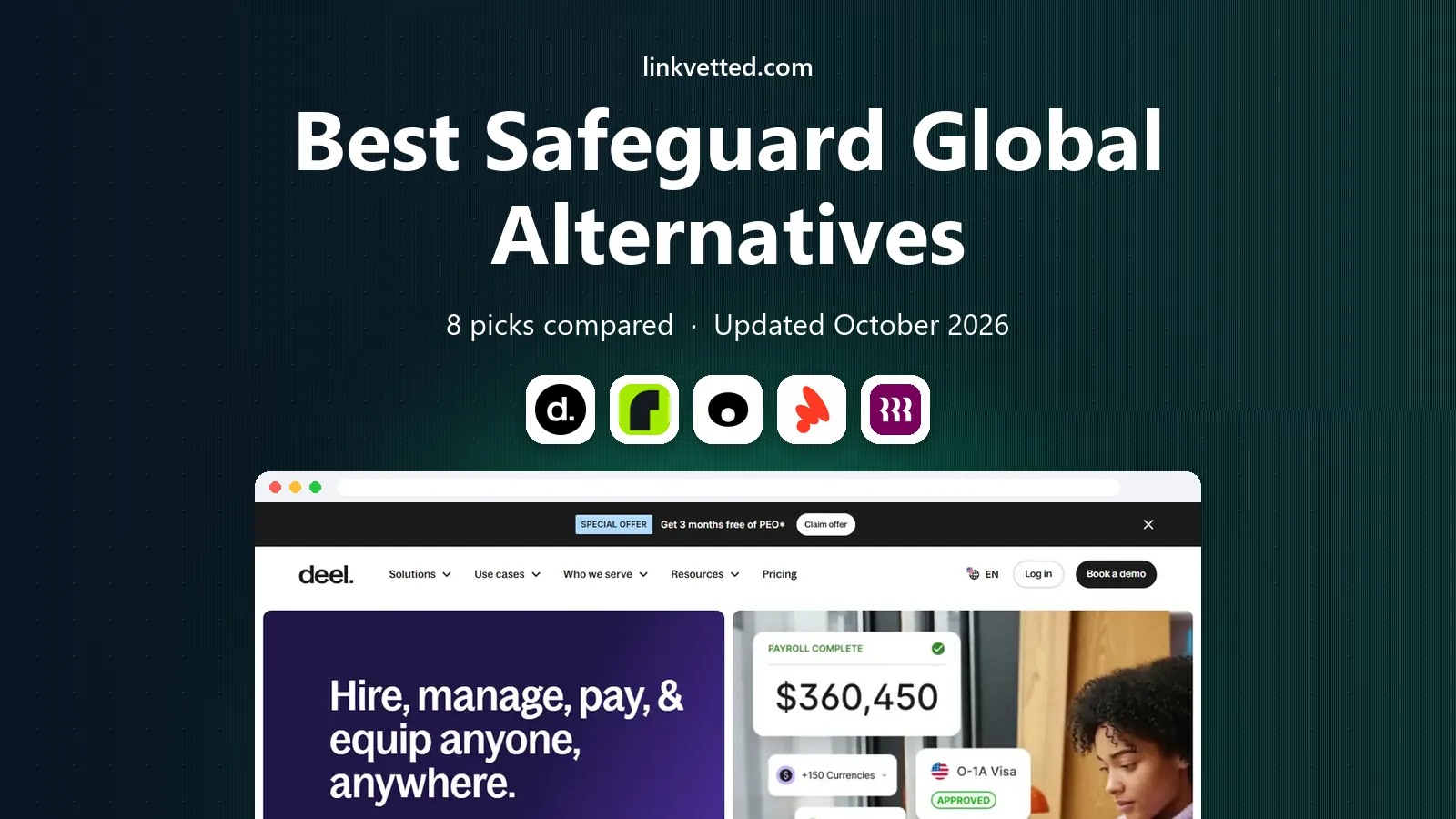
- Editor's choice
 Deel
Fast global hiring for startups
Starts at$599 per employee per monthVisit deel.comFull review - Great alternative
 Remote
Employer of record with owned entities
Starts at$599 per employee per monthVisit remote.comFull review - Also consider
 Oyster
Remote-first hiring and benefits
Starts at$699 per employee per monthVisit oysterhr.comFull review
TL;DR:
- Deel and Remote are the most widely used employer of record options for tech and startup teams.
- G-P suits large firms that need very broad country coverage and established compliance support.
- Multiplier and RemoFirst offer lower entry prices for cost-sensitive teams.
- EOR fees are only part of cost, because salaries, local employer charges, and deposits sit on top.
Quick comparison
| Tool | Best for | Starts at | Free plan? | |
|---|---|---|---|---|
| Deel | Fast global hiring for startups | $599 per employee per month | No | Visit |
| Remote | Employer of record with owned entities | $599 per employee per month | No | Visit |
| Oyster | Remote-first hiring and benefits | $699 per employee per month | No | Visit |
 Papaya Global | Global payroll analytics | $499 per employee per month | No | Visit |
 Rippling | All-in-one HR plus global hiring | See website | No | Visit |
 G-P | Large-scale global employment | $599 per employee per month | No | Visit |
 Multiplier | Lower-cost global hiring | $459 per employee per month | No | Visit |
 RemoFirst | Budget employer of record | $199 per employee per month | No | Visit |
The best safeguard global alternatives
We compared official feature pages, pricing pages, and public reviews to build this list. Each option below is a real product that works today, and each one fits a different kind of buyer, so read the best-for line first and then the trade-offs.

For many teams, Deel is best for fast global hiring for startups. Deel is the default shortlist pick for many startups. It covers many countries, handles contractors and employees, and onboards fast.
Pricing shapes the decision here. Starting at $599 per employee per month, with a free plan listed as no, Deel fits teams that want fast global hiring for startups without paying for features they will not use. Check the vendor pricing page before you buy, because plans, limits, and included features change during the year and the headline price rarely tells the full story for larger teams.
The per-employee price adds up quickly for larger teams. Model total cost for your actual headcount and countries before signing. Weigh the strengths against the limits above, trial it with one real project, and judge it on the work it produces in your first two weeks rather than on a demo alone.
- Broad country coverage
- Contractor and EOR in one place
- Payroll tools
- Price adds up at scale
- Support quality varies by country
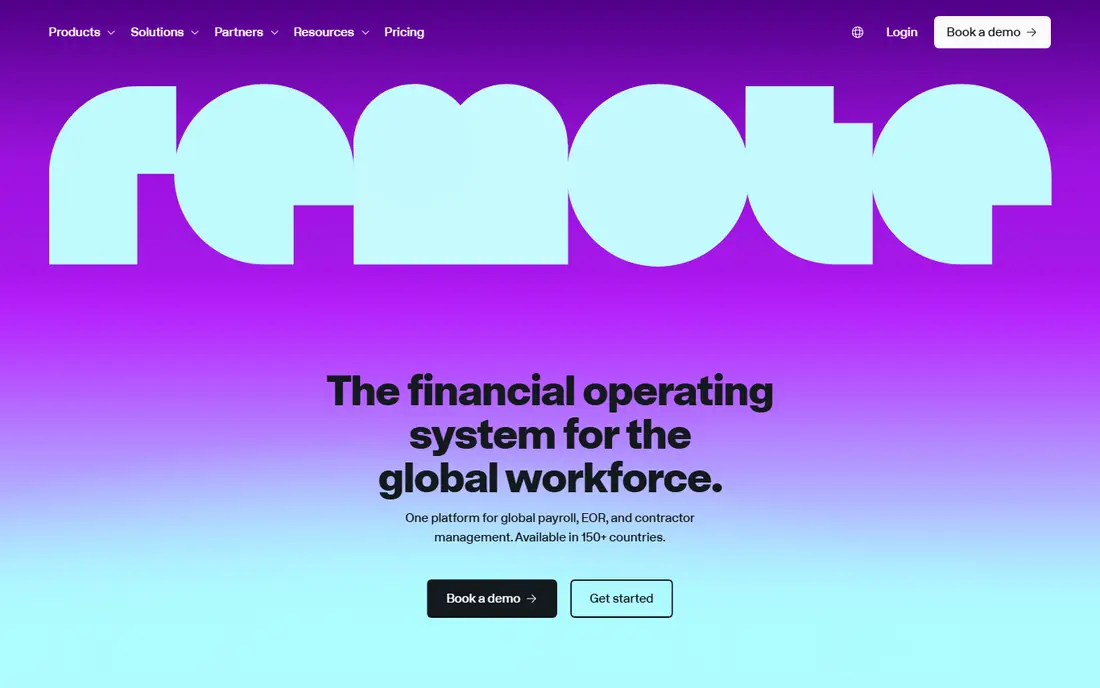
If you want a direct swap, Remote is best for employer of record with owned entities. Remote uses owned entities in many countries, which can give tighter control over compliance and payroll. Its platform suits remote-first teams.
Pricing shapes the decision here. Starting at $599 per employee per month, with a free plan listed as no, Remote fits teams that want employer of record with owned entities without paying for features they will not use. Check the vendor pricing page before you buy, because plans, limits, and included features change during the year and the headline price rarely tells the full story for larger teams.
Pricing is in the same band as Deel, so the choice often comes down to country coverage and support for your specific hires. Weigh the strengths against the limits above, trial it with one real project, and judge it on the work it produces in your first two weeks rather than on a demo alone.
- Owned entities in many countries
- Benefits support
- Payroll tools
- Price is similar to Deel
- Some countries need partner support

In our comparison, Oyster is best for remote-first hiring and benefits. Oyster suits remote-first firms that want benefits guidance alongside payroll and compliance. Its platform is built for distributed teams.
Pricing shapes the decision here. Starting at $699 per employee per month, with a free plan listed as no, Oyster fits teams that want remote-first hiring and benefits without paying for features they will not use. Check the vendor pricing page before you buy, because plans, limits, and included features change during the year and the headline price rarely tells the full story for larger teams.
The entry price is higher than Deel and Remote. Check deposit terms and annual discounts before comparing headline prices. Weigh the strengths against the limits above, trial it with one real project, and judge it on the work it produces in your first two weeks rather than on a demo alone.
- Broad coverage
- Benefits guidance
- Remote hiring tools
- Higher entry price
- Deposit terms need checking
For this use case, Papaya Global is best for global payroll analytics. Papaya Global leans on payroll analytics and reporting, which suits finance teams that need clear global payroll views.
Pricing shapes the decision here. Starting at $499 per employee per month, with a free plan listed as no, Papaya Global fits teams that want global payroll analytics without paying for features they will not use. Check the vendor pricing page before you buy, because plans, limits, and included features change during the year and the headline price rarely tells the full story for larger teams.
Pricing varies by country and scope, so a headline price is only a starting point. Ask for a country-by-country quote. Weigh the strengths against the limits above, trial it with one real project, and judge it on the work it produces in your first two weeks rather than on a demo alone.
- Payroll analytics
- Broad coverage
- Contractor tools
- Pricing varies by country
- Setup can be complex
When we weighed the options, Rippling is best for all-in-one hr plus global hiring. Rippling suits US firms that want HR, IT, and global hiring in one system. If your core team is in the US, that bundle is attractive.
Pricing shapes the decision here. Starting at see website, with a free plan listed as no, Rippling fits teams that want all-in-one hr plus global hiring without paying for features they will not use. Check the vendor pricing page before you buy, because plans, limits, and included features change during the year and the headline price rarely tells the full story for larger teams.
Global coverage is narrower than pure EOR specialists, and pricing is quoted. Check your target countries first. Weigh the strengths against the limits above, trial it with one real project, and judge it on the work it produces in your first two weeks rather than on a demo alone.
- US HR plus global payroll
- IT and benefits in one system
- EOR pricing is quoted
- Global coverage is narrower than specialists
For buyers who value simplicity, G-P is best for large-scale global employment. G-P, formerly Globalization Partners, suits large firms with broad, complex hiring needs. Its established network covers many countries and compliance cases.
Pricing shapes the decision here. Starting at $599 per employee per month, with a free plan listed as no, G-P fits teams that want large-scale global employment without paying for features they will not use. Check the vendor pricing page before you buy, because plans, limits, and included features change during the year and the headline price rarely tells the full story for larger teams.
Smaller teams may find the process heavy and the price high for a few hires. G-P earns its place at scale, not for a single hire. Weigh the strengths against the limits above, trial it with one real project, and judge it on the work it produces in your first two weeks rather than on a demo alone.
- Very broad coverage
- Established compliance network
- Enterprise support
- Enterprise pricing and process
- Smaller teams may find it heavy
If budget shapes the choice, Multiplier is best for lower-cost global hiring. Multiplier appeals to cost-sensitive teams. Its entry price undercuts larger rivals, which matters when hiring several people abroad.
Pricing shapes the decision here. Starting at $459 per employee per month, with a free plan listed as no, Multiplier fits teams that want lower-cost global hiring without paying for features they will not use. Check the vendor pricing page before you buy, because plans, limits, and included features change during the year and the headline price rarely tells the full story for larger teams.
Support depth varies by country, and the lowest price needs annual billing. Check support for your specific countries before choosing on price. Weigh the strengths against the limits above, trial it with one real project, and judge it on the work it produces in your first two weeks rather than on a demo alone.
- Lower entry price
- Broad coverage
- Self-service tools
- Support depth varies by country
- Annual billing for lowest price
For teams that need depth, RemoFirst is best for budget employer of record. RemoFirst is the budget pick in this list. A low entry price and flexible terms suit startups testing international hiring.
Pricing shapes the decision here. Starting at $199 per employee per month, with a free plan listed as no, RemoFirst fits teams that want budget employer of record without paying for features they will not use. Check the vendor pricing page before you buy, because plans, limits, and included features change during the year and the headline price rarely tells the full story for larger teams.
As a smaller provider, benefits depth and support vary by country. For core, long-term hires, compare support carefully against larger rivals. Weigh the strengths against the limits above, trial it with one real project, and judge it on the work it produces in your first two weeks rather than on a demo alone.
- Low entry price
- No minimum term in some cases
- Broad coverage
- Smaller provider than leaders
- Benefits depth varies
How we picked these
We started from the topic and kept only products that truly fit it, exist today, and publish enough detail to check. We compared official feature and pricing pages, app store listings where relevant, and public reviews, and we left out products that were discontinued, unclear, or a poor fit for the topic. We did not claim hands-on testing that did not happen. Prices are given as starting prices where we could verify them, and as See website where pricing is quoted or varies by plan and country.
We also weighed who each product suits, not just what it does. A tool can be excellent for one team and a poor fit for another, so each write-up names a best-for group and an honest catch. If a product needed a workaround to fit the topic, we left it out rather than padding the list.
What to check before you buy
Price EOR by country, not by headline fee. Coverage, benefits, termination rules, and employer charges vary widely, so get a quote for each target country and headcount. Ask about deposits, currency fees, offboarding costs, and support response times in writing. Run one hire through the full process, from contract to first payroll, before moving a whole team. A smooth first hire tells you more than any sales demo about how the provider will handle your people. Also confirm contract terms, renewal pricing, and how you export your data if you later switch. A short trial on real work, with the people who will use the tool every day, is the best check before a yearly commitment.
FAQ
What is an employer of record?
An employer of record legally employs a worker in a country where your firm has no entity. It handles contracts, payroll, taxes, and benefits while you manage day-to-day work.
How is EOR different from global payroll?
EOR employs the worker for you. Global payroll pays workers you already employ through your own entities. Use EOR when you have no local entity.
What does EOR cost beyond the monthly fee?
Salaries and local employer charges sit on top of the fee. Deposits, currency costs, and offboarding fees can also apply, so ask for all costs in writing.
When should I set up my own entity instead?
With many long-term hires in one country, an entity can be cheaper over time. With a few hires or uncertain plans, EOR is usually faster and simpler.
Can contractors be hired instead of EOR staff?
Yes, for genuine contractor work. If a contractor works full-time like an employee, misclassification risk rises, and EOR is often the safer route.