Best QuickBooks Payroll Alternatives in 2026: 9 Tools Compared
Searching for QuickBooks payroll alternatives? We compare 9 payroll tools on price, tax filing, benefits and ease of use for small businesses in full today.
- Editor's choice
 Gusto
Small businesses wanting clear pricing
Starts at$49 per monthVisit gusto.comFull review - Great alternative
 OnPay
One simple plan for all
Starts at$49 per monthVisit onpay.comFull review - Also consider
 Rippling
Growing teams needing HR and IT
Starts at$40 per monthVisit rippling.comFull review
TL;DR:
- Gusto is our pick for most small businesses because its pricing is published, its tax filing is full service, and its interface is easy for owners.
- OnPay matches Gusto on published price at $49 per month plus $6 per worker, with a single simple plan instead of tiers.
- Patriot Software is the cheapest full-service option, starting at $37 per month plus $5 per worker paid on its Full Service plan.
- Quote-only providers such as ADP RUN and Paychex Flex can suit larger teams, but you cannot compare their prices without a sales call.
Quick comparison
| Tool | Best for | Starts at | Free plan? | |
|---|---|---|---|---|
| Gusto | Small businesses wanting clear pricing | $49 per month | No | Visit |
| OnPay | One simple plan for all | $49 per month | No | Visit |
| Rippling | Growing teams needing HR and IT | $40 per month | No | Visit |
 ADP RUN | Scaling businesses needing support | See website | No | Visit |
 Paychex Flex | Dedicated payroll specialist | See website | No | Visit |
 Square Payroll | Shops already using Square | $35 per month | No | Visit |
 Patriot Software | Tight budgets and tiny teams | $37 per month | Free trial | Visit |
 SurePayroll | Teams of 1 to 10 across states | $20 per month | No | Visit |
 Justworks | Startups wanting PEO benefits | $50 per month | No | Visit |
The best QuickBooks payroll alternatives
Each tool below runs payroll, handles tax calculations and files forms, but they differ in price structure, benefits support and how much help you get when something goes wrong.
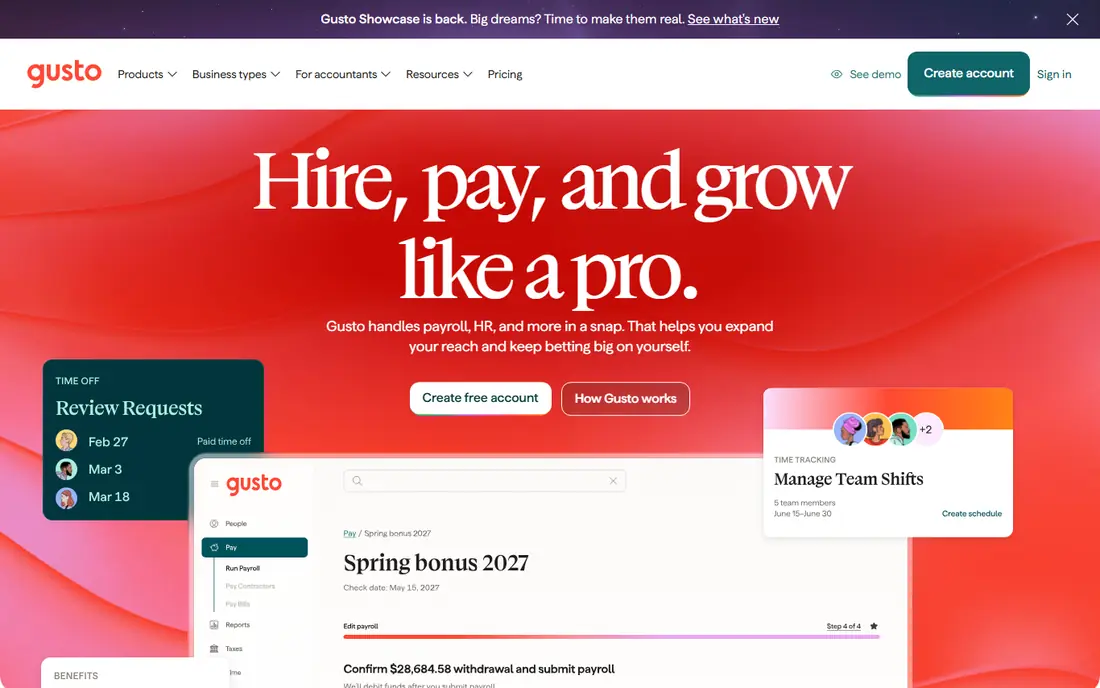
Gusto is our pick for most small businesses leaving QuickBooks Payroll. Its Simple plan starts at $49 per month plus $6 per person per month, and that price is published on its site, so you can budget without a sales call. Full-service tax filing is included, and onboarding, direct deposit and year-end forms are handled in a clean interface that owners pick up fast.
The catch is scale. Higher tiers charge $12 or $22 per person per month, so a growing team pays more for features such as time tracking and multi-state payroll. If your team stays small and you want predictable pricing with strong support, Gusto is the safest first shortlist pick.
- Published pricing
- Full-service tax filing
- Easy onboarding and benefits on higher tiers
- Per-person fee rises on higher tiers
- No free plan
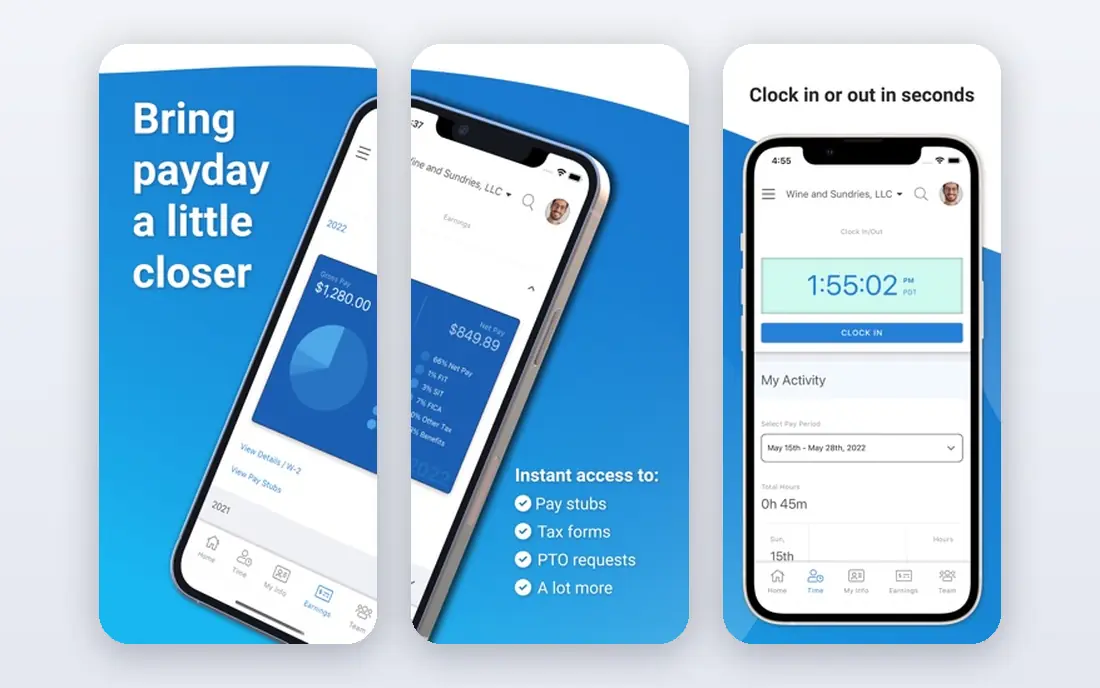
OnPay keeps payroll simple by offering one plan at $49 per month plus $6 per worker per month. There is no tier puzzle to solve, and full-service tax filing is part of the deal. That simplicity appeals to owners who want to run payroll, file taxes and move on without studying a pricing grid.
The trade-off is breadth. OnPay has fewer built-in HR and benefits tools than Gusto or Rippling, so larger teams with complex benefits may outgrow it. For a small team that values one clear price and dependable tax filing, OnPay is excellent value.
- Single plan with no tier confusion
- Full-service tax filing
- First month free in current offer
- Fewer HR extras than Gusto or Rippling
- Interface is plain
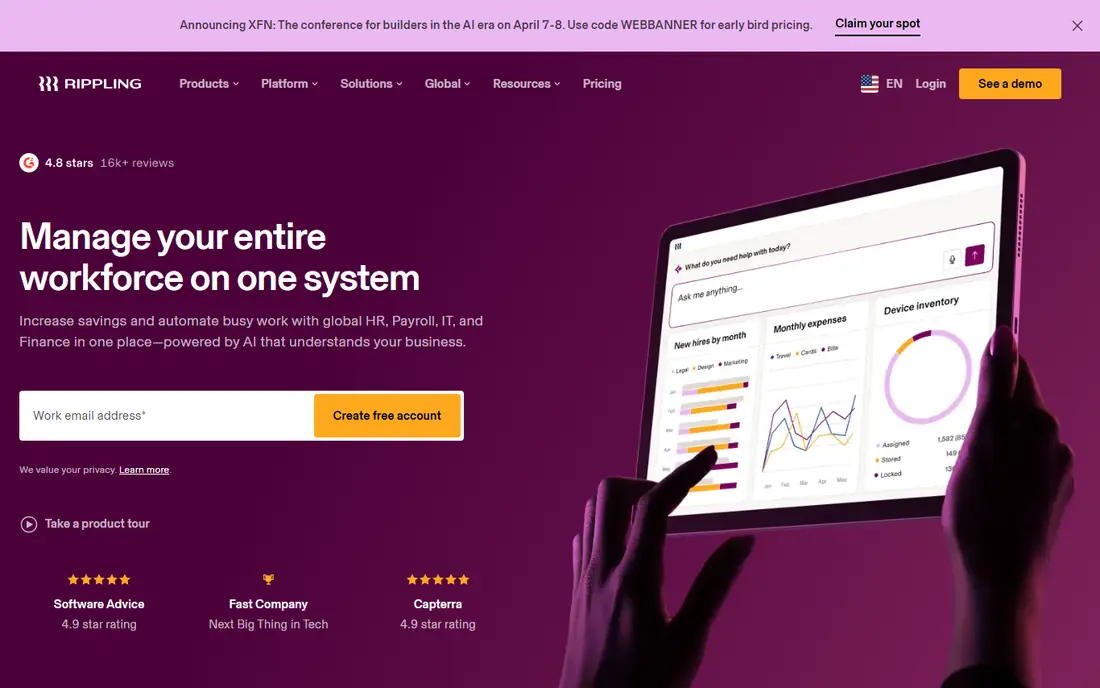
Rippling suits startups that expect to grow fast. Payroll sits beside HR, benefits and IT tools such as device management, so hiring, pay changes and offboarding flow through one system. Its payroll pricing starts around $40 per month plus $8 per employee per month on its small business pages, though final quotes vary.
That power is also its downside for tiny teams. Rippling can feel like too much system for a five-person shop, and quote-based pricing makes clean comparison harder. If you plan to hire across states and want HR and IT in the same place, Rippling is worth the extra setup.
- Payroll, HR and IT in one system
- Strong automations
- Scales well
- Pricing is quote-based in practice
- Can be more than a small team needs
ADP RUN is the choice for owners who want a big, established provider behind their payroll. ADP handles payroll tax filing across states, offers compliance help and provides reporting that accountants like. For businesses that plan to scale past 50 staff, that depth is reassuring.
The main drawback is price transparency. ADP RUN is quote-only, so you cannot compare it cleanly with Gusto or OnPay without a sales conversation. The interface also feels more corporate than modern rivals. If support and compliance matter more than a published price, ADP RUN earns its place.
- Deep compliance expertise
- Wide state coverage
- Strong support and reporting
- Quote-only pricing
- Interface can feel dated
Paychex Flex appeals to owners who want a named specialist to call when payroll gets messy. Its Essentials tier is often quoted around $39 per month plus $5 per employee, but official pricing is quote-based, so treat that figure as a guide only. HR, benefits and time tools are available as the business grows.
The risk is cost creep. Add-ons for time tracking, benefits administration and multi-state filing can lift the monthly total well above the starting quote. Get a written quote that lists every add-on before you sign, and compare the full total with Gusto and OnPay.
- Dedicated specialist on many plans
- Broad HR and benefits options
- Long track record
- Quote-only pricing
- Add-ons can raise the total
Square Payroll starts at $35 per month plus $6 per person paid, making it one of the cheapest full-service options for shops already on Square. Hours flow from Square timecards into payroll, which cuts manual entry for restaurants, cafes and retail stores. Tax filing and year-end forms are included.
The limit is scope. Square Payroll is built for hourly and retail teams, and its HR and benefits tools are thinner than Gusto or Rippling. If you already run Square at the till, it is a natural fit. If you need deep benefits or salaried HR workflows, look elsewhere.
- Low base fee
- Ties into Square POS and timecards
- Unlimited pay runs
- Best for hourly and retail teams
- Fewer HR tools than Gusto
Patriot Software is the budget pick. Its Basic plan starts at $17 per month plus $4 per worker, but tax filing only comes with the Full Service plan at $37 per month plus $5 per worker paid. A 30-day free trial lets you test it before paying, which is rare in this market.
The product is plain by design. It covers payroll and taxes well, but it does not try to match Gusto on design or Rippling on HR depth. For a tiny team that wants the lowest full-service price and does not need fancy extras, Patriot is hard to argue against.
- Cheapest full-service plan on this list
- 30-day free trial
- US-based support
- Basic plan lacks tax filing
- Interface is simple rather than polished
SurePayroll, now part of Paychex, starts at $20 per month plus $4 per employee per month on its entry plan, with full-service tax filing on its higher Full Service plan. That makes it a good fit for very small teams operating in more than one state, where filing complexity grows fast.
Read the plan details before you buy, because the cheapest tier does not include automatic tax filing. Once you add that, the price rises, though it stays competitive. SurePayroll is best for owners who want a simple, low-cost tool and are willing to step up a tier for full filing.
- Low entry price
- Full-service tax filing on higher plan
- Simple setup
- Entry plan excludes automatic tax filing
- Support hours are limited
Justworks is different from the rest of this list because it acts as a professional employer organization, or PEO. That means it can offer access to group health benefits and take on more compliance work, starting around $50 per month plus $8 per employee per month. For a startup that wants big-company benefits without building an HR team, that model is attractive.
The PEO model is not for everyone. You share employer responsibilities with Justworks, and the per-person cost is higher than Patriot or Square. If benefits access is your main reason to switch, Justworks is worth a close look. If you only need payroll, a simpler tool will cost less.
- PEO access to group benefits
- Handles compliance and taxes
- Good support
- Per-person cost is higher
- PEO model is not right for every business
How we picked these
We compared official pricing pages, plan details, tax filing scope and public reviews for payroll tools that serve US small businesses in October 2026. We focused on full-service tax filing, published or clearly quoted pricing, multi-state support and ease of use for owners without a payroll background. We did not claim hands-on testing, and we noted where pricing is quote-only rather than inventing a figure.
We also checked whether each tool works without QuickBooks accounting, since many buyers want a clean break. All nine tools run payroll on their own, though some still offer accounting integrations if you want them.
How to choose the right payroll tool
Start with headcount and pay type. Hourly teams need time tracking and tip handling, while salaried teams need benefits and paid time off tools. A tool that fits a cafe may frustrate a remote startup, and the reverse is also true.
Next, compare the total monthly cost for your exact team size, not just the base fee. A $35 base fee plus $6 per person can cost more than a $49 base fee plus $4 per person once you pass ten staff. Run the math for your current team and for the team you expect in a year.
Full service versus self service
Full-service payroll means the vendor calculates, files and pays payroll taxes for you. Self-service tools calculate taxes but leave filing to you. For most small businesses, full service is worth the extra monthly fee, because a missed filing can cost far more than the upgrade.
Switching payroll mid-year
Switching mid-year is possible, but gather year-to-date pay, tax filings and employee details before you move. Ask the new vendor to confirm how it handles prior quarters, and keep your old records for at least four years. A clean data handover matters more than a fast start date.
FAQ
Is Gusto cheaper than QuickBooks Payroll?
For many small teams, yes on published pricing, with Gusto Simple at $49 per month plus $6 per person. QuickBooks Payroll is now sold bundled with QuickBooks accounting in many offers, which raises the combined total. Compare the full bundle price, not just the payroll line, before you decide.
What is the cheapest QuickBooks payroll alternative?
Patriot Software Full Service at $37 per month plus $5 per worker paid is the cheapest full-service plan on this list. Square Payroll at $35 per month plus $6 per person paid is close for retail teams. Check whether tax filing is included in the tier you pick.
Do these tools file payroll taxes for me?
Full-service plans from Gusto, OnPay, Square, Patriot Full Service and others file federal, state and local payroll taxes and produce year-end forms. Entry or basic tiers may calculate taxes without filing them, so confirm filing is included before you buy.
Can I run payroll without QuickBooks accounting?
Yes. All nine tools on this list run payroll on their own and export reports for your accountant. Some offer integrations with QuickBooks or other accounting tools, but none require QuickBooks to run payroll.
How long does it take to switch payroll providers?
Most small teams can switch in one to three weeks, depending on data cleanup and state registrations. Gather employee details, pay history and tax filings first, then let the new vendor check the data before your first live pay run.