Best Pipedrive CRM Alternatives in 2026: 8 CRMs for Small Teams Compared
Pipedrive CRM alternatives compared in 2026, from HubSpot and Zoho to Salesforce and Close, with pricing, free plans and fit for startups and SMBs in 2026.

- Editor's choice
 HubSpot CRM
Free start with marketing depth
Starts atFreeVisit hubspot.comFull review - Great alternative
 Zoho CRM
Budget customisation
Starts atFreeVisit zoho.comFull review - Also consider
 Salesforce
Large and complex sales teams
Starts at$25 per monthVisit salesforce.comFull review
TL;DR:
- HubSpot and Zoho CRM are the best free starting points for startups and small businesses that want room to grow.
- Freshsales offers the lowest entry price in this list, while Close suits teams that live on the phone.
- Salesforce is the most powerful option, but it needs more setup time and budget than a small team may want.
- Monday Sales CRM suits teams that already use Monday for work, while Insightly adds project delivery to the CRM.
Quick comparison
| Tool | Best for | Starts at | Free plan? | |
|---|---|---|---|---|
| HubSpot CRM | Free start with marketing depth | Free | Yes | Visit |
| Zoho CRM | Budget customisation | Free | Yes | Visit |
| Salesforce | Large and complex sales teams | $25 per month | No | Visit |
 Freshsales | Low-cost AI-assisted selling | $9 per month | Yes | Visit |
 Monday Sales CRM | Visual boards and teamwork | $12 per month | Free trial | Visit |
 Close | High-volume calling teams | $49 per month | Free trial | Visit |
 Insightly | CRM plus project delivery | $29 per month | Free trial | Visit |
 Copper | Google Workspace teams | $23 per month | Free trial | Visit |
The best Pipedrive CRM alternatives
Pipedrive is loved for its clean visual pipeline, but teams often leave when they need marketing tools, deeper automation, built-in calling or project tracking in the same system. The options below keep the pipeline idea but add different strengths, so the right pick depends on how your team sells, not just on price.
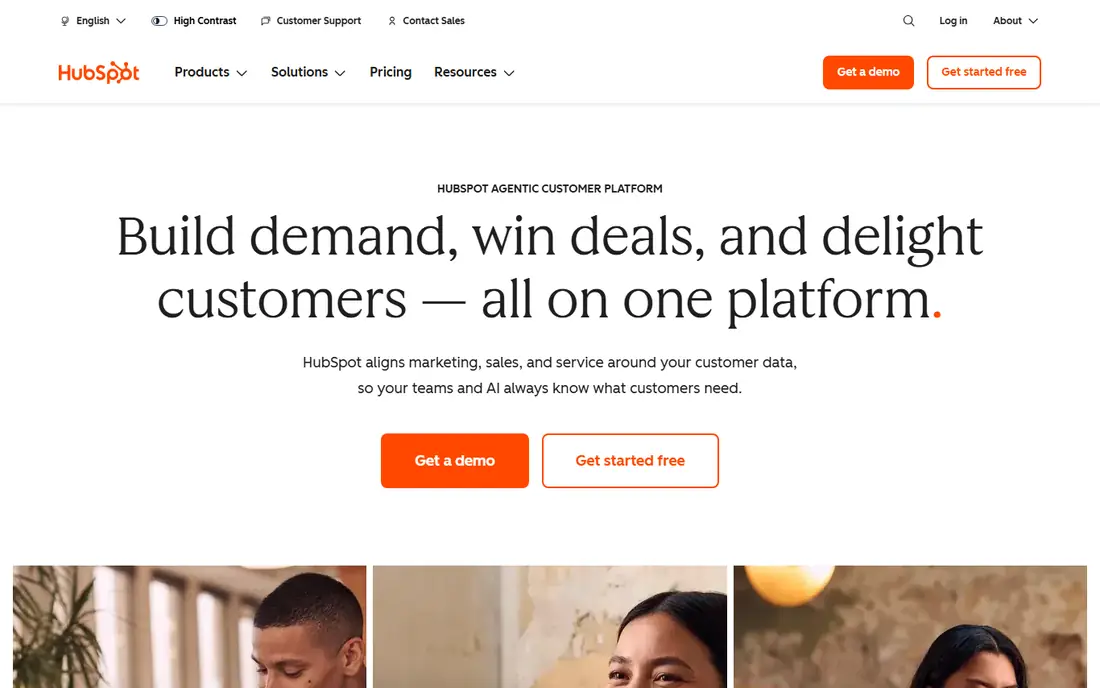
HubSpot is the easiest Pipedrive alternative to try, since the free CRM covers contacts, deals, pipelines and basic email tracking without a card. That makes it a strong pick for startups that need a real system now and want to add marketing, service or automation later. Starter Sales Hub plans are listed from around 9 to 20 dollars per seat per month depending on billing, so check the current page for your team size.
The catch appears at scale. Professional plans cost far more and can include a one-time onboarding fee, so a team that grows into advanced reporting, forecasting or automation should model that jump early. If you plan to stay small and use mainly the free or Starter tools, HubSpot is hard to beat. If you know you will need deep automation soon, compare Zoho or Freshsales first.
- Free CRM with contacts and deals
- Strong marketing and email tools
- Large integration set
- Professional plans jump sharply in price
- Onboarding fees apply on higher tiers
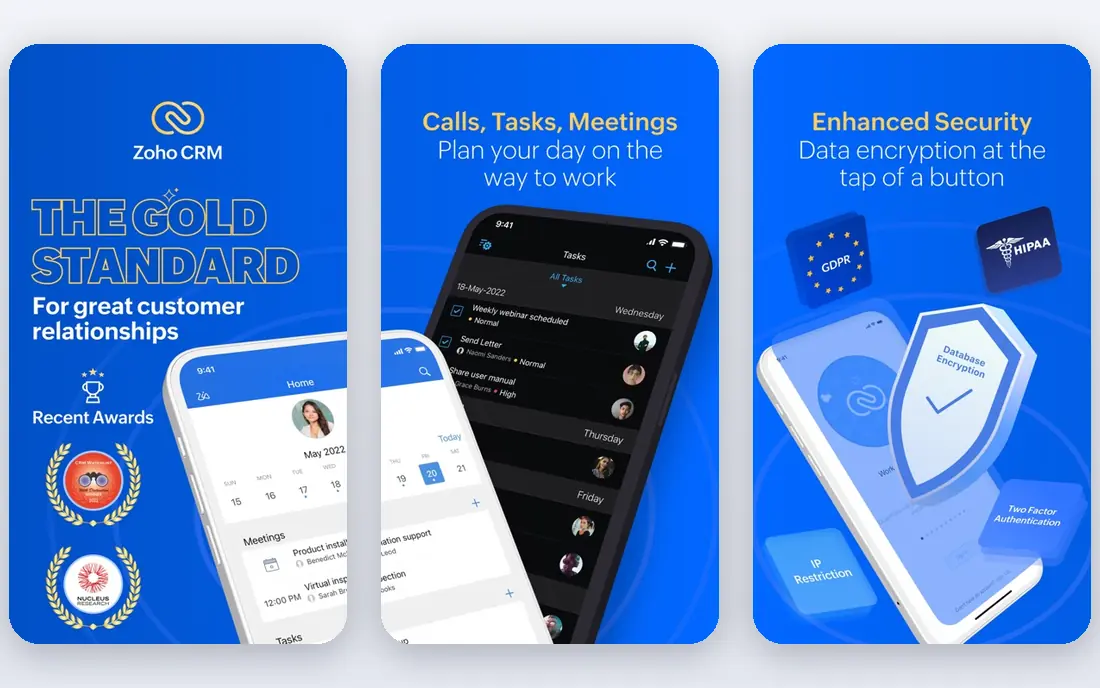
Zoho CRM is the value pick in this list. A free plan covers up to three users, and Standard starts at 14 dollars per user per month billed annually, with Professional at 23 dollars and Enterprise at 40 dollars. Custom modules, workflow rules and an AI assistant give small teams room to shape the CRM around their own sales process, rather than forcing their process into a fixed pipeline.
That depth comes with a busier interface and a steeper learning curve than Pipedrive. Teams that want a system running in an afternoon may find Zoho slow to set up. Teams that want low cost per seat and are willing to spend a day on setup will get more capability for the money than almost any rival here.
- Free plan for up to three users
- Low paid prices
- Custom modules and automation
- Interface can feel busy
- Setup takes more time than Pipedrive

Salesforce Sales Cloud is the most capable CRM here, with custom objects, advanced reporting, forecasting and a vast marketplace of apps. Starter Suite starts at 25 dollars per user per month, which sounds close to Pipedrive, but most growing teams move to higher tiers and add implementation help. That is normal for Salesforce, and it is why large firms choose it.
For a small team, Salesforce can feel heavy. Simple pipeline work takes more clicks and more admin than in Pipedrive, HubSpot or Freshsales. Choose Salesforce when you have complex products, multiple teams, strict permissions or a need for deep integrations. Choose a smaller CRM when speed and simplicity matter more than enterprise depth.
- Deep customisation and reporting
- Huge app marketplace
- Strong enterprise controls
- Costly and complex for small teams
- Setup often needs help
Freshsales, from Freshworks, is a strong Pipedrive alternative for small businesses that want built-in communication without extra tools. Growth starts at 9 dollars per user per month billed annually, and a free plan covers up to three users. Email, phone, lead scoring and workflow automation sit in the same system, which keeps a small sales team in one place.
Customisation is lighter than Zoho or Salesforce, and the most useful AI features sit on higher plans. If your team sells by phone and email and wants a low bill, Freshsales is a practical pick. If you need complex custom objects or deep reporting, HubSpot or Salesforce will serve you better, at a higher price.
- Low Growth price
- Built-in phone and email
- AI lead scoring on paid plans
- Less customisable than Zoho or Salesforce
- Some AI features need higher tiers
Monday Sales CRM suits teams that already plan work in Monday, since deals, tasks and handoffs can live on the same boards. Basic starts at 12 dollars per seat per month billed annually, with a three-seat minimum, and higher plans add automation, forecasting and more integrations. Visual thinkers often prefer its boards to a traditional pipeline view.
Pure sales depth is thinner than in HubSpot, Zoho or Salesforce, with no built-in dialer and lighter native email tools. That matters less if your sales process is simple and your main need is shared visibility across sales, delivery and support. If calling volume is high, Close or Freshsales will fit better.
- Flexible boards and views
- Good for cross-team work
- Easy dashboards
- Three-seat minimum on paid plans
- Native sales features are thinner than pure CRMs
Close is built for inside sales teams that spend the day on the phone. Calling, SMS and email are built in, with a power dialer, call recording and reporting designed for high-volume outreach. That focus makes it faster for outbound teams than a general CRM with calling added on. Team plans start around 49 dollars per user per month billed annually, with a lower Solo option for single users, so check the current pricing page.
Marketing tools are limited, so teams that need landing pages, email campaigns and lead nurturing will need another tool. Close also charges for call and SMS credits on top of seats in some cases. Pick Close when call volume drives revenue. Pick HubSpot or Zoho when marketing and pipeline balance matters more.
- Built-in calling, SMS and email
- Power dialer
- Fast outbound workflows
- Higher entry price
- Limited marketing tools
Insightly suits service businesses that sell a project and then deliver it. Contacts, deals and projects sit in one system, so a deal can turn into a delivery plan without moving data to another tool. Plus starts at 29 dollars per user per month, and Professional at 49 dollars adds deeper automation and permissions.
It is not the cheapest option, and its design is more functional than modern rivals. For a firm that loses track of work after the sale, that trade is worth it. For a pure sales team that only needs a pipeline, a cheaper and simpler CRM will feel faster.
- CRM plus project management
- Workflow automation
- Good for service firms
- Higher entry price than Zoho or Freshsales
- Interface feels dated to some users
Copper is designed for teams that live in Gmail, Calendar and Drive. It pulls contact and deal data from your Google activity, so you spend less time typing updates into the CRM. Basic starts at 23 dollars per user per month billed annually, and higher plans add automation, reporting and more integrations.
If your team uses Microsoft 365 instead, Copper loses its main advantage. Automation also sits mainly on Professional plans, so small teams should check which tier includes the workflows they need. For a Google-first small business that wants a CRM that feels like part of Gmail, Copper is a calm, practical alternative to Pipedrive.
- Lives inside Gmail and Google apps
- Automatic data capture
- Simple setup
- Google-only focus
- Automation needs higher tiers
How we picked these
We compared official pricing pages, feature lists and public reviews, and kept only CRMs that exist and work today and that cover core pipeline, contact and deal management for small and mid-size teams. We favoured a mix of free, low-cost and enterprise options, and we noted where free trials differ from free plans. We did not claim hands-on testing, and prices should be checked on vendor sites, since seat minimums and billing terms change.
What to check before you switch
Start with how your team actually sells. Count calls, emails and meetings per week, and list the tools you use for marketing, support and delivery. A phone-heavy team needs Close or Freshsales, while a marketing-led team needs HubSpot and a delivery-led team needs Insightly. Next, test data import with a small set of real contacts and deals, since a messy import can undo a good price.
Also check seat minimums, annual versus monthly billing and add-on costs for calling, automation or extra pipelines. A low per-seat price with a three-seat minimum or a paid add-on can cost more than a slightly higher plan that includes what you need. Run a two-week trial with real deals before you move the whole team.
FAQ
What is the best Pipedrive alternative for startups?
HubSpot and Zoho CRM are the best startup picks, since both offer free plans and low paid tiers. Freshsales is also strong for startups that want built-in phone and email at a low price.
Is there a free alternative to Pipedrive CRM?
Yes. HubSpot CRM and Zoho CRM both offer free plans, and Freshsales offers a free plan for up to three users. Free plans limit users, records or features, so check those limits against your team size.
Which Pipedrive alternative is best for SMBs?
Zoho CRM suits SMBs that want customisation on a budget, while HubSpot suits SMBs that want marketing and sales in one system. Monday Sales CRM suits SMBs already using Monday for team work.
Is Salesforce too much for a small team?
Salesforce can be too much for a very small team, since setup and admin take more time than in Pipedrive or Freshsales. It makes sense when you need complex reporting, permissions or integrations that smaller CRMs cannot offer.
Can I migrate deals from Pipedrive easily?
Most CRMs in this list offer import tools for contacts, deals and activities, and many offer migration help on paid plans. Export a clean file from Pipedrive first, test the import with a few deals, and check that pipeline stages and custom fields map correctly.