Best Opus Clip Alternatives in 2026: 8 Tools Compared
Compare the best Opus Clip alternatives for turning long videos into short clips, with AI clipping, captions, editing and pricing for creators in 2026.
- Editor's choice
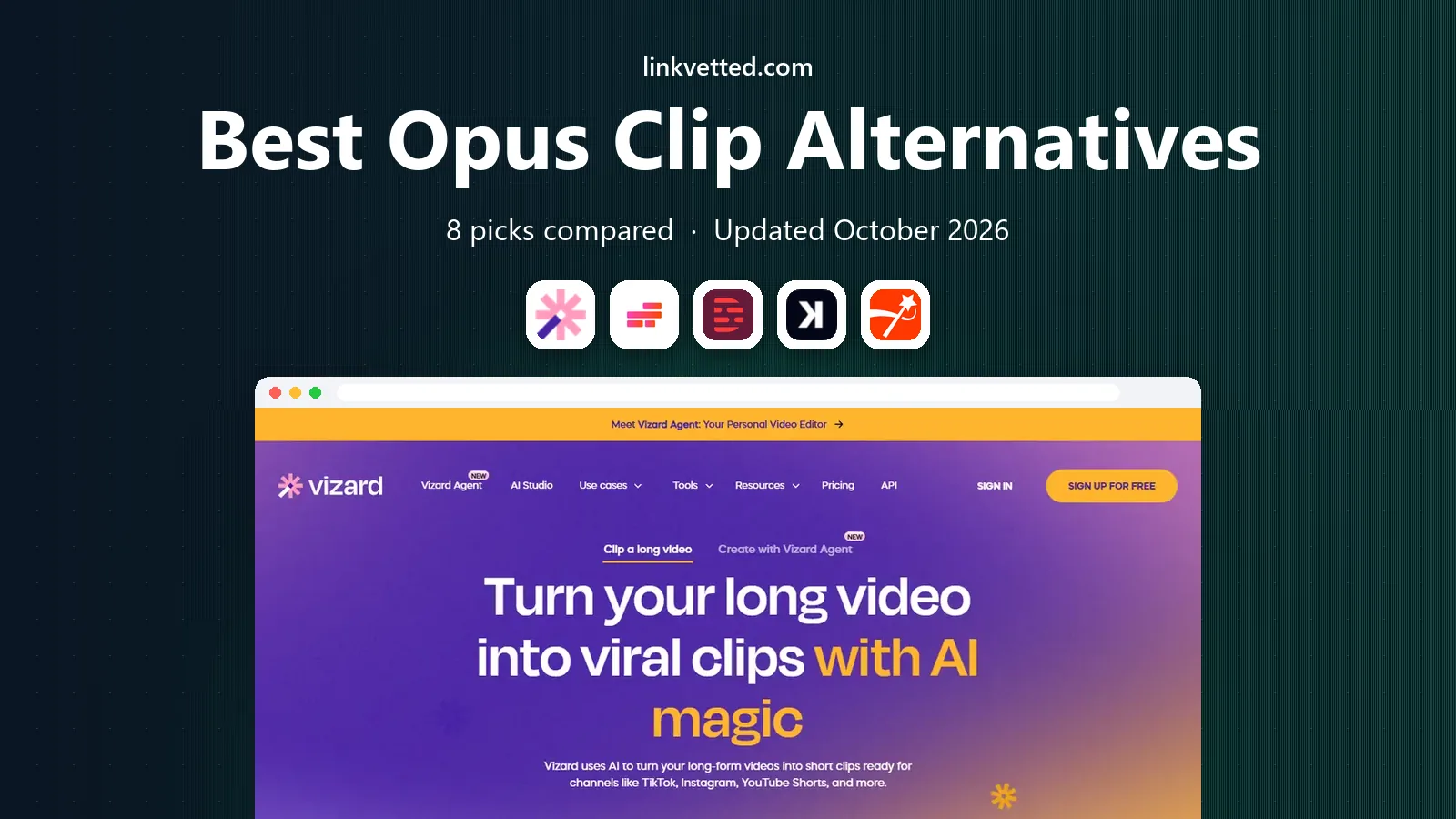
 Vizard
Direct Opus Clip replacement
Starts atSee websiteVisit vizard.aiFull review - Great alternative
 Kapwing
Browser editing plus clips
Starts at$16 per monthVisit kapwing.comFull review - Also consider
 Descript
Text based video editing
Starts at$16 per monthVisit descript.comFull review
TL;DR:
- Vizard is the closest direct alternative to Opus Clip, with AI clipping, captions and a lower entry price on some plans.
- Kapwing and Descript suit creators who want more manual control over edits, rather than fully automatic clip selection.
- Klap and Submagic focus on fast, captioned clips for social feeds, with templates that suit talking head videos.
- Credit rules matter more than headline prices, since tools count minutes, clips or exports in different ways.
Quick comparison
| Tool | Best for | Starts at | Free plan? | |
|---|---|---|---|---|
| Vizard | Direct Opus Clip replacement | See website | Yes | Visit |
| Kapwing | Browser editing plus clips | $16 per month | Yes | Visit |
| Descript | Text based video editing | $16 per month | Yes | Visit |
 Klap | Fast AI clips with captions | See website | Free trial | Visit |
 Submagic | Captioned short clips | $19 per month | Free trial | Visit |
 Veed | All purpose online editor | See website | Yes | Visit |
 Riverside | Recording plus Magic Clips | See website | Yes | Visit |
 Munch | Marketing teams at scale | $49 per month | Free trial | Visit |
The best Opus Clip alternatives
Opus Clip made AI clipping popular by turning a long video into short, captioned clips in one pass. These alternatives do similar work, with different balances of automation, editing control, caption style and price. If you want Opus Clip alternatives that fit a podcast, a YouTube channel or a marketing team, start with how much control you want over the final clip.

Vizard is the closest match for users who liked Opus Clip and want a similar workflow. Upload a long video, let the AI pick highlights, then edit captions, layout and timing in the browser. It supports vertical reframing for TikTok, Reels and Shorts, and paid plans add higher resolution exports and social scheduling. Recent comparisons list a free tier with 60 upload minutes per month and paid Creator pricing from around $8.33 per month billed annually, though you should confirm current pricing on the vendor site.
The free tier is useful for testing, but 720p exports and storage limits will push regular creators to a paid plan. Vizard also counts upload minutes rather than clips, so long source videos cost more than short ones. For a straight Opus Clip replacement, Vizard is our first pick to try.
- AI clip generation from long videos
- Captions and reframing
- Social scheduling on paid plans
- Free exports are limited to 720p
- Credit use depends on upload minutes
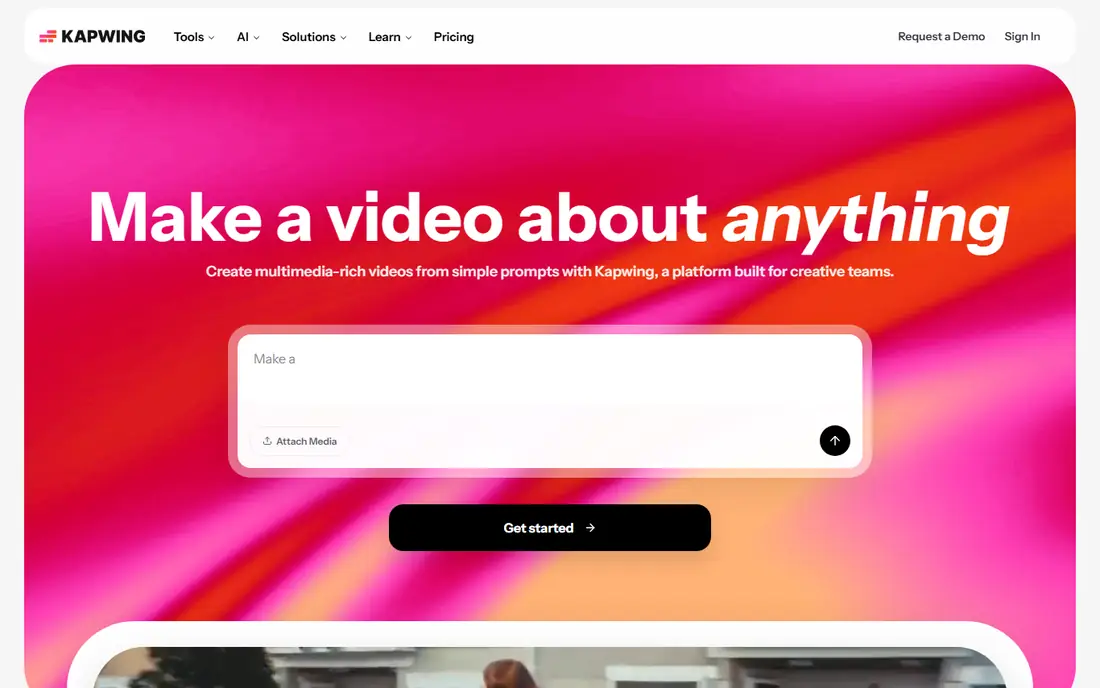
Kapwing is an editor first and a clipping tool second, which suits creators who want to shape every clip by hand. Its Repurpose Studio turns a long video into social ready clips, and the wider editor adds text, images, audio cleanup and brand kits. Subtitle translation covers many languages, and teams can share a workspace on paid plans. Pro pricing is listed at $16 per member per month billed annually in recent comparisons.
The free plan is limited, with watermarked exports and short video limits, so serious use needs a paid plan. Credits also apply to subtitling, dubbing and other premium features, so heavy users should check monthly credit totals. If you want one browser tool for clipping and full editing, Kapwing is a strong choice.
- Full browser editor
- Repurpose Studio and Clip Maker
- Subtitle translation
- Team workspaces
- Free exports carry a watermark
- Credits cover many features, so use adds up

Descript takes a different approach from Opus Clip. Instead of letting AI pick clips for you, it transcribes your video and lets you cut by deleting words from the transcript. That gives precise control over hooks and context, which suits podcasters and educators who care about what is said, not just where energy peaks. Filler word removal, studio sound and collaboration tools are included, and recent listings put paid plans from around $16 per month billed annually.
The trade off is speed. You will spend more time choosing clips than with Vizard or Klap, and that time is the price of control. The free plan includes limited media minutes and 720p exports. For creators who want accuracy over automation, Descript is the best alternative in this list.
- Edit video by editing text
- Strong transcription
- Filler word removal
- Collaboration
- Clip selection is manual, not fully automatic
- Higher tiers needed for 4K and more hours
Klap focuses on speed. It turns long videos into short clips with captions, reframing and layouts, and it supports many languages for transcription. Talking head videos work especially well, since speaker tracking and layout options keep the speaker framed. Recent comparisons list paid pricing from around $14 to $29 per month depending on billing and plan, so check the vendor page for the current entry tier.
Clip quotas matter here, since some plans count clips rather than minutes. A creator who publishes many clips a day should compare total monthly clips, not just the monthly price. Klap also lacks the deep team editing features of Kapwing or Descript. For fast, captioned clips at a modest price, Klap is a good fit.
- AI highlight detection
- Captions in many languages
- Layouts including split screen
- Per clip quotas on some plans
- Team features are limited compared with Kapwing
Submagic is popular with short form creators who want bold, animated captions that look native to TikTok and Reels. It creates clips quickly, adds captions, emojis in templates aside, and offers B roll and transitions to polish the result. Recent listings put the Starter plan around $19 per month billed monthly, with limits on video length at that tier.
Entry plan limits are the main catch. Longer videos or higher volume will need a higher tier, and credit use can be hard to predict at first. Submagic is less suited to long form editing than Kapwing or Descript. For creators whose main need is stylish captioned clips, it is a strong Opus Clip alternative.
- Trendy caption templates
- Fast clip creation
- B roll and transitions
- Short video limits on entry plans
- Credit based pricing needs careful tracking
Veed is a polished online editor that covers subtitles, translation, screen recording and AI features such as avatars and text to video. It can repurpose long videos into clips, but clip selection is more manual than in Vizard, Klap or Munch. That makes Veed better for marketers who want one friendly editor for many video tasks, not just clipping.
Free exports are watermarked, and recent listings put paid plans from roughly $12 to $24 per month per seat depending on billing. Check current pricing, since Veed has changed tiers. For a team that edits many kinds of video, Veed is a versatile alternative, even if it is not the fastest pure clipper.
- Polished online editor
- Subtitles and translation
- Screen recording
- AI tools
- Clipping is more manual than dedicated tools
- Paid plans needed for watermark free exports
Riverside is best for podcasters and interview shows that record remotely and want clips as a bonus. It records separate local tracks in high quality, which avoids the audio problems of video call recordings. Magic Clips turns highlights into short clips, and transcription and show notes help with editing and publishing. Recent listings put paid plans from around $19 to $29 per month depending on billing.
Clipping and caption styling are less developed than in Vizard or Submagic, so creators who only need clips may prefer a dedicated tool. If you already record in Riverside, however, Magic Clips saves a step and keeps everything in one place. That convenience makes it a smart pick for interview shows.
- Studio quality remote recording
- Local 4K tracks
- Magic Clips and transcription
- Clipping features are less developed than dedicated tools
- Paid plans needed for full quality
Munch suits marketing teams that publish at scale and want trend data alongside clipping. It analyzes long videos, picks moments, adds captions and reframes for each platform, and offers insights into trending topics and keywords. That combination helps teams plan content, not just cut it. Recent listings put entry pricing around $49 per month.
Solo creators will likely find Munch expensive compared with Vizard or Klap, and its feature set is built for teams with regular output. For an agency or a brand team that needs volume, insights and consistent output, Munch is a credible Opus Clip alternative.
- AI clipping with trend insights
- Auto captions and reframing
- Platform specific optimization
- Higher entry price
- More than a solo creator needs
How we picked these
We compared official feature and pricing pages and recent independent comparisons of AI clipping tools, and we favored products that turn long videos into short, captioned clips or that cover the same workflow with manual editing. We included direct clipping specialists, full editors and recording tools, and we noted where pricing is credit based or minute based. We did not claim hands on testing. Prices change often in this category, so confirm the current plan, credit rules and export limits before buying.
How to choose the right clipping tool
Start with volume. If you publish a few clips a week, a free tier or a low paid plan may be enough. If you publish daily, compare total monthly minutes or clips, not just the monthly price, and check export resolution and storage limits. A tool that looks cheap can become costly when long source videos eat credits quickly.
Next, decide how much control you need. Automatic tools save time but can pick the wrong moment or cut context, while manual tools such as Descript and Kapwing take longer but give you the final say. Review captions carefully in every case, since accuracy drops with accents, jargon and background noise. Check language support if you publish in more than one language.
Finally, test with a real video. Use the same long video in two or three tools, compare clip quality, caption accuracy and export speed, and check how the clips look on the platforms where you publish. Also confirm that you own the rights to the source video and that any AI generated captions or music comply with platform rules. The best tool is the one whose clips you actually publish, not the one with the longest feature list.
FAQ
What is the best Opus Clip alternative for free?
Vizard offers a free tier with monthly upload minutes, while Kapwing and Descript offer free plans with watermarked or limited exports. For free use, Vizard is the closest direct alternative, but expect resolution and storage limits. Paid plans remove watermarks and raise limits.
What are the best Opus Clip alternatives for podcasts?
Descript is best for podcasters who want text based editing and precise control, while Riverside suits shows that record remotely. Vizard is best if you want fast automatic clips from podcast episodes with minimal editing. Choose based on how much time you want to spend editing.
Is Vizard better than Opus Clip?
Vizard is a strong direct alternative with similar AI clipping, captions and reframing, and its entry pricing can be lower on some plans. Opus Clip may suit users who prefer its specific scoring and interface. The best way to decide is to run the same video through both and compare the clips you get.
How do AI clipping credits work?
Tools count usage in different ways, including minutes uploaded, minutes processed, clips generated or exports. Some tools also charge credits for subtitles, dubbing or other premium features. Always read the pricing page and test with a typical video before committing to an annual plan.
Can AI clipping tools replace manual editing?
They can speed up first drafts, but they do not replace judgment about context, accuracy and brand tone. Most creators still review clips, fix captions and adjust hooks before publishing. Treat AI clips as a starting point, not a finished post.
What is the best alternative to Opus Clip for teams?
Kapwing suits teams that need a shared browser workspace and full editing, while Munch suits marketing teams that need scale and trend insights. Vizard also offers team plans with shared workspaces. Compare seat pricing and credit totals for your team size.