Best OfficeTools Alternatives in 2026: 8 Practice Management Tools Compared
Looking for officetools alternatives? We compared 8 accounting practice management tools on workflows, portals, billing and pricing for firms. See our guide.
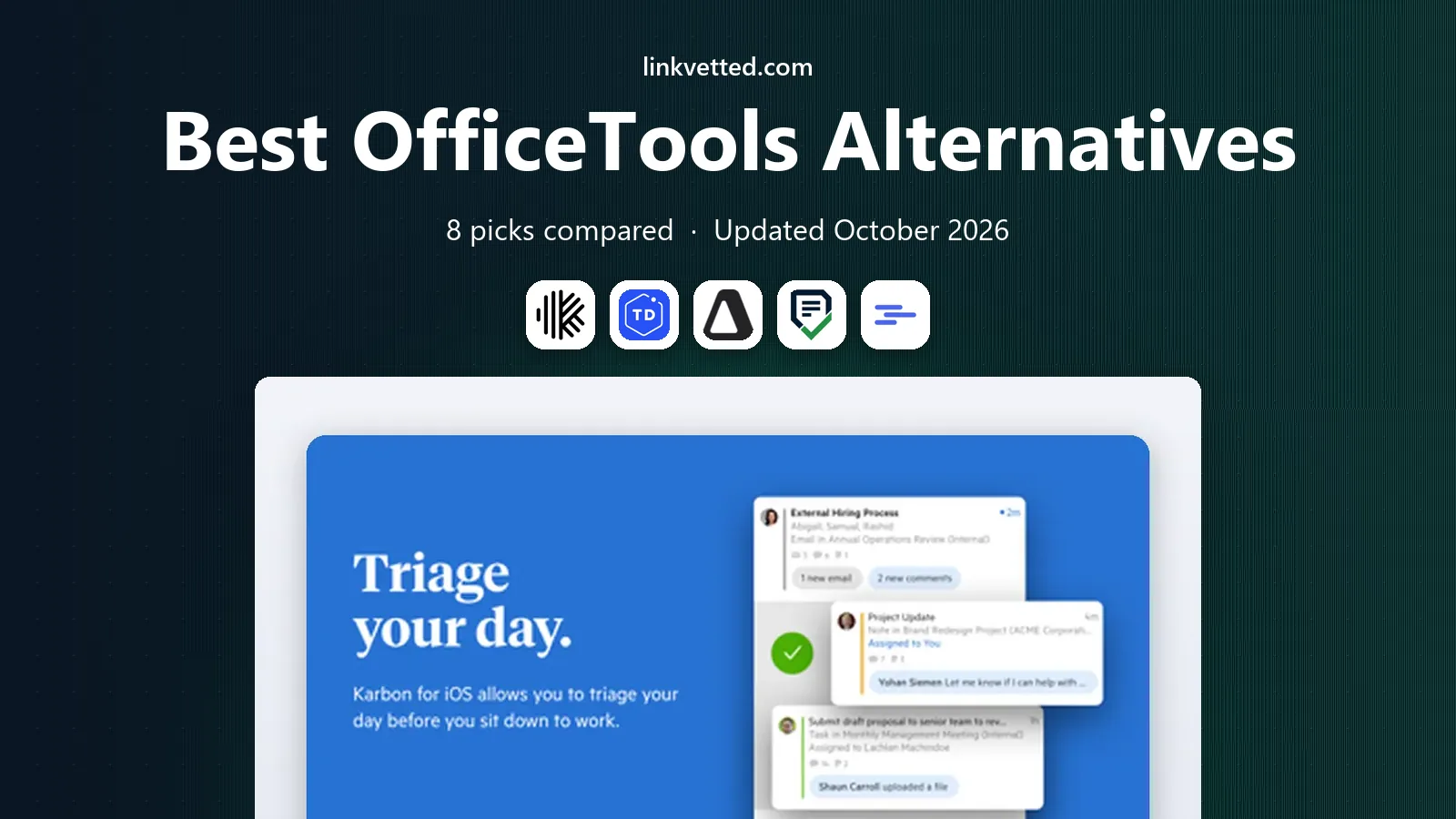
- Editor's choice
 Karbon
Email-driven firm collaboration
Starts at$59 per user per monthVisit karbonhq.comFull review - Great alternative
 TaxDome
Portal-first tax and accounting firms
Starts at$800 per seat per yearVisit taxdome.comFull review - Also consider
 Canopy
Tax practices and resolution work
Starts at$74 per user per monthVisit canopytax.comFull review
TL;DR:
- OfficeTools, now part of the broader practice management market, is compared here with tools that run client work, deadlines, documents and billing for accounting firms.
- Karbon suits email-driven firms, TaxDome suits portal-first tax firms, and Financial Cents suits small firms that want workflows running fast.
- Billing models differ sharply, with per-user monthly, per-seat annual and per-workspace pricing, so model cost for your real team size.
- Check e-signatures, client portals, tax software links and QuickBooks or Xero sync before you commit, since those decide daily fit.
Quick comparison
| Tool | Best for | Starts at | Free plan? | |
|---|---|---|---|---|
| Karbon | Email-driven firm collaboration | $59 per user per month | No | Visit |
| TaxDome | Portal-first tax and accounting firms | $800 per seat per year | No | Visit |
| Canopy | Tax practices and resolution work | $74 per user per month | No | Visit |
 Financial Cents | Small firms wanting fast workflows | $19 per month | No | Visit |
 Jetpack Workflow | Recurring task tracking | $40 per user per month | No | Visit |
 Pixie | Flat workspace pricing | $129 per month | No | Visit |
 Xero Practice Manager | Xero-committed firms | See website | No | Visit |
 Firm360 | All-in-one US firm management | See website | No | Visit |
The best OfficeTools alternatives
OfficeTools helped accounting firms manage clients, work, documents and billing in one system. These eight tools cover the same ground, from workflow-first trackers to full client portals with e-signatures and payments.

Karbon is our pick for growing firms where client work arrives by email and must be triaged by a team. Email, tasks, notes and client work live together, so a message can become a task with an owner and deadline without leaving the inbox. Workflow automation, client requests, time tracking and billing round out a full practice system for mid-size firms.
The catch is price. Team starts around $59 per user per month billed annually, which adds up fast for larger teams. Smaller firms may get similar workflow value from Financial Cents or Jetpack Workflow for less. For a firm where email is the main work queue, Karbon saves enough coordination time to justify its price.
- Work runs through a shared team inbox
- Strong workflow automation
- Client portal and time tracking
- Higher per-user price
- No permanent free plan, trial only

TaxDome suits tax and accounting firms that want one portal for everything clients do. Clients upload documents, sign forms, message the firm, pay invoices and track progress in one branded place, while staff run workflows, tasks and automations behind the scenes. Essentials starts around $800 per seat per year, with Pro around $1,000, billed annually.
The trade-off is billing rigidity. TaxDome bills annually upfront, with no monthly option, so cash flow planning matters. It is also a full suite, which can feel heavy for a firm that only needs task tracking. For a portal-first firm that wants clients in one system, TaxDome offers strong value for the breadth included.
- Full client portal with messaging, e-signatures and payments
- Workflow automation
- Predictable per-seat annual price
- Billed annually upfront with no monthly option
- Most firms land on the higher Pro tier

Canopy suits tax-heavy firms, including those handling IRS resolution work. It combines client management, portal, documents, workflow and billing, with tax resolution tools and AI features for prep work. Standard starts around $74 per user per month billed annually, with Plus and higher tiers above it.
The limit is total cost. Modules and add-ons, such as tax resolution and automation features, sit outside the headline tier, so the real monthly bill can exceed the starting price. For a firm that needs resolution workflows, Canopy is a strong specialist pick. For a general bookkeeping firm, Karbon or TaxDome may offer simpler pricing.
- Modular practice tools
- Tax resolution features
- Client portal and document management
- Modular pricing means add-ons raise the total
- Higher tiers cost more than headline price suggests
Financial Cents is the best pick for small firms that want workflows running this week. Solo starts around $19 per month, and Team starts around $49 per user per month, with workflows, client tasks, document requests and automation included. Setup is straightforward, and the interface is easier to learn than larger suites.
The trade-off is depth at scale. Email integration and some advanced features sit on Team and higher tiers, and large firms with complex routing may outgrow it. For a solo accountant or a small firm that mainly needs reliable recurring workflows, Financial Cents is the best value here.
- Very low solo entry price
- Easy workflow setup
- Client portal and task automation
- Email integration sits on higher tiers
- Less depth than Karbon for large firms
Jetpack Workflow suits firms that mainly need to track recurring jobs, deadlines and owners without a full client suite. It offers templates for tax, bookkeeping and payroll work, recurring tasks, and a clear view of who owns what and what is overdue. Starter starts around $40 per user per month billed annually.
The limit is breadth. Jetpack is a workflow tracker first, not a full portal, billing and e-signature suite, so firms that need those features will pair it with other tools. For a firm that already has a portal or handles clients by email, Jetpack keeps the work itself on track with minimal setup.
- Focused recurring workflow tracking
- Templates for firm work
- Simple team view
- No full client portal depth
- Email and premium features need higher tiers
Pixie suits small firms that dislike per-user pricing. Instead of charging per seat, Pixie charges per workspace, starting around $129 per month for fewer than 250 clients, which can be cheaper as a team grows. It includes a client portal, workflows, email and document handling for everyday firm work.
The trade-off is that time tracking relies on an external tool such as Clockify, and larger client counts move you to higher workspace bands. For a growing team where per-user fees would climb fast, Pixie offers predictable costs. For a firm that needs built-in time and billing depth, Karbon or TaxDome will fit better.
- Flat per-workspace price, not per user
- Client portal and workflows
- Popular with small UK firms
- Time tracking needs an external tool
- Pricing scales by client count bands
Xero Practice Manager, or XPM, suits firms already committed to Xero for client ledgers. It tracks jobs, clients, time and staff capacity, and it syncs with Xero accounting data without a separate integration project. It is included with some Xero partner plans, and standalone pricing applies for other firms.
The limit is ecosystem fit. XPM is strongest inside Xero, and firms on QuickBooks or mixed stacks will get less value. It also offers less portal and e-signature depth than TaxDome or Canopy. For a Xero-first firm that wants job tracking tied to its ledgers, XPM is the natural pick. For a portal-first firm, TaxDome is stronger.
- Native Xero integration
- Job, client and time tracking
- Included for some Xero partners
- Best value only for Xero partners
- Less of a standalone portal suite than TaxDome
Firm360 suits US accounting firms that want an all-in-one system without stitching several tools together. It covers workflows, client portal, document requests, time and billing, with templates for common firm work. That breadth makes it a direct OfficeTools replacement for firms that want one system for daily operations.
The downside is pricing transparency and ecosystem size. Firm360 does not publish a simple starting price in the same way as Karbon or Financial Cents, so you will need a quote. Its community and integration catalog are also smaller than larger rivals. For a US firm that wants an all-in-one suite and values a guided sales process, Firm360 is worth a demo alongside Karbon and TaxDome.
- All-in-one workflows, portal and billing
- Built for US accounting firms
- Task and client tracking
- Pricing is not published as a simple starting price
- Smaller community than Karbon or TaxDome
How we picked these
We compared official pricing pages, product documentation and October 2026 practice management comparisons, and kept only tools that currently serve accounting, tax or bookkeeping firms with workflows, client work or portals. We favored tools with published pricing where available, and we noted where pricing is quote-based rather than inventing a figure. We also weighed portal, e-signature and billing features, since those decide whether a firm can run client work end to end in one tool.
How to choose the right practice tool
Start with your work mix. List your services, such as tax, bookkeeping, payroll and advisory, and note which ones drive deadlines, client documents and payments. A tax-heavy firm needs portal, e-signatures and organizer tools, while a bookkeeping firm needs recurring workflows and time tracking more. That mix decides whether you need a full suite or a focused tracker.
Next, test with a real client workflow, not a demo template. Run a tax return or monthly close from intake to delivery, including document requests, e-signatures, review steps and invoicing. Check QuickBooks or Xero sync, tax software links, and how clients experience the portal on mobile. Finally, model cost for your team in two years, not only today, since per-user pricing grows with hiring while workspace pricing grows with clients.
Migration tips for firms
Move one service line first, such as bookkeeping clients, before migrating tax season work. Import clients, jobs and templates, and keep old systems read-only for a season so historical work stays accessible. Train staff on the new workflow before busy season, since a mid-season switch creates more risk than a slow rollout.
FAQ
What happened to OfficeTools?
OfficeTools was a practice management tool for accounting firms, and buyers now compare its role with modern tools such as Karbon, TaxDome and Canopy. If you used OfficeTools for client work and billing, the tools here cover the same jobs with current portals and integrations.
Which OfficeTools alternative is best for a small firm?
Financial Cents is the best small-firm pick, with a low solo price and fast workflow setup. Jetpack Workflow is a good second option when you mainly need recurring task tracking without a full suite.
Is TaxDome better than Karbon?
TaxDome is better for portal-first firms that want clients in one branded system with payments and e-signatures. Karbon is better for firms where work runs through email and team collaboration is the main bottleneck.
Do these tools work with QuickBooks and Xero?
Most tools here sync with QuickBooks Online, Xero or both, but depth varies by tool and plan. Check the integration page for your ledger and test sync with a sample client before committing.
Can clients sign documents in these tools?
Yes, most full suites here include e-signatures, including TaxDome, Karbon and Canopy, while focused trackers may need an external signature tool. Confirm signature limits and whether knowledge-based authentication is included when you need it for tax forms.