Best HubSpot Alternatives in 2026: 8 CRMs Compared
Compare the best HubSpot alternatives for small business in 2026, with current pricing, free plans, CRM features and marketing tools compared side by side.
- Editor's choice
 Pipedrive
Sales-led small teams
Starts at$14 per user per monthVisit pipedrive.comFull review - Great alternative
 Zoho CRM
Best overall value
Starts atFreeVisit zoho.comFull review - Also consider
 ActiveCampaign
Marketing automation depth
Starts at$15 per monthVisit activecampaign.comFull review
TL;DR:
- Pipedrive is our pick for sales-led teams that want a clear pipeline without paying for marketing tools they will not use.
- Zoho CRM and Freshsales give the strongest value at the low end, with free tiers and paid plans that stay well below HubSpot Pro pricing.
- ActiveCampaign and Brevo suit teams where email and automation matter more than a full sales suite.
- Salesforce makes sense when a company has outgrown simpler tools and needs deep customisation and a large integration library.
- Always check whether a price is per user, per month, or based on contacts, because that choice changes the total bill fast.
Quick comparison
| Tool | Best for | Starts at | Free plan? | |
|---|---|---|---|---|
| Pipedrive | Sales-led small teams | $14 per user per month | Free trial (14 days) | Visit |
| Zoho CRM | Best overall value | Free | Yes | Visit |
| ActiveCampaign | Marketing automation depth | $15 per month | Free trial (14 days) | Visit |
 Freshsales | Affordable AI-assisted selling | Free | Yes | Visit |
 Brevo | Email and SMS on a budget | Free | Yes | Visit |
 Salesforce | Large and growing teams | $25 per user per month | Free trial (30 days) | Visit |
 monday CRM | Visual boards and team workflows | See website | Free trial (14 days) | Visit |
 EngageBay | All-in-one on a tight budget | Free | Yes | Visit |
The best HubSpot alternatives
HubSpot is a fine product, but its paid tiers climb quickly once a team needs automation, reporting, or extra marketing contacts. These eight alternatives cover the same core jobs at a range of prices, and each one leads in a different area.
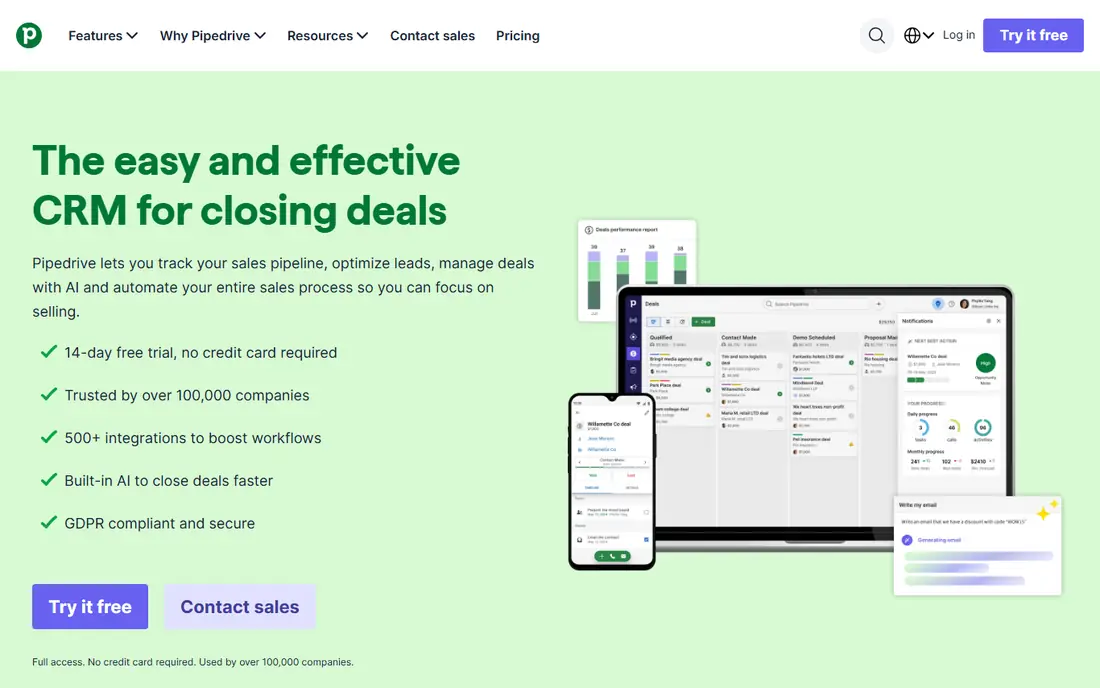
Pipedrive keeps the focus where sales teams live, which is the deal pipeline. Deals move across stages with a drag-and-drop board, and each deal shows its value, expected close date, and next activity in one view. For a team that already handles email elsewhere, that focus is a strength, not a gap.
The catch is breadth. Pipedrive does not try to match HubSpot as a full marketing platform, so teams that want landing pages, social tools, and deep campaign reporting in the same product may need a second tool. We would still pick it first for a small sales team that wants to see every open deal at a glance and act on it the same day.
- Clear visual pipeline
- Strong deal tracking
- Simple setup for sales teams
- Marketing tools are lighter than HubSpot
- Some features need higher tiers
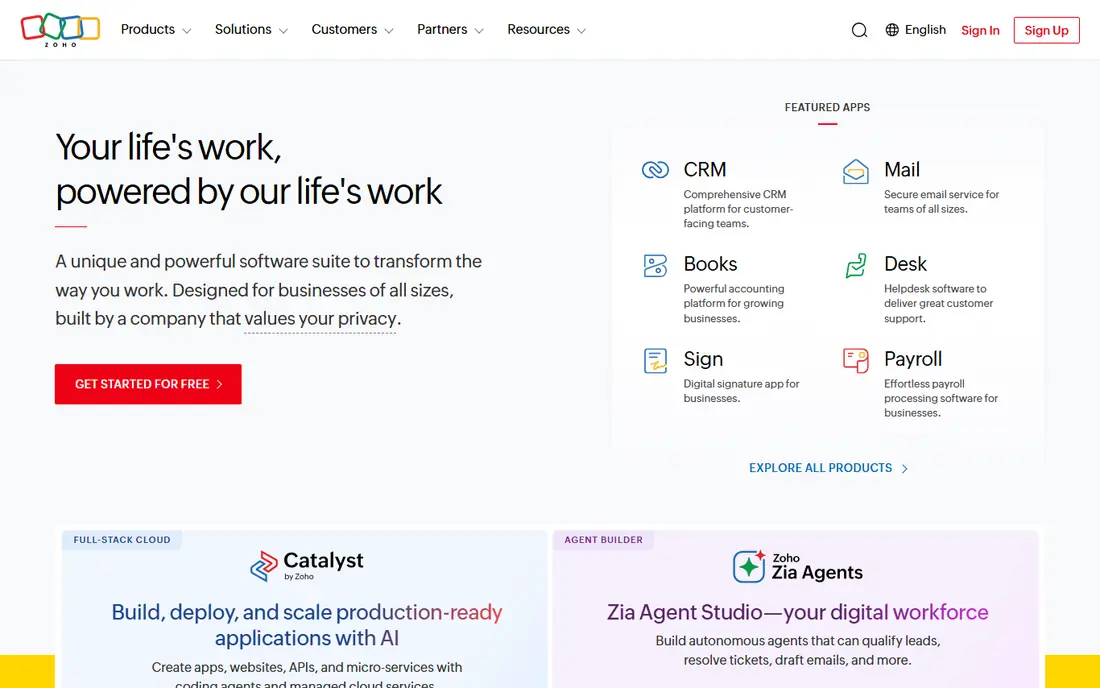
Zoho CRM gives small teams a genuine free starting point and a path to grow without switching systems. Contacts, deals, tasks, and basic automation are covered, and the wider Zoho suite adds email, forms, accounting, and support tools when a business is ready. That breadth at a low price is hard to match.
The trade-off is polish. Zoho packs a lot into each screen, and new users may need a week to learn where everything lives. Teams that invest that time tend to stay, because custom fields, workflows, and reports can be shaped around how they actually sell.
- Free tier for up to three users
- Wide customisation
- Large app ecosystem
- Interface can feel busy
- Best features sit on paid tiers
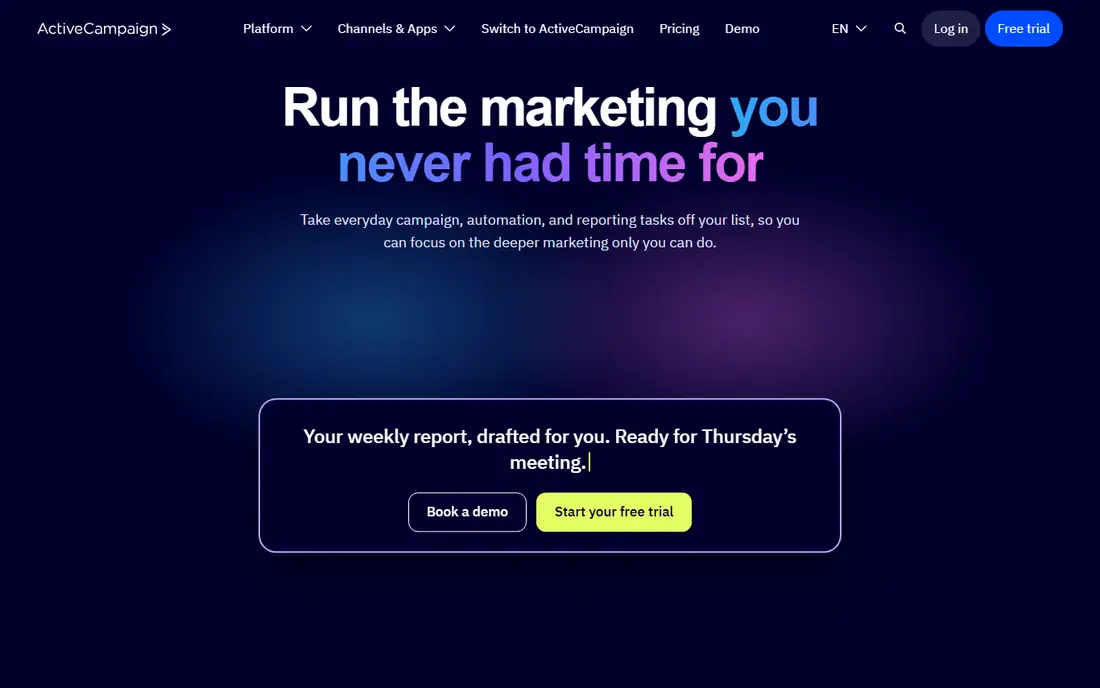
ActiveCampaign is the pick when marketing automation is the real job, not just a side feature. Its builder lets a team send different follow-ups based on clicks, site visits, purchases, or tags, and split a journey to test which path converts better. That depth suits businesses that live or die by email and repeat purchases.
Sales features are present but lighter than a dedicated CRM, and some teams will need a higher plan or an add-on for full pipeline tools. If email drives most revenue, that trade is worth making, and the automation alone can replace several separate tools.
- Strong visual automation builder
- Behavioural triggers
- Good email tools
- Sales CRM features cost extra on some plans
- Pricing rises with contacts
Freshsales, from Freshworks, pairs a clean sales workspace with phone, email, and chat in the same record. Reps can call, log, and follow up without switching tabs, which helps small teams that handle both inbound leads and outbound outreach. The free tier is useful for testing the core workflow with a tiny team.
Its limits show at scale. Very large teams with complex approval chains or niche integrations may find Salesforce or HubSpot Enterprise a better fit. For a team of five to twenty sellers, Freshsales offers a calm, affordable daily workspace.
- Free tier included
- Built-in phone and email
- AI insights on higher plans
- Smaller integration library than Salesforce
- Advanced reports need paid plans
Brevo stands out because its free plan does not punish a growing contact list in the same way contact-priced tools do. A small business can send email campaigns, add SMS, and run basic automation while keeping costs low. That makes it a strong HubSpot alternative for teams whose main channel is email.
The CRM side is functional rather than deep. Deal tracking, notes, and tasks are there, but a sales-heavy team will miss advanced forecasting and pipeline customisation. Pair Brevo with a simple pipeline tool if sales process matters as much as campaigns.
- Free plan with unlimited contacts
- Email plus SMS
- Simple pricing
- CRM is basic compared with dedicated sales tools
- Templates are simpler
Salesforce Starter Suite is the sensible entry point for teams that expect to scale. It covers accounts, contacts, leads, and opportunities, with room to add service, marketing, and analytics later. The AppExchange library means most common tools already connect, which reduces manual work as a company grows.
The honest catch is effort. Salesforce rewards teams that invest in setup, training, and a named admin, and it can feel heavy for a three-person team that just wants a pipeline. Buy it when growth, reporting, and custom process are real needs, not just future hopes.
- Huge integration library
- Deep customisation
- Strong reporting
- Higher cost and learning curve
- Setup often needs admin time
monday CRM turns pipeline work into boards that a whole team can read at a glance. Deals, tasks, and timelines sit in colour-coded columns, and automations can move a deal, notify an owner, or set a due date when a status changes. Teams that already plan projects visually tend to adopt it fast.
It is a flexible platform rather than a fixed CRM, so a team needs to design its boards well to get sales reporting right. That flexibility is also the appeal, because marketing, operations, and sales can share one workspace instead of three separate tools.
- Highly visual boards
- Flexible columns
- Good for cross-team work
- Pricing varies by plan and seats
- CRM depth grows with setup
EngageBay tries to cover the HubSpot shape at a small-business price: CRM, email marketing, landing pages, and helpdesk tools in one account. For a startup that wants one login for most customer work, that bundle is appealing, and the free tier lets a team test it before paying.
Depth is the compromise. Each module is solid for everyday use but thinner than a specialist tool, and the integration list is smaller than Salesforce or HubSpot. We would pick it for a lean team that values one bill and one system over best-in-class depth in every area.
- CRM plus marketing plus support in one product
- Free tier
- Low paid entry
- Smaller ecosystem than larger rivals
- Some advanced features are limited
How we picked these
We compared official pricing pages, free tiers, and feature pages for each vendor, plus public reviews and app store listings, in October 2026. We kept only tools that still offer a working CRM or marketing product for US small businesses, and we favoured tools with clear pricing, a trial or free tier, and a distinct strength. Where a vendor did not publish a price, we wrote See website rather than guessing.
What to check before you switch
Start with the job, not the brand. List the three tasks your team does every week, such as logging deals, sending campaigns, or following up leads, and score each tool on those tasks alone. A tool that wins on paper but slows daily work will cost more in lost deals than it saves in subscription fees.
Next, map the total cost. Add per-user fees for everyone who will log in, plus contact-based charges, add-ons for phone or automation, and any onboarding fee. Ask for a written quote for your exact team size and contact count, and run a trial with real leads, not sample data. Finally, test the import and the mobile app, because a CRM that is painful on a phone will be ignored by field sellers.
Migration tips that save time
Export contacts, deals, and notes from HubSpot before cancelling anything, and clean duplicates while the data is still fresh. Keep HubSpot read-only for a month after the switch so no history is lost. Train one champion on each team first, then let that person help colleagues, which tends to work better than a single long training session for everyone.
FAQ
What is the best free HubSpot alternative?
Zoho CRM, Freshsales, Brevo, and EngageBay all offer free tiers, and Zoho CRM is our pick for most small teams because its free plan covers core sales work. Brevo is better if email volume matters more than pipeline depth. Test both free plans with real contacts before committing to a paid tier.
Are HubSpot alternatives cheaper than HubSpot?
In most small-team cases, yes, especially once HubSpot Pro pricing and contact charges apply. Pipedrive, Zoho CRM, and Freshsales start well below HubSpot Pro levels. Salesforce can cost more than HubSpot Starter, so compare the tier you actually need, not just the headline price.
Can I move my contacts from HubSpot to another CRM?
Yes, in most cases. HubSpot lets you export contacts, companies, and deals, and most tools on this list offer import wizards or free import help. Check that custom fields, deal stages, and tags map correctly during a trial, and keep a backup of the export file.
Which HubSpot alternative is best for small business?
Pipedrive suits sales-led small businesses, Zoho CRM suits teams that want value and customisation, and ActiveCampaign suits marketing-led businesses. The right answer depends on whether sales pipeline, email automation, or low cost matters most to your team.
Do these tools include marketing automation?
ActiveCampaign and Brevo lead here, with visual automation and email plus SMS tools. Zoho CRM and EngageBay include useful automation, while Pipedrive focuses more on sales automation. Check whether the automation you need is included on the entry plan or only on higher tiers.