Best Free Kling AI Alternatives in 2026: 8 Image to Video Tools Compared
We compared the best free kling ai alternatives image to video tools, with free credit limits, watermarks and paid prices for creators on a budget today.
- Editor's choice
 Pika
Short social clips and effects
Starts at$8 per monthVisit pika.artFull review - Great alternative
 Runway
Cinematic clips plus editing
Starts at$15 per monthVisit runwayml.comFull review - Also consider
 Hailuo AI
Expressive character motion
Starts at$14.99 per monthVisit hailuoai.comFull review
TL;DR:
- Free plans are for testing, not client work, since most free outputs carry a watermark and a personal-use limit.
- Pika and Runway are the easiest free starts for short image-to-video clips, with limited one-time or monthly credits.
- Hailuo AI, PixVerse and Vidu give daily or trial credits that suit regular social testing.
- Dreamina, Canva and CapCut suit creators who want image-to-video inside a broader editing workflow.
Quick comparison
| Tool | Best for | Starts at | Free plan? | |
|---|---|---|---|---|
| Pika | Short social clips and effects | $8 per month | Yes | Visit |
| Runway | Cinematic clips plus editing | $15 per month | Yes | Visit |
| Hailuo AI | Expressive character motion | $14.99 per month | Yes | Visit |
 PixVerse | Daily social clip tests | See website | Yes | Visit |
 Vidu | Anime and stylised clips | See website | Yes | Visit |
 Dreamina | Cinematic realistic shots | See website | Yes | Visit |
 Canva | Design workflow video | $15 per month | Yes | Visit |
 CapCut | Editing plus AI video | $19.99 per month | Yes | Visit |
The best free Kling AI alternatives for image to video
Kling AI is known for realistic motion and camera movement, with daily login credits on its free tier. The tools below offer a free way to turn a still image into a moving clip, with different strengths in realism, style and editing. Free allowances change often, so check the vendor page before you plan a project around a free tier. We compared official pricing pages and recent October 2026 checks to show what free really means for each tool.
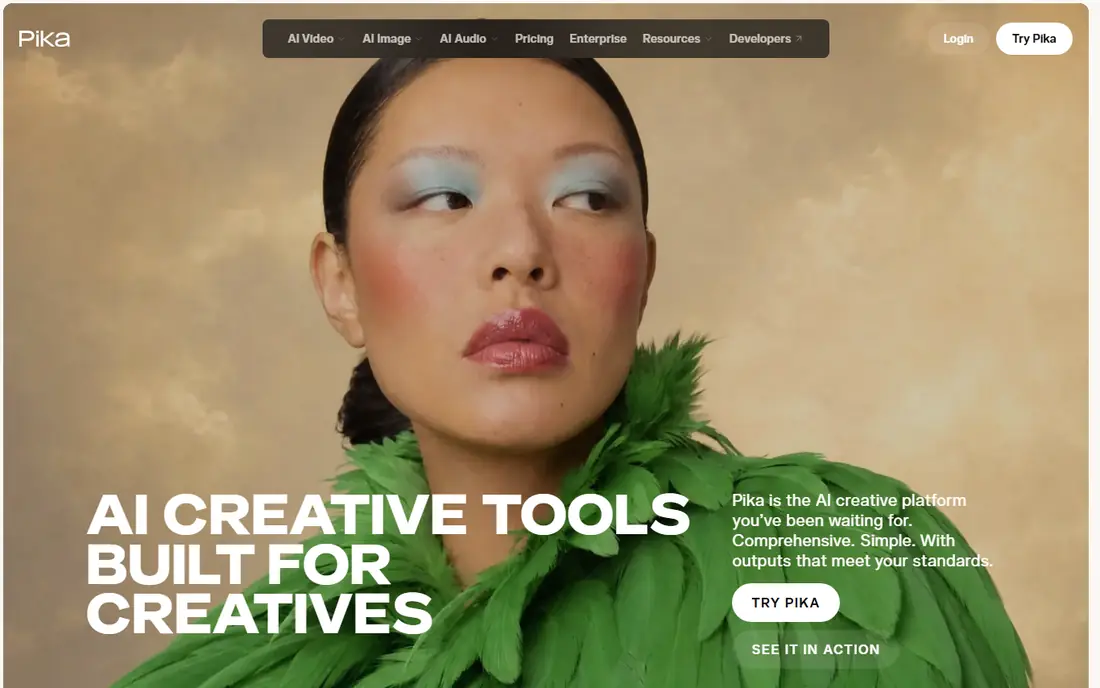
Pika turns an image into a short moving clip with a prompt, and its effects library makes it fun for social posts, memes and product teasers. The free plan lets new users test image-to-video without paying, though credit amounts have changed during 2026, so check the current allowance on the pricing page. Paid plans start around $8 per month on annual billing, with more credits and higher resolution. The limit is length and realism. Pika clips are short and stylised, which suits social feeds better than cinematic scenes. For a creator who wants a quick, free test of image-to-video, Pika is an easy first stop.
- Easy image-to-video from a prompt
- Playful effects library
- No watermark on some tiers
- Free credits are limited and change often
- Short clips suit social, not long scenes
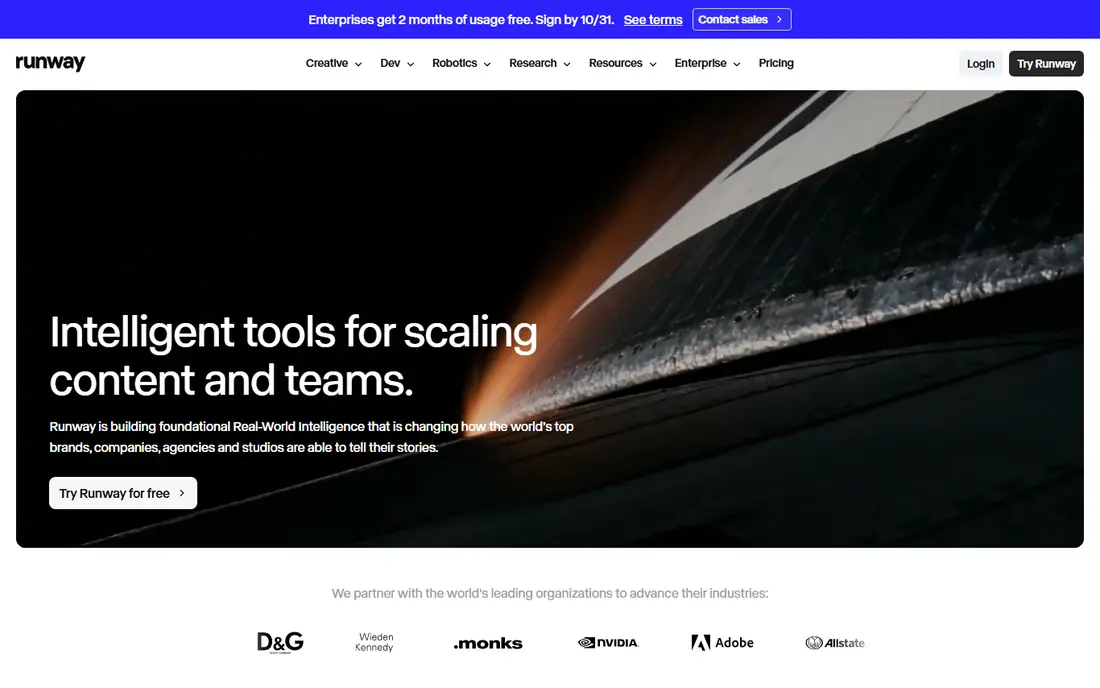
Runway pairs its video models with editing tools, so a generated clip can be extended, restyled or cleaned up without leaving the app. The free plan gives 125 one-time credits, which is enough to test a few image-to-video prompts, but not enough for ongoing production. Standard pricing is $15 per month, or $12 on annual billing, with more credits. Free outputs are watermarked and for personal use, which limits client work. The benefit is quality and control. For a creator who wants cinematic motion plus a real editor, Runway is the most polished free start, provided the one-time credits are used on representative prompts.
- High-quality Gen models
- Editing tools around generation
- Extend and restyle options
- Free plan is 125 one-time credits
- Free outputs are watermarked
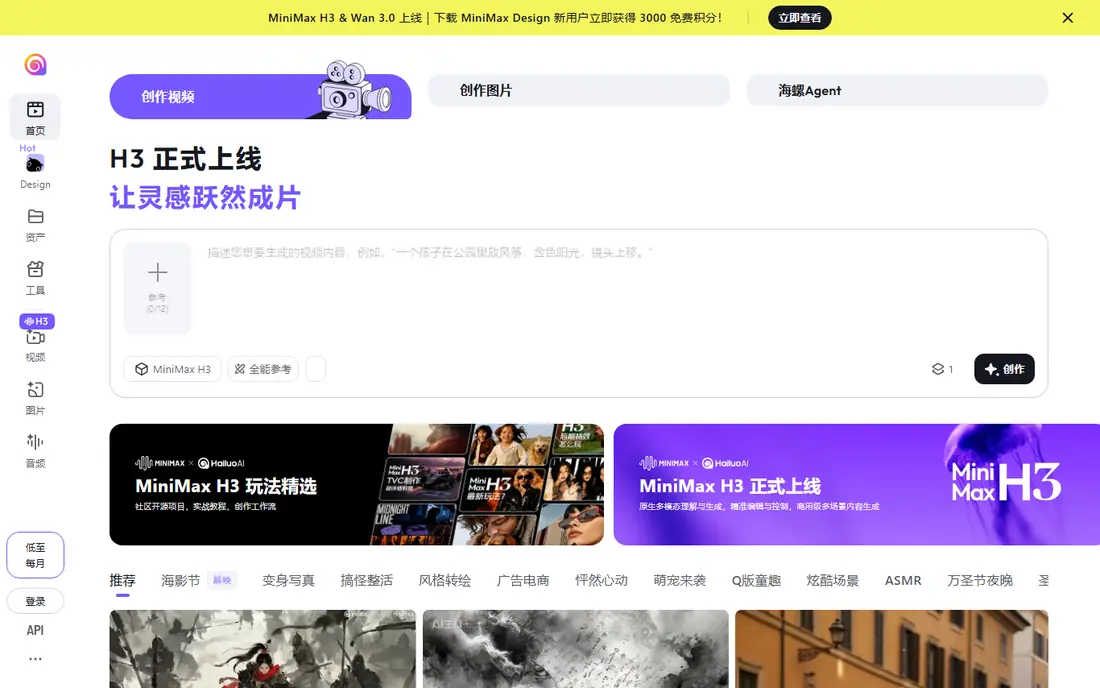
Hailuo AI, from MiniMax, is known for expressive character motion, with faces and gestures that read well in short clips. Users upload an image, add a motion prompt, and get a 6 to 10 second clip in many cases. The free plan offers trial credits, with reports in October 2026 noting a limited one-time allowance that expires, so test promptly after signing up. Standard pricing is $14.99 per month, with lower promotional pricing at times. The catch is free depth. A few trial clips will show whether Hailuo suits your style, but regular use needs a paid plan. For character-led social clips, Hailuo is a strong Kling alternative.
- Strong faces and expressions
- Image-to-video with motion prompts
- Fast generation
- Free credits are limited and expire
- Free outputs are watermarked
PixVerse suits creators who want a daily habit of testing image-to-video ideas. Sign-up and daily credits let users generate short clips regularly, with templates and effects for social trends. Free resolution is limited, often up to 540p on free tiers, and outputs carry a watermark. Paid pricing is listed on the vendor site and varies by plan and promotion. The benefit is frequency. A creator can test many images per week without paying, then pay only for the clips that work. For social teams that need a steady stream of short tests, PixVerse is a practical free option.
- Daily free credits
- Fast social-style generation
- Templates and effects
- Free resolution is limited
- Free outputs are watermarked
Vidu is a good pick for anime, 2D and stylised image-to-video, where character consistency matters more than photorealism. Users can upload reference images and generate clips that keep a character look across shots. The free plan offers login bonus credits, with lower resolution on free tiers, and paid plans are listed on the vendor site. The limit is realism. Vidu stylised output suits animation and fan-style work, but a creator who wants photorealistic product motion should test Runway or Hailuo first. For anime and illustrated styles, Vidu is a distinctive free alternative.
- Strong anime and 2D styles
- Reference uploads
- Image-to-video with character consistency
- Free resolution is limited
- Free outputs are watermarked
Dreamina, from CapCut maker ByteDance, uses the Seedance model for cinematic, realistic image-to-video shots. Daily free credits let users test prompts regularly, and the tool suits realistic product, portrait and scene motion. Paid credit plans are listed on the vendor site, with pricing that varies by region and promotion. The catch is variability. Free credit amounts and limits have changed during 2026, so check the current page before planning a series. For a creator who wants realistic motion on a free tier, Dreamina is one of the strongest Kling alternatives to test.
- Seedance model for realistic motion
- Daily free credits
- Image-to-video plus text-to-video
- Credit rules vary by region
- Free outputs are watermarked
Canva suits creators who already design in Canva and want image-to-video without learning a new editor. Magic Media video tools can animate an image, and the result can be placed straight into a social post, presentation or ad design. The free plan includes a limited shared AI allowance across Magic Studio tools, while Pro costs $15 per month, or $119.99 per year, with a larger allowance. The limit is control. Canva video tools are simpler than Runway or Hailuo, so complex camera moves and long clips are harder. For a non-technical creator who lives in Canva, that simplicity is the point.
- Video generation inside a familiar design tool
- Templates and editing
- Easy social exports
- AI video allowance is shared across Magic Studio tools
- Free allowance is limited
CapCut is the most generous free editor in this list, with a full editing timeline, templates and AI tools, and watermark-free exports for standard edited video. Its AI image-to-video features let users animate a still, then cut, caption and export the result in the same app. The free plan covers editing well, while Pro costs $19.99 per month on the US App Store, with web pricing that varies by region. The catch is credit separation. AI generation credits are not the same as editing access, so check the current AI allowance before planning a series. For creators who need editing plus generation in one place, CapCut is a strong free start.
- Full editor with AI tools
- Watermark-free exports on free editor
- Image-to-video plus templates
- AI video credits are separate from editing
- Pro pricing varies by store and region
How we picked these
We compared official pricing pages and October 2026 free-tier checks for image-to-video tools that offer a free plan and work from a still image. We kept only tools that operate in October 2026, and we mixed specialist video models with broader editors so creators can match tool to workflow. Where free allowances change often, we noted the limit and directed readers to the vendor page.
Choosing the right free image-to-video tool
Start with the image, not the tool. A portrait needs character motion, a product needs smooth camera movement, and an illustration needs style consistency. Test the same image in two or three tools on their free tiers, and compare motion, face quality and artefact levels. That test tells you more than a feature list, since models handle different subjects very differently.
Check watermark, licence and resolution
Free outputs are almost always watermarked and limited to personal use, so budget for a paid tier the moment client work enters the picture. Check resolution too, since free tiers often cap at 540p or 720p, while paid tiers offer 1080p. Also check commercial terms, since some free plans forbid commercial use entirely. A clip that looks good but cannot be used for a client is not a saving.
Plan around credits, not promises
Credits are the real budget. Count how many clips you need per week, including retries, since a good clip often takes two or three tries. A tool with daily credits suits regular testing, while a tool with one-time credits suits a single evaluation. Keep a backup tool, since free allowances can change without notice.
FAQ
What is the best free Kling AI alternative for image to video?
For most creators, Pika and Runway are the easiest free starts, with Pika suiting short social clips and Runway suiting cinematic tests. Hailuo AI suits character motion, while Dreamina suits realistic shots. Test the same image in two tools, since model strengths vary by subject.
Are free AI video outputs really free to use commercially?
Usually no. Most free plans limit outputs to personal use and add a watermark, with commercial rights on paid plans. Check the licence for each tool before using a clip for a client, ad or paid social post. Paid plans usually remove the watermark and grant commercial use.
How long are free image-to-video clips?
Most free clips run 5 to 10 seconds, depending on the tool and plan. Longer scenes need paid credits or manual extension in an editor. Plan social posts around short clips, and use editing tools to join clips into a longer story if needed.
Do I need a powerful computer for these tools?
No, for hosted tools like Pika, Runway, Hailuo and Dreamina, since generation runs in the cloud. You need a stable internet connection and a browser. Open source models that run locally are the exception, since they need a strong GPU and setup time.
Why do free credits run out so fast?
Each clip costs credits, and retries cost credits too, so a few failed prompts can use a daily allowance quickly. Use clear prompts, a strong source image and lower settings for tests, then spend full credits only on the clips you plan to keep. Daily-credit tools suit this test-then-keep workflow.