Switching From ExakTime? 5 Alternatives for 2026
ExakTime alternatives: 5 tools compared on price, free plans and fit. Connecteam comes first for frontline team scheduling and communication. Updated for 2026.
- Editor's choice
 Connecteam
Frontline team scheduling and communication
Starts at$29 a monthVisit connecteam.comFull review - Great alternative
 Clockify
Straightforward project-based hourly tracking
Starts atSee websiteVisit clockify.meFull review - Also consider
 Timeero
GPS and mileage tracking for field crews
Starts at$5 per user per monthVisit timeero.comFull review
Direct answer
Connecteam comes first here, mainly for frontline team scheduling and communication. Listed starting prices: Connecteam from $29 a month, Timeero from $5 per user per month and Homebase from $30 per location a month. Clockify is the stronger choice for simple project-based hourly tracking, while Timeero suits GPS and mileage tracking for field crews. All 5 tools are compared below on price, free plan and limits.
TL;DR:
- Top of the list is Connecteam, which targets frontline team scheduling and communication.
- QuickBooks Time is the one to check for Time, jobs and payroll in one place.
- The main caution on Connecteam: wide feature set may overwhelm simple needs.
- Timeero has the lowest monthly starting price in this list: $5 per user per month.
Last checked November 2026. Prices and plan details were read from the vendors' own pages in November 2026; vendors change plans often, so confirm the current price on the vendor site before you buy.
Quick comparison
| Tool | Best for | Starts at | Free plan? | |
|---|---|---|---|---|
| Connecteam | Frontline team scheduling and communication | $29 a month | Yes | Visit |
| Clockify | Straightforward project-based hourly tracking | See website | Yes | Visit |
| Timeero | GPS and mileage tracking for field crews | $5 per user per month | Free trial | Visit |
 Homebase | Hourly teams with scheduling and payroll | $30 per location a month | Yes | Visit |
 QuickBooks Time | Time, jobs and payroll in one place | See website | Not stated | Visit |
Every option for ExakTime explained
LinkVetted compared 5 tools for ExakTime. The goal is a practical shortlist: published prices, free plan facts, best-fit use cases and honest limits for every entry.
For frontline team scheduling and communication, Connecteam is a natural candidate. It lets managers schedule, track time, communicate and more with clarity and control.
Worth adding: since it bundles numerous functions, teams wanting only an entry-level timer may find it broader than necessary. It is not geared toward project billing. Connecteam cost at the entry level: $29 per month. Free access exists with Connecteam.
The main drawbacks: Not focused on project billing.
- Time tracking and messaging together
- Scheduling
- Wide feature set may overwhelm straightforward needs
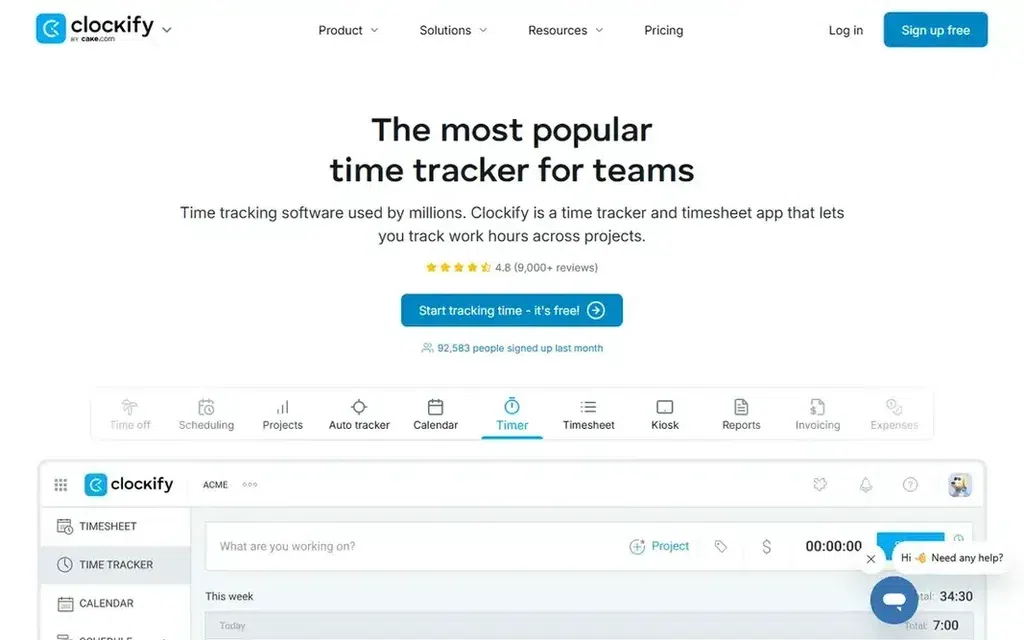
Clockify works best for straightforward project-based hourly tracking. Clockify is a time tracking tool built around a straightforward timer and timesheet app, letting people track work hours across projects.
Drawbacks to consider: GPS and field features are restricted.
Its focus is time logging instead of payroll processing or field crew management, so firms needing deep payroll or GPS oversight may outgrow it. Pricing for Clockify is not stated here, so ask the vendor for current figures. Free access exists with Clockify.
- Straightforward timer and timesheet app
- Tracks work hours across projects
- Lighter on payroll and job costing
In short, Timeero is for GPS and mileage tracking for field crews. Timeero is a GPS time tracking and mileage tracking app.
It tracks employee time, mileage and GPS location in live, runs schedules and displays where everyone is and which job they are working on. Its strength is location and mileage tracking instead of payroll or wide HR functions, so companies wanting an all-in-one operations app may need another tool. Starting cost for Timeero: $5 per user per month. Free access: Free trial.
Drawbacks to consider: Less emphasis on payroll and HR.
- Tracks time
- Mileage and GPS location
- Narrower focus than all-in-one systems
In short, Homebase is for hourly teams with scheduling and payroll. It lets small firms build schedules, track time, run payroll and hire in one place, and it is aimed at managing hourly teams.
It suits restaurants, shops and service firms that juggle shifts and timekeeping together. The starting price for Homebase: $30 per location per month. Homebase includes a free tier.
What users get: payroll and hiring together.
Limits to weigh: Aimed at small firms instead of large businesses.
- Simple app-based setup
- Scheduling
- Breadth may exceed entry-level tracking needs
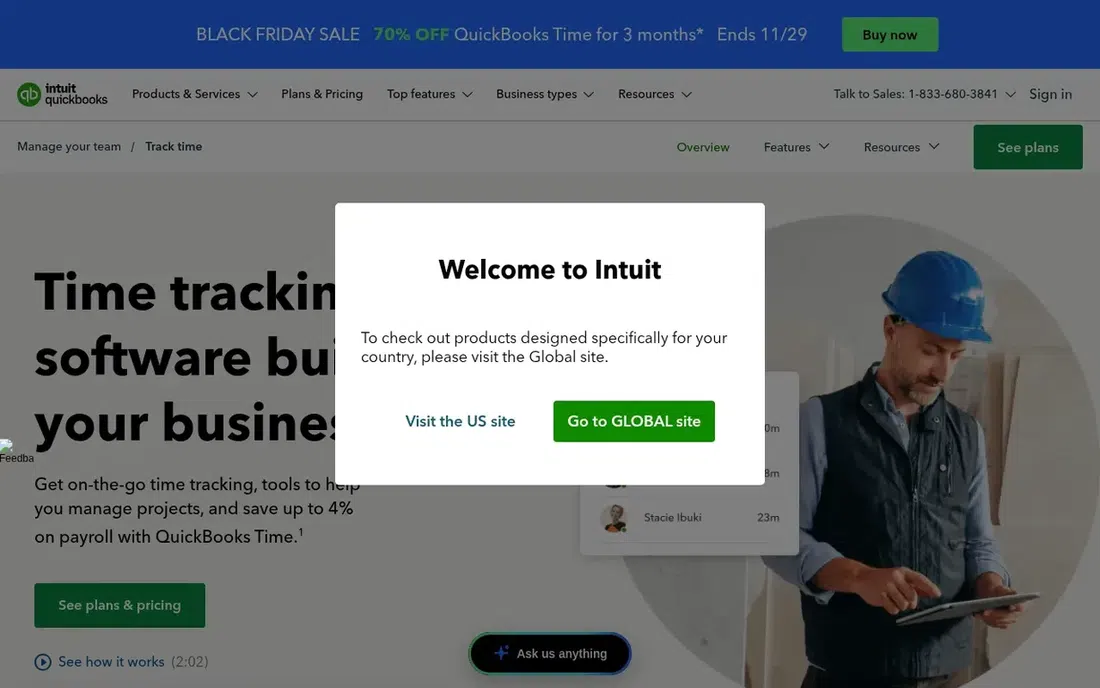
QuickBooks Time is designed for Time, jobs and payroll in one place. Since it leans on the broader Intuit ecosystem, teams using other accounting software may find the connection less natural.
Points against: Tied closely to the Intuit ecosystem.
Also, consider Clockify if project-based timesheets matter more than payroll integration. QuickBooks Time shows no starting price here, so confirm the cost on the vendor site. As for free access: Not stated.
- Jobs and GPS
- Tracks employee time
- May be more than small crews need
Selection criteria
What to confirm before you sign up
- Ask Clockify and QuickBooks Time for a written quote, since no starting price is shown.
- Read the fine print on the free plans from Connecteam, Clockify and Homebase; seat, project and feature caps differ.
- Use real work to test the free trial from Timeero, rather than a demo project.
- Before choosing Connecteam, weigh its main limit: wide feature set may overwhelm straightforward needs.
- Ask Timeero about contract length, onboarding fees and user minimums before you sign.
- Find out whether the entry plan of Connecteam covers your must-haves or only a trimmed-down version.
FAQ
What is the cheapest option for ExakTime in this list?
On published monthly entry prices, Timeero is the lowest here at $5 per user per month. Entry price is only part of the cost, because seats, add-ons and billing terms can change the total.
Which alternative is a good match for field crews?
The first pick on this list is Connecteam, because it suits frontline team scheduling and communication. Clockify is better for straightforward project-based hourly tracking, and Timeero for GPS and mileage tracking for field crews. Check price and limits against your own needs before choosing.
Do these tools publish their prices?
Not all of them. Clockify and QuickBooks Time publish no starting price, so expect a quote request for those. The rest, Connecteam included, show a starting price, though seats and billing terms still change the final cost. Prices, free plan details and limits for all 5 tools in this ExakTime alternatives roundup sit on the individual cards above.
What should I look for in an ExakTime alternative?
Then compare how each tool manages those areas and whether it links to your accounting setup. Tools like QuickBooks Time and Timeero emphasize different strengths, so match the tool to your primary need.
How are the tools for ExakTime ordered?
The order follows typical fit for ExakTime, with Connecteam first and QuickBooks Time last, then price clarity and free access. It is editorial judgement, not a score, so another team could rank the tools differently.
Is Connecteam the right pick for everyone comparing ExakTime?
No single tool suits every team. Connecteam comes first because it fits frontline team scheduling and communication, while Clockify suits simple project-based hourly tracking and Timeero suits GPS and mileage tracking for field crews. Match the tool to your own size, budget and workflow before deciding.
Sources
- https://connecteam.com
- https://clockify.me
- https://timeero.com
- https://joinhomebase.com
- https://quickbooks.intuit.com/time-tracking