Switching From Chaos Corona? 5 Alternatives for 2026
Chaos Corona alternatives: 5 tools compared on price, free plans and fit. Start with KeyShot if you need product design and live visualization. Decide faster.
- Editor's choice
 KeyShot
Product design and live visualization
Starts at$7.92 per monthVisit keyshot.comFull review - Great alternativeRedshift
GPU-accelerated production rendering
Starts atSee websiteVisit maxon.netFull review - Also consider
 V-Ray
Wide product photorealistic rendering
Starts atSee websiteVisit chaos.comFull review
Direct answer
Start with KeyShot if you need product design and real-time visualization. Listed starting prices: KeyShot from $7.92 per month and Lumion from $96 named user per month. For a different need, Redshift covers GPU-accelerated production rendering and V-Ray covers wide product photorealistic rendering. The other 2 tools in the list cover narrower or pricier cases.
TL;DR:
- The list opens with KeyShot, aimed at product design and live visualization.
- The main caution on V-Ray: can be demanding on hardware.
- The cheapest monthly starting price in the list is $7.92 per month, offered by KeyShot.
- Lumion fits architectural live visualization.
- Neither KeyShot nor Lumion, nor any of the other 3 tools, has a permanent free plan; trials and quotes are the norm.
Last checked November 2026. Prices and plan details were read from the vendors' own pages in November 2026; vendors change plans often, so confirm the current price on the vendor site before you buy.
Quick comparison
| Tool | Best for | Starts at | Free plan? | |
|---|---|---|---|---|
| KeyShot | Product design and live visualization | $7.92 per month | Free trial | Visit |
| Redshift | GPU-accelerated production rendering | See website | Not stated | Visit |
| V-Ray | Wide product photorealistic rendering | See website | Not stated | Visit |
| Arnold | Pipeline-driven studios and animation | See website | Not stated | Visit |
 Lumion | Architectural live visualization | $96 named user per month | Free trial | Visit |
Chaos Corona compared in detail
This LinkVetted guide covers 5 options for Chaos Corona. Each profile lists a starting price, free plan details, strengths and drawbacks, so you can drop poor fits quickly.
KeyShot targets product design and live visualization. It suits industrial designers, product marketers and small teams who require quick, attractive visuals without a deep rendering setup.
Honest limits: Focused feature set for product work.
The live approach lets users iterate on materials and lighting rapidly during design reviews. What you pay to start with KeyShot: $7.92 per month. On free options: Free trial.
- Live rendering for quick feedback
- Aimed at product design workflows
- Less suited to large VFX scenes
Redshift
Best for: GPU-accelerated production rendering

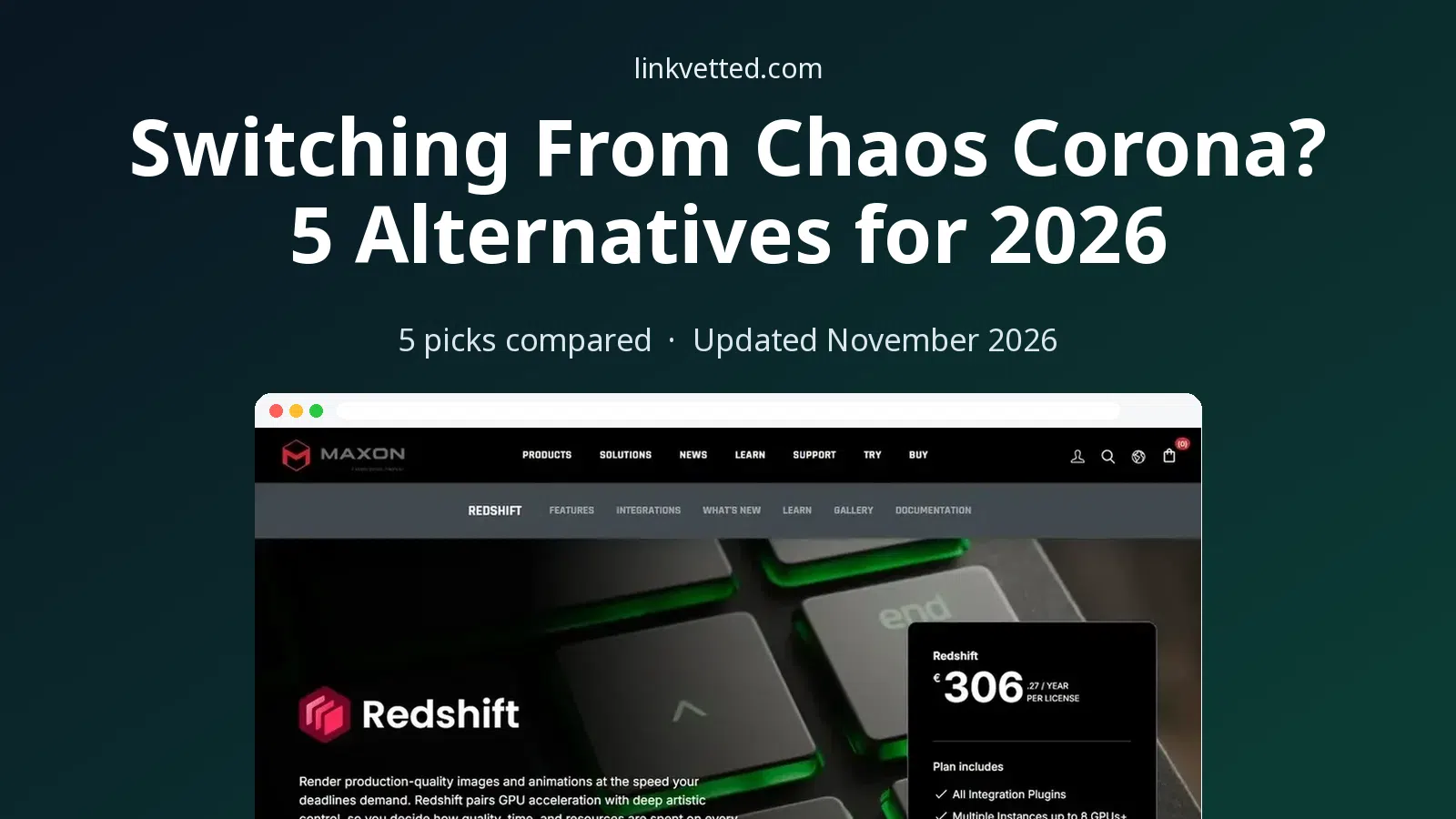
Redshift works best for GPU-accelerated production rendering. Redshift is Maxon's GPU-accelerated renderer, widely used in motion graphics, visualization and production pipelines.
It appeals to artists who want quicker iteration than CPU rendering permits and who work inside typical digital content creation tools. Pricing for Redshift is not stated here, so ask the vendor for current figures. Free plan details: Not stated.
Where it is weaker: Needs capable GPU hardware.
- Suits Maxon and typical DCC pipelines
- Manages production-scale scenes
- Memory limits on very large scenes

Think of V-Ray for wide system photorealistic rendering. If you only render product shots on a single system, a more focused tool may be simpler, but for multi-platform photorealistic work V-Ray is a solid default.
Trade-offs to know: Can be demanding on hardware.
It targets photorealistic results and suits generalist studios, visualization teams and freelancers who want one renderer across multiple host applications. This comparison lists no price for V-Ray; ask the vendor. Trial and free access: Not stated.
- Solid photorealistic output for stills and animation
- Works across plenty of widely used design systems
- Plenty of settings to learn
Arnold
Best for: Pipeline-driven studios and animation
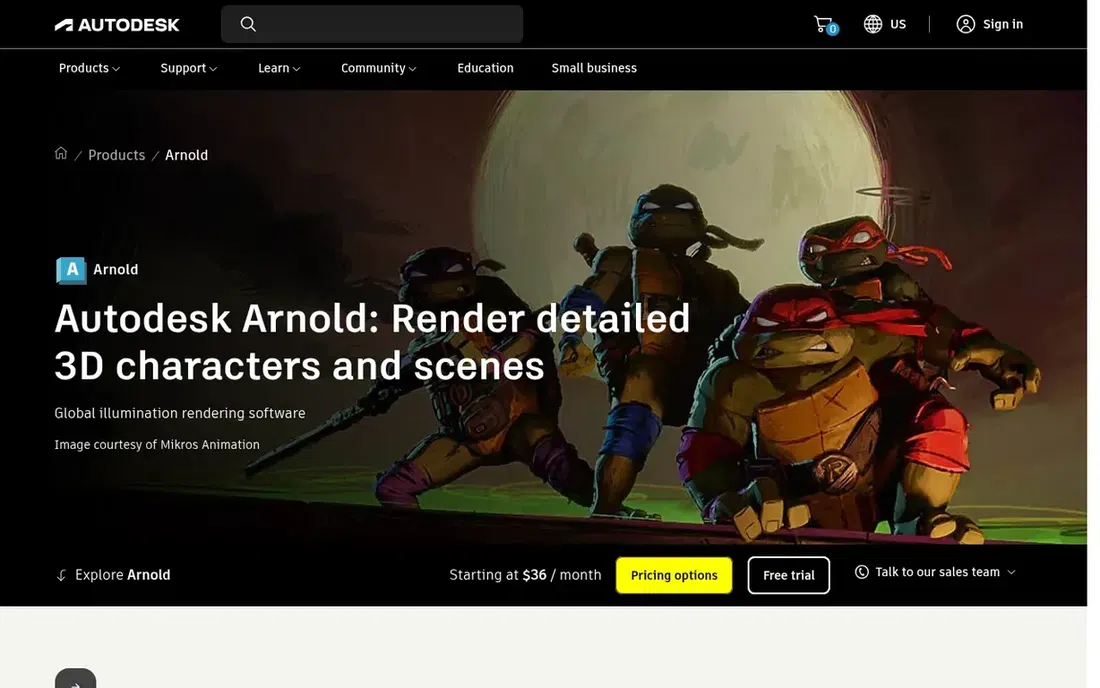
Arnold serves pipeline-driven studios and animation. Arnold is Autodesk's advanced Monte Carlo ray tracing renderer, built around predictable, physically based results.
The main drawbacks: Best value inside Autodesk workflows.
Monte Carlo rendering can be slow on heavy scenes, and the tool rewards users who understand sampling and shading. Choose Arnold when pipeline integration and predictable, physically correct output outweigh speed. This comparison lists no price for Arnold; ask the vendor. Trial and free access: Not stated.
- Monte Carlo ray tracing for predictable results
- Available through Autodesk
- Can be slow on complicated scenes
Where Lumion fits: architectural real-time visualization. Lumion is built around architectural visualization, so studios doing character, product or VFX work will find its focus limiting compared to a general-purpose renderer.
More specifically, Lumion is live 3D rendering software pitched at architects, described as transforming the design workflow from concept to final render with speed, quality and ease. Also, the live workflow supports fast iteration during design development and client presentations. Starting cost for Lumion: $96 named user per month. Trial and free access: Free trial.
Where it falls short: Narrow focus on architectural work.
- Spans concept through final render
- Live rendering for architecture
- Less control for complicated VFX
How we chose
The comparison looks at four things: starting price, free access, how well the feature set matches Chaos Corona, and the main limit of each tool. Where a vendor does not publish a price, the entry says quote. Where a price depends on seats or billing term, the entry says so. The order reflects how well each tool fits the most common buying scenario for Chaos Corona, then price clarity, then free plan access. It is a starting point, not a verdict.
A buyer's checklist
- Get a written quote from Redshift, V-Ray and Arnold; the list shows no starting price for them.
- Take the trial from KeyShot and Lumion and push a live task through it before you pay.
- Before choosing KeyShot, weigh its main limit: less suited to large VFX scenes.
- Total up the real monthly cost of Arnold, including add-ons, extra users and usage-based fees.
- Look at the renewal terms for Redshift: auto-renewal, notice periods and price changes can matter more than the first-year price.
FAQ
Do these tools publish their prices?
Not all of them. Redshift, V-Ray and Arnold publish no starting price, so expect a quote request for those. The rest, KeyShot included, show a starting price, though seats and billing terms still change the final cost.
Can I try these tools before paying?
Often, yes. KeyShot and Lumion offer a free trial. Use your own data and a real task during the test, and check what the free tier or trial limits before you rely on it. For the full picture, the cards above cover all 5 entries of this Chaos Corona alternatives list, including price, free plan and limits.
Is KeyShot the right pick for everyone comparing Chaos Corona?
No single tool suits every team. KeyShot comes first because it fits product design and real-time visualization, while Redshift suits GPU-accelerated production rendering and V-Ray suits broad platform photorealistic rendering. Match the tool to your own size, budget and workflow before deciding.
How are the tools for Chaos Corona ordered?
KeyShot sits first and Lumion last because the order follows typical fit for Chaos Corona, then price clarity and free access. It is a judgement call, so read each profile for fit and limits.
Is a GPU renderer better than a CPU renderer?
GPU renderers like Redshift and Octane can offer faster iteration, but they rely on capable graphics hardware and memory. Beyond that, CPU-based choices may be more practical on modest machines.
Sources
- https://www.keyshot.com
- https://www.maxon.net/en/redshift
- https://www.chaos.com/vray
- https://www.autodesk.com/products/arnold
- https://lumion.com