Best BuiltWith Alternatives in 2026: 8 Tools Compared
Looking for builtwith alternatives? We compare 8 technology lookup and technographic tools for site detection, lead list, APIs and free lookups for sales teams.

- Editor's choice
 Wappalyzer
Real-time tech detection
Starts at$250 per monthVisit wappalyzer.comFull review - Great alternative
 Similarweb
Tech plus traffic intelligence
Starts at$99 per monthVisit similarweb.comFull review - Also consider
 WhatRuns
Free browser lookups
Starts atFreeVisit whatruns.comFull review
TL;DR:
- Wappalyzer is the best overall swap, with a free extension, real-time detection and a strong API.
- WhatRuns and WhatCMS are the best free or cheap options for one-off site checks.
- Similarweb suits sales teams that want technology data plus traffic and company intelligence.
- NerdyData and TechnologyChecker suit prospecting teams that need bulk lists and exports.
- BuiltWith still leads on historical depth, so pick an alternative based on your job, not on database size alone.
Quick comparison
| Tool | Best for | Starts at | Free plan? | |
|---|---|---|---|---|
| Wappalyzer | Real-time tech detection | $250 per month | Yes | Visit |
| Similarweb | Tech plus traffic intelligence | $99 per month | Free trial | Visit |
| WhatRuns | Free browser lookups | Free | Yes | Visit |
 NerdyData | Code-level site search | $200 per month | Free trial | Visit |
 TechnologyChecker | Bulk lookups with export | $89 per month | Yes | Visit |
 WhatCMS | CMS detection and API | $20 per month | Yes | Visit |
 TAMI | Tech lists plus contacts | $77 per user per month | Free trial | Visit |
 Store Leads | Ecommerce store lists | $75 per month | Free trial | Visit |
The best builtwith alternatives
BuiltWith identifies the technologies a website runs and builds lead lists from that data. The tools below cover the same job, from free browser extensions to full sales intelligence platforms.
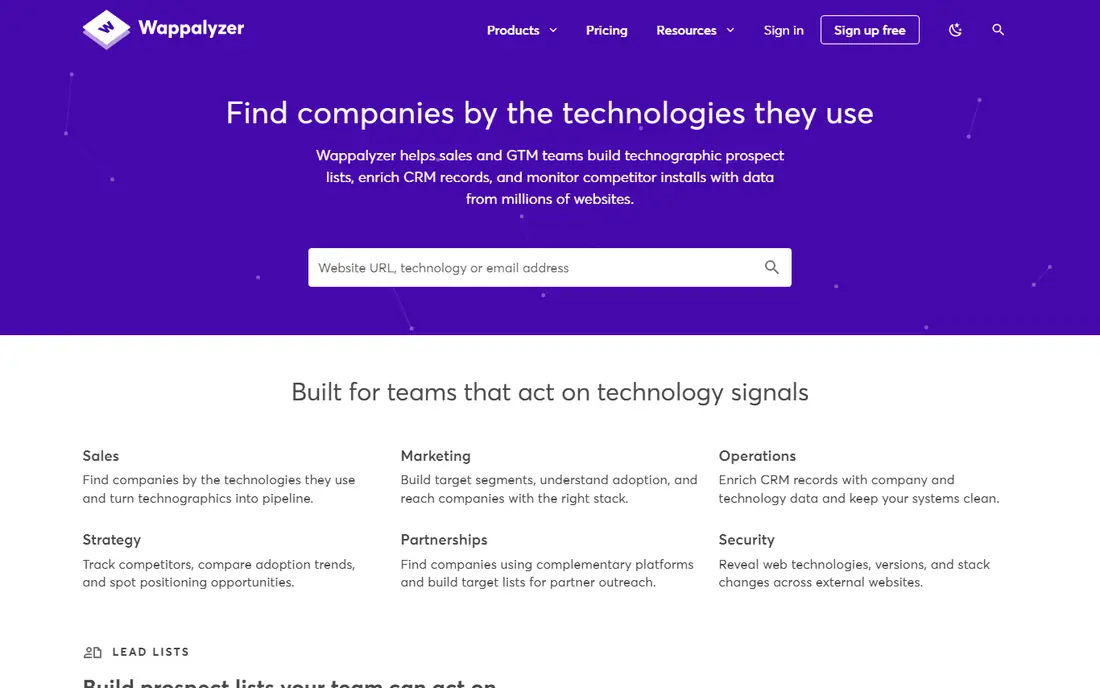
Wappalyzer is the best overall BuiltWith alternative for most users. Its free browser extension detects technologies in real time as you browse, which catches JavaScript frameworks that server-side scanners can miss. A free account includes 50 lookups a month, and Pro starts at $250 a month with 5,000 lookups, while Business starts at $450 a month.
The main drawback is API credit expiry: credits expire after 60 days, which penalizes teams that use the tool in bursts. Company details and contacts are also included, though they are not as deep as a dedicated contact database. For day-to-day site checks plus API work, Wappalyzer is the tool we recommend first.
- Free extension with 50 lookups a month
- Detects tech as pages render
- Strong API for bulk work
- Pro pricing starts at $250 a month
- API credits expire after 60 days
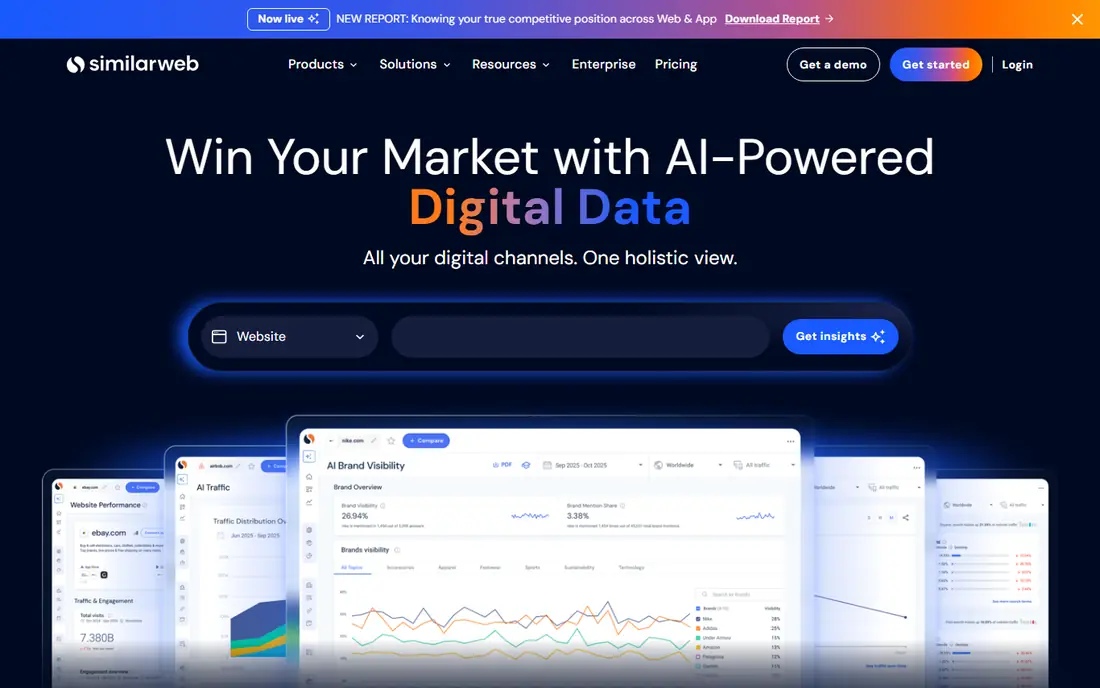
Similarweb, which absorbed SimilarTech, suits sales teams that want more than a technology list. Its Sales Intelligence plan starts at $99 a month billed annually, or $129 month to month, and pairs technology detection with traffic estimates, company data and contact details by credit. That combination helps prioritize prospects by both stack and scale.
Pure technologists may find the technology features less focused than Wappalyzer or BuiltWith, and higher tiers are quote-based. If your goal is prospecting rather than one-off lookups, Similarweb gives you traffic context that other tools here do not.
- Technology data plus traffic and company insights
- Sales Intelligence starts at $99 a month annually
- Large data platform
- Technology features are part of a broader suite
- Standalone tech detection is less focused than Wappalyzer
WhatRuns is the best free option for individual site checks. Its browser extension identifies technologies, fonts, WordPress themes and plugins at no cost, and a Premium tier is reported at $9 a month for extra features. For a developer, marketer or researcher checking one site at a time, it is all you need.
It has no API, no bulk lookup and no lead lists, so sales teams will outgrow it fast. Think of WhatRuns as a pocket tool: excellent for quick answers, not a prospecting platform. Pair it with a contact tool if you need to act on what you find.
- Completely free extension
- Detects fonts, themes and WordPress details
- Simple one-click checks
- No API or bulk export
- Browser only, with no database or lead lists
NerdyData takes a different approach: it indexes website source code, so you can search for specific code snippets, scripts and technologies across millions of sites. That makes it useful for finding sites running a particular payment script, analytics tag or framework version, not just a broad category. Entry pricing starts at $200 a month, with a Pro tier at $300 a month.
Row caps limit how much you can download per plan, and the interface favors users comfortable with code search. For prospecting teams that need precise, code-level targeting, NerdyData offers something Wappalyzer and BuiltWith do not.
- Searches website source code directly
- Useful for finding specific snippets
- Row-based exports
- Row caps per download
- Interface favors technical users
TechnologyChecker is a strong mid-price option for teams that need bulk lookups without paying BuiltWith prices. Its free tier includes 100 lookups a month with CSV export, which is more generous than most rivals, and Pro starts at $89 a month. It also claims a long historical dataset for tracking when sites adopt or drop technologies.
Contact data is thinner than on sales intelligence platforms, so you may need a second tool for outreach. For competitive tracking and list building on a budget, TechnologyChecker offers excellent value.
- Free tier with 100 lookups a month and CSV export
- Pro at $89 a month
- Long historical dataset
- Smaller brand than Wappalyzer
- Contact data is thinner
WhatCMS does one job well: identifying the content management system behind a website. Its free tier covers 500 detections a month, and paid API plans start at $20 a month for 10,000 detections, scaling up to $800 a month for a million. That makes it cheap for developers and agencies that need CMS checks inside their own tools.
It does not detect full technology stacks, so it cannot replace BuiltWith on its own. Use WhatCMS when CMS identification is the specific question, and pair it with Wappalyzer for broader stack detection.
- 500 free detections a month
- API plans from $20 a month
- Focused CMS identification
- CMS only, not full stack detection
- Higher API tiers rise steeply
TAMI combines technographic data with contact intelligence, which closes the gap most pure detection tools leave open. Growth pricing starts at $77 per user per month billed monthly, with a 7-day free trial that includes export and mobile credits. It scans hundreds of millions of websites and pairs technology filters with checked decision-maker emails and phone numbers.
As a newer brand, its coverage and accuracy vary by market, so test it against your target segment before committing. For sales teams that want to go from technology list to outreach list in one tool, TAMI is a practical alternative.
- Technology lists plus verified decision-maker contacts
- 7-day free trial
- Per-user pricing
- Newer brand
- Contact coverage varies by market
Store Leads is the specialist pick for ecommerce prospecting. It tracks more than 14 million active stores across 415 ecommerce platforms, with Premium pricing from $75 a month, Pro at $250 and Elite at $450. Filters by platform, apps and store details make it easy to build lists of Shopify, WooCommerce or Magento stores.
It only covers ecommerce, so it cannot replace BuiltWith for general websites. For agencies, app developers and service providers selling to online stores, Store Leads is more focused and cheaper than a general technographic database.
- 14 million-plus active stores tracked
- Premium from $75 a month
- Ecommerce platform filters
- Ecommerce only
- No general website technology detection
How we picked these
We compared official pricing pages, feature documentation and recent independent comparisons of technology detection tools. We required current availability, real site detection or technographic data, and a free tier, trial or published price. We favored tools that cover different jobs, from free one-off checks to bulk prospecting, rather than listing eight near-identical databases.
What to check before you switch tech lookup tools
Start with the question you actually ask. If you check one site at a time, a free extension such as Wappalyzer or WhatRuns is enough. If you build lead lists, you need bulk lookup, exports and API access, which means Wappalyzer Pro, TechnologyChecker or TAMI. If you sell to online stores, Store Leads beats general tools.
Next, test detection accuracy on sites you know well, including JavaScript-heavy pages, since post-render detection catches frameworks that server scans miss. Check export limits, API credit expiry and contact data quality, and confirm whether historical data matters: BuiltWith still leads there, and few alternatives match its depth.
Finally, consider pairing tools instead of hunting for one perfect database. A free extension can handle daily checks, a bulk tool can build lists, and a contact database can supply outreach details. That combination often costs less than a single premium plan and gives you a backup when one source has a gap in your niche.
FAQ
Is there a free BuiltWith alternative?
Yes. Wappalyzer offers a free extension with 50 lookups a month, WhatRuns is free for browser checks, and TechnologyChecker offers 100 free lookups a month with CSV export. BuiltWith itself also offers free individual site lookups.
What is the best BuiltWith alternative for sales teams?
Wappalyzer Pro suits teams that need detection plus an API, while TAMI and Similarweb suit teams that want contacts and company data alongside technology filters. Store Leads is best for ecommerce-only prospecting.
Can I get an API for technology detection?
Yes. Wappalyzer, TechnologyChecker, WhatCMS and TAMI all offer API access, though entry tiers and credit rules differ. Check credit expiry and rate limits before building a workflow on an API.
How accurate is technology detection?
Accuracy varies by tool and site type. Browser-based tools that detect after a page renders tend to catch modern JavaScript frameworks better, while server-side scanners can miss them. Test each tool on sites you already know before trusting it for prospecting.
Does BuiltWith still offer historical data?
Yes, BuiltWith is known for historical technology adoption data across a very large domain database. If tracking when competitors adopted or dropped a technology is your main job, few alternatives match that depth.