Choosing Workflow Automation Tools for Finance Teams in 2026: 5 Options Compared
5 best workflow automation tools for finance teams, compared on pricing, free plans and best-fit use. Every profile names its biggest catch. Facts only.
- Editor's choice
 Brex
Cards, banking and expense automation
Starts at$12 per user a monthVisit brex.comFull review - Great alternativeBill.com
AP, AR and expense operations
Starts at$49 per user a monthVisit bill.comFull review - Also consider
 Tipalti
Accounts payable and mass payments
Starts at$99 a monthVisit tipalti.comFull review
Direct answer
Brex is the first pick on this list for cards, banking and expense automation. Listed starting prices: Brex from $12 per user a month, Bill.com from $49 per user a month and Tipalti from $99 a month. Look at Bill.com for AP, AR and expense operations, and at Tipalti for accounts payable and mass payments. Prices, free plans and limits for all 5 tools follow.
TL;DR:
- This list starts with Brex, which is built for cards, banking and expense automation.
- Check the limits for Bill.com before you commit: not a full accounting system.
- 3 of 5 tools offer a free plan: Brex, Bill.com, Ramp.
- Ramp suits spend control with corporate cards.
Last checked November 2026. Prices and plan details were read from the vendors' own pages in November 2026; vendors change plans often, so confirm the current price on the vendor site before you buy.
Quick comparison
| Tool | Best for | Starts at | Free plan? | |
|---|---|---|---|---|
| Brex | Cards, banking and expense automation | $12 per user a month | Yes | Visit |
| Bill.com | AP, AR and expense operations | $49 per user a month | Yes | Visit |
| Tipalti | Accounts payable and mass payments | $99 a month | No | Visit |
 NetSuite | Unified ERP and accounting automation | See website | Not stated | Visit |
 Ramp | Spend control with corporate cards | $15 per user a month | Yes | Visit |
Tool-by-tool breakdown
If you are comparing workflow automation tools for finance teams, this page covers 5 tools in one place: what each is best for, what it costs to start, whether it has a free plan, and the main limit to know about.
Think of Brex for cards, banking and expense automation. Accounting stays in your ERP.
Brex is a modern finance software product that merges company cards with banking and expense management. Teams should confirm banking features and workflow fit against their own processes before deciding. On cost, Brex starts like this: $12 per user per month. Free access exists with Brex.
Points against: Card and banking focus may not handle full AP depth.
- Expense management automation focus
- Aims to ease finance processes
- Needs review of banking and card needs
Bill.com
Best for: AP, AR and expense operations
Bill.com targets AP, AR and expense operations. BILL is a financial operations system for businesses and businesses, including accounts payable, accounts receivable and spend and expense. Also, teams wanting a single ERP for finance and inventory should consider NetSuite.
Finance teams can produce and pay bills, handle expenses and control budgets in one place. BILL supports financial operations instead of replacing core accounting, so ledger work stays in your accounting system. What you pay to start with Bill.com: $49 per user per month. Free access exists with Bill.com.
What Bill.com does well: AR and spend and expense. Drawbacks to consider: Several modules may need setup time.
- Spans AP
- Budget controls alongside payments
- Not a full accounting system
Tipalti is designed for accounts payable and mass payments. Tipalti is finance automation software that merges accounts payable, mass payments, procurement, expenses and treasury in one connected system.
Trade-offs to know: Overlaps with card tools on expenses.
If your priority is corporate cards and daily spend control, Ramp or Brex may fit better. Worth adding: teams should map payment volume and supplier onboarding before choosing. Entry price for Tipalti: $99 per month. Tipalti has no permanent free option.
- Expenses and treasury
- One connected product for payables work
- Focused on payables instead of full accounting
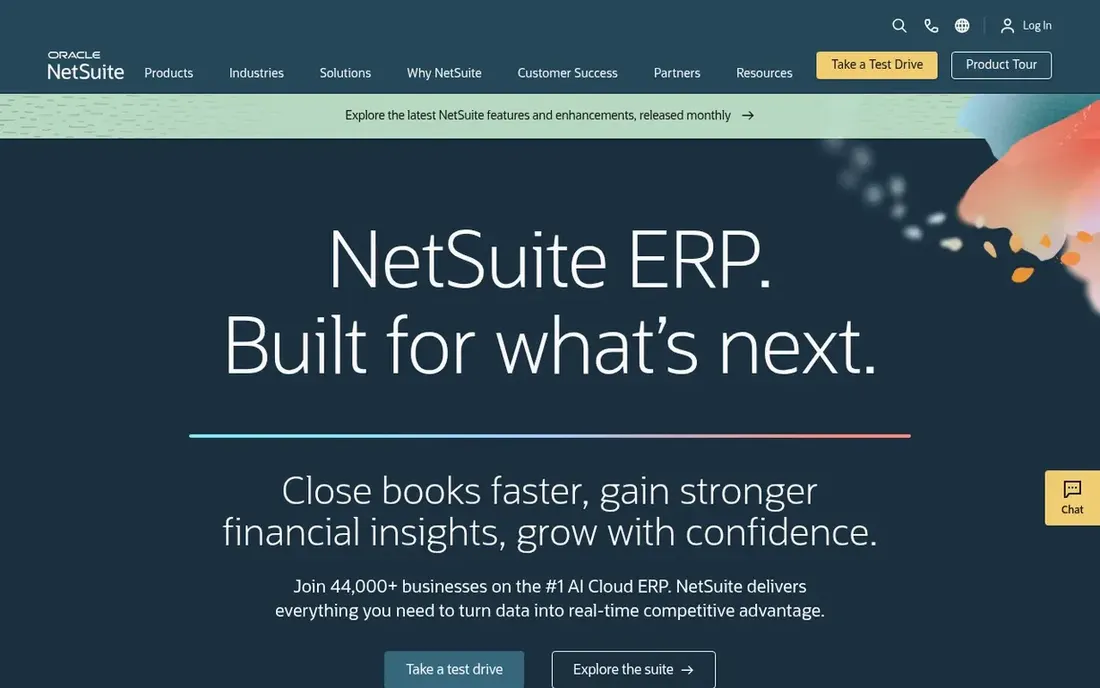
In short, NetSuite is for unified ERP and accounting automation. If your central need is only accounts payable or card spend, a focused tool like Tipalti or Ramp may be a more straightforward fit. For everyday use, NetSuite is a cloud ERP that brings financials, CRM, accounting and inventory management together with built-in AI.
Since it is a full ERP, the scope can be more than a small finance team needs just for workflow automation. For everyday use, teams that expect to grow across finance and operations commonly look here first. Check the vendor site for NetSuite pricing; none is listed in this comparison. Trial and free access: Not stated.
What users get: Wide cloud ERP coverage in one system. Where it falls short: Wide scope can be heavy for small teams.
- Built-in AI to ease work and turn data into action
- Merges financials, CRM
- Full ERP setup needs planning
Ramp makes the most sense for spend control with corporate cards. It suits finance teams that want to control employee spending at the point of purchase whereas automating expense review and payable workflows.
The main drawbacks: Accounting depth comes from integrations.
It is often chosen by teams modernizing card and expense processes together. Ramp pricing: $15 per user per month. Ramp includes a free tier.
- Travel
- Expenses and AP in one system
- Card-centric approach may not suit every team
How we chose
LinkVetted looked at what each vendor publishes: pricing, plan limits, feature coverage for workflow automation tools for finance teams and stated drawbacks. No hands-on testing is claimed. Treat prices as a snapshot: vendors change plans often, so check the vendor site for the figure that applies today. The order reflects how well each tool fits the most common buying scenario for workflow automation tools for finance teams, then price clarity, then free plan access. It is a starting point, not a verdict.
What to confirm before you sign up
- Ask NetSuite for a written quote, since no starting price is shown.
- Read the fine print on the free plans from Brex, Bill.com and Ramp; seat, project and feature caps differ.
- Before choosing Brex, weigh its main limit: card and banking focus may not handle full AP depth.
- Make sure Brex lets you export your data in a format another tool can read.
- Run a one or two week pilot of Tipalti with the people who will use it every day.
FAQ
What is the cheapest option for workflow automation tools for finance teams in this list?
On published monthly entry prices, Brex is the lowest here at $12 per user per month. Entry price is only part of the cost, because seats, add-ons and billing terms can change the total. Prices, free plan details and limits for all 5 tools in this workflow automation tools for finance teams roundup sit on the individual cards above.
Can I try these tools before paying?
Often, yes. Brex, Bill.com and Ramp have a free plan. Use your own data and a real task during the test, and check what the free tier or trial limits before you rely on it.
Which options for workflow automation tools for finance teams have a free plan?
Brex, Bill.com and Ramp offer a free plan in this list. Free plans usually cap users, projects or features, so check the limits on the vendor page.
Do these tools publish their prices?
Not all of them. NetSuite publishes no starting price, so expect a quote request for it. The rest, Brex included, show a starting price, though seats and billing terms still change the final cost.
Sources
- https://www.brex.com
- https://www.bill.com
- https://tipalti.com
- https://www.netsuite.com
- https://ramp.com