Best Workflow Automation Software for Teams in 2026: 9 Tools Compared
Compare the best workflow automation software for teams in 2026, with no code, visual and developer friendly tools for approvals and routine work in detail.
- Editor's choice
 Zapier
Non technical teams, widest app coverage
Starts at$19.99 per monthVisit zapier.comFull review - Great alternative
 Make
Visual multi step workflows on a budget
Starts at$9 per monthVisit make.comFull review - Also consider
 n8n
Technical teams, self hosting, AI workflows
Starts at$20 per monthVisit n8n.ioFull review
TL;DR:
- Zapier is the easiest start for non technical teams, Make offers better visual logic at a lower price, and n8n wins for technical teams and high volume.
- Pricing models differ sharply: Zapier bills per task, Make per operation, and n8n per execution or self hosted, so compare cost at your real volume.
- Microsoft Power Automate is the natural pick for Microsoft 365 shops, while Asana, Monday, and ClickUp suit teams that want automation inside project work.
- Start with one painful, repeatable workflow, measure time saved, and only then expand to team wide automation.
Quick comparison
| Tool | Best for | Starts at | Free plan? | |
|---|---|---|---|---|
| Zapier | Non technical teams, widest app coverage | $19.99 per month | Yes | Visit |
| Make | Visual multi step workflows on a budget | $9 per month | Yes | Visit |
| n8n | Technical teams, self hosting, AI workflows | $20 per month | Yes | Visit |
 Microsoft Power Automate | Microsoft 365 teams | $15 per user per month | Free trial | Visit |
 Asana | Cross functional project workflows | $10.99 per user per month | Yes | Visit |
 Monday.com | Standardised team processes | $9 per user per month | Yes | Visit |
 ClickUp | All in one team workspace | $7 per user per month | Yes | Visit |
 Smartsheet | Spreadsheet style operational workflows | $9 per user per month | No | Visit |
 Pipedream | Developer friendly custom workflows | See website | Yes | Visit |
The best workflow automation software for teams
Workflow automation software for teams connects apps, moves data, and runs approvals without manual copy and paste, and the best workflow automation tools for teams differ in how technical they expect you to be. We compared official pricing pages, feature documentation, and public reviews, and we focused on tools that are still sold and supported in 2026.
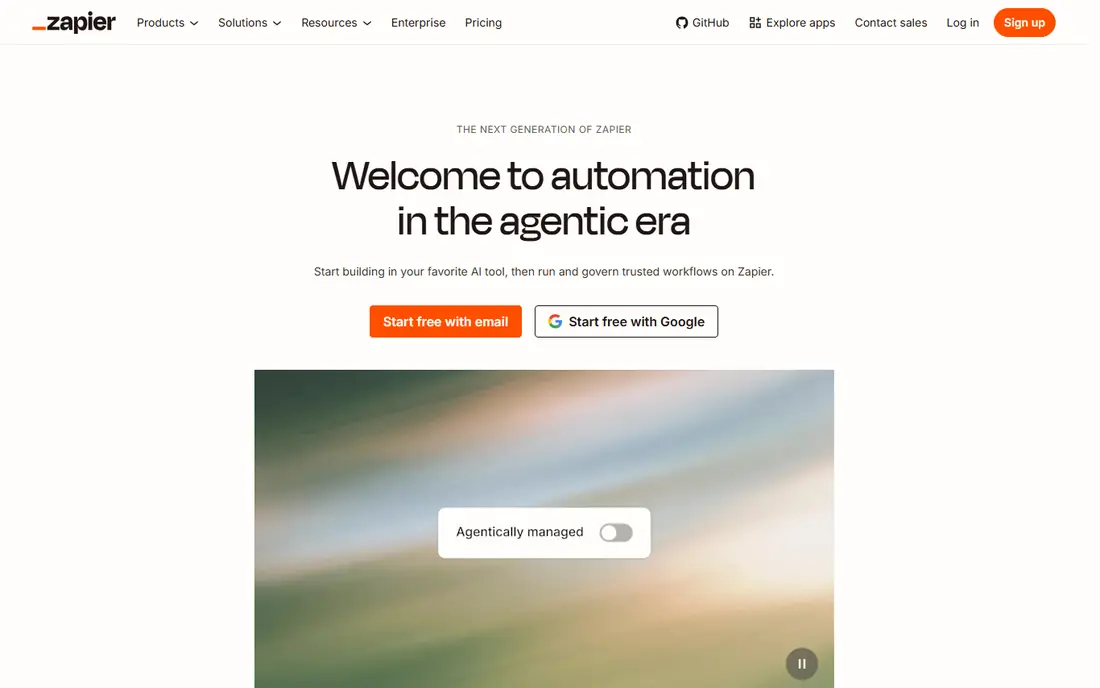
Zapier is the tool most teams try first, and for good reason. It connects thousands of apps with simple trigger and action steps, so a team can link a form to a spreadsheet, a CRM, and Slack in an afternoon without code. The free plan covers 100 tasks per month, and paid plans start at $19.99 per month in recent published pricing. That simplicity is why non technical teams adopt it fast.
The catch is scale. Zapier bills per task, and every action in a workflow counts, so a ten step workflow running 1,000 times a month burns 10,000 tasks. High volume teams often find the bill rising to several hundred dollars a month. For modest volumes and simple workflows, Zapier remains our pick for most people. For heavy volume, look at Make or n8n.
- Largest app catalogue, reported at 6,000 to 8,000 apps
- Easiest setup for simple workflows
- Free plan for 100 tasks per month
- Task based pricing gets expensive at scale
- Complex branching is weaker than Make or n8n

Make, formerly Integromat, gives teams a visual canvas where workflows branch, filter, and loop in a way that is easy to read and debug. It bills per operation rather than per task, and paid plans start at $9 per month in recent published pricing, with a free plan offering 1,000 operations per month. That model makes multi step logic far cheaper than on Zapier at the same volume.
The trade off is app coverage. Make supports around 1,500 to 2,000 apps, which is plenty for common tools but smaller than Zapier. Some niche apps may need a custom HTTP step. For teams that want real logic, visual debugging, and a lower bill, Make is the best value in this list.
- Visual canvas with branching and routers
- Lower cost per operation than Zapier
- Free plan with 1,000 operations per month
- Smaller app catalogue than Zapier
- Learning curve for complex scenarios
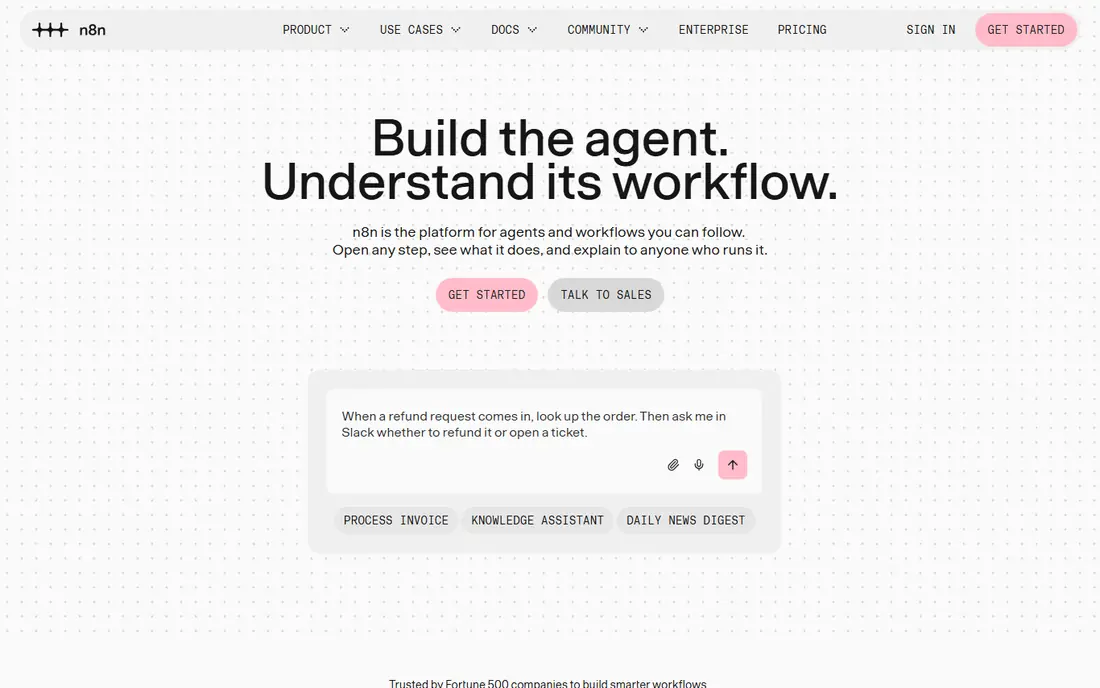
n8n is the power tool for technical teams. It is open source, can be self hosted for free with unlimited executions, and its cloud plans start at $20 per month in recent published pricing, with some reports citing 24 euros per month depending on region. It supports code nodes, HTTP calls, and AI agent workflows, which makes it the strongest choice for teams building AI assisted processes or handling sensitive data in house.
The weakness is skill. n8n expects someone on the team to understand APIs, data formats, and error handling, and self hosting adds updates, backups, and security work. Non technical teams will find Zapier or Make faster to adopt. For engineering led teams, or teams with high volume and strict data control needs, n8n is hard to beat on cost and control.
- Open source and self hostable with unlimited executions
- Strong AI and code nodes
- Cloud from $20 per month
- Needs technical skill to run well
- Self hosting adds maintenance work
Microsoft Power Automate is the natural automation tool for teams already paying for Microsoft 365, because it connects Outlook, Teams, SharePoint, Excel, and Dynamics with little setup. It offers cloud flows for app to app work and desktop flows for older Windows applications, plus built in approvals that route a request to a manager with one click. Paid plans are reported from $15 per user per month billed yearly.
The catch is licensing complexity. The right plan depends on your existing Microsoft agreement, and some premium connectors need a higher tier. Teams outside the Microsoft world will get better value from Zapier or Make. Inside Microsoft 365, Power Automate is the obvious and often cheapest choice.
- Deep Microsoft 365 and Teams integration
- Desktop flows for legacy apps
- Approvals built in
- Best value only inside Microsoft licensing
- Complex flows can feel fiddly
Asana is project software with useful workflow automation built in, rather than a general integration platform. Teams can set rules that assign tasks, move them between sections, set due dates, and notify owners when a custom field changes, which cuts the manual chasing that fills many team days. It offers a free plan for up to 10 users, with paid plans from $10.99 per user per month.
The limit is scope. Asana automation works best inside Asana, and it will not replace Zapier for connecting unrelated apps. For teams that already run campaigns, product launches, or operations in Asana, its rules are enough for most day to day automation. For cross app workflows, pair Asana with Zapier, Make, or n8n.
- Automation rules inside project work
- Free for up to 10 users
- Strong cross team visibility
- Automation is tied to Asana tasks, not general app integration
- Advanced rules need higher tiers
Monday.com helps teams standardise processes on visual boards, with automations that move items, notify people, set dates, and create subitems when a status changes. That board plus automation model suits operations, marketing, and HR teams that want a shared process without building a custom system. Paid plans start at $9 per user per month, with a free plan for up to 2 users.
Automation limits are the catch. The number of automation actions per month depends on your tier, and a busy team can hit that ceiling. Check the automation allowance for your plan before you build dozens of rules. For teams that want process visibility plus light automation in one place, Monday.com is a friendly choice.
- Visual boards with automations
- Free for up to 2 users
- Templates for common team processes
- Automation limits vary by tier
- Per user pricing adds up for large teams
ClickUp packs tasks, documents, goals, chat, and automation into one workspace, which appeals to small and mid sized teams that want fewer tools. Its automations can assign, change status, set priorities, and trigger actions across lists, and paid plans start at $7 per user per month. A free plan lets a team test the workspace before paying.
The trade off is focus. ClickUp does many things well, but it does not match Zapier, Make, or n8n for cross app integration depth, and its breadth can overwhelm new users. Teams that want one workspace for most team work, with solid automation inside it, will like ClickUp. Teams that need deep integration logic should add a dedicated automation tool.
- Tasks, docs, goals, and automation in one workspace
- Free plan available
- Low entry price
- Feature breadth can feel overwhelming at first
- Automation depth is lighter than dedicated tools
Smartsheet suits operations teams that think in spreadsheets but need automation, approvals, and reporting on top. Rows can trigger alerts, approval requests, and status updates, and dashboards roll up progress across sheets. Paid plans start at $9 per user per month in recent published pricing, with a trial available.
The limit is style. Smartsheet is less visual and less flexible for creative project work than Asana, Monday, or ClickUp, and it has no free plan. For operations, finance, and programme teams that live in grids and need reliable approval workflows, Smartsheet is a practical and proven choice.
- Familiar spreadsheet grid
- Automated alerts, approvals, and reminders
- Good for operations teams
- No free plan
- Less suited to creative project work than Asana or Monday
Pipedream is built for developers who want to write custom workflow code without managing servers. It offers components for thousands of apps, plus code steps in Node.js and Python, triggers, and scheduled workflows. A free tier covers up to 100 daily invocations in recent reports, which is enough for small internal tools and prototypes.
The weakness for general teams is skill. Pipedream is not a drag and drop tool for non technical staff, and its interface assumes comfort with code and APIs. For engineering teams that need custom logic, data transforms, or webhook handling that no code tools struggle with, Pipedream is a flexible and affordable option.
- Code first workflows with Node.js and Python
- Free tier for low volume
- Huge app component library
- Needs coding skill
- Less friendly for non technical teams
How we picked these
We compared official pricing pages, feature documentation, and public reviews, and we kept tools with real team automation features such as triggers, rules, approvals, or cross app workflows. Where pricing is published, we used the vendor figure or a recent published report and noted the billing basis. Where pricing is quote based or varies by region, we said so. We did not claim hands on testing, and we did not invent task or operation counts.
How to choose workflow automation software for teams
Start with the workflow, not the tool. Pick one repeatable process that wastes time today, such as lead routing, expense approvals, or onboarding checklists, and map its steps, owners, and exceptions. Then test that exact workflow in two tools, and measure setup time, failure handling, and monthly cost at your real volume. A tool that handles errors clearly, with run history and alerts, will save more time than a tool that only works when every input is perfect.
Cost at scale and governance
Compare cost at three volumes: today, double today, and ten times today. Zapier looks cheap at low volume and expensive at high volume, while n8n self hosted looks cheap at high volume but adds maintenance cost. Also decide who can build and edit workflows, how changes are reviewed, and how sensitive data is handled. A small set of approved builders with shared documentation beats a sprawl of personal automations that no one can debug when the owner leaves.
FAQ
What is the best workflow automation software for teams?
Zapier is best for non technical teams that want the widest app coverage and fastest setup. Make is best for visual, multi step logic on a budget. n8n is best for technical teams, high volume, and self hosting. Microsoft Power Automate is best for Microsoft 365 shops. The right pick depends on team skill and volume.
How much does workflow automation software cost?
Entry prices in recent published pricing include Zapier from $19.99 per month, Make from $9, n8n cloud from $20, Power Automate from $15 per user per month, Asana from $10.99 per user, Monday from $9 per user, ClickUp from $7 per user, and Smartsheet from $9 per user. Always compare cost at your real task or operation volume, since billing models differ.
What is the difference between Zapier, Make, and n8n?
Zapier is simplest and has the most apps, but bills per task. Make offers visual branching and bills per operation at a lower unit cost. n8n is open source, self hostable, and strongest for code and AI workflows, but needs technical skill. All three can automate team workflows, and the best choice depends on complexity and volume.
Can non technical teams use workflow automation tools?
Yes. Zapier, Make, Asana, Monday, and ClickUp are all designed for non technical users, with templates and visual builders. Start with a template for a common workflow, test it with real data, and expand slowly. Dedicated developer tools such as n8n and Pipedream are better left to technical staff.
Do workflow automation tools replace project management software?
No, they usually work alongside it. Tools such as Asana, Monday, and ClickUp include automation inside project work, while Zapier, Make, and n8n connect project tools to other apps. Most teams use both: project software for the work itself, and an automation platform for cross app flows.