Best VoIP Service in 2026: 8 Services Compared
We compared the best voip service options for teams, checking calling, texting, video, pricing and support to help you choose with confidence before you sign.
- Editor's choice
 RingCentral
Growing teams needing calling, video and messaging in one place
Starts at$20 per user per monthVisit ringcentral.comFull review - Great alternative
 Zoom Phone
Teams already using Zoom for meetings
Starts at$10.50 per user per monthVisit zoom.usFull review - Also consider
 Vonage
Mobile-first small teams
Starts at$19.99 per line per monthVisit vonage.comFull review
TL;DR:
- RingCentral gives the broadest mix of calling, video, messaging and integrations for a growing team, but its text limits on the entry plan need a close look.
- Zoom Phone is a strong low-cost start for teams that already use Zoom, with a metered plan for light callers.
- Grasshopper and Google Voice suit solo workers and very small teams that want a simple business number without a full phone system.
Quick comparison
| Tool | Best for | Starts at | Free plan? | |
|---|---|---|---|---|
| RingCentral | Growing teams needing calling, video and messaging in one place | $20 per user per month | Free trial | Visit |
| Zoom Phone | Teams already using Zoom for meetings | $10.50 per user per month | Free trial | Visit |
| Vonage | Mobile-first small teams | $19.99 per line per month | No | Visit |
 Ooma Office | Small offices wanting clear monthly pricing | $19.95 per user per month | No | Visit |
 Nextiva | Customer-facing teams that need context on every call | $15 per user per month | No | Visit |
 Dialpad | Teams that want AI transcripts and summaries on every plan | $15 per user per month | Free trial | Visit |
 Grasshopper | Solo workers who need a business number fast | $14 per month | Free trial | Visit |
 Google Voice | Google Workspace teams needing a simple business line | $10 per user per month | No | Visit |
The best voip service options
We compared official feature pages, pricing pages and app store listings for the best voip services, the best voip company choices for small business, and the best voip service provider options for teams that call, text and meet in one place. Our pick for most teams is RingCentral for breadth, with Zoom Phone as the value pick for light callers and Grasshopper as the simplest pick for a solo worker.
RingCentral
Best for: Growing teams needing calling, video and messaging in one place
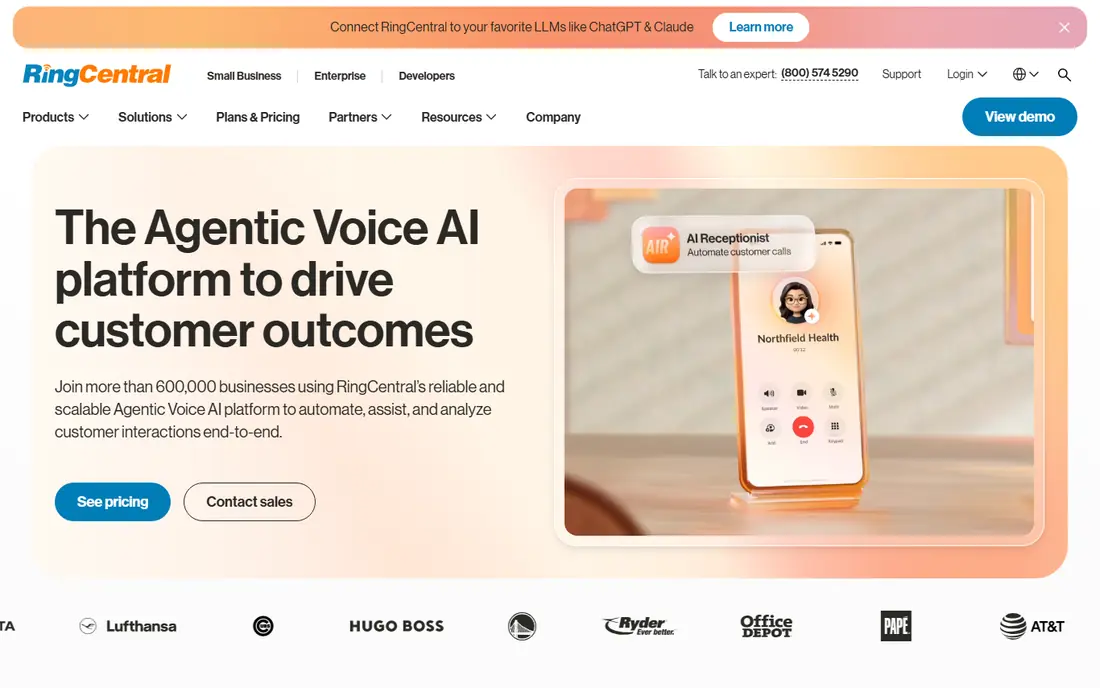
RingCentral is the most complete pick on this list for a team that expects to grow. It combines voice calls, team messaging, video meetings and fax in one system, and its app gallery covers many common business tools. That breadth matters when a team does not want to stitch together three separate tools for calls, meetings and messages. The Core plan, at $20 per user per month billed annually, includes unlimited domestic calling and on-demand call recording, plus a set number of toll-free minutes and texts each month.
The catch is that the entry plan is not unlimited in every direction. Texts are capped at a modest monthly amount per user on Core, and automatic call recording and CRM integrations sit on higher plans. If your team sends many texts or relies on a CRM screen pop, budget for Advanced at $25 per user per month billed annually. For a team that needs depth, reporting and room to add users and locations, RingCentral still earns the top spot, but check the text and recording limits before you commit.
- Broad feature set
- Many integrations
- Video meetings included
- Strong admin controls
- Entry plan limits texts
- Higher tiers needed for CRM links and automatic recording
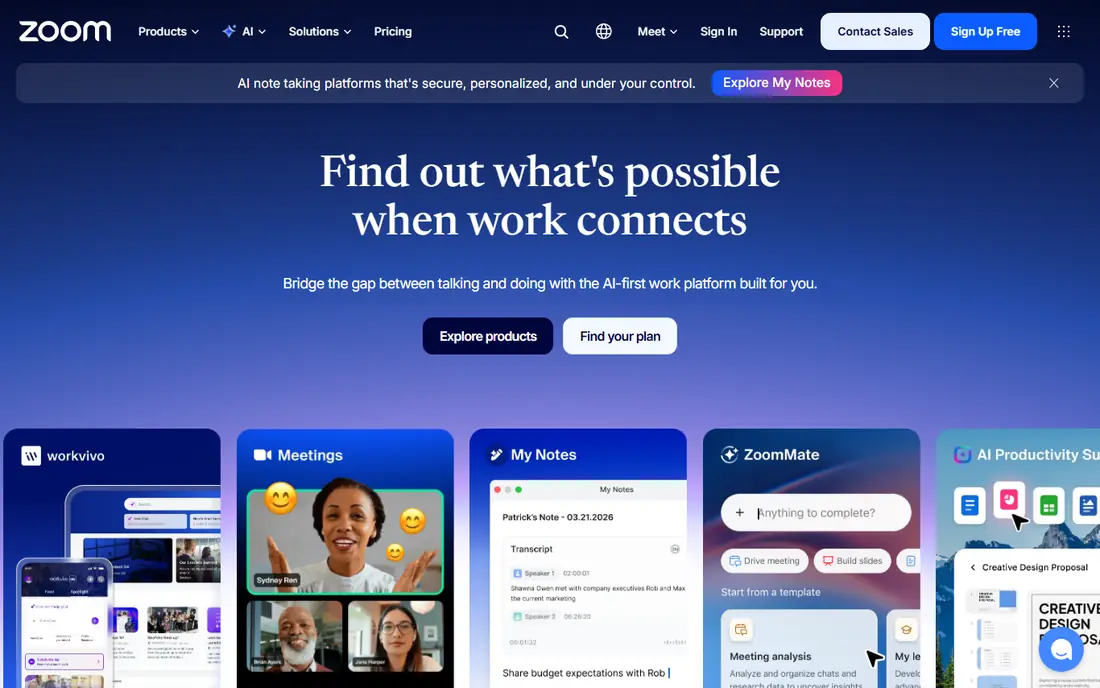
Zoom Phone makes sense first for teams that already live in Zoom. Staff already know the app, the admin portal is familiar, and calls sit next to meetings and team chat instead of in a separate tool. The US and Canada Metered plan starts at $10.50 per user per month, which suits a team that takes many inbound calls but makes few outbound calls. The Unlimited plan, at $16 per user per month, removes the per-minute worry for heavier outbound use, and call recording is included on plans.
The trade-off is in the details. The metered plan can grow quickly for an outbound sales team, and supervisor analytics and some advanced features require bundles or add-ons. If your team rarely uses Zoom for meetings, the value of the bundle falls away, and a phone-first service may fit better. For a Zoom-heavy team that wants a low starting price and simple calling, Zoom Phone is hard to beat.
- Low entry price
- Call recording included
- Familiar interface for Zoom users
- Domestic SMS and fax on plans
- Metered plan charges per outbound minute
- Deeper analytics need add-ons
- Phone and meeting bundles can confuse pricing

Vonage suits a team that works mainly from mobile phones and needs a dependable business line without a desk phone on every desk. The Mobile plan starts at $19.99 per line per month and includes unlimited calling in the US and Canada, plus SMS and MMS messaging and team messaging. That mobile focus is a real plus for field staff, tradespeople and small service teams that answer calls on the move. Desktop access, multi-level auto attendants, call queues and CRM integrations arrive on the Premium plan and above.
Buyers should read the contract terms with care. Vonage has listed minimum terms for new annual accounts, and early exit terms can be costly, so a trial period and a clear check of the plan length matter. Pricing also varies by the number of lines, so the headline rate may not match a larger team quote. For a small, mobile team that values a known brand and a simple app, Vonage is a solid choice, provided the contract fits your plans.
- Mobile and desktop apps
- Unlimited domestic calling
- Messaging included
- Video meetings on higher plans
- Higher tiers needed for call queues and CRM links
- Contract terms can apply
- Pricing varies by team size
Ooma Office is a good pick for a small office that wants a professional phone presence without a complex setup. Essentials starts at $19.95 per user per month and includes unlimited calling in the US, Canada, Mexico and Puerto Rico, a virtual receptionist, voicemail and a toll-free number with included minutes. The plans are month to month, which suits a business that does not want to lock in for a year before it knows how the service performs day to day.
The limits show up as soon as a team wants modern extras. Text messaging, a desktop app for computer calling and video meetings require the Pro plan at $24.95 per user per month, and CRM integrations require Pro Plus at $29.95 per user per month. A team that only needs reliable calls and a receptionist menu can stay on Essentials and save money. A team that texts customers daily should price Pro or Pro Plus from the start, not Essentials.
- No long contract required
- Virtual receptionist included
- Toll-free number included
- Simple tier structure
- Texting and desktop app need Pro or higher
- CRM links need Pro Plus
- Entry plan lacks video meetings
Nextiva is our pick for a small team that talks to customers all day and wants call history and context in one place. Core starts at $15 per user per month billed annually and includes inbound and outbound voice, business SMS, video meetings, screen sharing, call routing, team chat and desktop and mobile apps. That is a generous entry bundle for the price, and 24/7 support on plans is a plus for a team without its own IT staff. The higher Engage plan adds customer-to-team SMS, toll-free minutes, advanced reporting and inbound call center features.
The jump to Scale, at $75 per user per month, is steep, and it is where AI transcription, summaries and skills-based routing sit. Most small teams will not need Scale, but a growing support team should map its needs to Engage first and treat Scale as a later step. Nextiva also lists a strong uptime commitment, which matters for a business that cannot afford missed calls. For value plus support, Nextiva is one of the best voip companies on this list.
- Low entry price
- Business SMS and video included
- 24/7 support on plans
- Built-in customer context features
- Advanced contact center features need Scale
- CRM depth varies by plan
- Higher tiers cost much more
Dialpad is the pick for a team that wants to stop taking notes during calls. Its Standard plan starts at $15 per user per month billed annually and includes unlimited calling in the US and Canada, messaging, video meetings, call routing, a multilevel auto attendant and Dialpad AI features such as real-time transcripts and call summaries. That AI bundle on the entry plan is the main reason to choose Dialpad over a cheaper metered plan, since summaries and transcripts help with follow-up, training and record keeping.
The limits are in seat minimums and integrations. Pro, at $25 per user per month billed annually, requires at least three users and adds CRM integrations and Microsoft Teams links, while Enterprise has a much larger minimum. A solo worker can use Standard, but a two-person team that needs CRM links may need to plan around the Pro minimum. For a small team that values clear call notes and a modern interface, Dialpad is a strong best voip phone service choice.
- Real-time transcription included
- Call summaries included
- Google Workspace links
- Unlimited domestic calling
- Pro needs a three-user minimum
- Some integrations need Pro
- Enterprise needs a large seat count
Grasshopper is the simplest service here, and that is its appeal. Instead of per-user pricing, it charges by plan tier based on numbers and extensions. True Solo starts at $14 per month billed annually for one number, one extension and one user, with unlimited calls and texts in the US and Canada, call forwarding, voicemail and mobile and desktop apps. A solo consultant, freelancer or tiny shop can get a professional business number in a short time, keep a personal number private, and add a custom greeting.
Grasshopper is not a full phone system for a growing office. It has no video meetings, few integrations, and the price climbs when you add numbers and extensions, so a five-person team may pay more than it expects. It also forwards calls to existing phones rather than replacing a full office setup for every use case. For a solo worker or a very small team that needs a clean, low-cost business presence, Grasshopper is the best rated voip service style pick for simplicity, but larger teams should look at RingCentral, Nextiva or Dialpad.
- Simple flat pricing by numbers and extensions
- No contracts
- Mobile and desktop apps
- Local, toll-free and vanity numbers
- No video meetings
- Limited integrations
- Costs rise with extra numbers and extensions
Google Voice is a sensible low-cost pick for a team that already pays for Google Workspace. The Starter plan is listed at $10 per user per month, and it gives each user a business number, voicemail transcription, and calling from a computer or phone through the Google apps the team already uses. Setup is simple compared with a full contact center platform, and the learning curve is short for staff who already use Gmail, Calendar and Meet. For a small team that mainly needs a shared business number and straightforward calling, that simplicity saves time.
The limits matter for larger or support-heavy teams. Google Voice needs a Workspace plan underneath it, so the true cost is higher than the phone price alone, and advanced routing, queues and reporting are thinner than on RingCentral or Nextiva. Toll-free numbers are also not a standard part of the usual plans. If your team already uses Workspace and wants a light, low-cost voice add-on, Google Voice is a good fit. If you need a full call center, choose a phone-first service instead.
- Low price
- Deep Google Workspace fit
- Simple setup
- Works on desktop and mobile
- Needs a Workspace subscription
- Limited advanced call center features
- No toll-free numbers on standard plans
How we picked these
We compared official pricing pages, feature pages and app store listings for each service, and we checked that each service is still offered in October 2026. We favored services with clear published pricing and a plan that fits a small or mid-size team, and we weighed honest limits such as text caps, seat minimums and contract terms, since those limits decide the real monthly cost.
What to check before you buy a VoIP service
Start with how your team actually calls. Count inbound and outbound calls, texts, and video meetings in a normal week, and check if you need toll-free numbers, call queues or CRM links. A metered plan looks cheap for a light caller and costly for an outbound team, while a flat unlimited plan suits a busy office. Next, check number porting, so you can keep your existing business number, and test call quality on your office internet and on mobile data before you move every line.
Look closely at the total bill, not only the headline price. Taxes and regulatory fees, extra numbers, add-on AI tools, and higher tiers for recording or integrations can lift the monthly total. Ask about contract length, exit terms and support hours, and confirm what happens to voicemail, recordings and numbers if you cancel. Finally, run a short trial with a small group, test forwarding, voicemail transcription and the mobile app, and only then roll the service out to the full team.
FAQ
Which voip service is best for a small business?
For most small businesses, RingCentral or Nextiva offer the best mix of calling, texting, video and support at a clear price. Zoom Phone is a strong pick for teams already on Zoom, and Ooma Office suits offices that want simple month to month pricing. The right choice depends on your call volume, your need for CRM links, and how much texting your team does each month.
What is the best voip phone service for a solo worker?
Grasshopper and Google Voice are strong solo picks. Grasshopper gives a simple business number with forwarding and voicemail at a low flat monthly price. Google Voice suits a solo worker already on Google Workspace, since it adds a business number inside apps you already use. Pick Grasshopper for a standalone number, and Google Voice for a Workspace-based setup.
Are there best voip companies for larger teams?
Yes. RingCentral, Nextiva and Dialpad all scale to larger teams with admin controls, multi-site options and higher tiers for reporting and integrations. Larger teams should check seat minimums, admin roles, single sign-on and support terms, and ask for a quote based on their exact user count and locations. A trial with a real team, not only a demo, helps confirm call quality and admin ease.
What is the best voice over ip phone service for customer support?
Nextiva and RingCentral are strong support picks, since both offer call queues, routing, recording and reporting on higher plans. Dialpad adds transcripts and summaries that help with coaching and follow-up. For a full contact center with skills-based routing and journey tools, expect to pay for a higher tier, and confirm which support features are included at the price you plan to pay.
Do I need desk phones for VoIP?
No, most teams can use a computer app, a mobile app, or a headset for calls. Desk phones suit a front desk, a warehouse phone point, or staff who prefer a handset, and most providers on this list support common desk phone models. If you buy desk phones, check compatibility, provisioning and any rental or purchase cost before you order.