Best Video Editing Software Free and Paid in 2026: 8 Tools Compared
Compare the best video editing software free and paid, from free editors with no watermark to pro tools for YouTube, film and social video creators in 2026.
- Editor's choice
 DaVinci Resolve
Pro editing free
Starts atFreeVisit blackmagicdesign.comFull review - Great alternative
 Adobe Premiere Pro
Adobe ecosystem teams
Starts at$22.99 per monthVisit adobe.comFull review - Also consider
 Final Cut Pro
Mac creators, one-time buy
Starts at$299.99 one-timeVisit apple.comFull review
TL;DR:
- DaVinci Resolve is our pick for most creators because the free version covers pro editing and color work with no watermark, and Studio costs 295 dollars once.
- Final Cut Pro suits Mac creators who want a one-time purchase and fast performance on Apple hardware.
- Adobe Premiere Pro fits teams already in the Adobe ecosystem, despite its ongoing subscription cost.
- Start free when you can: many creators never need a paid upgrade, and a paid tool should solve a specific limit, not just add features.
Quick comparison
| Tool | Best for | Starts at | Free plan? | |
|---|---|---|---|---|
| DaVinci Resolve | Pro editing free | Free | Yes | Visit |
| Adobe Premiere Pro | Adobe ecosystem teams | $22.99 per month | Free trial | Visit |
| Final Cut Pro | Mac creators, one-time buy | $299.99 one-time | Free trial | Visit |
 CapCut | Short-form social video | Free | Yes | Visit |
 Wondershare Filmora | Beginner friendly paid | $49.99 per year | Free trial | Visit |
 CyberLink PowerDirector | Fast PC editing | $69.99 per year | Yes | Visit |
 Microsoft Clipchamp | Quick Microsoft 365 edits | Free | Yes | Visit |
 Shotcut | Free open source editing | Free | Yes | Visit |
The best video editing software free and paid
Video editing splits into free tools that are genuinely usable and paid tools that earn their price through speed, effects, or ecosystem links. The list below mixes both, so you can start free and upgrade only when a limit bites.
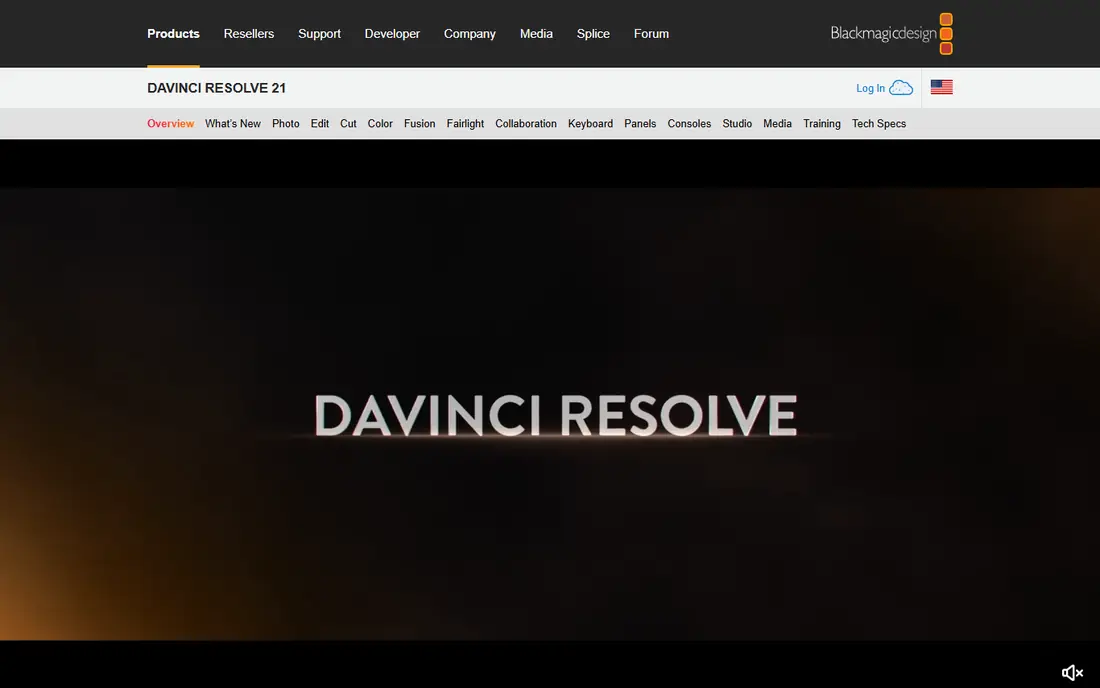
DaVinci Resolve is the rare free tool that professionals use for paid work. The free version includes full timeline editing, color grading, visual effects, and Fairlight audio, with 4K UHD export and no watermark. That means a YouTuber, filmmaker, or freelancer can cut, grade, and mix a complete project without paying, and only upgrade to Studio at 295 dollars one-time when a Studio-only feature, such as higher resolutions, HDR tools, or advanced AI features, is actually needed.
The catch is learning time and hardware. Resolve is deep, and a beginner will need tutorials to use its color and effects pages well. A modest laptop can also struggle with heavy 4K timelines. For a creator willing to learn, Resolve offers the best value in video editing, free or paid, and it is our pick for most people.
- Free version with pro editing, color, and audio
- No watermark
- Studio is a one-time purchase
- Steep learning curve
- Needs a capable computer for heavy projects
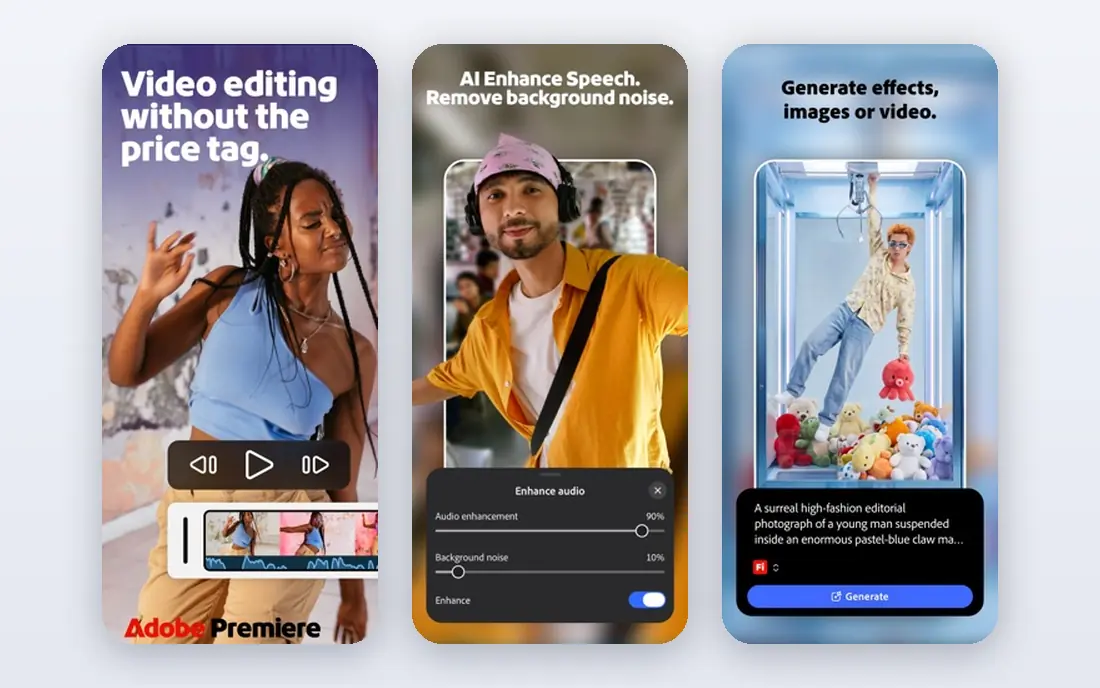
Premiere Pro is the industry standard for many agencies, broadcast teams, and YouTube studios, and its strength is the Adobe ecosystem. Projects move easily to After Effects for motion graphics, Audition for audio, and Photoshop for graphics, and the plugin and template market is the largest in the field. For a team that already pays for Creative Cloud, Premiere fits naturally into existing workflows and collaboration.
The honest catch is cost. At 22.99 dollars per month on an annual plan for a single app, Premiere costs far more over five years than a one-time purchase such as Final Cut Pro or DaVinci Resolve Studio, and stopping payment stops access. For a solo creator who does not need Adobe links, Resolve or Final Cut is cheaper. For an Adobe team, Premiere remains the practical standard.
- Industry standard timeline
- Deep Adobe integration
- Large plugin and template ecosystem
- Subscription only
- Cost adds up over years
- Needs a strong computer
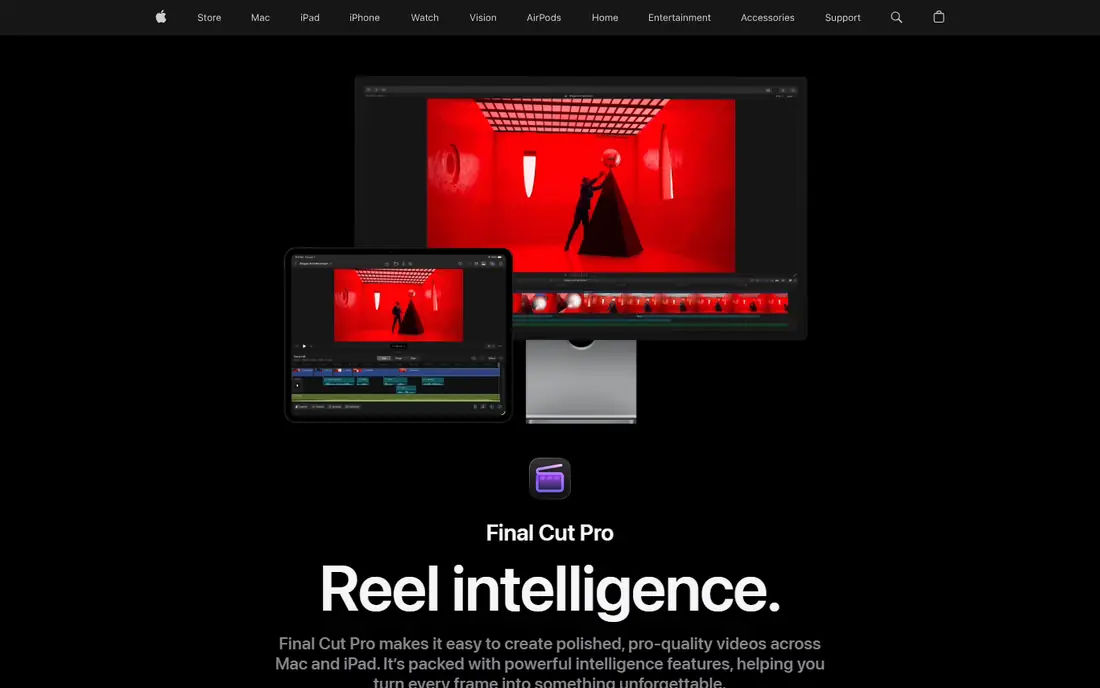
Final Cut Pro is the best one-time purchase for Mac creators. At 299.99 dollars one-time, it includes free updates, runs very fast on Apple Silicon, and its magnetic timeline makes assembly and trimming quicker than a traditional track-based editor for many creators. Long-form YouTube videos, wedding films, and corporate work all cut well in Final Cut, and the performance on a MacBook is a real advantage for editors who travel.
The limit is platform. Final Cut Pro is Mac only, so a Windows user cannot use it, and its plugin and template market is smaller than Premiere. Apple also offers a Creator Studio subscription that bundles Final Cut with other apps, but the one-time purchase remains available. For a Mac creator who wants to own the tool, Final Cut is an excellent buy.
- One-time Mac purchase
- Fast on Apple Silicon
- Magnetic timeline speeds editing
- Mac only
- Smaller plugin market than Premiere
CapCut is the fastest way to cut short-form social video. Templates, auto captions, effects, and AI tools help a creator turn raw clips into a TikTok, Reel, or Short in minutes, and the free version covers most social needs. Desktop and mobile versions share projects, so a creator can start on a phone and finish on a computer, which suits the pace of social posting.
The catch is depth. CapCut Pro, at around 9.99 dollars per month, adds premium assets and AI features, and long-form, multi-camera, or film-grade color work fits better in Resolve or Premiere. For a social creator whose main output is short vertical video, CapCut is the most efficient free starting point in this list.
- Free for short-form video
- Fast templates and AI tools
- Easy social export
- Pro features need a subscription
- Less suited to long-form film work
Filmora is built for beginners who want polished results without a steep learning curve. Guided workflows, templates, transitions, and AI tools such as auto captions and smart cutout help a new editor produce a clean video quickly, and the effects library is large for the price. Annual plans start around 49.99 dollars per year, with a perpetual option also offered, which makes Filmora affordable for hobbyists and small businesses.
The honest limit is the free version, which exports with a watermark, so a creator who needs clean exports must pay. The perpetual license also covers only the current major version, so future major upgrades cost extra. For a beginner who wants an easy, friendly editor and does not need pro color or film tools, Filmora is a strong paid choice.
- Easy to learn
- Large effects and template library
- AI helpers for captions and cuts
- Free exports carry a watermark
- Perpetual license covers only the current major version
PowerDirector is a fast, feature-rich editor for PC creators who want more than a beginner tool but do not need a pro film platform. Rendering is quick, the effects and template library is large, and AI tools help with captions, object removal, and background work. PowerDirector 365 costs around 69.99 dollars per year, with perpetual versions also offered at higher one-time prices, and a limited free version lets a new user test the workflow.
The trade-off is platform and pricing path. PowerDirector is Windows focused, with Mac support more limited, and the subscription gives the newest features while perpetual buyers wait for major versions. For a PC creator who values speed and a deep effects library, PowerDirector is a solid mid-priced option.
- Fast rendering
- Large effects library
- Good for PC creators
- Windows focused
- Subscription is the best value path for new features
Clipchamp is the quickest editor for a Microsoft 365 user who needs a simple video without installing a heavy app. The free plan exports at 1080p, templates cover business, training, and social videos, and the browser-based workflow means a creator can start on almost any computer. For internal training, presentations, and short marketing clips, Clipchamp is fast and frictionless.
The limit is depth. Advanced effects, brand kits, and premium stock need a paid plan, and long-form or film-grade work fits better elsewhere. For a business user who edits occasionally and values speed over power, Clipchamp is a useful free tool that is already close at hand.
- Free plan with 1080p export
- Browser based and easy to start
- Good for business and school videos
- Advanced features need a premium plan
- Less depth than Resolve or Premiere
Shotcut is a free, open source editor that covers the core job with no cost and no watermark: multi-track timelines, filters, transitions, and export to common formats on Windows, Mac, and Linux. For a creator on a zero budget, a student, or a Linux user, Shotcut offers real editing power without a subscription or a watermark, and the community provides tutorials and support.
The catch is polish. The interface is functional rather than friendly, templates and AI helpers are thin next to Filmora or CapCut, and a beginner may need more tutorial time. For a budget-conscious creator who wants a free, no-strings editor and does not need AI shortcuts, Shotcut is a dependable choice.
- Free and open source
- No watermark
- Runs on Windows, Mac, and Linux
- Interface is utilitarian
- Fewer templates and AI tools than paid rivals
How we picked these
We compared official feature pages, pricing, free plans, and public reviews for editors that are actively sold or maintained in 2026 and that cover a clear use case, from social video to film. We favored tools with a usable free plan or trial, clean exports, and a real timeline editor, and we noted where free exports carry a watermark or where a subscription is required. We left out mobile-only editors without a desktop workflow and tools that are no longer maintained.
What to check before you buy
Start with your output, not the feature list. Short social clips need speed and templates, while long YouTube videos need a strong timeline, color tools, and audio mixing. Check your computer first, since pro editors need a capable processor, graphics card, and storage, and a tool your machine cannot run smoothly will frustrate you no matter how good its features look.
Test exports early. Confirm resolution, watermark rules, and file formats on a trial, and check whether the free version meets your needs before paying. Price the total over three years, not just the first month, because a 22.99 dollar subscription costs far more than a 295 dollar one-time purchase over time. Finally, confirm platform: Final Cut Pro is Mac only, PowerDirector is Windows focused, and Resolve, Shotcut, and CapCut run on multiple systems.
FAQ
What is the best free video editing software?
DaVinci Resolve is our pick for free editing because it offers pro timeline editing, color grading, and audio with no watermark and 4K UHD export. Shotcut is a good free open source alternative, and CapCut is best for free short-form social video.
What is the best video editing software for beginners?
Filmora and CapCut are the easiest to learn, with templates, guided workflows, and AI helpers. Clipchamp is also simple for quick business videos. DaVinci Resolve is more powerful but takes longer to learn, so beginners should start with a simpler tool if speed matters more than depth.
Is DaVinci Resolve really free?
Yes. The free version of DaVinci Resolve covers editing, color, effects, and audio with no watermark. Studio, at 295 dollars one-time, adds higher resolutions, HDR tools, advanced noise reduction, and the full AI feature set, but most creators can start free and upgrade only if they hit a Studio-only limit.
Is Final Cut Pro a one-time purchase?
Yes, for Mac. Final Cut Pro costs 299.99 dollars as a one-time purchase on the Mac App Store, with free updates. Apple also offers a Creator Studio subscription bundle, but the one-time purchase remains available for Mac users who prefer to own the tool.
Do I need a paid editor for YouTube?
Not always. Many YouTubers cut full videos in DaVinci Resolve free, CapCut, or Shotcut without paying. A paid editor earns its price when you need faster rendering, premium effects, team collaboration, or Adobe integration, so test a free tool first and pay only for a limit you actually hit.
What video editing software is best for social media?
CapCut is best for short-form social video because it is fast, template-driven, and built for vertical formats. Filmora and Clipchamp also work well for social clips, while Resolve and Premiere suit longer, higher-production social videos that need stronger color and audio work.
Sources
- https://www.blackmagicdesign.com/products/davinciresolve
- https://www.adobe.com/products/premiere.html
- https://www.apple.com/final-cut-pro
- https://www.capcut.com
- https://filmora.wondershare.com
- https://www.cyberlink.com/products/powerdirector-video-editing-software
- https://clipchamp.com
- https://shotcut.org