Best Value Project Management Tool Pricing in 2026: 8 Tools Compared
Compare best value project management tool pricing across 8 tools, from free plans to low-cost paid tiers, so you can pick a plan that fits your team budget.
- Editor's choice
 Zoho Projects
Low-cost project tracking
Starts at$4 per user per monthVisit zoho.comFull review - Great alternative
 Trello
Simple kanban boards
Starts at$5 per user per monthVisit trello.comFull review - Also consider
 ClickUp
Most features per dollar
Starts at$7 per user per monthVisit clickup.comFull review
TL;DR:
- Zoho Projects starts lowest among the paid tools here, while Trello offers the cheapest simple upgrade path for small teams.
- ClickUp packs the most features into its entry paid plan, including Gantt charts, custom fields and time tracking.
- Per-seat pricing adds up fast, so flat-rate Basecamp can cost less once a team grows past about 20 people.
- Free plans are useful for starting, but storage, automation and reporting limits often push teams to a paid tier.
Quick comparison
| Tool | Best for | Starts at | Free plan? | |
|---|---|---|---|---|
| Zoho Projects | Low-cost project tracking | $4 per user per month | Yes | Visit |
| Trello | Simple kanban boards | $5 per user per month | Yes | Visit |
| ClickUp | Most features per dollar | $7 per user per month | Yes | Visit |
 monday.com | Visual project boards | $9 per seat per month | Yes | Visit |
 Smartsheet | Spreadsheet-style planning | $9 per user per month | Free trial | Visit |
 Wrike | Structured team projects | $10 per user per month | Yes | Visit |
 Asana | Polished team coordination | $10.99 per user per month | Yes | Visit |
 Basecamp | Flat-rate team pricing | $15 per user per month | Free trial | Visit |
The best value project management tools
Value is not the lowest sticker price. It is what the entry plan actually lets a team do, how the bill grows with headcount, and how much setup the team can handle. The eight tools below cover that range, from free boards to flat-rate suites.
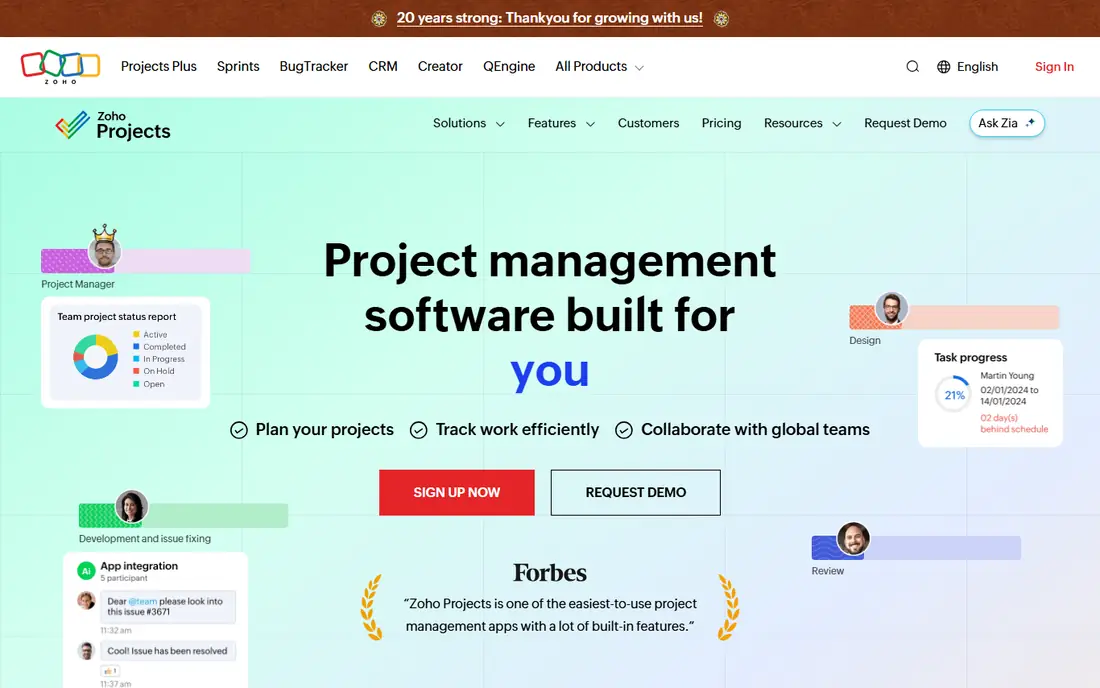
For teams that want low-cost project tracking, Zoho Projects is a strong place to start. Zoho Projects covers tasks, milestones, Gantt charts and time tracking at a price that undercuts most rivals, which makes it a natural fit for small businesses that already use Zoho apps or want a plain, dependable tracker without paying for a large suite. The pricing and plan structure also matter here, because a tool that looks cheap at sign-up can grow costly once you add seats, storage or extra features, so check the plan limits against your real headcount and workload before you commit.
Starting price is $4 per user per month, and the free plan position is Yes. Reporting and automation are thinner than on higher-priced tools, and teams that need deep integrations may find the catalogue smaller than they expect. That balance makes it a safe shortlist pick, provided the limits above fit the way your team works. We compared official feature pages, pricing pages and public documentation for this entry, and we suggest you confirm the current plan details on the vendor site before you buy, since prices and limits change often.
- Low entry price
- Gantt charts and task tracking
- Ties in with other Zoho apps
- Fewer third-party integrations than larger rivals
- Interface feels plain in places
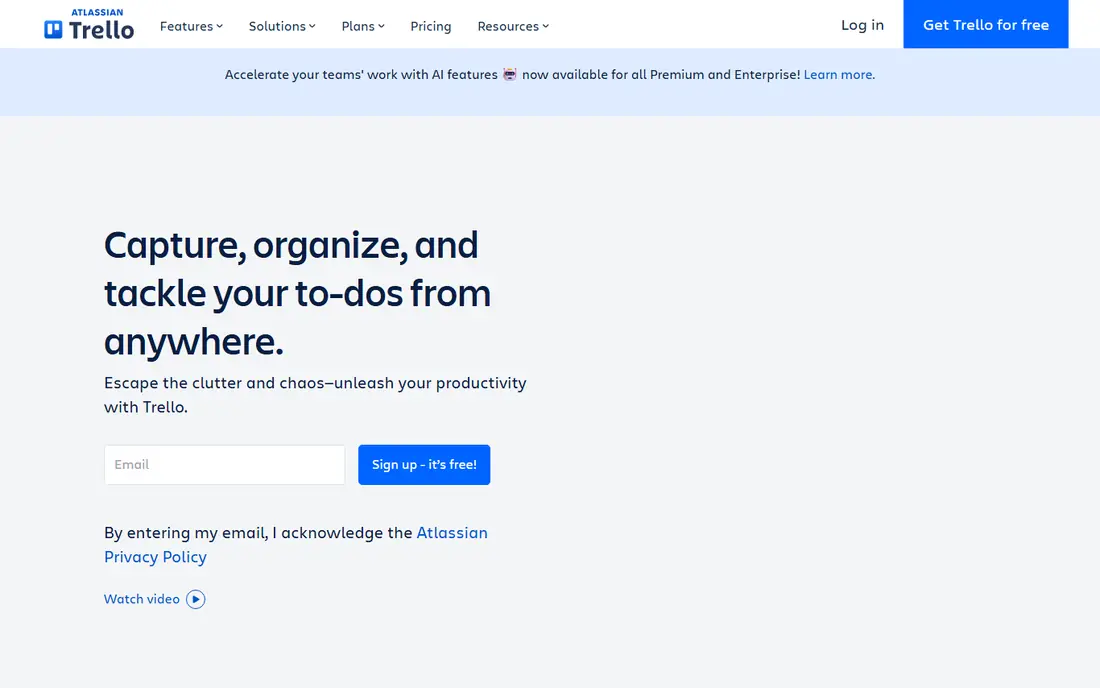
Trello earns its place here for simple kanban boards, and it does that job with a clear, practical focus. Trello turns work into cards on boards that anyone can understand in minutes, and its free plan covers the basics well for small teams, freelancers and simple shared projects that do not need heavy reporting. The pricing and plan structure also matter here, because a tool that looks cheap at sign-up can grow costly once you add seats, storage or extra features, so check the plan limits against your real headcount and workload before you commit.
Starting price is $5 per user per month, and the free plan position is Yes. As projects grow, Trello needs paid features and add-ons for timelines, dashboards and workload views, so complex programmes may outgrow it sooner than a full project suite. If those trade-offs are acceptable, it is one of the easier choices to defend to a budget holder. We compared official feature pages, pricing pages and public documentation for this entry, and we suggest you confirm the current plan details on the vendor site before you buy, since prices and limits change often.
- Very easy to learn
- Visual boards suit small teams
- Generous free plan for basic work
- Limited reporting and workload views
- Large projects can feel flat without add-ons
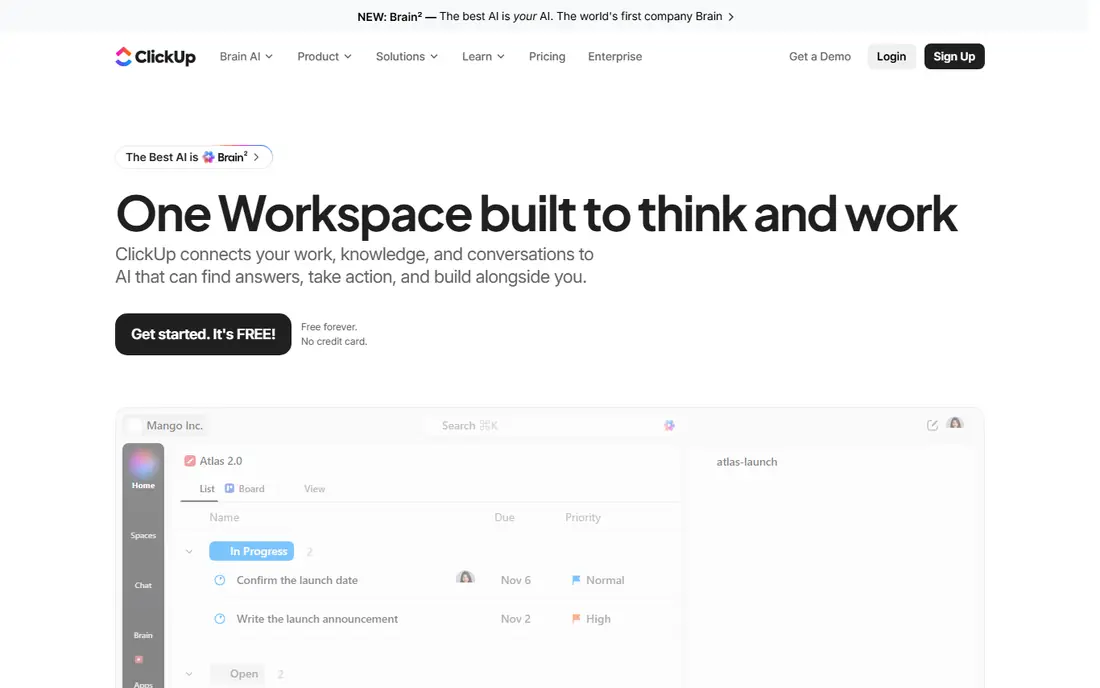
If most features per dollar is the priority, ClickUp deserves a close look before you decide. ClickUp gives entry-plan buyers a wide bundle that rivals often split across higher tiers, including Gantt charts, custom fields, dashboards and native time tracking, which is why it leads most value comparisons for teams that want one workspace. The pricing and plan structure also matter here, because a tool that looks cheap at sign-up can grow costly once you add seats, storage or extra features, so check the plan limits against your real headcount and workload before you commit.
Starting price is $7 per user per month, and the free plan position is Yes. The breadth is also the catch, since workspaces can become cluttered when teams switch on every view and feature, so appoint one person to own the setup and keep it tidy. We would shortlist it when the fit is close, and we would keep the higher tier in mind for later growth. We compared official feature pages, pricing pages and public documentation for this entry, and we suggest you confirm the current plan details on the vendor site before you buy, since prices and limits change often.
- Docs, goals, Gantt charts and time tracking in one plan
- Unlimited tasks on the free plan
- Many views
- Setup can feel busy without an owner
- Automation caps apply on lower tiers
- AI features cost extra
monday.com stands out for visual project boards, with a setup that most teams can follow without a long learning period. monday.com makes project status easy to see at a glance, with boards, timelines and automations that suit operations, marketing and service teams that think in visual workflows rather than long task lists. The pricing and plan structure also matter here, because a tool that looks cheap at sign-up can grow costly once you add seats, storage or extra features, so check the plan limits against your real headcount and workload before you commit.
Starting price is $9 per seat per month, and the free plan position is Yes. The entry tier is more limited than the price suggests, with some views and automation allowances held for higher plans, so check the plan table carefully before you judge the value. On balance, it is a practical pick for buyers who value clarity over a very long feature list. We compared official feature pages, pricing pages and public documentation for this entry, and we suggest you confirm the current plan details on the vendor site before you buy, since prices and limits change often.
- Colourful, visual boards
- Strong automations
- Many templates for common workflows
- Entry plan limits some views and automations
- Per-seat cost rises with team size
We put Smartsheet on this list because it handles spreadsheet-style planning well at a price that is easy to justify. Smartsheet suits teams that already think in spreadsheets, since its grid, Gantt and card views sit on a familiar layout while adding alerts, approvals and reporting that plain sheets cannot offer. The pricing and plan structure also matter here, because a tool that looks cheap at sign-up can grow costly once you add seats, storage or extra features, so check the plan limits against your real headcount and workload before you commit.
Starting price is $9 per user per month, and the free plan position is Free trial. There is no permanent free plan, only a trial, and its formula and automation system takes time to learn, so budget a few weeks for setup and training. It is worth a trial with real work, since the day-to-day feel matters more than any feature table. We compared official feature pages, pricing pages and public documentation for this entry, and we suggest you confirm the current plan details on the vendor site before you buy, since prices and limits change often.
- Familiar grid layout
- Strong for schedules and reporting
- Good for operations teams
- No permanent free plan
- Learning curve for formulas and automation
For buyers focused on structured team projects, Wrike offers a balanced mix of features, support and cost. Wrike handles structured work well, with folders, approvals, request forms and dashboards that suit marketing, creative and operations teams running many projects at once. The pricing and plan structure also matter here, because a tool that looks cheap at sign-up can grow costly once you add seats, storage or extra features, so check the plan limits against your real headcount and workload before you commit.
Starting price is $10 per user per month, and the free plan position is Yes. Smaller teams may find it more formal than they need, and the deepest reporting sits on higher tiers, so simple teams may pay for structure they rarely use. For the right buyer, the value here is clear, even though it is not the best fit for every team. We compared official feature pages, pricing pages and public documentation for this entry, and we suggest you confirm the current plan details on the vendor site before you buy, since prices and limits change often.
- Strong task hierarchy and approvals
- Dashboards and request forms
- Scales to larger teams
- Entry plan lacks some reporting depth
- Interface can feel formal for very small teams
Asana is a sensible shortlist pick for polished team coordination, especially when you want to get moving quickly. Asana is the polished default for cross-team work, with clear task ownership, timelines and calendars that most staff pick up quickly, which helps adoption when many departments share the same workspace. The pricing and plan structure also matter here, because a tool that looks cheap at sign-up can grow costly once you add seats, storage or extra features, so check the plan limits against your real headcount and workload before you commit.
Starting price is $10.99 per user per month, and the free plan position is Yes. The price climbs with headcount, and portfolios, goals and advanced reporting sit above the entry tier, so larger organisations should model the full annual cost before committing. That mix of strengths and limits is why we placed it here rather than higher or lower. We compared official feature pages, pricing pages and public documentation for this entry, and we suggest you confirm the current plan details on the vendor site before you buy, since prices and limits change often.
- Clean tasks, timelines and calendars
- Strong automation
- Easy adoption across departments
- Portfolios and goals need higher tiers
- Per-user cost adds up for large teams
When flat-rate team pricing matters most, Basecamp gives you a dependable route that does not ask for much setup time. Basecamp takes a different route to value, with a flat-rate unlimited option that can cost less than per-seat tools once a team grows, plus a simple mix of to-do lists, message boards, schedules and files. The pricing and plan structure also matter here, because a tool that looks cheap at sign-up can grow costly once you add seats, storage or extra features, so check the plan limits against your real headcount and workload before you commit.
Starting price is $15 per user per month, and the free plan position is Free trial. It deliberately lacks some advanced planning views, so teams that need Gantt charts, workload planning or deep reporting may need a second tool alongside it. If your needs match its strengths, it should serve you well for a long time. We compared official feature pages, pricing pages and public documentation for this entry, and we suggest you confirm the current plan details on the vendor site before you buy, since prices and limits change often.
- Flat-rate option avoids per-seat growth
- Simple to-do lists, messages and files in one place
- Calm interface
- Fewer advanced views such as Gantt charts
- No permanent free plan
How we picked these
We compared official feature pages, pricing pages and public documentation for each product, and we checked that each one exists and works in October 2026. We looked at what the entry plan actually includes, what sits behind a higher tier, and where the free plan or trial stops. We also weighed how easy each option is to learn, how it handles growth, and what honest limits show up in public reviews and help pages. We did not claim hands-on testing we did not do, and we did not invent features, prices or awards. Where a price could not be verified from the vendor site, we wrote See website instead of guessing.
Match the price to the way you work
Start with the free plan, then price the exit
Use the free plan with a real project, not sample data. Move a deadline, reassign work, and try to produce a status report. Note the storage, automation and guest limits, since those are the caps that usually force an upgrade.
Model the cost at three team sizes
A tool that costs little for five people can cost a lot for 30. Multiply the per-seat price by your current team, your team in a year, and your team if a contractor group joins. Compare that total with a flat-rate option. Also check whether guests, viewers or clients count as paid seats, since that detail changes the total in a quiet way.
FAQ
What is the cheapest project management tool for a small team?
Zoho Projects and Trello are the cheapest paid starting points in this list, at $4 and $5 per user per month. For a very small team, a free plan from Trello, ClickUp or Asana may be enough for basic tasks and boards. The right choice depends on whether you need timelines, reporting or guest access, since those features often require a paid tier.
Is ClickUp good value for money?
ClickUp offers strong value because its entry paid plan includes Gantt charts, custom fields, dashboards and time tracking. Those features often sit on higher tiers elsewhere, so the bundle can save money for teams that want one workspace. The trade-off is setup complexity, so appoint an owner to keep the workspace tidy.
Does per-seat or flat-rate pricing cost less?
Per-seat pricing usually costs less for small teams, while flat-rate pricing can cost less for larger teams. Basecamp offers a flat-rate option that avoids a bill that grows with every hire. Model both at your current size and at your expected size in a year before you decide.
Do free project management plans really work?
Free plans work well for simple task lists, small boards and early trials. They tend to limit storage, automation runs, reporting and guest access, which is why growing teams often move to a paid tier. Test a free plan with a real project before you rely on it for client work.
How much should a small business budget for project management software?
A small business can budget from $0 on a free plan to about $5 to $11 per user per month on an entry paid plan. The total depends on headcount, whether guests count as seats, and whether you need timelines or reporting. Start with the entry tier that includes your must-have features, then review the cost each quarter.