Best Usability Testing Tools in 2026: 8 Tools Compared
Compare the best usability testing tools for prototype tests, moderated interviews, and live behavior insights, with pricing and free plans included now.
- Editor's choice
 Maze
Rapid unmoderated tests
Starts at$99 per monthVisit maze.coFull review - Great alternative
 Lyssna
All-in-one user research
Starts atSee websiteVisit lyssna.comFull review - Also consider
 UserTesting
Enterprise participant studies
Starts atSee websiteVisit usertesting.comFull review
TL;DR:
- Maze and Lyssna are the best all-round unmoderated testing picks for product teams that test often.
- UserTesting leads for large enterprise studies with a global participant panel, but pricing is quote-only.
- Hotjar is not a full test platform, yet its heatmaps and recordings explain why users struggle on live pages.
- Optimal Workshop is strongest for information architecture work such as card sorting and tree testing.
- Free plans from Maze, Lyssna, and Hotjar let small teams run real studies before paying.
Quick comparison
| Tool | Best for | Starts at | Free plan? | |
|---|---|---|---|---|
| Maze | Rapid unmoderated tests | $99 per month | Yes | Visit |
| Lyssna | All-in-one user research | See website | Yes | Visit |
| UserTesting | Enterprise participant studies | See website | No | Visit |
 Hotjar | Behavior insights on live sites | Free | Yes | Visit |
 Optimal Workshop | Card sorting and tree testing | See website | Free trial | Visit |
 Useberry | Prototype and concept tests | See website | Yes | Visit |
 Lookback | Moderated interviews | See website | Free trial | Visit |
 Trymata | Tests plus product analytics | See website | Yes | Visit |
The best usability testing tools
We compared usability testing software on test types, participant recruitment, analysis, integrations, and pricing. These eight cover unmoderated tests, moderated interviews, and behavior analysis.
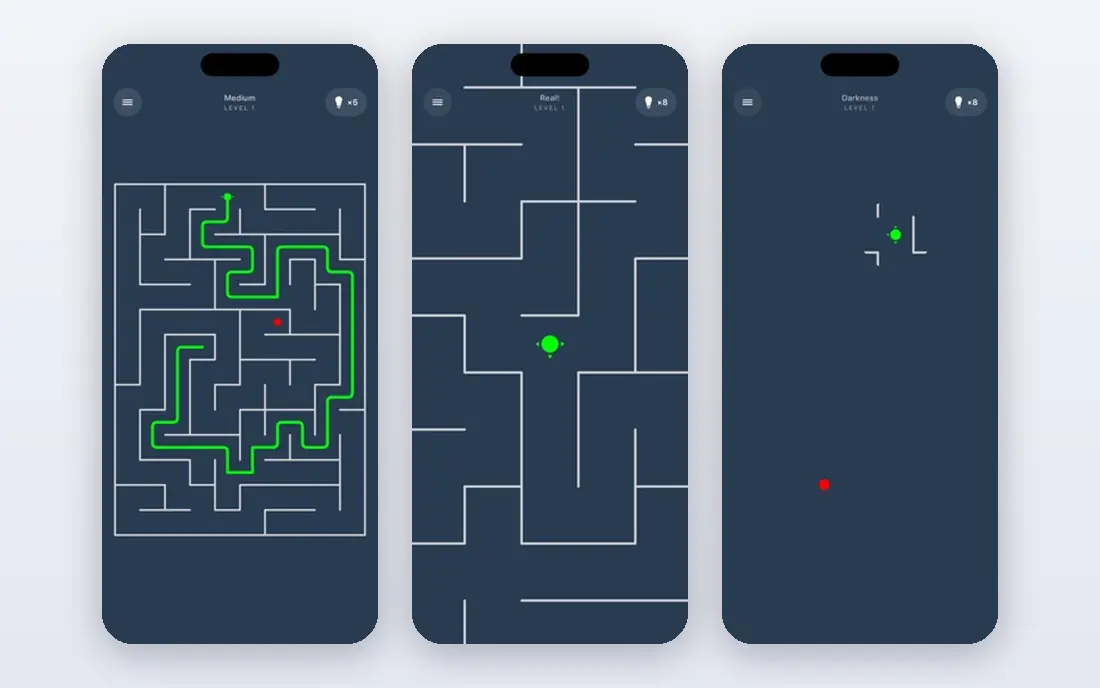
Maze fits product teams that test designs every week. You can turn a prototype into a task-based test, share a link, and review success rates, misclicks, and paths without booking live sessions. That speed helps teams catch navigation problems before a release.
The limit is moderated depth. Maze handles unmoderated work well, but live interviews and open discussion need a tool like Lookback or UserTesting. Panel costs also add up, so bring your own users when you can.
- Prototype tests for Figma and other tools
- Fast unmoderated studies
- AI summaries of results
- Moderated research is thinner than dedicated interview tools
- Panel recruitment costs extra
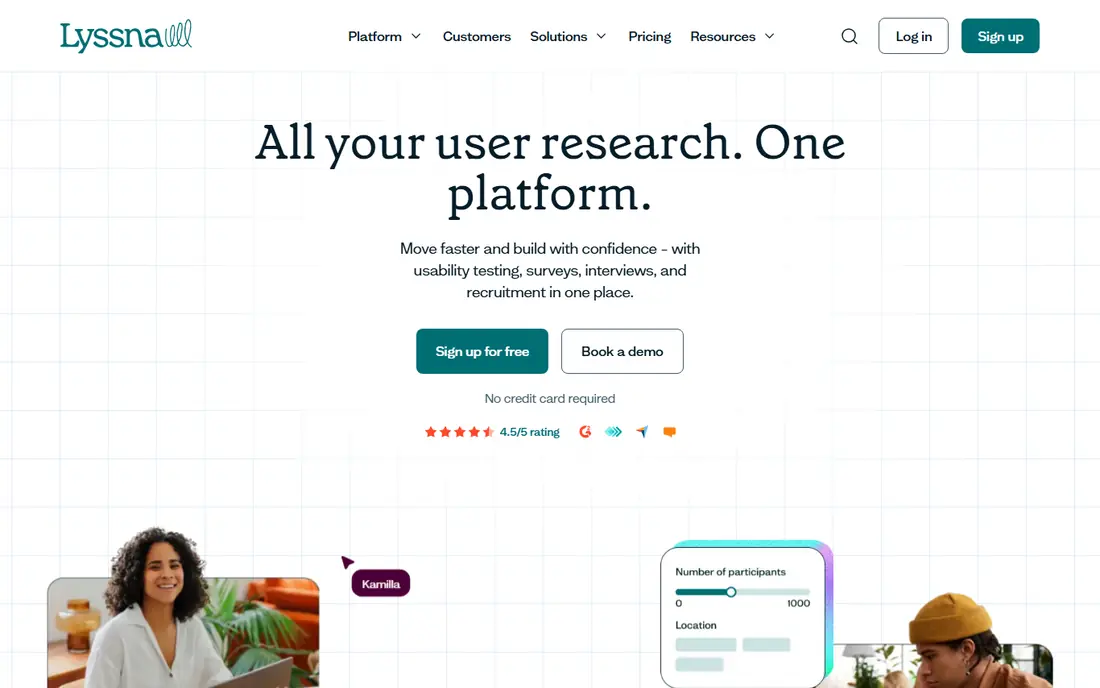
Lyssna gives small and mid-size teams a single home for most research. You can run five-second tests, first-click tests, prototype tasks, surveys, and moderated interviews without stitching tools together. The participant panel covers many countries, which helps teams without their own user list.
The catch is plan detail. Free and paid tiers differ on test length, interviews, and panel access, so check the current pricing page for your study type. For teams that test weekly, the paid tier is usually worth it for longer tests and exports.
- Unmoderated tests, surveys, and interviews in one place
- Large participant panel
- Clear reporting
- Pricing tiers and response limits need a close read
- Advanced analysis is lighter than enterprise suites
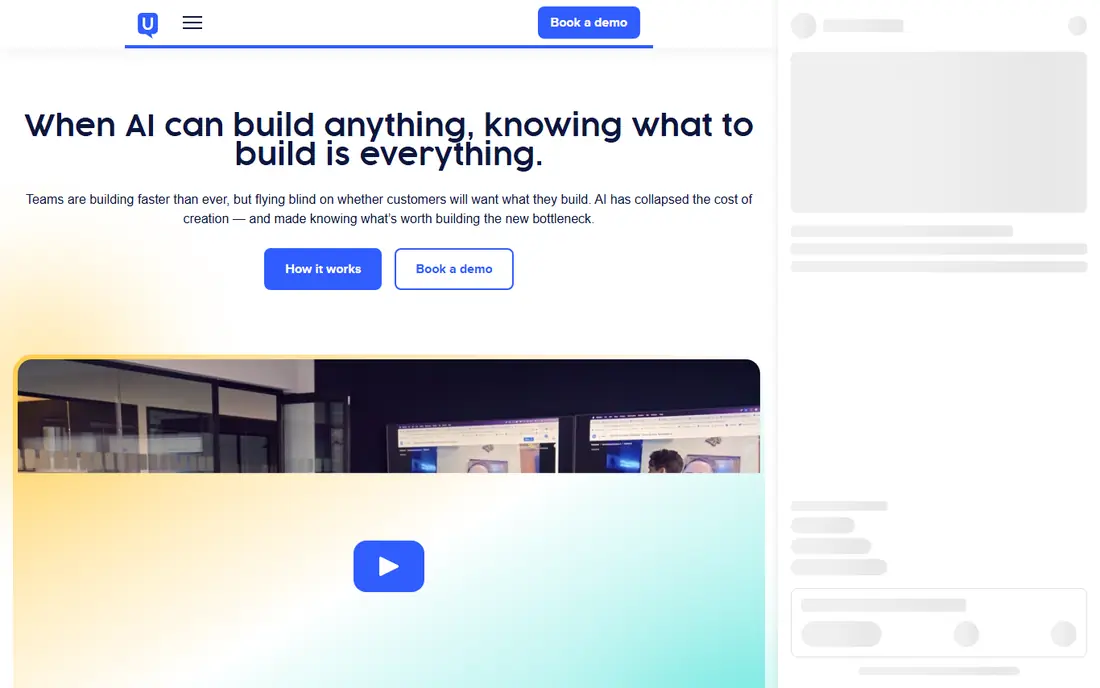
UserTesting is the enterprise standard for video-based usability research. Participants think aloud while they complete tasks, and researchers can probe in live sessions or review recordings later. The panel and targeting options suit companies that need specific user types at scale.
The weakness is access. There is no public free plan or simple monthly price, and contracts often run into five figures per year. Small teams should start with Maze or Lyssna, and move to UserTesting when study volume and panel needs justify the spend.
- Large global participant panel
- Video-based moderated and unmoderated studies
- AI-assisted analysis
- Quote-only pricing
- Often too costly for small teams
- Setup needs more planning
Hotjar answers a different question from Maze. Instead of asking users to complete set tasks, it shows what real visitors actually do on live pages. Heatmaps reveal where people click and scroll, recordings show where they hesitate, and short surveys capture reasons in context.
The limit is structure. Hotjar will not run a controlled prototype test with task success rates, and its free plan caps sessions. Use it alongside a test tool, so live behavior confirms or challenges what your lab-style tests found.
- Heatmaps and session recordings
- On-page surveys and feedback widgets
- Easy install
- Not a task-based test platform
- Session limits on lower tiers
- Analysis needs human review
Optimal Workshop is the best pick when navigation and labels are the problem. Card sorting shows how users group content, tree testing shows whether they can find items in a proposed structure, and first-click tests check early choices. Those methods fix menus and site structure before visual design work.
The trade-off is scope. It does not replace a full prototype test platform for task flows and screens. Use Optimal Workshop early for structure, then test the resulting design in Maze or Lyssna.
- Card sorting, tree testing, and first-click tests
- Clear information architecture reports
- Research repository
- Not a general prototype test tool
- Pricing is tiered by study type and seats
Useberry suits designers who want quick validation of prototypes, landing pages, and concepts. Tests share by link, results show task paths and time, and card sorting covers basic information architecture needs. The free plan lets a solo designer try real studies without a budget request.
The weakness is scale. Larger teams may want deeper reporting, more seats, and stronger panel controls than Useberry offers at entry tiers. For frequent testing by a small team, though, the balance of price and ease is strong.
- Prototype, website, and concept tests
- Card sorting and tree testing
- Simple sharing links
- Panel and advanced features vary by tier
- Analysis depth is below enterprise tools
Lookback is built for live research. Moderators can watch a participant, ask follow-ups, and mark moments in real time, while teammates observe and add notes without interrupting. Clips and transcripts make it easier to share findings with product teams.
The catch is that Lookback is not the cheapest way to run large unmoderated studies. Use it when live conversation matters, such as early discovery or complex workflows, and use Maze or Lyssna for high-volume unmoderated tests.
- Live moderated sessions with screen sharing
- Timestamped notes and clips
- Team observation rooms
- Unmoderated test breadth is thinner
- Pricing is quote-based on higher tiers
Trymata pairs usability tests with product analytics, which helps teams link test findings to live behavior. You can run video tests, review replays, and track funnels and scores across releases. That combination suits teams that want one place for test and usage insight.
The downside is price and learning curve. Entry paid plans cost more than Maze or Lyssna, and the analytics side needs setup to pay off. Teams that only need occasional prototype tests may find a simpler tool a better fit.
- Usability tests with video
- Session replays and funnels
- UX scoring for comparison over time
- Paid plans start higher than budget tools
- Interface takes time to learn
How we picked these
We compared official feature pages, pricing pages, free plan terms, and public reviews for usability testing software. We favored tools that run real task-based tests or live interviews, offer participant recruitment or bring-your-own-user options, and publish clear test types. Prices shown here reflect published entry points or See website where pricing is quote-based or tiered by panel use, so confirm the current plan before you buy.
How to run a useful usability test
A good tool does not fix a weak test plan. Keep the study small, focused, and tied to a decision.
Write tasks, not instructions
Ask participants to complete a goal, such as finding a price or booking a visit, rather than telling them which button to press. Goal-based tasks reveal navigation problems that step-by-step instructions hide.
Recruit five to eight users per round
Small rounds find most major problems, and you can fix issues and test again. Larger panels help for surveys and first-click tests, but live task tests do not need dozens of people per round.
Pair tests with live behavior data
Use Hotjar or Trymata replays to check whether lab findings match real visitor behavior. When both point the same way, you have a strong case for a design change. When they differ, test again with a revised task.
FAQ
What is the best usability testing tool?
Maze and Lyssna are the best all-round picks for most product teams, thanks to unmoderated tests, free plans, and fair pricing. UserTesting leads for enterprise video studies with a large panel. Hotjar is best as a companion tool for live behavior, not as a standalone test platform.
What is the difference between moderated and unmoderated testing?
Moderated testing involves a live researcher who guides the session and asks follow-ups. Unmoderated testing lets participants complete tasks on their own, usually by link, with results recorded automatically. Moderated work gives depth, while unmoderated work gives speed and scale.
Are there free usability testing tools?
Yes. Maze, Lyssna, Hotjar, and Useberry offer free plans or free tiers with limits on studies, sessions, or responses. Free plans suit small teams and solo designers, while paid plans add longer tests, panel access, and exports.
How many users do I need for a usability test?
Five to eight users per round usually surface most major problems in task-based tests. Run a second round after fixes rather than recruiting a very large group for one round. Surveys, card sorts, and first-click tests benefit from larger samples.
Do usability testing tools provide participants?
Many do, for an added fee or on paid tiers. Maze, Lyssna, and UserTesting offer panels, while all eight let you invite your own users by link. Panel costs vary by country, screening, and session length, so price recruitment separately from the software fee.
What is the best usability testing platform for Figma prototypes?
Maze is a strong default for Figma prototype tests, with task flows and fast sharing. Lyssna and Useberry also support prototype tests and are worth shortlisting when you want surveys and interviews in the same account.