Best Translation Project Management Software in 2026: 8 Tools Compared
We compared the best translation project management software for localization teams on translation memory, workflows, integrations and current pricing.
- Editor's choice
 Phrase
Enterprises and software teams
Starts at$27 per monthVisit phrase.comFull review - Great alternative
 Lokalise
Product teams shipping apps fast
Starts at$144 per monthVisit lokalise.comFull review - Also consider
 Crowdin
Teams wanting community and integrations
Starts at$59 per monthVisit crowdin.comFull review
TL;DR:
- Phrase, Lokalise and Crowdin suit software teams, while memoQ and XTM suit agencies handling large document projects.
- Translation memory and glossaries save the most money over time, since repeated text should not be translated twice.
- Free plans help small teams start, but string and word limits decide the real cost.
- Machine translation helps with drafts, but human review remains essential for customer-facing text.
Quick comparison
| Tool | Best for | Starts at | Free plan? | |
|---|---|---|---|---|
| Phrase | Enterprises and software teams | $27 per month | Free trial | Visit |
| Lokalise | Product teams shipping apps fast | $144 per month | Free trial | Visit |
| Crowdin | Teams wanting community and integrations | $59 per month | Yes | Visit |
 Smartling | Enterprises with large content volume | See website | Yes | Visit |
 Transifex | SaaS teams with continuous localization | $139 per month | Free trial | Visit |
 memoQ | Translation teams and agencies | See website | Free trial | Visit |
 XTM Cloud | Enterprises and language service providers | See website | No | Visit |
 Smartcat | Freelancers and agencies wanting one platform | $99 per month | Free trial | Visit |
The best translation project management software
Translation projects fail on version control, not on language skill. The tools below manage source files, translation memory, glossaries, reviewer steps and delivery in one place. We compared official pricing and features, and we favored tools that handle both software strings and longer documents.
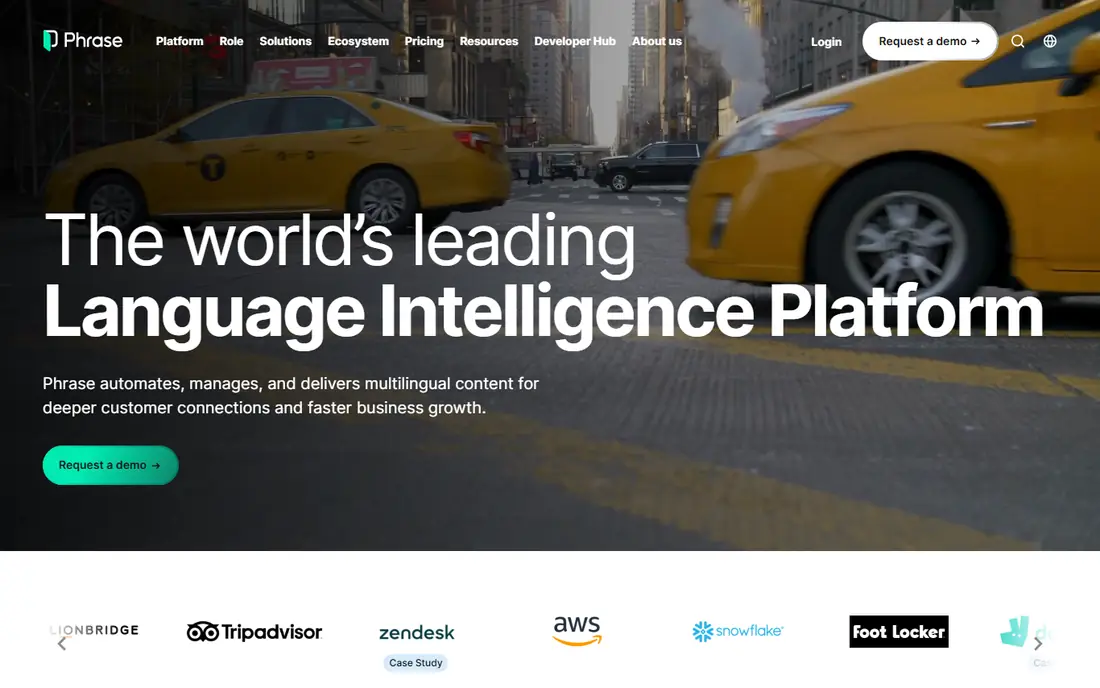
Phrase covers both software localization and longer content, which suits teams that translate apps and help pages together. Its integrations, translation memory and workflow tools help large teams keep many languages in step. The platform also handles glossaries and quality checks in a structured way.
Starting pricing is published for smaller plans, but larger setups are quoted, so get a written quote for your volume. New teams may need time to learn the full workflow system. For an enterprise that needs governance and scale, Phrase is a strong, established choice.
On pricing, Phrase starts at $27 per month, with a free plan status of Free trial. Check the vendor pricing page before you buy, since plans, user counts and add-ons change the total. If that price and scope fit your team, put it on a shortlist and test it with real data before you sign.
- Software strings plus document translation
- Strong integrations
- Translation memory
- Enterprise pricing can be opaque
- Learning curve for new teams

Lokalise is built for product teams that ship web and mobile apps often. Developers can push strings from code, translators can work in context, and updated translations flow back without manual file handling. That speed matters when releases happen weekly and language updates cannot wait for a manual cycle.
The starting price is high for a solo developer or a small app, and the feature set may feel large for a simple project. Teams with only a few languages should weigh the cost against actual release speed. For a fast-moving product team, Lokalise is one of the most polished options.
On pricing, Lokalise starts at $144 per month, with a free plan status of Free trial. Check the vendor pricing page before you buy, since plans, user counts and add-ons change the total. If that price and scope fit your team, put it on a shortlist and test it with real data before you sign.
- Fast software string workflows
- Developer integrations
- In-context editing
- High starting price for small teams
- Overkill for occasional projects
Crowdin suits teams that want many integrations and a way to work with community translators. It handles software strings, documents and game content, with translation memory, glossaries and reviewer workflows. Open-source projects can often use it at no cost, which has built a large user base.
The free tier caps project size and string count, so growing teams will need a paid plan. Some advanced enterprise features sit on higher tiers. For a team that values community translation and a broad integration set, Crowdin gives good value.
On pricing, Crowdin starts at $59 per month, with a free plan status of Yes. Check the vendor pricing page before you buy, since plans, user counts and add-ons change the total. If that price and scope fit your team, put it on a shortlist and test it with real data before you sign.
- Large integration library
- Community translation
- Translation memory
- Free tier caps project size
- Enterprise features cost more
Smartling is an enterprise localization platform for large content volumes and complex workflows. It combines translation management with AI-assisted translation, quality measurement and analytics, which helps big teams manage many languages and content types. Its core plan offers a starting point for smaller tests.
Enterprise pricing is quoted, and the platform is built for scale rather than a single small project. Smaller teams may find the sales process and setup heavier than simpler tools. For a large company with steady, high-volume translation needs, Smartling is a serious option.
On pricing, Smartling starts at See website, with a free plan status of Yes. Check the vendor pricing page before you buy, since plans, user counts and add-ons change the total. If that price and scope fit your team, put it on a shortlist and test it with real data before you sign.
- Enterprise workflows
- AI translation support
- Analytics and quality tools
- Quote-based enterprise pricing
- Heavy for small teams
Transifex is built for continuous localization, where code changes trigger translation work automatically. SaaS teams can link repositories and delivery pipelines so new strings move to translators without manual exports. Translation memory and glossaries keep phrasing consistent across releases.
The starter price is high for a small team, and setup works best with developer help. Occasional translation projects will not use its continuous features well. For a SaaS team shipping often, Transifex gives a reliable, automated path from code to translated product.
On pricing, Transifex starts at $139 per month, with a free plan status of Free trial. Check the vendor pricing page before you buy, since plans, user counts and add-ons change the total. If that price and scope fit your team, put it on a shortlist and test it with real data before you sign.
- Continuous localization through CI/CD
- Translation memory
- API access
- Starting price is high for small teams
- Setup needs developer time
memoQ pairs a strong translation editor with project management features for agencies and in-house teams. It handles complex projects, large memories and terminology with care, and it is widely used in professional translation supply chains. Agencies that receive memoQ packages from clients will find compatibility valuable.
Pricing has several parts, including server and desktop options, so get a clear quote for your setup. New users also face a learning curve before they work fast. For a professional translation team, memoQ remains a respected, capable platform.
On pricing, memoQ starts at See website, with a free plan status of Free trial. Check the vendor pricing page before you buy, since plans, user counts and add-ons change the total. If that price and scope fit your team, put it on a shortlist and test it with real data before you sign.
- Strong CAT editor plus TMS features
- Complex project handling
- Terminology tools
- Pricing is complex
- Desktop focus for some users
- Learning curve
XTM Cloud is an enterprise translation management system for complex operations, including language service providers and large buyers. It offers workflow automation, quality checks and analytics across many projects and languages. That structure helps when dozens of translators and reviewers work on one program.
Pricing is quoted and setup is an enterprise project, so small teams should look elsewhere. The depth that helps large programs can feel heavy for a simple project. For an enterprise or agency with high volume, XTM is a proven, scalable choice.
On pricing, XTM Cloud starts at See website, with a free plan status of No. Check the vendor pricing page before you buy, since plans, user counts and add-ons change the total. If that price and scope fit your team, put it on a shortlist and test it with real data before you sign.
- Workflow automation
- Quality tools
- Analytics for large projects
- Quote-based pricing
- Enterprise setup
- May be heavy for small teams
Smartcat combines a translator marketplace with project management, so small agencies can find translators and manage jobs in one place. It supports document and software translation, with AI-assisted workflows and payment handling for freelancers. That pairing suits teams that outsource much of their work.
Costs can scale with word volume, so model your real usage before committing. Some advanced features sit on higher plans. For a freelancer or small agency that wants hiring and project tools together, Smartcat is a practical, modern option.
On pricing, Smartcat starts at $99 per month, with a free plan status of Free trial. Check the vendor pricing page before you buy, since plans, user counts and add-ons change the total. If that price and scope fit your team, put it on a shortlist and test it with real data before you sign.
- Marketplace plus project tools
- Pay-per-project options
- AI-assisted workflows
- Costs scale with word volume
- Some features need higher plans
How we picked these
We compared official product pages, pricing pages and app store listings, and we checked that each product exists, works today and truly fits the topic. We favored tools with clear pricing or a clear quote path, honest limits, and a track record in the category. We did not claim hands-on testing that did not happen, and we left out tools that did not fit, even when they were well known in a nearby category.
How to choose a translation management tool
Start with your content type. Software strings need developer tools, file formats and continuous delivery links. Marketing pages and manuals need document handling, reviewer workflows and vendor management. A tool built for one type will feel awkward for the other, so match the tool to your main content first.
Next, check translation memory and terminology. A shared memory keeps phrasing consistent across languages and projects, and a glossary stops translators from guessing at product terms. Ask how memory is imported, shared and exported, since you should own that asset if you switch tools.
Workflow and quality
Look for clear steps: translation, review, approval and delivery, with roles for each. Quality checks for missing placeholders, number formats and glossary terms catch errors before release. If you work with outside translators, check how you assign, pay and review their work inside the tool.
Integrations and cost
Confirm links to your code repository, content system or design tool. Pricing often depends on strings, words, seats or projects, so model your cost at your real volume. A cheap starter plan can become costly once string counts grow.
FAQ
What is translation project management software?
It manages translation work from source files to delivered text, including assignments, translation memory, glossaries and review steps. It is often called a translation management system or TMS. The goal is consistent, on-time delivery across languages.
Is it different from a CAT tool?
A CAT tool is mainly an editor for translators, with memory and terminology help. A TMS adds project management, vendor handling and automation around that editor. Many modern tools combine both, so check whether you need the full platform or just an editor.
How is pricing usually charged?
Pricing varies by strings, words, seats or projects, depending on the vendor. Some offer free tiers for small projects, while enterprise tools are quoted. Model your cost at your expected volume, not at the starter limit.
Can machine translation replace human translators?
Machine translation speeds drafts and helps with large volumes, but human review is still needed for accuracy, tone and brand terms. Customer-facing and legal text should always pass human review. Use machine output as a starting point, not a final delivery.
Do I need it for a single website?
A small website may only need a simple website translation tool rather than a full TMS. If you translate often, update content weekly or manage many languages, a TMS saves time. For a one-time project, a freelance translator may be simpler.