Choosing Traffic Planning Software for Cities in 2026: 6 Options Compared
Best traffic planning software for cities, compared. 6 tools with published prices, free plans and limits. Short, factual notes on every option. Clear verdicts.
- Editor's choiceStreetLight InSight
Mobility data and pattern insights
Starts atSee websiteVisit streetlightdata.comFull review - Great alternativeSUMO
Open-source microscopic simulation
Starts atSee websiteVisit eclipse.orgFull review - Also considerSIDRA Intersection
Lane-based intersection analysis
Starts atSee websiteVisit sidrasolutions.comFull review
Direct answer
Start with StreetLight InSight if you need mobility data and pattern insights. Listed starting prices: TransCAD from $6,000 per year. SUMO is better for open-source microscopic simulation, and SIDRA Intersection is better for Lane-based intersection analysis. All 6 tools are compared below on price, free plan and limits.
TL;DR:
- Top of the list is StreetLight InSight, which targets mobility data and pattern insights.
- A permanent free plan is missing from all 6 tools, StreetLight InSight and TransCAD included; plan for a trial or a premium start.
- Pricing for StreetLight InSight, SUMO, SIDRA Intersection and others is quote-based, which adds a sales step before you can compare cost.
- One limit worth knowing about Synchro: part of a bigger commercial suite.
- TransCAD is the one to check for GIS-integrated transportation planning.
Last checked November 2026. Prices and plan details were read from the vendors' own pages in November 2026; vendors change plans often, so confirm the current price on the vendor site before you buy.
Quick comparison
| Tool | Best for | Starts at | Free plan? | |
|---|---|---|---|---|
| StreetLight InSight | Mobility data and pattern insights | See website | Not stated | Visit |
| SUMO | Open-source microscopic simulation | See website | Not stated | Visit |
| SIDRA Intersection | Lane-based intersection analysis | See website | Not stated | Visit |
| Synchro | Signal timing and corridor work | See website | Not stated | Visit |
| INRO Emme | Transport planning what-if analysis | See website | Not stated | Visit |
| TransCAD | GIS-integrated transportation planning | $6,000 per year | No | Visit |
The best traffic planning software for cities
LinkVetted compared 6 traffic planning software for cities. The goal is a practical shortlist: published prices, free plan facts, best-fit use cases and honest limits for every entry.
StreetLight InSight
Best for: Mobility data and pattern insights
Pick StreetLight InSight if this describes you: mobility data and pattern insights. StreetLight InSight is StreetLight Data's transportation data option, built to provide actionable insights into transportation patterns.
Honest limits: Depends on available data coverage.
Results rely on the underlying data coverage for a given area. StreetLight InSight does not show a starting price in this comparison, so check the vendor site for current pricing. Free options: Not stated.
- Supports infrastructure decisions
- Focus on measured mobility patterns
- Data-centric instead of modeling
SUMO
Best for: Open-source microscopic simulation
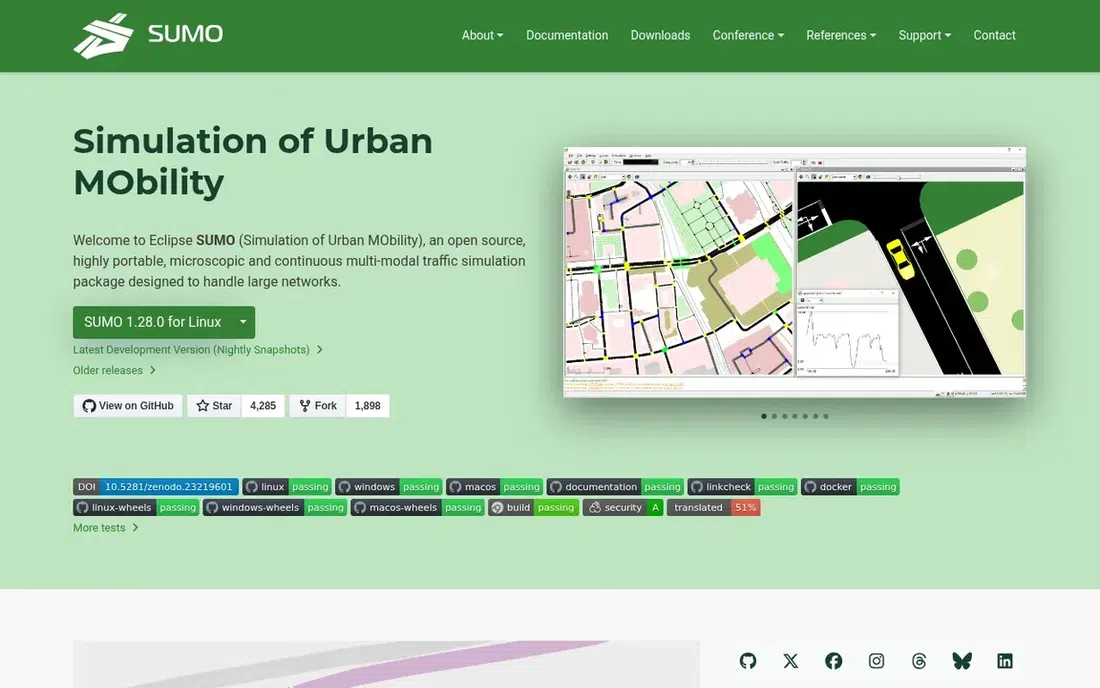
SUMO was built for open-source microscopic simulation. Agencies needing fast intersection analysis or vendor support contracts may prefer a commercial alternative. In daily use, Eclipse SUMO is an open-source, microscopic and continuous multi-modal traffic simulation package.
The main drawbacks: Needs technical setup.
It models individual vehicles and travelers, making it a fit for research teams, universities, and agencies that want in-depth simulation without licensing constraints. From a buyer's view, since it is open source, teams can extend it and integrate it with their own data pipelines and scripts. Check the vendor site for SUMO pricing; none is listed in this comparison. Trial and free access: Not stated.
- Continuous simulation support
- Microscopic multimodal simulation
- Restricted built-in support
SIDRA Intersection
Best for: Lane-based intersection analysis
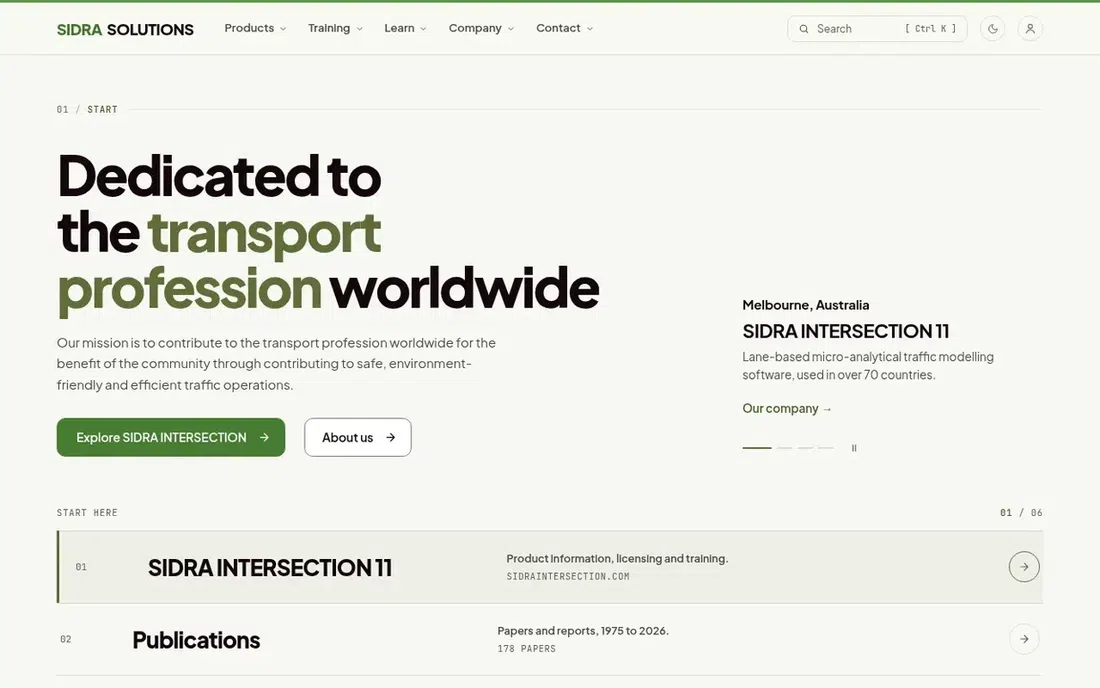
SIDRA Intersection is designed for Lane-based intersection analysis. The Melbourne-based developer focuses specifically on this modeling discipline. SIDRA Intersection is SIDRA SOLUTIONS' lane-based micro-analytical traffic modeling software, used by transport professionals internationally.
Limits to weigh: Specialized ramp-up time.
It concentrates on intersection and network performance analysis, which makes it a solid fit for traffic engineers evaluating signals, roundabouts, and capacity questions. On top of that, choose SIDRA Intersection when in-depth intersection performance is the core question. Pricing for SIDRA Intersection is not stated here, so ask the vendor for current figures. On free options: Not stated.
- Lane-based micro-analytical modeling
- Used by transport professionals worldwide
- Narrower than network-wide planning
Synchro
Best for: Signal timing and corridor work
Think of Synchro for signal timing and corridor work. Synchro is offered within Bentley Systems' infrastructure engineering software portfolio, which serves architects, engineers, constructors, and owner-operators. It is widely associated with signal timing and corridor optimization work, making it a practical fit for city traffic operations and engineering teams already working in Bentley environments.
The main drawbacks: Part of a bigger commercial suite.
In daily use, the broader portfolio supports coordination across infrastructure projects. Also, choose Synchro when signal and corridor optimization align with your operations program. On top of that, since it sits inside a bigger commercial ecosystem, teams should confirm how it plugs into their existing tools and data. This comparison lists no price for Synchro; ask the vendor. Free options: Not stated.
- Backed by Bentley's portfolio
- Suits infrastructure engineering workflows
- Needs licensing
INRO Emme
Best for: Transport planning what-if analysis
INRO Emme is aimed squarely at transport planning what-if analysis. INRO Emme appears in Bentley's OpenPaths transportation planning, modeling, and analysis software lineup, which is positioned to answer transport planning what-if questions and support more efficient, resilient, and sustainable mobility.
The main drawbacks: Specialized planning orientation.
The tool assumes familiarity with transport modeling methods, so staffing and training matter. This comparison lists no price for INRO Emme; ask the vendor. As for free access: Not stated.
- Focus on sustainable mobility
- Answers planning what-if questions
- Needs modeling expertise
TransCAD
Best for: GIS-integrated transportation planning
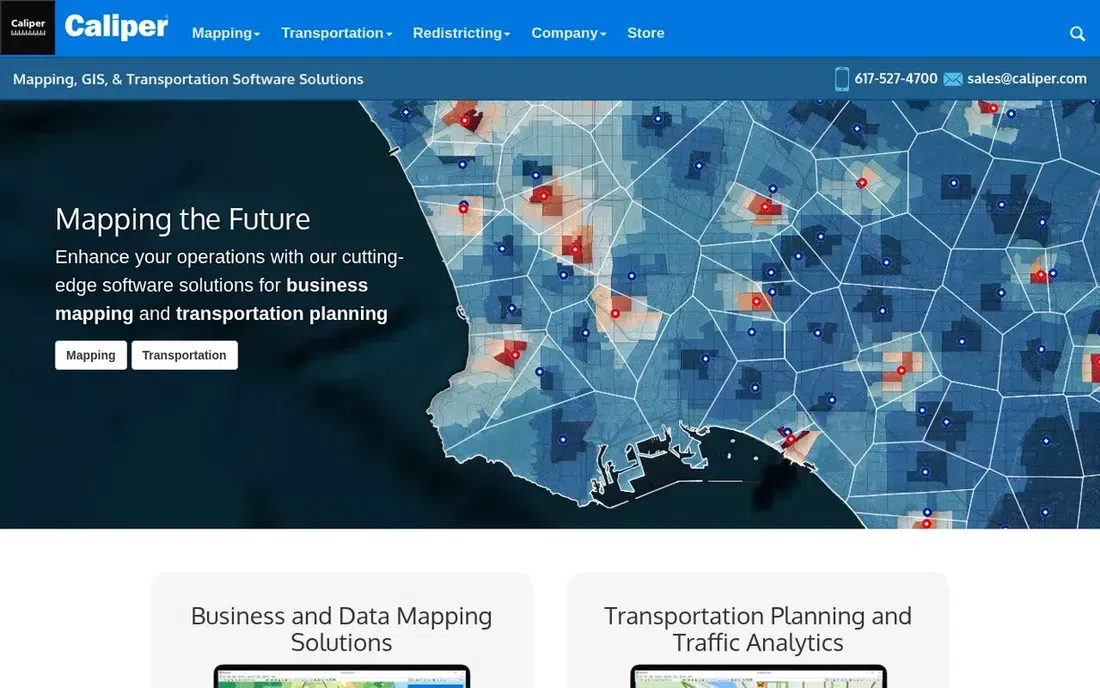
TransCAD works best for GIS-integrated transportation planning. TransCAD is Caliper's transportation planning software, offered alongside Maptitude mapping and TransModeler traffic simulation. It brings GIS mapping together with travel demand and network modeling, which fits planning agencies and consultants that want spatial analysis and forecasting in one environment.
Where it falls short: Steep ramp-up time.
As for the details, smaller municipalities with straightforward intersection questions may find lighter tools quicker to adopt. For everyday use, the platform is desktop-based and assumes a working knowledge of transportation modeling concepts, so new users should expect training time. Entry price for TransCAD: $6,000 per year. No free plan comes with TransCAD.
- Part of a broader modeling suite
- Merges mapping with transportation planning
- Licensed desktop software
What went into this list
For each of the 6 tools we noted price, free plan or trial, fit for traffic planning software for cities and the main limit, using vendor pages and documentation. Where a vendor does not publish a price, the entry says quote. Where a price depends on seats or billing term, the entry says so. Order on the page follows fit for the typical buyer first, then price transparency and free access. Your own requirements should decide the final pick.
Before you commit
- Get a written quote from StreetLight InSight, SUMO, SIDRA Intersection and others; the list shows no starting price for them.
- Read the limits listed for StreetLight InSight first: data-centric instead of modeling.
- Confirm that SUMO connects to the apps your team already uses, on the plan you would actually buy.
- Find out what support SIDRA Intersection includes on your plan, and whether onboarding help costs extra.
- Confirm the exact StreetLight InSight plan that includes your must-have features.
FAQ
Is StreetLight InSight the right pick for everyone comparing traffic planning software for cities?
No single tool suits every team. StreetLight InSight comes first because it fits mobility data and pattern insights, while SUMO suits open-source microscopic simulation and SIDRA Intersection suits Lane-based intersection analysis. Match the tool to your own size, budget and workflow before deciding.
Does any tool for traffic planning software for cities here have a free plan?
A permanent free plan is not offered by StreetLight InSight, TransCAD or the other tools here. Plan a short evaluation period instead.
Can I try these tools before paying?
Not by default. None of the tools, from StreetLight InSight to TransCAD, lists a free plan or a free trial here, so ask each vendor for a demo before committing.
What is the difference between traffic simulation and traffic planning software?
Simulation tools model individual vehicles or travelers to test how a network behaves, whereas planning software concentrates on demand forecasting, scenarios, and policy questions.
How are the tools for traffic planning software for cities ordered?
The order follows typical fit for traffic planning software for cities, with StreetLight InSight first and TransCAD last, then price clarity and free access. It is editorial judgement, not a score, so another team could rank the tools differently.
Sources
- https://www.streetlightdata.com
- https://www.eclipse.org/sumo
- https://www.sidrasolutions.com
- https://www.bentley.com
- https://www.inrosoftware.com
- https://www.caliper.com