Best Tools for Social Media CRM in 2026: 8 Tools Compared
We compared the best tools for social media crm on inbox, contacts, reporting and price, so small teams can pick a tool that fits their budget in 2026.

- Editor's choice
 Sprout Social
Reporting-led social teams
Starts at$199 per seat per monthVisit sproutsocial.comFull review - Great alternative
 Hootsuite
Large teams on many channels
Starts at$99 per user per monthVisit hootsuite.comFull review - Also consider
 Agorapulse
Inbox-heavy teams on a budget
Starts at$79 per user per monthVisit agorapulse.comFull review
TL;DR:
- Sprout Social and Hootsuite lead on reporting and team workflows, but both charge per seat, so costs rise fast as teams grow.
- Buffer and SocialPilot are the budget picks for publishing and basic contact tracking, with far lower entry prices.
- HubSpot fits teams that want social activity tied to deals and contacts, rather than a standalone social inbox.
- Agorapulse gives a strong middle ground, with a shared inbox, approvals and CRM-style contact profiles at a lower seat price than Sprout Social.
Quick comparison
| Tool | Best for | Starts at | Free plan? | |
|---|---|---|---|---|
| Sprout Social | Reporting-led social teams | $199 per seat per month | Free trial | Visit |
| Hootsuite | Large teams on many channels | $99 per user per month | Free trial | Visit |
| Agorapulse | Inbox-heavy teams on a budget | $79 per user per month | Free trial | Visit |
 HubSpot | Teams already using HubSpot CRM | Free | Yes | Visit |
 Zoho Social | Small teams in the Zoho ecosystem | $10 per month | Free trial | Visit |
 Buffer | Solo creators and small teams | $6 per channel per month | Yes | Visit |
 SocialPilot | Agencies managing many clients | $30 per month | Free trial | Visit |
 Sendible | Agencies and small marketing teams | $29 per month | Free trial | Visit |
The best tools for social media CRM
A social media CRM should do more than schedule posts. It should keep conversations, contacts and follow-ups in one place, so a reply on Instagram does not get lost while a lead waits on LinkedIn.
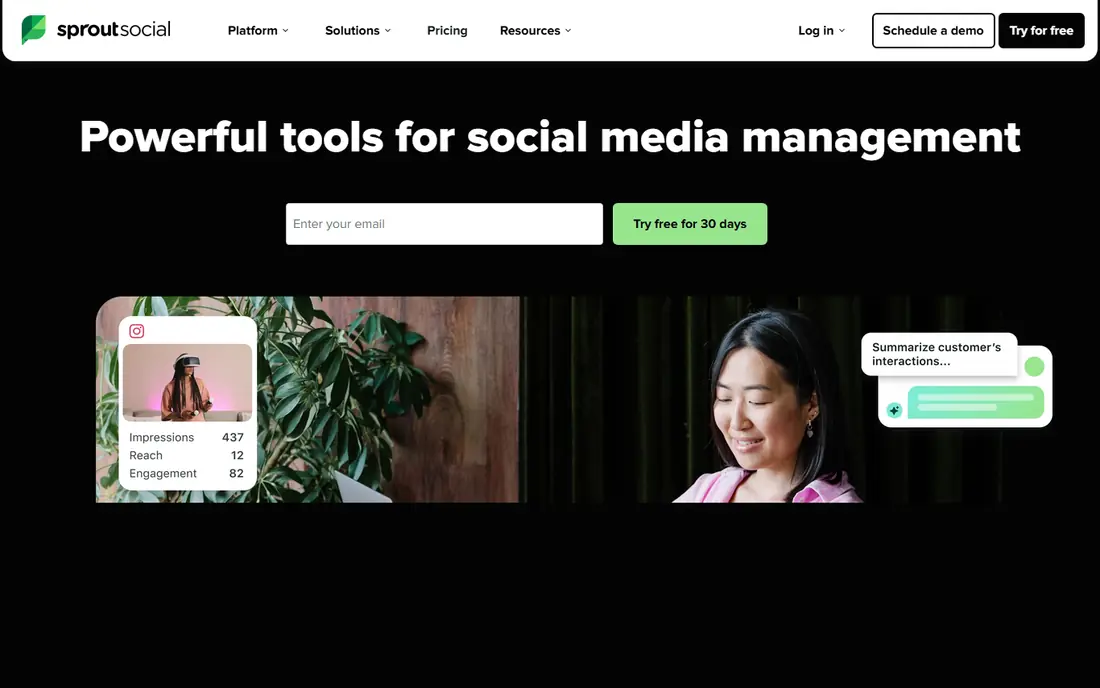
For teams that need reporting-led social teams, this option earns its place. Sprout Social stands out for teams that must report on social work in a format managers trust, with detailed analytics, listening and contact context in one dashboard. In practice, that means a team with this job can get started without a long setup phase, and the core workflow stays close to the task at hand. We checked official feature pages, pricing pages and app listings to confirm what is included at the entry level, rather than trusting marketing summaries alone.
The catch is cost and complexity, since entry pricing is high per seat and smaller teams may pay for reporting depth they rarely open. Pricing also matters here, because the starting price is $199 per seat per month, with a free option listed as free trial. Check plan limits, seat rules and export options before committing, since those details decide whether the entry tier fits real work. If those limits fit your volume and team size, this is a sensible shortlist pick, and if they do not, the next tool in this list may fit better.
- Deep reporting and sentiment tools
- Strong CRM integrations
- Shared inbox with assignments
- Per-seat pricing gets expensive fast
- No free plan
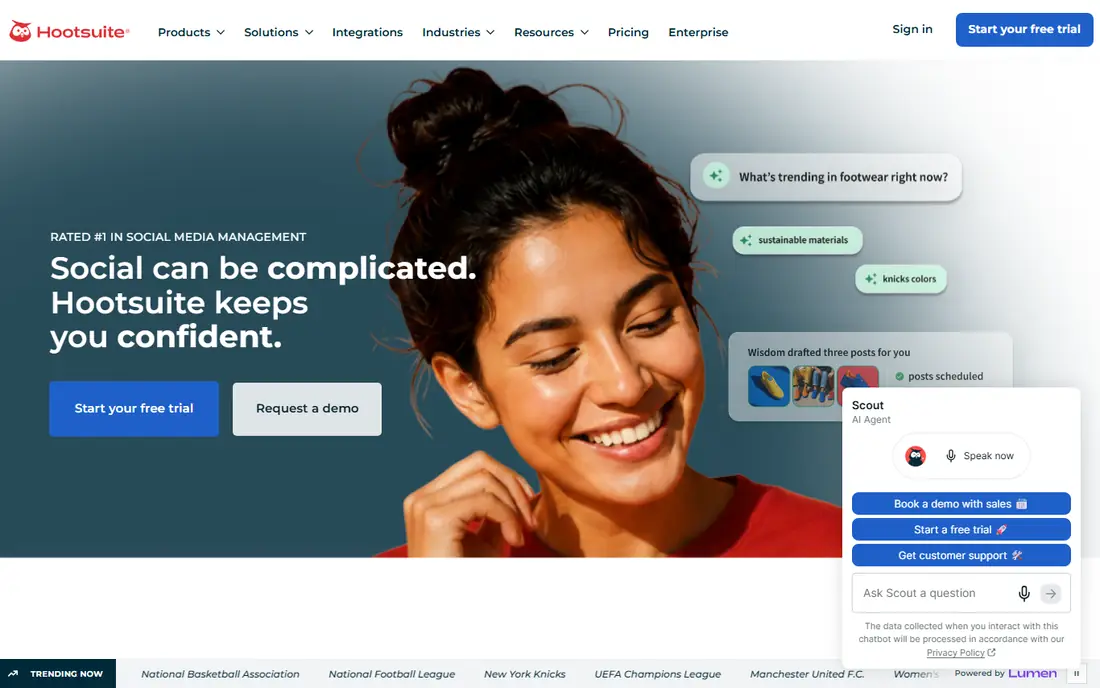
Start here if large teams on many channels is your main job. Hootsuite suits organisations that manage many accounts and stakeholders, because its scheduling, streams and integrations cover more networks than most rivals. In practice, that means a team with this job can get started without a long setup phase, and the core workflow stays close to the task at hand. We checked official feature pages, pricing pages and app listings to confirm what is included at the entry level, rather than trusting marketing summaries alone.
The catch is that useful governance, such as approvals, is not on the entry tier, so the plan you actually need may cost more than the headline price. Pricing also matters here, because the starting price is $99 per user per month, with a free option listed as free trial. Check plan limits, seat rules and export options before committing, since those details decide whether the entry tier fits real work. If those limits fit your volume and team size, this is a sensible shortlist pick, and if they do not, the next tool in this list may fit better.
- Very wide channel and app support
- Strong scheduling and monitoring streams
- Mature team controls
- Approvals sit on higher tiers
- Per-user pricing adds up

This one suits buyers who put inbox-heavy teams on a budget first. Agorapulse gives inbox-heavy teams a clear daily workflow, with messages, comments and mentions in one queue and a contact profile attached to each conversation. In practice, that means a team with this job can get started without a long setup phase, and the core workflow stays close to the task at hand. We checked official feature pages, pricing pages and app listings to confirm what is included at the entry level, rather than trusting marketing summaries alone.
The catch is scale, since heavy reporting and longer data history require higher tiers, and teams should check profile limits before they import a large audience. Pricing also matters here, because the starting price is $79 per user per month, with a free option listed as free trial. Check plan limits, seat rules and export options before committing, since those details decide whether the entry tier fits real work. If those limits fit your volume and team size, this is a sensible shortlist pick, and if they do not, the next tool in this list may fit better.
- Unified inbox across major networks
- CRM-style contact profiles
- Approvals from mid-tier plans
- No permanent free plan for most teams
- Some advanced reports sit higher up
If teams already using hubspot crm matters most, this tool deserves a close look. HubSpot fits teams that want social replies linked to real contacts, deals and email history, rather than a separate social silo that sales never sees. In practice, that means a team with this job can get started without a long setup phase, and the core workflow stays close to the task at hand. We checked official feature pages, pricing pages and app listings to confirm what is included at the entry level, rather than trusting marketing summaries alone.
The catch is hub pricing, since the free CRM is generous but richer social reporting and automation sit in paid Marketing Hub plans that are priced by contacts and seats. Pricing also matters here, because the starting price is free, with a free option listed as yes. Check plan limits, seat rules and export options before committing, since those details decide whether the entry tier fits real work. If those limits fit your volume and team size, this is a sensible shortlist pick, and if they do not, the next tool in this list may fit better.
- Free CRM core
- Social activity tied to contacts and deals
- Broad marketing and sales tools
- Social features deepen only on paid hubs
- Costs rise across hubs
Consider this tool when small teams in the zoho ecosystem is the priority. Zoho Social is a sensible pick for small teams that already use Zoho, because it keeps publishing and monitoring close to CRM contacts without a large monthly bill. In practice, that means a team with this job can get started without a long setup phase, and the core workflow stays close to the task at hand. We checked official feature pages, pricing pages and app listings to confirm what is included at the entry level, rather than trusting marketing summaries alone.
The catch is depth, since teams that need sentiment analysis, competitive reports or large-scale listening will outgrow it and need a second tool. Pricing also matters here, because the starting price is $10 per month, with a free option listed as free trial. Check plan limits, seat rules and export options before committing, since those details decide whether the entry tier fits real work. If those limits fit your volume and team size, this is a sensible shortlist pick, and if they do not, the next tool in this list may fit better.
- Low entry price
- Simple scheduling and monitoring
- Links to Zoho CRM
- Reporting is lighter than Sprout or Hootsuite
- Fewer advanced listening features
Teams focused on solo creators and small teams will find a lot to like here. Buffer is the simplest way to publish consistently, with a clean composer, queue and basic analytics that suit solo creators and tiny teams. In practice, that means a team with this job can get started without a long setup phase, and the core workflow stays close to the task at hand. We checked official feature pages, pricing pages and app listings to confirm what is included at the entry level, rather than trusting marketing summaries alone.
The catch is contact management, since Buffer tracks channels well but does not build the rich contact profiles that a true social CRM buyer may expect. Pricing also matters here, because the starting price is $6 per channel per month, with a free option listed as yes. Check plan limits, seat rules and export options before committing, since those details decide whether the entry tier fits real work. If those limits fit your volume and team size, this is a sensible shortlist pick, and if they do not, the next tool in this list may fit better.
- Very low entry cost
- Clean scheduler
- Free plan for a few channels
- Limited CRM depth
- No full shared inbox on basic plans
Buyers who need agencies and small marketing teams should shortlist this one. Sendible works well for agencies that need client dashboards and approvals without paying per seat for every client reviewer. In practice, that means a team with this job can get started without a long setup phase, and the core workflow stays close to the task at hand. We checked official feature pages, pricing pages and app listings to confirm what is included at the entry level, rather than trusting marketing summaries alone.
The catch is counting, since costs grow with profiles and services, so agencies should map client accounts carefully before picking a tier. Pricing also matters here, because the starting price is $29 per month, with a free option listed as free trial. Check plan limits, seat rules and export options before committing, since those details decide whether the entry tier fits real work. If those limits fit your volume and team size, this is a sensible shortlist pick, and if they do not, the next tool in this list may fit better.
- Unlimited users on some plans
- Client dashboards
- Content approval workflows
- Per-profile pricing can grow with clients
- Listening is limited
How we picked these
We compared official feature pages, pricing pages and app listings for tools that combine social publishing with contact or conversation management. We checked whether each tool keeps a contact history, supports team approvals, and connects social activity to a wider CRM. We also modelled entry pricing at a small team size, because per-seat pricing changes the real cost quickly.
How to choose a social media CRM
Start with the job you repeat every week. If most of your work is replying to comments and direct messages, a shared inbox matters more than a fancy dashboard. If your work is mostly publishing, a scheduler with approval steps may be enough, and a full CRM layer would add cost without adding value.
Next, check how contacts are stored. Some tools build a profile from every interaction, with notes and past messages. Others only show a handle and recent posts. If you run sales or support from social channels, the profile view is the feature that saves repeat questions and missed follow-ups.
Finally, test the reporting before you pay for a year. Ask whether reports show replies, response time and clicks by channel, and whether you can export them. A tool that only reports likes and follower counts will not help you show that social work turned into enquiries or sales.
FAQ
What is a social media CRM?
A social media CRM combines social publishing and inbox tools with contact records. It stores who a person is, what they said before, and what your team promised next, so follow-ups stay consistent across channels.
What is the best social media crm software for a small team?
For a small team, Buffer or SocialPilot often fit best on price, while Agorapulse fits teams that need a shared inbox and approvals. Larger teams that need deep reporting usually land on Sprout Social or Hootsuite.
Do I need a separate CRM if I already use HubSpot or Zoho?
Not always. If HubSpot or Zoho already holds your contacts and deals, adding their social tools may be simpler than buying a second system. A standalone social tool fits better when social is your main channel and your main CRM is used by another team.
Can social media CRM tools replace a help desk?
They can handle simple questions and triage, but they are not a full help desk. For ticket SLAs, knowledge bases and phone support, keep a dedicated support tool and use the social tool to route issues into it.
How much should a small business budget for social media CRM tools?
Budget from a free or low-cost scheduler up to a few hundred dollars a month for a seat-based suite. Model the cost at your real team size, including extra seats, before choosing an annual plan.
SocialPilot
Best for: Agencies managing many clients
This pick makes sense when agencies managing many clients drives the decision. SocialPilot suits agencies because plan pricing covers accounts and users together, and client approval links reduce the back-and-forth that eats agency time. In practice, that means a team with this job can get started without a long setup phase, and the core workflow stays close to the task at hand. We checked official feature pages, pricing pages and app listings to confirm what is included at the entry level, rather than trusting marketing summaries alone.
The catch is polish, since reports and the dashboard are practical rather than elegant, and teams used to Sprout-level analytics may notice the gap. Pricing also matters here, because the starting price is $30 per month, with a free option listed as free trial. Check plan limits, seat rules and export options before committing, since those details decide whether the entry tier fits real work. If those limits fit your volume and team size, this is a sensible shortlist pick, and if they do not, the next tool in this list may fit better.