Best Tools for QA Scoring in Customer Support in 2026: 8 Tools Compared
Compare the best tools for qa scoring in customer support, from AI auto-scoring to coaching scorecards, pricing, integrations and trials for teams in 2026.
- Editor's choice
 MaestroQA
Coaching-led QA teams
Starts atSee websiteVisit maestroqa.comFull review - Great alternative
 Scorebuddy
Contact centres moving to full coverage
Starts at$24 per monthVisit scorebuddy.comFull review - Also consider
 EvaluAgent
Small and mid-sized QA teams
Starts atSee websiteVisit evaluagent.comFull review
TL;DR:
- AI auto-scoring now covers every conversation for many teams, which removes the blind spots left by small manual samples.
- The best scorecard is the one your team will actually use, so custom criteria and clear coaching links matter more than a long feature list.
- Pricing is usually per user or by quote, so check whether AI scoring, transcription and coaching are included or charged as add-ons.
- A strong QA tool should connect to the helpdesk or phone system you already use, or reviewers will spend their time copying data by hand.
- Calibration matters as much as software, so pick a tool that lets reviewers compare scores and discuss disagreements in one place.
Quick comparison
| Tool | Best for | Starts at | Free plan? | |
|---|---|---|---|---|
| MaestroQA | Coaching-led QA teams | See website | Free trial | Visit |
| Scorebuddy | Contact centres moving to full coverage | $24 per month | Free trial | Visit |
| EvaluAgent | Small and mid-sized QA teams | See website | Free trial | Visit |
 Kaizo | Scoring every conversation | See website | Free trial | Visit |
 Level AI | Voice and chat analytics plus QA | See website | No | Visit |
 Zendesk QA | Teams already on Zendesk | See website | Free trial | Visit |
 Convin | AI call scoring on a budget | See website | Free trial | Visit |
 Playvox | Workforce and quality in one suite | See website | Free trial | Visit |
The best tools for QA scoring in customer support
We compared tools that score real support conversations, not just survey results, and we focused on scorecard flexibility, coverage, coaching and pricing clarity.
MaestroQA suits teams that treat QA as coaching rather than grading alone. Reviewers build scorecards around the behaviours the team actually wants, score conversations from connected helpdesks and phone tools, and send feedback to agents in the same workflow. That close link between a score and a coaching note is the point, since a number on its own rarely changes how someone handles the next difficult call.
The trade-off is that smaller teams may find the platform larger than they need. Pricing is handled through sales, so a team with only a handful of agents should ask for a clear quote before assuming it fits the budget. Implementation also rewards a little planning around scorecard design and calibration. Done well, though, MaestroQA gives managers a consistent standard across reviewers and a clear record of how coaching followed each review.
- Flexible scorecards
- Strong coaching workflows
- Broad helpdesk integrations
- Pricing is not published
- Setup can feel involved for very small teams
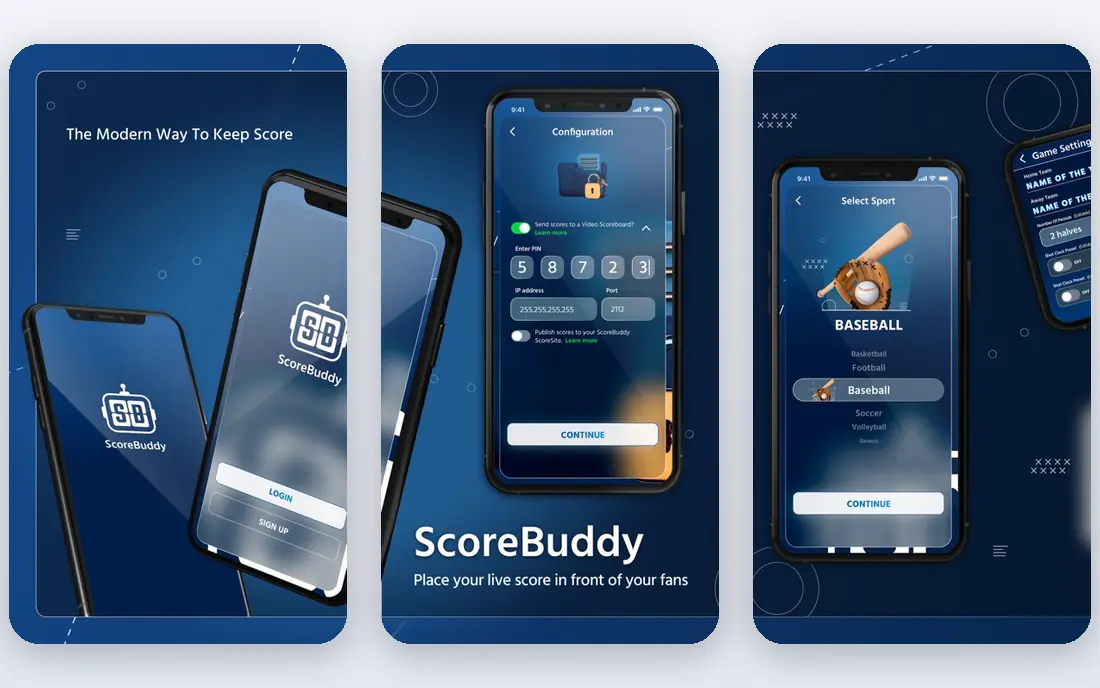
Scorebuddy has long been a familiar name in contact centre QA, and its newer AI auto-scoring extends that work to every voice, chat and email conversation rather than a sample. Teams can design their own scorecards, apply them consistently, and use sentiment and trend views to see what is driving contact. For regulated teams, the audit trail behind each score helps when a grade needs to be explained later.
The honest catch is pricing clarity. Listings point to a starting figure around 24 dollars per month, but packages and add-ons change what a team actually pays, so confirm the full quote for AI scoring and coaching features. Some reviewers also note reporting limits compared with the scoring itself. Even so, Scorebuddy is a solid middle ground for teams that want proven QA workflows with AI coverage added, rather than a brand new analytics platform.
- AI auto-scoring across channels
- Unlimited scorecard designs
- Wide integrations
- Entry pricing varies by package
- Reporting can feel limited on lower tiers
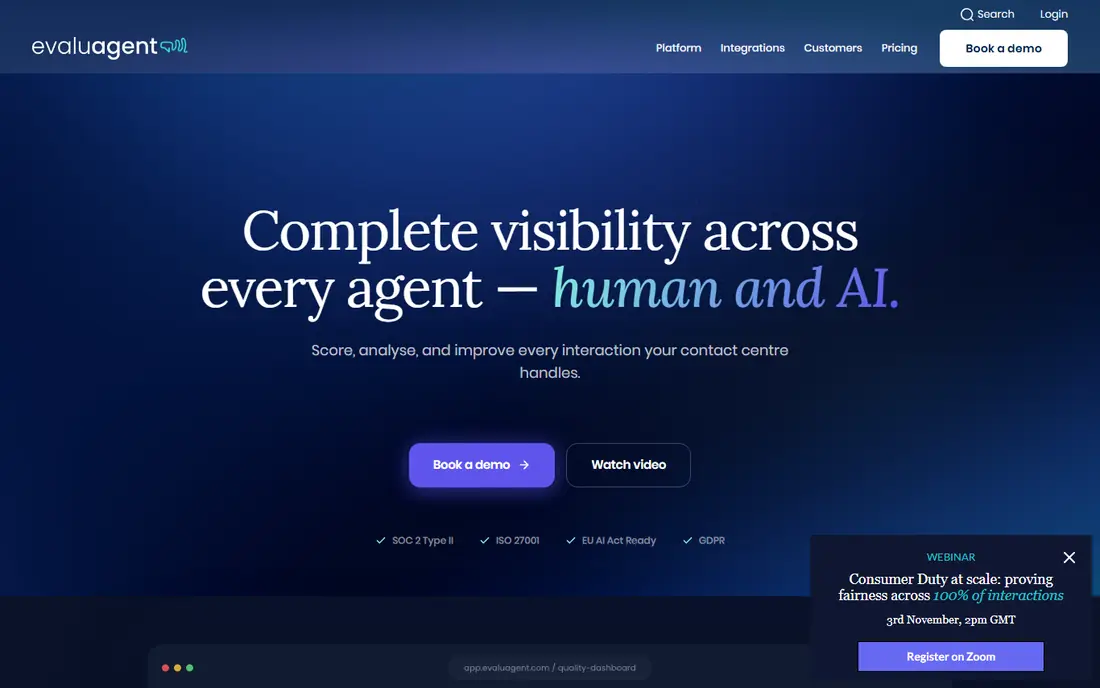
EvaluAgent is built for teams that want QA up and running without a long project. Its scorecards are straightforward to build, its AI auto-evaluation can cover conversations at scale, and calibration tools help reviewers agree on what good looks like. Coaching features sit close to the scores, so agents see feedback tied to specific moments instead of a vague monthly average.
The main drawback is that pricing is not published, which makes a quick budget comparison harder. Larger enterprises with deep analytics or workforce management needs may also want a broader suite. For a small or mid-sized support team, though, EvaluAgent hits a useful balance. It is focused enough to adopt quickly, yet flexible enough to grow as the QA programme matures and the team starts scoring more channels.
- Simple scorecard setup
- AI auto-evaluation
- Coaching and calibration tools
- Pricing is quote based
- Less suited to very large enterprise analytics needs
Kaizo takes a clear position, which is that sampling a few conversations a month is not enough to judge quality fairly. It scores every conversation against custom criteria, surfaces alerts when quality dips, and lets teams export results next to CSAT and handle time. That full coverage is useful when a rare but serious mistake matters more than the average score.
The catch is that value depends on volume and on how well the team acts on the data. A team with low volume may not need full coverage, and a team that never reviews alerts will gain little from them. Pricing is also handled through sales, so ask whether transcription, AI scoring and storage are included. For busy support teams, Kaizo is a strong pick because it turns QA from a monthly sample into a continuous view of quality.
- Scores 100 percent of conversations
- Custom criteria
- Real-time alerts
- Pricing is not published
- Best value depends on conversation volume
Level AI blends QA scoring with conversation analytics, so a score is not the end of the story. Teams can see trends, topics and sentiment across voice and chat, then link those patterns back to scorecards and coaching. That helps managers answer a harder question than who scored highest, namely why certain issues keep appearing and which coaching would fix them.
The platform is aimed at larger contact centres, and that shows in pricing and setup. Small teams should expect a sales conversation and a longer onboarding path than a simple scorecard tool. If the team already wants analytics as well as QA, that extra scope is a benefit rather than bloat. Level AI fits teams that want one system for understanding conversations and improving them, not just a grading sheet.
- Deep conversation analytics
- QA tied to trends and coaching
- Enterprise scale
- Pricing is quote based
- May be more platform than a small team needs
Zendesk QA, formerly Klaus, is the natural choice for teams that already live in Zendesk. Scores, conversations and agent profiles stay in one workspace, which removes the integration work that slows other QA rollouts. AI auto-QA can review conversations at scale, while manual scorecards handle the nuanced cases where human judgement still matters most.
The limitation is obvious, which is that teams outside Zendesk gain far less from it. Pricing also sits inside the wider Zendesk plan structure, so the QA cost is hard to judge on its own. For an existing Zendesk team, though, the convenience is real. Reviewers work where agents work, managers see QA next to ticket data, and coaching can follow a score without switching tools.
- Native Zendesk integration
- AI auto-QA
- Familiar agent workspace
- Full value depends on Zendesk plans
- Less attractive outside Zendesk
Convin focuses on automated conversation analysis, with AI scoring for calls and chats alongside manual scorecards for human review. Teams can track compliance phrases, sentiment and agent behaviour, then use those findings for coaching. It is a practical option for contact centres that want AI scoring without committing to an enterprise platform on day one.
The honest catch is that pricing and some feature details are handled through sales, so a demo and written quote matter before buying. Coverage and accuracy also depend on call quality and language, as with any transcription based tool. Even with those caveats, Convin earns its place for teams that want a clear step up from spreadsheets and sampled reviews, at a scope that feels manageable for a growing support operation.
- Automated call scoring
- Manual scorecards
- Conversation insights
- Pricing is quote based
- Some features vary by plan and region
Playvox combines quality management with coaching, performance and workforce management, which suits teams that want QA connected to scheduling and agent development. Scorecards, calibration and coaching live in the same system, so a low score can lead to a training task and a follow-up review without extra tools. Integrations with common helpdesks and contact platforms help keep that workflow in one place.
The trade-off is scope. A team that only wants scorecards may find the wider suite unnecessary, and pricing is quote based, so costs need a direct conversation. For operations teams that already juggle QA, coaching and scheduling separately, that consolidation is the appeal. Playvox is best judged as an operations platform with strong QA at its core, rather than as a single-purpose scoring app.
- QA plus coaching and workforce tools
- Scorecards and calibration
- Integrations
- Pricing is quote based
- Suite scope can be more than a QA-only team needs
How we picked these
We compared official feature pages, pricing pages, app listings and public reviews, and we favoured tools that score real conversations, offer custom scorecards and support coaching or calibration. We included a mix of dedicated QA tools and wider platforms with strong QA features, and we left out tools that only collect CSAT surveys or only record calls without scoring. Prices shown are starting points or quote based where vendors do not publish rates, so check the vendor page before buying.
What to check before you buy a QA scoring tool
A good demo can hide the details that matter day to day, so test the tool on your own conversations and your own scorecard before committing.
Coverage and accuracy
Ask what share of conversations the tool scores, and whether AI scores are checked by a human before they reach agents. Full coverage sounds appealing, but it only helps if transcription is accurate for your accents, languages and call quality. Run a pilot on a sample of real tickets and calls, compare AI scores with reviewer scores, and look at where they disagree. Those disagreements teach you more than any vendor accuracy claim.
Scorecards, calibration and coaching
Check how easily you can build scorecards, weight questions, and change them without vendor help. Calibration sessions, where reviewers score the same conversation and discuss differences, keep scores fair over time. Coaching should link to specific conversation moments, with tasks and follow-up reviews. If feedback lives in a separate system, agents are less likely to act on it.
Integrations, privacy and cost
Confirm integrations with your helpdesk, phone system and chat tool, and ask how data is stored, who can view recordings, and how long they are kept. Tell agents how scoring works and how they can dispute a score, since trust affects whether coaching is accepted. On cost, get the full quote in writing, including AI scoring, transcription, storage and extra seats, and model it at your real conversation volume rather than a headline seat price.
FAQ
What is QA scoring in customer support?
QA scoring is the process of grading support conversations against a set of standards, such as accuracy, empathy, compliance and resolution. Reviewers or AI tools score each conversation, and managers use the results to coach agents, spot training needs and track quality over time. A good programme scores fairly and consistently, not just the easiest conversations to review.
Should we use AI scoring or manual scoring?
Many teams use both. AI scoring covers every conversation and flags patterns, while manual scoring handles nuance, tone and complex cases that automated checks can miss. A practical setup uses AI scores for coverage and trends, then human reviewers check a sample, calibrate scores and coach on the cases that matter most.
How many conversations should we score each month?
That depends on team size and risk. AI tools can score every conversation, while manual programmes often score a small sample per agent per month. A useful rule is to score enough to spot real patterns, not just one good or bad call, and to increase coverage for new agents, high risk topics and regulated conversations.
How do we keep QA scores fair?
Use clear scorecards, train reviewers, and run regular calibration sessions where reviewers score the same conversation and discuss differences. Share criteria with agents, allow disputes with evidence, and review scores for bias across agents, topics and reviewers. Fairness comes from process, not from software alone.
Do QA tools replace managers?
No. Tools surface patterns and save review time, but managers still need to coach, set standards and handle the human side of performance. The best tools make coaching faster and more specific, with evidence from real conversations. Teams that treat a score as a final judgement, without conversation, tend to lose trust quickly.