Best Tool to Humanize AI Text in 2026: 8 Tools Compared
We compared the best tool to humanize ai text for natural rewrites, covering word limits, detector checks, pricing, and meaning, so you can pick a safe aid.
- Editor's choice
 Undetectable AI
All-round humanizing with detector checks
Starts at$9.99 per monthVisit undetectable.aiFull review - Great alternative
 WriteHuman
Clean rewrites with a built-in detector
Starts at$20 per monthVisit writehuman.aiFull review - Also consider
 StealthWriter
Daily humanizing with sentence-level scans
Starts at$20 per monthVisit stealthwriter.aiFull review
TL;DR:
- No humanizer guarantees a pass on every detector, so treat the output as a draft to edit, not a finished piece.
- Word-based plans suit occasional use, while daily caps suit heavy users, so check how you will actually be metered before paying.
- The best app to humanize ai text for you depends on whether you need a detector check, multiple tones, or an API for a larger workflow.
- Always check the rules where you submit work: using a humanizer to hide AI use where it is banned can breach academic or editorial policy.
Quick comparison
| Tool | Best for | Starts at | Free plan? | |
|---|---|---|---|---|
| Undetectable AI | All-round humanizing with detector checks | $9.99 per month | Free trial | Visit |
| WriteHuman | Clean rewrites with a built-in detector | $20 per month | Yes | Visit |
| StealthWriter | Daily humanizing with sentence-level scans | $20 per month | Yes | Visit |
 StealthGPT | Fast rewrites for creators | $29.99 per month | No | Visit |
 Phrasly | Students and light users | $11.99 per month | Yes | Visit |
 Humbot | Simple, low-cost humanizing | $11.99 per month | Yes | Visit |
 HIX Bypass | Users already in the HIX writing suite | $14.99 per month | No | Visit |
 Grammarly | Editing and humanizing in one writing workflow | See website | Yes | Visit |
The best tools to humanize ai text
We compared tools on rewrite quality, meaning preservation, detector checks, word limits, pricing clarity, and ease of use. Here are eight that are still sold and used in October 2026.

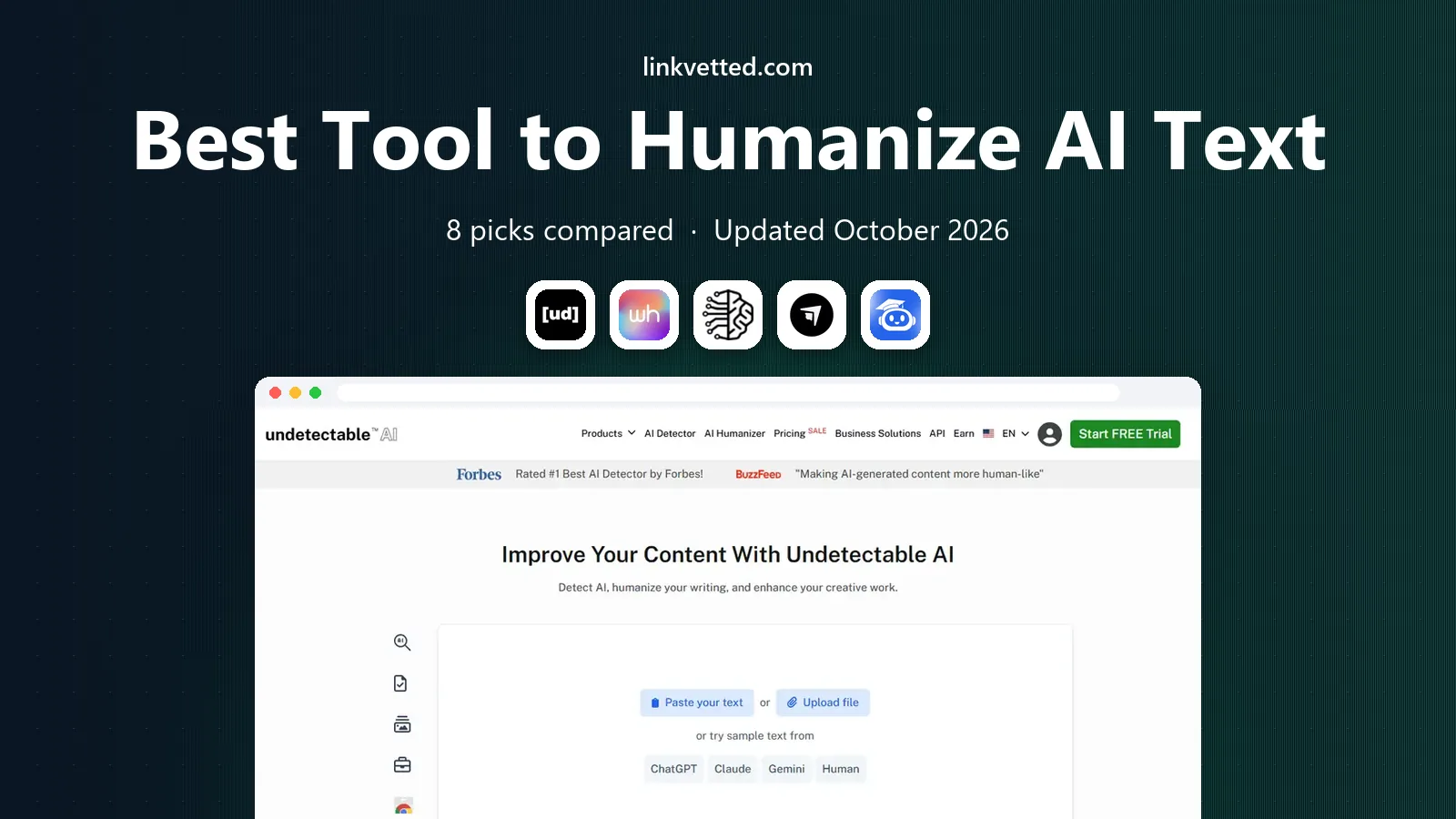
Undetectable AI is the best-known name in this category, and its workflow is simple: paste a draft, choose a readability level, and get a rewritten version plus a detection score. That score helps you see whether a second pass or a manual edit is needed, rather than guessing. It is a good fit for marketers and writers who process a steady flow of drafts.
The limits deserve attention. Plans are word-based, so a long article can eat a monthly allowance quickly, and unused words usually do not carry over. Technical or legal text also needs a careful read after rewriting, because a smoother sentence can quietly change a detail. Use it to improve flow, then edit for accuracy yourself.
- Built-in detection scores before and after
- Readability levels for different audiences
- Supports several languages
- Word allowances do not roll over in most cases
- Heavy rewriting can shift meaning on technical text
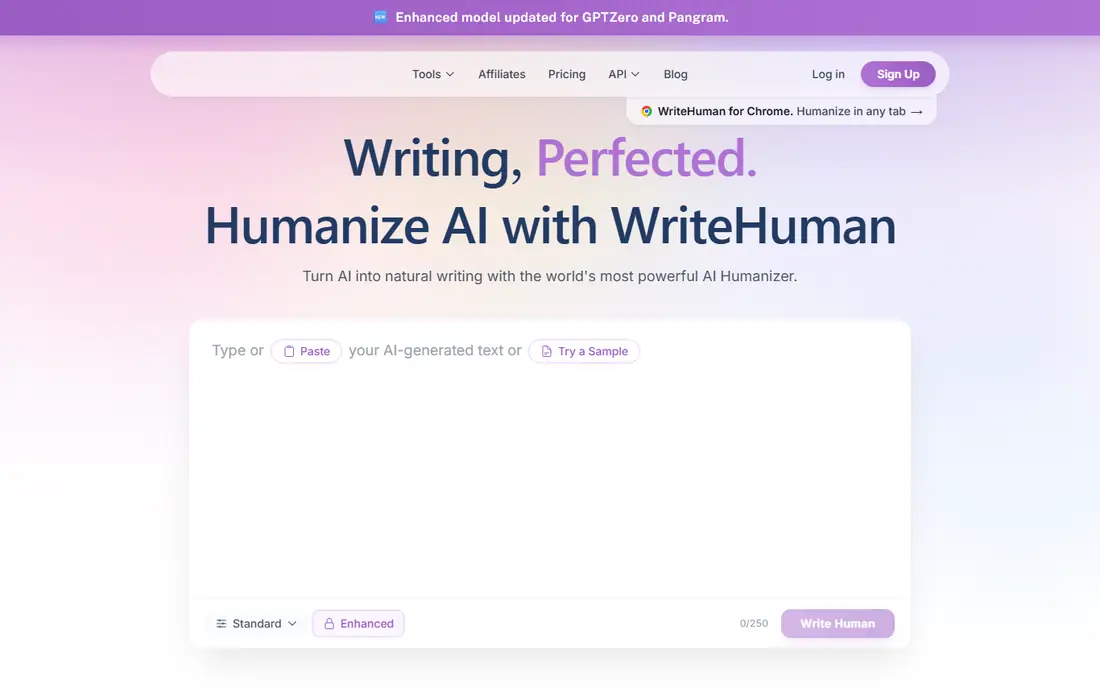
WriteHuman focuses on rewrites that keep the original structure while changing phrasing and rhythm. You can generate variations, check detection, and pick the version that reads most naturally. That makes it useful for blog drafts, emails, and reports where the argument should stay intact and only the wording needs work.
The free tier is limited, with a small number of requests per month, so it is a trial rather than a long-term free tool. Paid plans are request-based, with a word cap per request, so very long documents need splitting. For regular writers who want a tidy, detector-aware workflow, WriteHuman is a dependable pick.
- Multiple output variations
- Built-in detector checks
- No daily cap on higher plans
- Per-request word limits apply
- Annual billing makes the headline price look lower than monthly billing
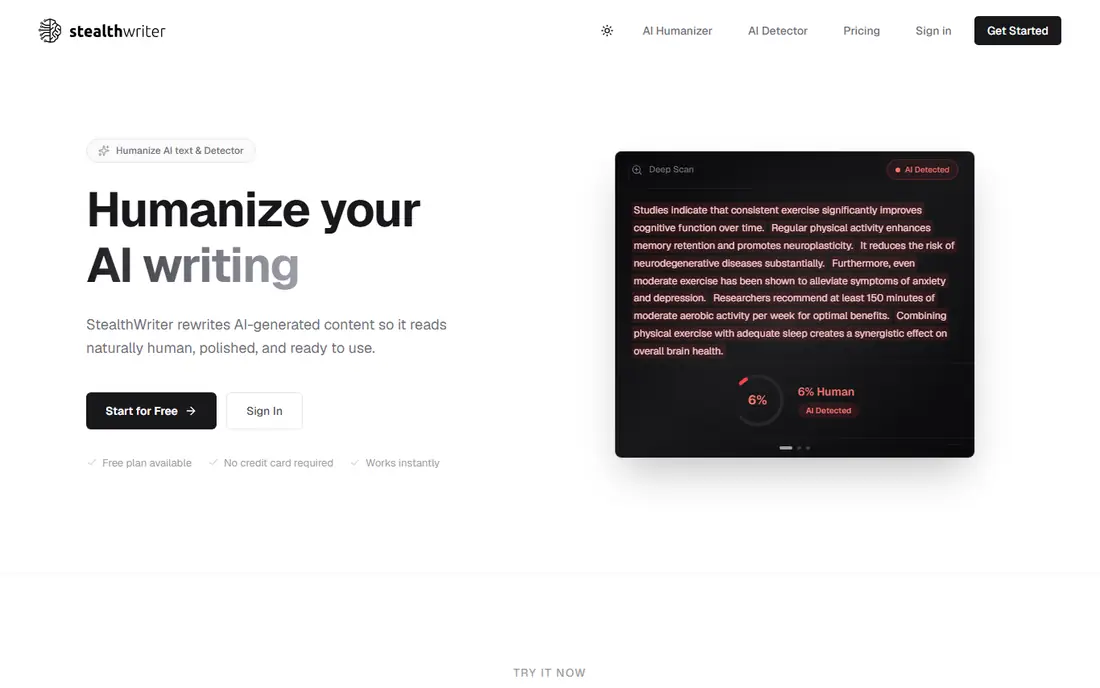
StealthWriter suits people who humanize a little every day rather than in big batches. The free plan allows a set number of humanizations per day, each up to 1,000 words, which covers short essays and posts. The deep scan view, which flags sentences that look most machine-like, helps you edit the weak spots instead of rerunning a whole document.
The pricing model is the catch. Paid plans are also daily-metered, so a quiet week does not bank capacity for a busy week, and the higher tiers get costly. If your use is steady and daily, that model fits well. If your work arrives in bursts, a word-based plan may waste less money.
- Generous free daily allowance
- Deep scan highlights flagged sentences
- Alternative rewrites for single sections
- Paid tiers rise steeply for heavy use
- Every plan is metered by the day
StealthGPT is a straightforward humanizer for creators who want a quick rewrite without a complex setup. Paste text, run it, and review the result. It is positioned for people who produce a lot of short-form content and want a tool that keeps pace with that volume.
The lack of a free tier means you should use any trial or demo the vendor offers before committing, and the $29.99 starting price is higher than several rivals. If speed and simplicity matter more than a detector dashboard, StealthGPT is worth testing. If you need a free way to try first, start with one of the free-tier tools on this list.
- Fast output
- Simple paste-and-rewrite flow
- Aimed at creators and students
- No free tier listed
- Higher entry price than some rivals
Phrasly is a light, affordable option for students and occasional writers. The interface is simple, the free tier lets you test a short passage, and the paid entry price is lower than most rivals. For a short essay, email, or post, it can smooth out the stiff, repetitive phrasing that marks a raw AI draft.
Longer or more technical writing is where it shows limits. You may need to run sections separately and edit the joins yourself, and detector results can vary by topic. Treat Phrasly as a drafting aid for lighter work, and keep a human edit pass in your routine.
- Low entry price
- Free tier for light use
- Simple interface
- Readability can vary on longer texts
- Free allowance is small
Humbot keeps the process plain: paste, rewrite, and review. That simplicity appeals to users who do not want tone sliders, API keys, or a large dashboard. It covers the core job, which is turning uniform AI phrasing into more varied, natural sentences, at a price that suits occasional use.
The trade-off is control. Writers who want sentence-level alternatives, detailed detector breakdowns, or team features will find Humbot thinner than Undetectable AI or StealthWriter. For a single user with straightforward drafts, though, it is a fair, low-cost place to start.
- Low starting price
- Simple workflow
- Supports several languages
- Fewer advanced editing controls than larger rivals
- Output quality varies by input style
HIX Bypass makes most sense if you already use HIX for writing, paraphrasing, or other AI tools. Adding bypass to a suite you already pay for is simpler than managing another subscription, and the workflow matches the rest of the HIX system. For that user, it is a logical add-on.
As a standalone humanizer, it is harder to recommend over rivals with free tiers and clearer detector tools. Check the trial options and the current plan structure before buying, and compare the total HIX cost with a dedicated tool if bypass is the only feature you need.
- Sits inside a wider writing toolkit
- Useful if you already pay for HIX
- Simple bypass workflow
- Little free access to try first
- Less compelling as a standalone purchase
Grammarly is different from the rest of this list, because it is first an editor and second a humanizer. Its strength is the full writing pass: grammar, clarity, tone, and a humanizer step that can make AI-assisted drafts read more naturally. That makes it useful for professionals who want one tool for drafting, editing, and polishing.
If your only goal is to pass a strict detector, a dedicated humanizer may perform better on that narrow test. Grammarly is the better pick when you want better writing overall, with humanizing as part of that process, rather than a tool built only to evade detection. Use it to improve drafts you wrote and edited yourself, and follow the rules of any school or publisher you submit to.
- Strong grammar, clarity, and tone editing alongside humanizing
- Works across browsers and documents
- Free tier for basic checks
- Humanizing is one part of a wider editor, not a dedicated bypass tool
- Paid plans are priced per member
How we picked these
We compared official pricing pages, free tiers, detector features, and independent October 2026 benchmark coverage for tools that are still sold. We favoured tools with a clear pricing page, a usable free tier or trial, and a workflow that keeps meaning intact. We left out tools with no working website, tools that only paraphrase without a humanizer mode, and tools that promise guaranteed detector passes, because no honest tool can guarantee that.
What to check before you buy
Start with your own text, not a sample. Run the same draft through two or three tools, read the outputs aloud, and check whether facts, names, and numbers survived intact. A rewrite that sounds smooth but changes a meaning is worse than a stiff draft, especially for work, study, or publication.
Next, check metering. Word-based plans punish long documents, daily caps punish burst work, and request caps punish long articles that must be split. Match the meter to your pattern: daily use suits StealthWriter, steady monthly volume suits Undetectable AI or WriteHuman, and occasional use suits a free tier or a low-cost plan.
Finally, respect the context. A humanizer is a legitimate editing aid for your own drafts, marketing copy, and internal writing, where AI assistance is allowed. It is not a safe way to submit work where AI use is banned, and detectors keep changing, so a pass today does not guarantee a pass tomorrow. The best habit is to write, rewrite with help, and then edit in your own voice.
FAQ
What is the best app to humanize ai text for beginners?
For beginners, Undetectable AI and StealthWriter are good starting points, because both offer a free way to try and a clear detector score. Phrasly is a lower-cost alternative for light use. Try the same draft in two tools and pick the output that keeps your meaning best.
Do humanizers guarantee that text will pass AI detectors?
No. Detectors differ, they update often, and a rewrite that passes one may fail another. Treat any humanizer as a drafting aid, edit the result yourself, and do not rely on it where AI use is banned. If a tool promises a guaranteed pass, treat that claim with caution.
Are these tools free to use?
Several offer a free tier or trial, including StealthWriter, WriteHuman, Phrasly, Humbot, and Grammarly, but free allowances are small. Paid plans start near $9.99 to $20 per month for most dedicated tools. Check whether the plan is word-based, daily-capped, or request-based before paying.
Can I use a humanizer for school or university work?
That depends on your school or course rules. Many institutions allow AI assistance for drafting and editing but ban submitting AI-generated work as your own, and humanizing to hide AI use can breach those rules. Check the policy first, disclose AI help where required, and keep your own analysis and voice central.
What is the difference between paraphrasing and humanizing?
Paraphrasing mainly swaps words and sentence order, while humanizing aims to change rhythm, sentence variety, and phrasing patterns that detectors look for. A good humanizer also keeps meaning and tone intact. Even so, a manual edit pass matters, because only you can check facts and voice.