Best Text to Video Software in 2026: 9 Tools Compared
Compare the best text to video software in 2026, with avatar, stock and generative options, pricing and free plans to help you pick the right tool today.
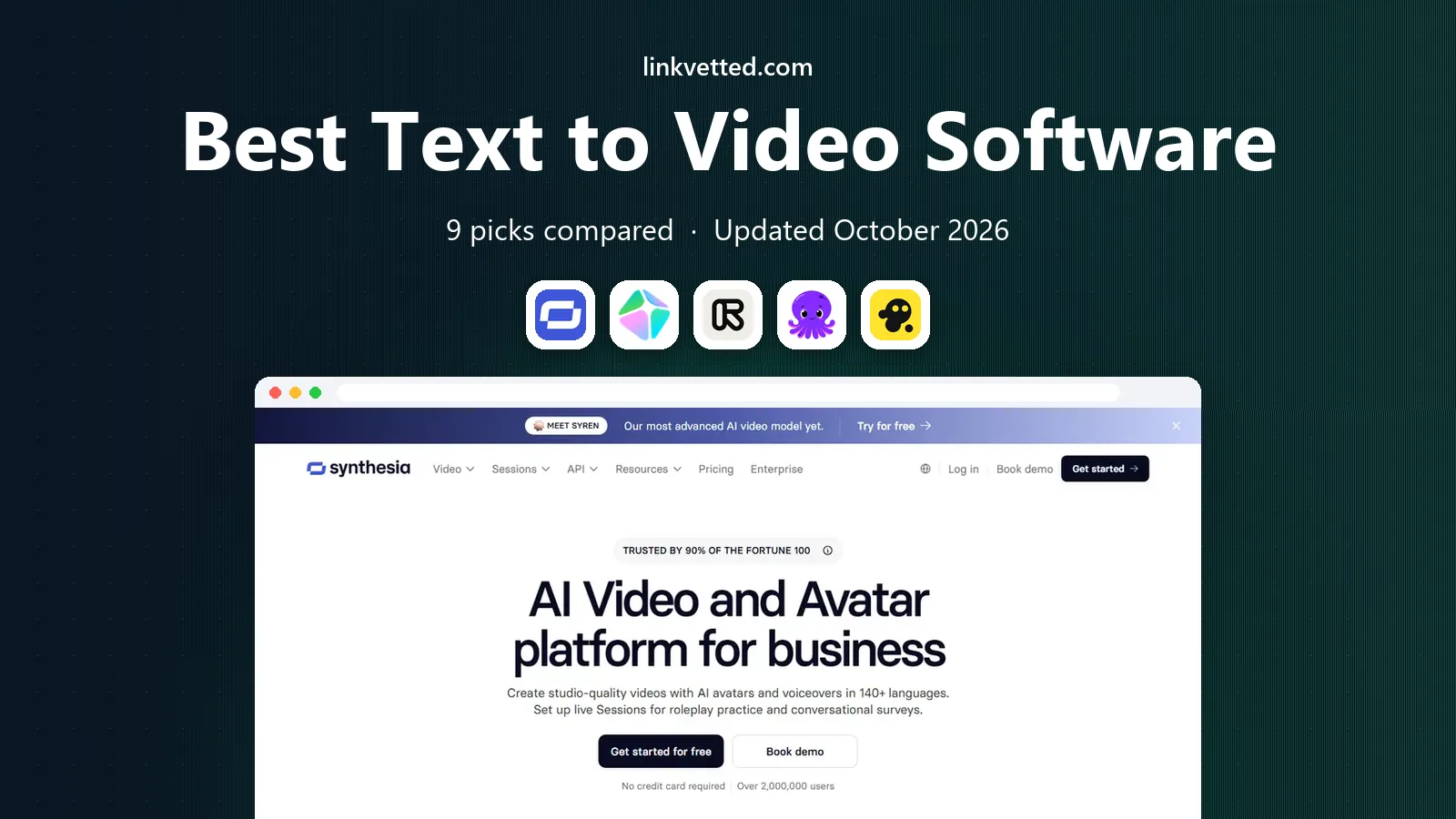
- Editor's choice
 Synthesia
Corporate training and avatar explainers
Starts at$18 per monthVisit synthesia.ioFull review - Great alternative
 HeyGen
Multilingual avatar marketing
Starts at$24 per monthVisit heygen.comFull review - Also consider
 Runway
Original generative and cinematic clips
Starts at$12 per monthVisit runwayml.comFull review
TL;DR:
- There is no single best tool, because avatar training videos, blog-to-video edits and generative clips are different jobs with different winners.
- Synthesia is our pick for corporate training, HeyGen for multilingual avatar marketing, and Runway for original generative footage.
- Pictory and InVideo suit marketers who want a finished video from a script or article without filming anything.
- Use only your own likeness, licensed material and consented voices, and check each vendor consent and disclosure rules before you publish.
Quick comparison
| Tool | Best for | Starts at | Free plan? | |
|---|---|---|---|---|
| Synthesia | Corporate training and avatar explainers | $18 per month | Yes | Visit |
| HeyGen | Multilingual avatar marketing | $24 per month | Yes | Visit |
| Runway | Original generative and cinematic clips | $12 per month | Yes | Visit |
 Pictory | Scripts and articles into video | $25 per month | Free trial | Visit |
 InVideo | Prompt-to-finished marketing video | $17 per month | Yes | Visit |
 Lumen5 | Blog posts into social video | See website | Yes | Visit |
 Fliki | Voiceover-led explainer video | See website | Yes | Visit |
 Veed | Editing plus AI video creation | See website | Yes | Visit |
 Colossyan | Workplace learning with avatars | See website | Free trial | Visit |
The best text to video software
Text to video now covers three kinds of work. Avatar tools present a script with a digital presenter. Article-to-video tools cut stock footage, captions and narration around your text. Generative tools create new footage from a prompt. The nine tools below cover all three, so match the tool to the video you actually need to make.

Synthesia is the most dependable choice for training, onboarding and internal explainers. You type a script, pick a presenter, and get a clean talking-head video without a camera, studio or editing timeline. That consistency helps when a course has dozens of lessons, because every module looks and sounds like it belongs to the same series. Translation into many languages is a genuine strength for teams with staff in several countries.
The honest catch is tone. Synthesia videos look professional, but they rarely feel casual or viral, so they suit workplace learning better than short social clips. Check minute allowances and avatar options on the plan you choose, and use it only with scripts and voices you have the right to use. For teams that need many polished training videos on a schedule, it is the safest pick here.
- Large avatar and language range
- Consistent presenter style across lessons
- Templates for training and internal comms
- Avatar videos can feel formal for social content
- Per-minute limits apply on lower plans
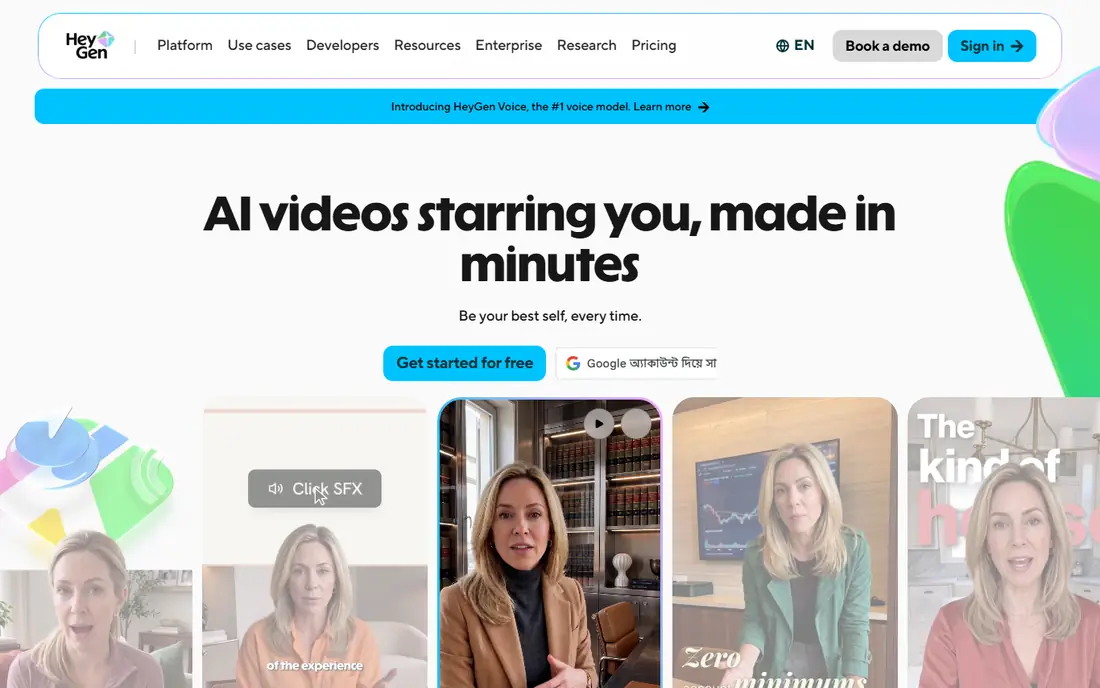
HeyGen stands out for marketing teams that want one presenter to speak in several languages. Its avatar cloning, when used with your own recorded footage and consent, can turn a single recording into localised versions without re-shooting. That saves real time for product launches, ads and social explainers. The editor is friendly, and the range of stock avatars covers most business styles without needing a custom clone at all.
The limits matter. Free videos are short, paid credits can run out faster than expected on long projects, and a clone is only as good as the lighting, audio and delivery in the source clip. Never clone another person without their clear permission, and label AI-presented content where your audience or platform expects disclosure. For multilingual marketing, HeyGen is the most flexible avatar tool in this list.
- Strong avatar cloning with consent controls
- Good multilingual output
- Useful for marketing and product explainers
- Free plan is limited to short videos
- Cloning quality depends on the quality of your source footage
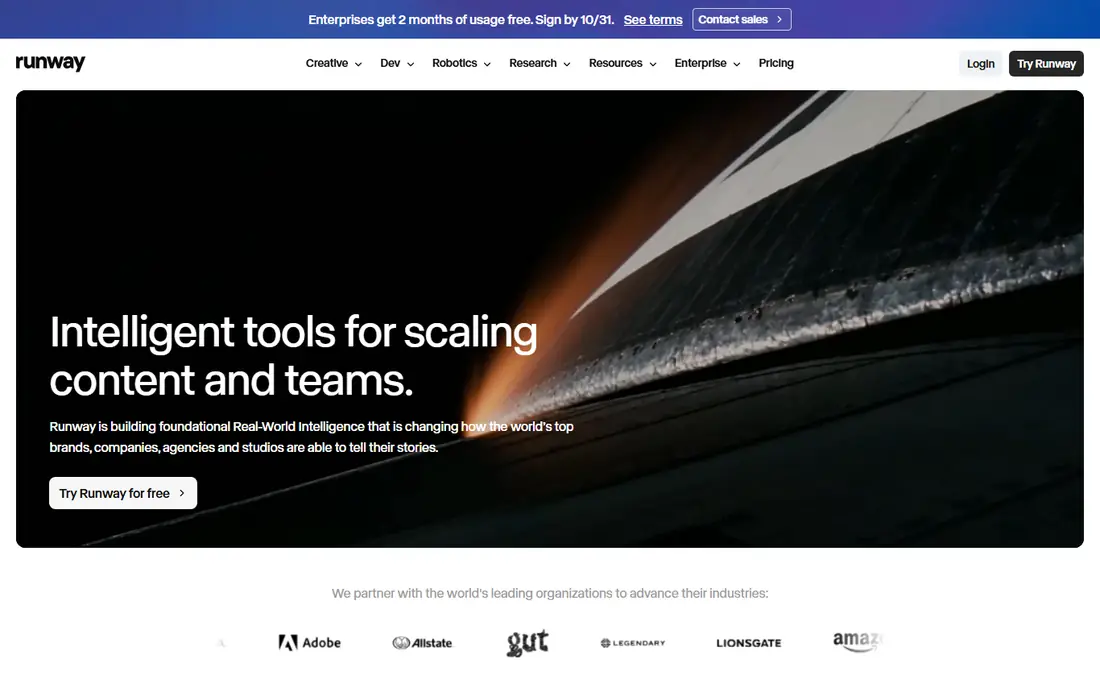
Runway is for creating footage that does not exist yet. A short prompt can produce a cinematic clip, a product shot or a stylised scene, which suits ads, film projects and social content that needs original visuals. Its generation models have improved steadily, and the toolset around them, including image-to-video and editing features, helps creators shape a clip rather than accept the first result. The free credits let you test the style before you pay.
The catch is control. Generative video still surprises you, with odd hands, shifting faces or inconsistent motion, so plan for several generations and a short edit pass. Costs also depend on model, length and resolution, so a long project needs a credit budget. Use Runway when original footage is the point, and use Pictory or InVideo when you need a reliable finished video from existing text and stock.
- Strong text-to-video generation
- Useful for ads, music videos and B-roll
- Credit-based plans for varied projects
- Output needs prompting skill and curation
- Credits can go quickly on long or high-resolution renders
Pictory suits marketers and bloggers who already have text and need video versions of it. Paste a script or article link, and Pictory builds scenes with stock footage, captions and narration that you can edit scene by scene. That workflow is far faster than manual editing for weekly content, product explainers and social cutdowns. Automatic summarising also helps turn a long post or webinar transcript into a short video.
The trade-off is originality. Because the visuals come from stock, two Pictory videos on similar topics can feel alike unless you customise scenes, branding and voice carefully. There is also no lasting free plan, so test it in the trial with a real article, not a toy script. For content repurposing at volume, it remains one of the most practical tools here.
- Fast script and blog-to-video workflow
- Large stock library
- Automatic captions and summaries
- No lasting free plan
- Stock-based videos can look similar to other Pictory output
InVideo is the all-in-one pick for creators who want a complete video from a prompt or script without learning an editor. You describe the video, and it assembles footage, narration, music and captions, which you can then revise. That makes it useful for YouTube, ads and social posts where speed matters more than cinematic originality. The free plan lets you learn the workflow before paying, though exports carry limits.
The honest weakness is predictability. Credit costs change with the generation model, resolution and length, and some outputs need scene swaps or voice changes before they are publishable. Treat the first draft as a starting point, not a finished video. For volume marketing content, InVideo gives a good balance of speed, templates and control.
- Prompt-to-video for YouTube and social
- Large stock and template library
- Free plan for testing
- Credit use varies by model and quality
- Generated results often need manual edits
Lumen5 has long focused on turning written content into short social videos, and that focus still shows. Paste a blog post, and it suggests scenes, text overlays and stock clips matched to the copy, which a small team can brand and publish quickly. Brand kits keep colours, fonts and logos consistent across posts, which matters when several people create content for the same account. It is less intimidating than a timeline editor for non-specialists.
The limits are control and pricing clarity. You will not get the generative range of Runway or the avatar depth of Synthesia, and you should check the current pricing page for the plan that fits your video length and brand needs. Use Lumen5 when your main job is turning articles into regular social video, not when you need custom generative footage.
- Simple blog-to-video workflow
- Brand kits for consistent social posts
- Useful for small marketing teams
- Pricing is not as transparent on the entry tier
- Less control than a full editor
Fliki is built around voice. If your video is driven by narration, such as an explainer, tutorial or news-style summary, Fliki pairs that voice with relevant stock visuals, captions and scenes. The voice catalogue is broad, with many languages and styles, which helps creators who publish for global audiences without hiring voice actors for every script. The workflow is simple enough for beginners to finish a video in one sitting.
The visual side is the weaker part. Stock scenes do the job, but they will not give you the original look of a generative tool or the presenter presence of an avatar tool. Check voice and minute allowances carefully, since long-form content uses them fast. For voice-led explainers, Fliki is a strong, practical choice, provided you use only scripts and voices you have the right to publish.
- Large realistic voice range
- Good for faceless explainers and tutorials
- Multilingual voice options
- Visuals are largely stock-based
- Higher-quality voices and minutes cost more on paid plans
Veed suits teams that need to create and edit in the same place. You can generate a clip or avatar segment, then trim it, add captions, translate subtitles, clean audio and export for social, all in the browser. That end-to-end path saves the export and re-import steps that slow down other workflows. The caption and subtitle tools are genuinely useful for social video, where many viewers watch without sound.
The catch is specialisation. Veed does many things well, but it is not the deepest generative tool or the deepest avatar tool in this list. Heavy users should check plan limits for minutes, exports and AI features on the pricing page. Pick Veed when editing, captions and quick AI creation matter together, and pick a specialist when one job dominates your work.
- Full browser editor with captions and subtitles
- AI avatars and text-to-video alongside editing
- Good for social teams
- AI generation is one part of a larger editor, not a specialist generative tool
- Paid features add up for heavy use
Colossyan focuses on workplace learning, with avatar presenters, scenario conversations and templates for compliance, onboarding and skills training. That focus makes it easier to build a lesson that feels like a course, not just a talking-head clip, because you can stage a dialogue or a decision point. For learning teams that publish regularly, that structure saves design time and keeps lessons consistent.
The trade-off is range. Colossyan is less useful for fast social ads or cinematic content, and its pricing depends on your team and usage, so check the vendor page before budgeting. Use it when training is the main job and you want avatar video with a learning structure, and use Synthesia or HeyGen when marketing reach or language range matters more.
- Workplace-focused avatar templates
- Scenario and conversation formats for training
- Good for L and D teams
- Less suited to social marketing
- Pricing requires checking the vendor page for your team size
How we picked these
We compared official pricing pages, feature pages and public reviews for avatar, article-to-video and generative tools, and we excluded tools that no longer offer consumer access or that lack clear lawful-use controls. We favoured tools that are available now, in October 2026, and that cover distinct jobs rather than nine copies of the same stock-video editor. Prices shown are entry paid plans on annual billing where the vendor publishes them, and we wrote See website where pricing varies by credits, minutes or team size.
How to choose the right text to video tool
Start by naming the video you need most often. A training course needs a consistent avatar and easy updates. A marketing calendar needs fast article-to-video output and brand control. A creative project needs original generative footage and time for curation. Buying the wrong category wastes more time than learning any one tool well, because no editor fixes a mismatch in the underlying approach.
Check minutes, credits and export limits first
Text to video pricing is rarely just a monthly fee. Avatar tools meter minutes, generative tools meter credits, and article tools meter video length or exports. Estimate your real monthly output, including re-renders and failed generations, then pick a plan with headroom. A cheap plan that forces you to buy top-ups every week is not cheap.
Use lawful material and be transparent
Only use your own scripts, licensed stock and voices, and avatars of people who have given clear permission. Avatar cloning of another person without consent can cause legal and reputational harm, and platforms increasingly require disclosure for AI-presented content. Keep source permissions on file, label AI presenters where your audience expects it, and review generated footage for errors before you publish.
FAQ
What is the best text to video software for beginners?
InVideo and Pictory are the easiest starting points for beginners who want a finished video from a script or article. Synthesia is also simple, but it is best for training rather than social content. Try free plans or trials with a real script, and judge the result on your own topic, not a demo topic.
Can text to video software replace filming?
For training, explainers and repurposed marketing content, it often can, especially with avatar and stock-based tools. For product demos, testimonials and creative film work, real footage still looks more credible and original. Many teams use AI video for volume content and reserve filming for the pieces where trust and craft matter most.
Is Sora available as a consumer text to video tool?
We did not list Sora here because consumer access ended in April 2026, based on prior batch notes, and the tools above offer clearer current access for ordinary buyers. If you already have access through another product, check that product current terms, since access and pricing change often in this market.
How much does text to video software cost?
Entry paid plans in this list range from about $12 to $25 per month on annual billing where vendors publish a rate, with several tools priced by credits or minutes instead. Always check the vendor pricing page for monthly billing, credit allowances and export limits, since those details decide the real monthly cost.
Do I need to disclose AI-generated video?
Disclosure rules vary by platform, country and use, and they are changing, so check the rules that apply to your audience and channel. As a practical habit, label AI presenters and cloned voices clearly, especially for marketing, training and news-style content. That transparency protects trust and reduces the risk of misleading viewers.