Best Text to Speech Apps for Students in 2026: 8 Apps Compared
Compare the best text to speech app for students for reading notes, PDFs and textbooks aloud, with free plans, natural voices and study tools in 2026.
- Editor's choice
 Speechify
All-round student reading
Starts atFreeVisit speechify.comFull review - Great alternative
 NaturalReader
Natural voices and documents
Starts atFreeVisit naturalreaders.comFull review - Also consider
 Voice Dream Reader
Offline reading control
Starts atSee websiteVisit voicedream.comFull review
TL;DR:
- Speechify and NaturalReader are the strongest starting points for students, because they read PDFs, web pages, and documents with adjustable speed.
- Voice Dream Reader suits students who want strong offline reading and fine control over voices, highlighting, and playback.
- Free plans help for short readings, but long textbooks and natural voices often need a paid plan or a school license.
- Pick based on your source material first: PDFs, scanned pages, web articles, or class notes each favor a different app.
Quick comparison
| Tool | Best for | Starts at | Free plan? | |
|---|---|---|---|---|
| Speechify | All-round student reading | Free | Yes | Visit |
| NaturalReader | Natural voices and documents | Free | Yes | Visit |
| Voice Dream Reader | Offline reading control | See website | No | Visit |
 Murf AI | Studio-quality study audio | Free | Yes | Visit |
 ElevenLabs | Lifelike voices | Free | Yes | Visit |
 TTSReader | Free web reading | Free | Yes | Visit |
 Balabolka | Free Windows reading | Free | Yes | Visit |
 CapCut Text to Speech | Video study clips | Free | Yes | Visit |
The best text to speech apps for students
We focused on apps that help students get through real coursework, not just read a short web page aloud. Each app below can turn text into spoken audio, and each has a different strength for study.
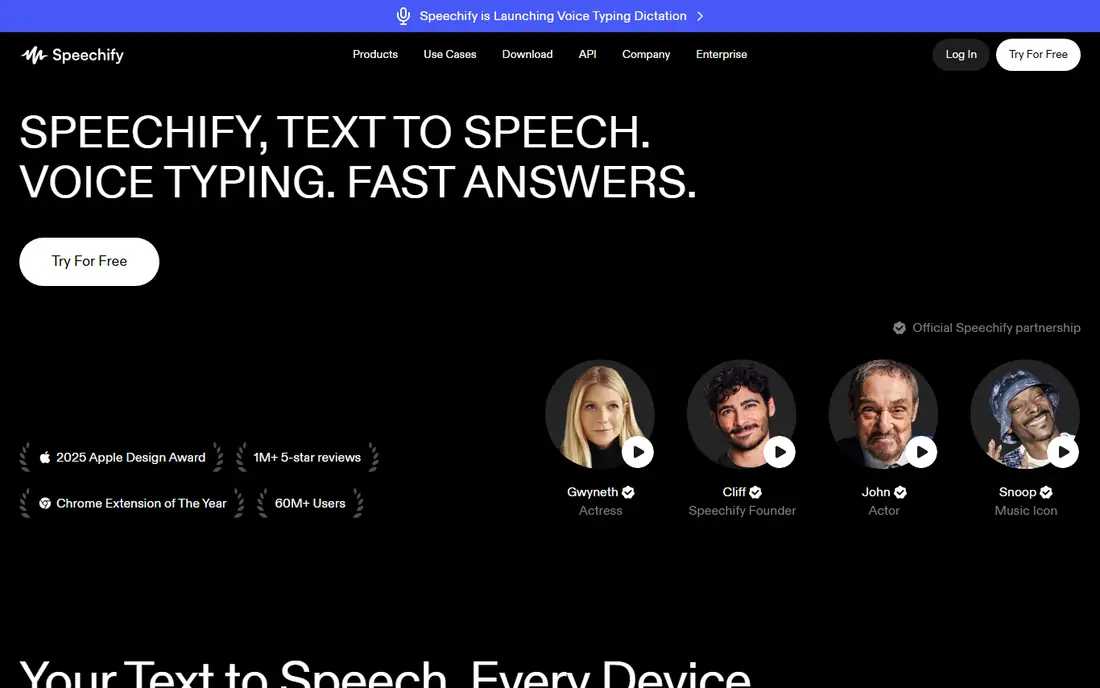
Speechify is our pick for most students because it covers the widest set of study material. You can open a PDF, a Google Doc, a web article, or a scanned handout and listen while you follow along, change the speed, and pick up where you left off. That flexibility helps when your reading list jumps between formats in the same week.
The free plan is useful for trying the core reading flow, but the most natural voices and longer listening limits sit in paid plans, so check the current price before you rely on it for a full textbook. For daily reading across phone and laptop, Speechify still gives the simplest path from a document to audio.
- Reads PDFs, docs, and web pages
- Adjustable speed
- Syncs across phone and computer
- Best voices are paid
- Long books need a paid plan
- Some features vary by platform
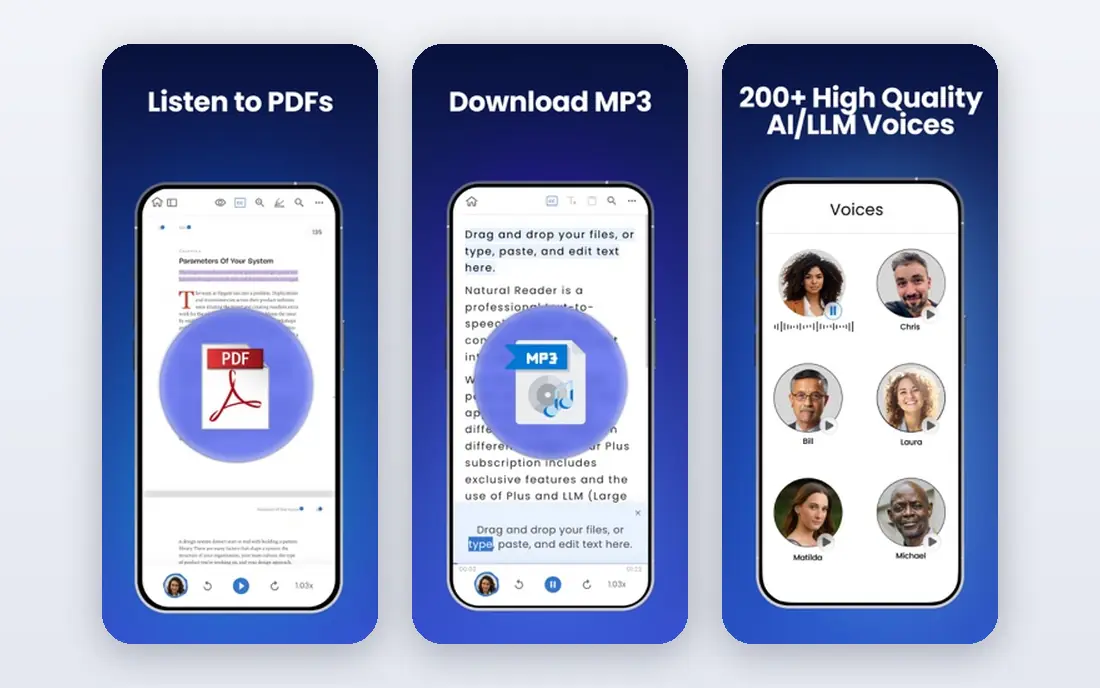
NaturalReader suits students who care most about how the voice sounds during long sessions. A flat or robotic voice can make a dense chapter harder to follow, and NaturalReader offers a range of voices that are easier to listen to for an hour at a time. It also handles common document types, so you can move from a class PDF to a Word file without switching tools.
The free tier works for short readings and voice tests, but premium voices and higher limits require payment. If you read mainly in short bursts, the free plan may be enough. If you listen to whole chapters daily, budget for a paid plan or check whether your school offers access.
- Natural-sounding voices
- PDF and document support
- Web and mobile apps
- Premium voices are paid
- Free plan has limits
- Document conversion can vary by file type

Voice Dream Reader is a favorite among students who want control. You can adjust speed in fine steps, choose voices, highlight text as it reads, add bookmarks, and keep reading offline. That control matters for revision, when you want to slow down for a hard passage, mark a key section, and return to it later without an internet connection.
The catch is cost and setup. This is a paid app, and extra voices can add to the price, so it suits students who will use it daily rather than once in a while. If you want a simple tap-and-listen tool, start with a free option. If you want a study reader you can tune to your habits, Voice Dream Reader earns its place.
- Strong offline support
- Precise speed and voice control
- Highlighting and bookmarks
- Paid app
- Voice packs can add cost
- Setup takes more time than simpler apps
Murf AI is different from a simple reader, because it is built to turn written scripts into clean audio you can keep. Students can use it to make revision audio, record a spoken summary of notes, or create audio for a presentation. The editor lets you adjust pauses and emphasis, which helps when a plain read-aloud version sounds too flat.
That creator focus is also its limit. Murf AI is less suited to opening a textbook and listening straight through, and its free plan limits how much audio you can generate. Use it when you want to produce study audio on purpose, not when you want a quick reader for a PDF.
- Clear studio-style voices
- Easy script editing
- Export audio for revision
- Built more for creators than casual reading
- Free plan has limited generation
- Paid plans needed for long audio
ElevenLabs stands out for voice quality. Its voices sound closer to a human narrator than most text to speech tools, which can make long listening sessions less tiring. Students who turn notes into audio for revision, or who need audio in more than one language, may find that quality worth the extra steps.
The trade-off is workflow. ElevenLabs is not primarily a document reader, so turning a full PDF into audio takes more setup than in Speechify or NaturalReader. The free plan also limits how much text you can convert. It is best as a quality tool for key notes, not as your only reader for every chapter.
- Very lifelike voices
- Voice cloning options
- Many languages
- Free plan has character limits
- Reading long docs is less direct
- Paid plans needed for heavy use
TTSReader is the simplest free option in this list. Open the site, paste text or open a file, and listen. There is no app to install and no account hurdle for basic use, which makes it handy on a shared computer or a school machine where you cannot install software.
The limits are clear. Voices are more basic than paid apps, and it does not offer the same library, sync, or study tools as Speechify or Voice Dream Reader. Still, for a quick read of an article or a short set of notes, TTSReader does the job without cost, and that simplicity is its strength.
- Free to use in a browser
- No install needed
- Simple paste-and-listen flow
- Fewer voices than paid apps
- No strong document library
- Needs an internet connection
Balabolka is a free Windows program that reads a wide range of file types and can save the spoken text as an audio file. That export option is useful for students who want to listen on a phone later, or who want to keep audio for a subject they revise often. It also works with voices already installed on the computer, so results vary by setup.
The interface looks dated, and Windows-only support rules it out for Mac, Chromebook, or phone-only students. Voice quality also depends on the voices you have, not on a built-in premium library. If you use Windows and want a free, flexible reader, Balabolka is a practical pick.
- Free for Windows
- Many file formats
- Can save audio files
- Windows only
- Dated interface
- Voice quality depends on installed voices
CapCut Text to Speech fits students who make video work, such as a class presentation, a study recap, or a short explainer. You can type text, pick a voice, and place the spoken audio in a video timeline. That makes it useful when the final product is a video, not a private listening session.
It is not a replacement for a document reader. It does not offer the same reading library, highlighting, or long-document controls as the dedicated apps above. Use CapCut when your goal is a finished video, and use a dedicated reader when your goal is to get through coursework by listening.
- Turns text into voice for video
- Handy for presentations
- Free basic use
- Built for video editing, not document reading
- Voice control is limited
- Exports are video-based
How we picked these
We compared official feature pages, free plan limits, supported file types, and platform support for each app. We favored tools that handle common student material, such as PDFs, Word files, web pages, and plain notes, and we noted where natural voices or long listening require payment. We did not claim hands-on lab testing. We also weighed offline use and speed control, because students often listen on the move or revisit hard passages.
How to choose a text to speech app for study
Match the app to your reading load and your device, not to the loudest marketing claim. A free web reader can be enough for short articles, while a full course load may justify a paid reader.
Start with your source files
If most of your material is PDFs, pick an app with strong PDF support and highlighting. If your material is web articles and notes, a browser reader or a syncing app may be simpler. Test one real chapter, not a short sample, before you commit to a paid plan.
Test speed and voice comfort
Listen at your normal study speed for at least 20 minutes. A voice that sounds fine for two minutes can become tiring over an hour. Check whether you can slow down for dense material, speed up for review, and follow along with highlighted text.
Check school access and privacy
Ask whether your school, college, or library offers a licensed reader, since that can save you a subscription. Read the privacy terms before uploading sensitive coursework, and avoid uploading material you do not have rights to share. For accessibility needs, check with your school support office, which may offer approved tools and training.
FAQ
What is the best text to speech app for students?
Speechify is our top pick for most students because it reads PDFs, docs, and web pages across devices with adjustable speed. NaturalReader is a strong second choice if voice quality matters most, and Voice Dream Reader suits students who want offline control.
Is there a free text to speech app for students?
Yes. Speechify, NaturalReader, Murf AI, ElevenLabs, TTSReader, and Balabolka all offer free plans or free use, but limits apply to voices, length, or features. For long textbooks, check the free limit before you depend on it for a full course.
Can text to speech read PDFs?
Yes, Speechify, NaturalReader, and Voice Dream Reader all support PDFs, though scanned PDFs can vary in quality. If a scanned page reads poorly, try a cleaner PDF, a text version from your course site, or optical character recognition tools offered by your school.
Does text to speech help with studying?
It can help by letting you listen while you walk, commute, or review notes, and by giving you a second way to take in material. It works best alongside reading, notes, and practice questions, not as a full replacement for studying the material itself.
Which app works offline?
Voice Dream Reader offers strong offline reading once books and voices are downloaded. Balabolka also works offline on Windows with installed voices. Most web-based readers need an internet connection for voices and document sync.