Best Tax Software for Personal Use in 2026: 8 Tools Compared
We compared the best tax software for personal use on price, free filing, form coverage and help, so you can file a personal return without overpaying.
- Editor's choice
 TurboTax
Filers wanting the most guided help
Starts atFreeVisit turbotax.intuit.comFull review - Great alternative
 H&R Block
Filers wanting online help plus offices
Starts atFreeVisit hrblock.comFull review - Also consider
 FreeTaxUSA
Value filers with any form needs
Starts atFreeVisit freetaxusa.comFull review
TL;DR:
- FreeTaxUSA and Cash App Taxes offer the lowest cost for most personal returns, with free federal filing.
- TurboTax and H&R Block cost more but offer the most guided help and live expert options.
- Free tiers usually cover simple returns only, so check form coverage before you start.
- State filing often adds a separate fee, so compare the federal plus state total, not the headline price.
Quick comparison
| Tool | Best for | Starts at | Free plan? | |
|---|---|---|---|---|
| TurboTax | Filers wanting the most guided help | Free | Yes | Visit |
| H&R Block | Filers wanting online help plus offices | Free | Yes | Visit |
| FreeTaxUSA | Value filers with any form needs | Free | Yes | Visit |
 TaxAct | Budget filers wanting structure | Free | Yes | Visit |
 TaxSlayer | Filers wanting flat, simple pricing | Free | Yes | Visit |
 Cash App Taxes | Confident filers wanting zero fees | Free | Yes | Visit |
 Jackson Hewitt Online | Filers wanting office backup | Free | Yes | Visit |
 eFile.com | Filers wanting low-cost e-filing | Free | Yes | Visit |
The best tax software for personal use
Personal tax software should match your return, not upsell you to a plan you do not need. The tools below range from truly free filing to guided help with live experts. We compared current pricing and form coverage, and we note where free tiers end and paid tiers begin. This is not tax advice; if your return is complex, consider a tax professional.
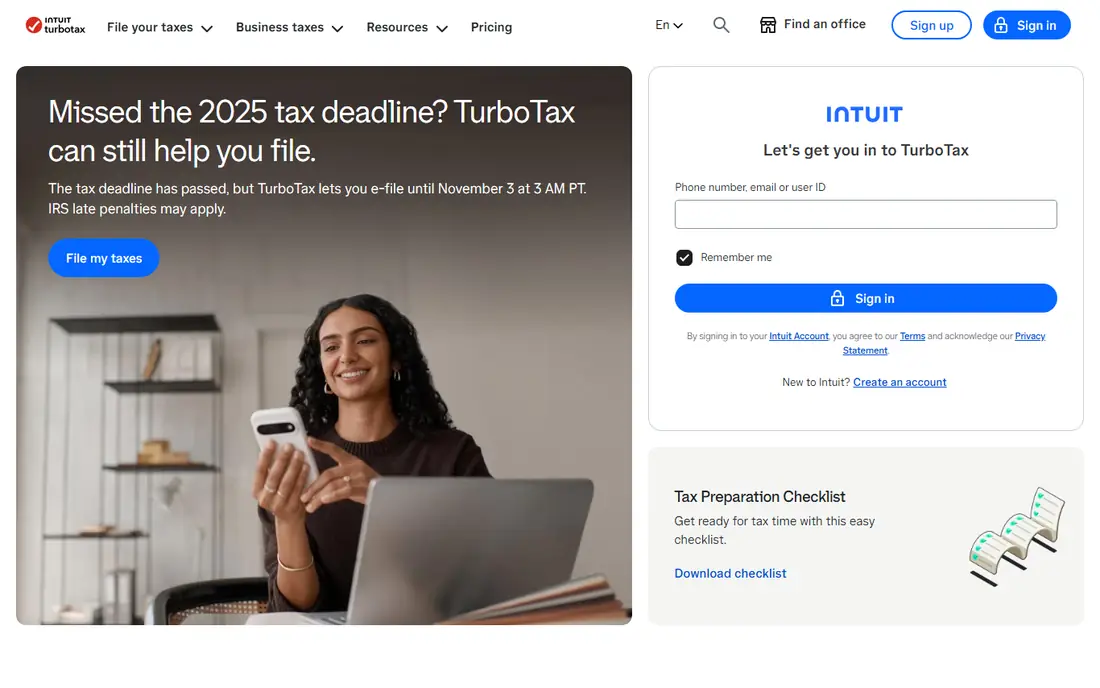
TurboTax remains the most guided option for personal filing. Its interview asks plain questions, imports W-2s and many brokerage forms, and checks for credits as you go. For filers who want hand-holding and a polished mobile app, it is the easiest path through a complex return.
The price is the catch. Paid federal tiers start well above free rivals, and state filing adds more. The free tier covers simple returns only, so many filers will need a paid plan. If ease matters more than price, TurboTax earns its premium. If price matters most, start with a cheaper rival.
On pricing, TurboTax starts at Free, with a free plan status of Yes. Check the vendor pricing page before you buy, since plans, user counts and add-ons change the total. If that price and scope fit your team, put it on a shortlist and test it with real data before you sign.
- Guided interview
- Broad form coverage
- Brokerage and document import
- Highest prices on paid tiers
- Free tier covers simple returns only

H&R Block pairs online filing with in-person office help, which suits filers who want a backup plan. Its free online tier covers more situations than some rivals, including student loan and retirement income cases. Paid tiers add AI help and expert review options.
Prices on paid tiers sit below TurboTax in many cases but still well above free filing tools. State filing adds a fee on most paid plans. For filers who value office access and a broader free tier, H&R Block is a strong middle option.
On pricing, H&R Block starts at Free, with a free plan status of Yes. Check the vendor pricing page before you buy, since plans, user counts and add-ons change the total. If that price and scope fit your team, put it on a shortlist and test it with real data before you sign.
- Free tier covers more situations
- Online and in-person help
- AI tax help on paid tiers
- Paid tiers still cost more than budget rivals
- State fees add up
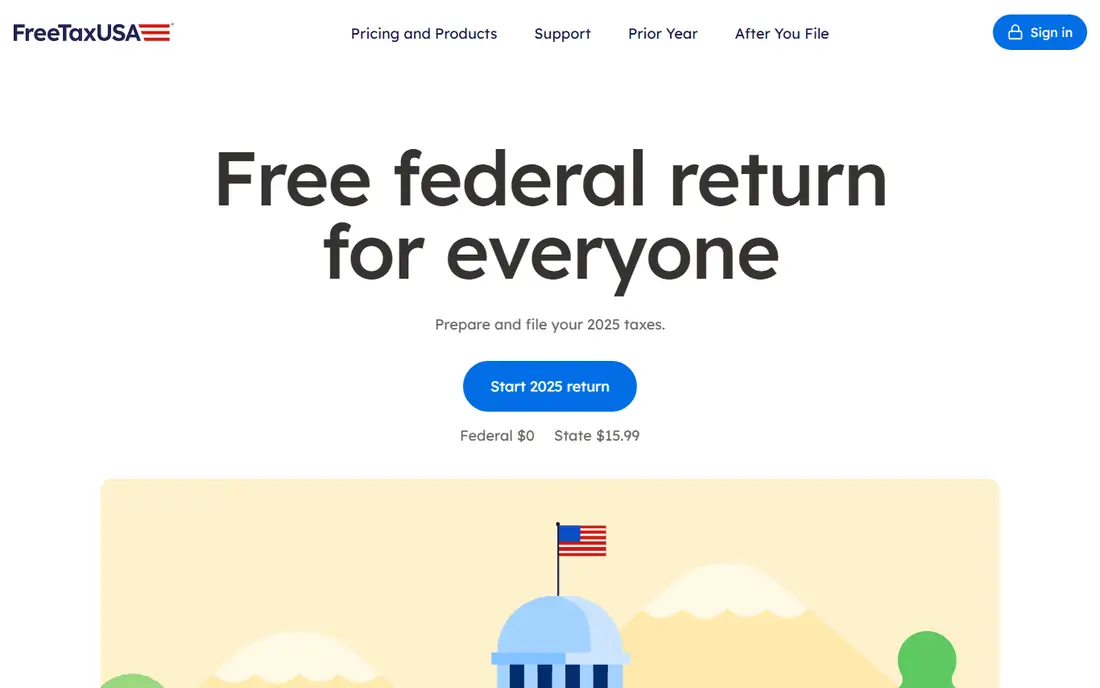
FreeTaxUSA is the value pick for most personal returns. Federal filing is free for all forms, including self-employment and investment forms that cost extra elsewhere, and state filing is low cost. The interface is plain but clear, and it handles complex returns without a premium tier.
Guidance is lighter than TurboTax, so confident filers will do best here. There is no full-service option where an expert files for you. For filers who know their return and want the lowest honest price, FreeTaxUSA is hard to beat.
On pricing, FreeTaxUSA starts at Free, with a free plan status of Yes. Check the vendor pricing page before you buy, since plans, user counts and add-ons change the total. If that price and scope fit your team, put it on a shortlist and test it with real data before you sign.
- Free federal filing for all forms
- Low state fee
- Prior-year import
- Less guided help than TurboTax
- No live expert full-service option
TaxAct offers structured, budget-friendly filing with broad form coverage. Its step-by-step flow suits filers who want guidance without paying leader prices. Paid tiers cover investments, rental and self-employment needs at a lower cost than TurboTax in many cases.
The design feels plainer than TurboTax or H&R Block, and live help is an add-on rather than a core feature. State filing also adds a fee. For a filer who wants structure at a fair price, TaxAct is a solid middle choice.
On pricing, TaxAct starts at Free, with a free plan status of Yes. Check the vendor pricing page before you buy, since plans, user counts and add-ons change the total. If that price and scope fit your team, put it on a shortlist and test it with real data before you sign.
- Clear step-by-step filing
- Broad form coverage
- Low paid tiers
- Interface feels plainer than leaders
- Expert help costs extra
TaxSlayer keeps pricing simple, with tiers that cover a wide range of forms at lower prices than the big brands. It suits gig workers and filers with several income sources who want full form coverage without a premium bill. The flow is straightforward once you learn it.
The interface is less polished than TurboTax, and expert help is stronger on higher tiers. Some filers may also miss the deeper import options of larger tools. For value and form coverage, TaxSlayer remains a dependable pick.
On pricing, TaxSlayer starts at Free, with a free plan status of Yes. Check the vendor pricing page before you buy, since plans, user counts and add-ons change the total. If that price and scope fit your team, put it on a shortlist and test it with real data before you sign.
- Simple pricing tiers
- Broad form coverage
- Good for gig workers
- Less polished design
- Expert help limited on lower tiers
Cash App Taxes is truly free for federal and state filing, with no paid tiers or upsells. It covers self-employment, investments, rental income and crypto forms, which makes it the cheapest option for many filers. If you already use Cash App, setup is quick.
You need a Cash App account, and guidance is lighter than TurboTax. There is no expert who files for you. Confident filers will save the most here, while filers who want step-by-step coaching may prefer a paid tool.
On pricing, Cash App Taxes starts at Free, with a free plan status of Yes. Check the vendor pricing page before you buy, since plans, user counts and add-ons change the total. If that price and scope fit your team, put it on a shortlist and test it with real data before you sign.
- Free federal and state filing
- Covers self-employment and investments
- No upsells
- Requires a Cash App account
- Less guided help
- No full-service option
Jackson Hewitt offers online filing backed by a large office network, which suits filers who may want in-person help. Its online tool covers common personal returns, and offices can help if a return gets tricky. Refund-related options are also available for qualifying filers.
Online features trail TurboTax and H&R Block, and paid tiers cost more than budget rivals. Filers who file fully online and never visit an office may get better value elsewhere. For filers who want an office safety net, Jackson Hewitt is worth considering.
On pricing, Jackson Hewitt Online starts at Free, with a free plan status of Yes. Check the vendor pricing page before you buy, since plans, user counts and add-ons change the total. If that price and scope fit your team, put it on a shortlist and test it with real data before you sign.
- Online filing with office support
- Simple return options
- Refund advance options
- Paid tiers cost more than budget tools
- Online features trail leaders
eFile.com offers low-cost online filing with broad form coverage for personal returns. It suits filers who want a simple e-file path without paying leader prices. State filing is available at a modest added cost, and the total often stays well below TurboTax.
As a smaller brand, it offers less guided help and fewer import options than the largest tools. Filers with complex brokerage imports should test that path first. For a straightforward return at a low total price, eFile.com is a practical choice.
On pricing, eFile.com starts at Free, with a free plan status of Yes. Check the vendor pricing page before you buy, since plans, user counts and add-ons change the total. If that price and scope fit your team, put it on a shortlist and test it with real data before you sign.
- Low-cost federal and state filing
- Broad form coverage
- E-file support
- Smaller brand than leaders
- Less guided help and fewer import options
How we picked these
We compared official product pages, pricing pages and app store listings, and we checked that each product exists, works today and truly fits the topic. We favored tools with clear pricing or a clear quote path, honest limits, and a track record in the category. We did not claim hands-on testing that did not happen, and we left out tools that did not fit, even when they were well known in a nearby category.
How to pick tax software for a personal return
Start with your forms. A simple W-2 return needs far less than a return with self-employment income, rental property, investments or crypto. List your forms before you shop, then check that your chosen tier covers each one. Starting a return in a free tier and learning later that a form needs an upgrade is a common frustration.
Next, compare the full price. Federal price, state price, expert help and any audit support should be added together. A tool that looks cheap on federal filing can cost more once state filing is included. Also check whether prior-year import saves time, especially if you switch providers.
Guided help and accuracy checks
Guided interviews help if you are unsure which credits apply to you. Accuracy checks, deduction finders and document import reduce errors, but they do not replace careful review. Read each summary screen before filing, and keep copies of your return and forms.
Free filing and deadlines
Check free eligibility carefully, including income limits and form limits where they apply. File early enough to fix errors, and confirm that e-filing and direct deposit are included. If you owe tax, check payment options and deadlines in your state as well as federal deadlines.
FAQ
Can I file personal taxes for free?
Yes, in many cases. Cash App Taxes offers free federal and state filing, and FreeTaxUSA offers free federal filing with a state fee. Free tiers from larger brands usually cover simple returns only. Check form coverage before you rely on a free tier.
What is the best tax software for self-employed filers?
FreeTaxUSA and Cash App Taxes cover Schedule C at low or no cost, which suits confident filers. TurboTax, H&R Block and TaxAct offer more guidance and expert help for self-employed returns, at higher prices. Choose based on how much help you want, not on brand alone.
Does tax software handle investments and crypto?
Most paid tiers handle investment sales and crypto, but check transaction import limits. TurboTax offers broad brokerage import, while budget tools may need manual entry for some cases. If you trade often, import support matters more than a small price gap.
Should I pay for live expert help?
Live help suits filers with a new situation, such as a first rental, a business change or a large life event. Simple returns rarely need it. If you buy help, check whether it includes a full review or only chat answers.
Is online tax software safe?
Reputable providers use encryption and secure sign-in, but you should still use a strong password and two-factor sign-in where offered. Never file from a shared computer without signing out. Keep your own copies of filed returns.