Best Tax Software for Individuals in 2026: 8 Options Compared
Compare the best tax software for individuals in 2026, from free federal filing to guided help for investments, side income, and multi-state returns now.

- Editor's choice
 TurboTax
Most guided filing experience
Starts atFreeVisit turbotax.intuit.comFull review - Great alternative
 H&R Block
Free tier plus in-person backup
Starts atFreeVisit hrblock.comFull review - Also consider
 FreeTaxUSA
Best value for most filers
Starts atFreeVisit freetaxusa.comFull review
TL;DR:
- FreeTaxUSA and Cash App Taxes cover federal filing at no cost, so most simple returns do not need a paid plan.
- TurboTax and H&R Block charge more, but they offer the most guided help and live expert options for complex returns.
- Prices rise as the April deadline nears, so filing early usually costs less with the big brands.
- This is general information only, not tax advice, and your return should match your forms, not just the price tag.
Quick comparison
| Tool | Best for | Starts at | Free plan? | |
|---|---|---|---|---|
| TurboTax | Most guided filing experience | Free | Yes | Visit |
| H&R Block | Free tier plus in-person backup | Free | Yes | Visit |
| FreeTaxUSA | Best value for most filers | Free | Yes | Visit |
 Cash App Taxes | Fully free federal and state filing | Free | Yes | Visit |
 TaxAct | Budget filers who want structure | Free | Yes | Visit |
 TaxSlayer | Low-cost self-employed filing | Free | Yes | Visit |
 Jackson Hewitt | Flat-fee multi-state filing | See website | No | Visit |
 1040.com | Simple low-cost filing | See website | Yes | Visit |
The best tax software for individuals
We compared official pricing pages, form coverage, and support options for individual filers, from W-2 only returns to side income and investments. The picks below cover a wide range of budgets and comfort levels.

TurboTax remains the easiest product to use if you want the software to ask the questions and handle the forms. It walks through income, deductions, and credits in plain language, and it imports W-2s, 1099s, and many brokerage statements directly. For filers who feel nervous about missing something, that guidance is the main reason to pay extra.
The catch is price. The free edition covers simple returns only, and paid federal tiers run well above budget rivals, with state filing extra. If your return is simple, start with a free option first and only move to TurboTax if you need its imports or expert review.
- Clear step-by-step interview
- Strong import tools for investments and crypto
- Live expert help available
- Paid tiers cost more than rivals
- State filing adds a fee on paid plans

H&R Block gives individual filers a useful middle ground between free tools and full-service help. Its free online tier covers a wider set of forms than many competitors, including Schedules 1 through 3 for qualifying filers. If you get stuck, you can also visit one of its offices, which no purely online rival can match.
Paid plans stay cheaper than TurboTax in most cases, though state filing is extra on paid tiers. Our pick for most people who want a safety net is H&R Block, because the free tier is genuinely useful and the in-person option is there if a return turns messy.
- Free tier covers more situations than most rivals
- Offices available for in-person help
- Clear upgrade path
- Paid tiers still add state fees
- Expert help costs extra
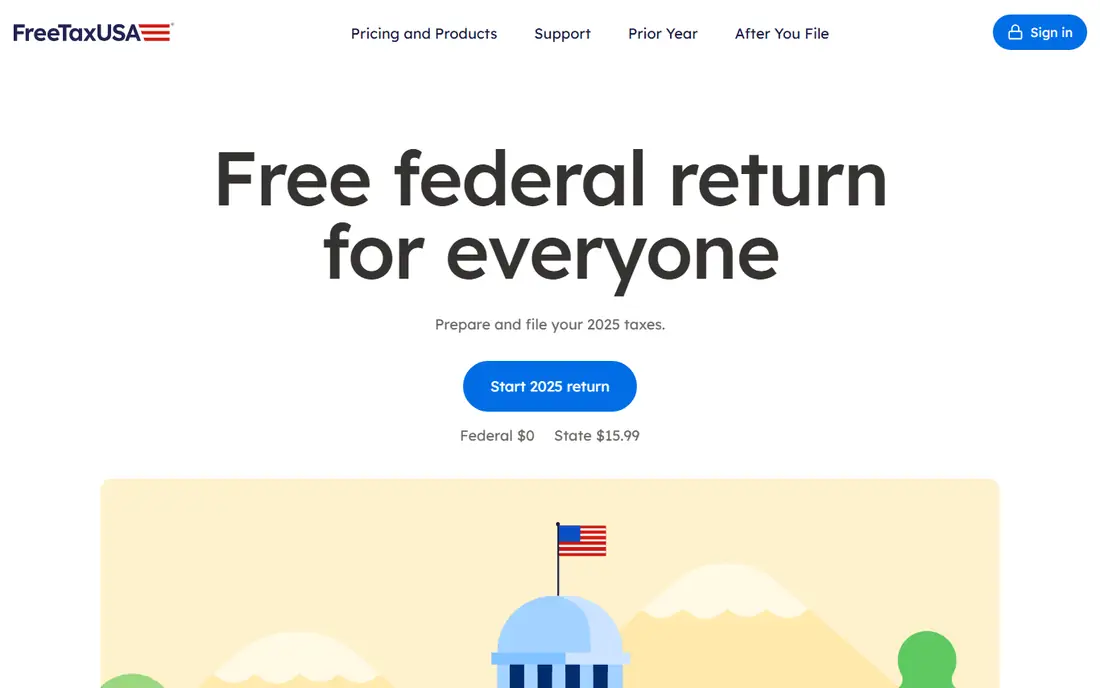
FreeTaxUSA is the value pick we keep coming back to. Federal filing is free even for many complex returns, including self-employment income on Schedule C, and state filing costs far less than the big brands. If you know your way around a return, or you are willing to read the prompts carefully, it delivers the same forms for much less money.
The trade-off is polish. The interface is functional rather than friendly, and there is no live expert to review your return before you file. Confident filers will not miss those extras, but first-time filers may prefer a more guided product.
- Federal filing free for most situations
- State filing is low cost
- Covers Schedule C and many complex forms
- Interface is plainer than TurboTax
- No live expert review option
Cash App Taxes is the simplest deal in tax software: free federal and free state filing, with no paid tiers to sort through. That makes it a strong choice for W-2 workers, students, and anyone with a straightforward return who just wants the job done at no cost.
The limits matter for some filers. It supports only one state return, and it lacks some of the deeper features found in paid products, such as live expert review. If your return spans several states or includes unusual forms, check coverage before you start.
- Free federal and state filing
- Simple interface
- No upsell tiers
- Covers one state return
- Fewer advanced features than paid rivals
TaxAct sits between the free tools and the premium brands on both price and polish. It offers a free tier for simple returns and paid tiers that stay below TurboTax and H&R Block for most filers. The guided flow is orderly, and it handles investments, rental income, and self-employment on its higher tiers.
The design is not as modern as its bigger rivals, and some filers report more upsell prompts along the way. Even so, TaxAct is a sensible pick if you want a structured return at a moderate price and you do not need in-person help.
- Lower prices than the big brands
- Solid form coverage
- Clear step-by-step flow
- Interface feels dated next to TurboTax
- State filing costs extra
TaxSlayer has long been the quiet budget option, and it still earns that spot for freelancers and gig workers. Its paid tiers cost less than the big brands, and they cover Schedule C and other self-employment forms without forcing you into the top plan. Active-duty military members can file federally for free, which is a real saving.
Guidance is thinner than TurboTax, so you should be comfortable answering tax questions without much explanation. If you file a similar return each year and you know which forms you need, TaxSlayer keeps the bill down without cutting the forms you rely on.
- Low prices across tiers
- Free federal filing for active-duty military
- Covers self-employment forms
- Less hand-holding than TurboTax
- Support options are thinner on low tiers
Jackson Hewitt appeals most to filers who live or work in more than one state. Its flat-fee approach can beat per-state pricing from other brands once a second or third state enters the picture. You can file online or visit an office, which helps if you prefer talking through a return in person.
There is no free tier, so simple filers will pay more here than with Cash App Taxes or FreeTaxUSA. Check the current flat fee against what you would pay elsewhere before you commit, especially if you file in only one state.
- Flat-fee pricing suits multi-state filers
- Offices and online filing available
- Simple pricing story
- No free tier
- Online features are plainer than top rivals
1040.com is a plain, low-cost option for individual filers who want a short path from documents to a filed return. Its pricing is simple, its interface stays out of the way, and it covers the forms most individuals need, including common schedules for income and deductions.
It does not match TurboTax for imports or H&R Block for in-person support, and its help resources are smaller. For a simple return filed by someone who already knows the basics, that simplicity is a plus rather than a problem.
- Low flat pricing
- Straightforward interface
- Covers common forms
- Smaller support team than big brands
- Fewer import partners
How we picked these
We compared official pricing pages, free tier coverage, form support, and help options for individual US filers in October 2026. We favored products that exist and work today, publish clear prices or a free tier, and cover the forms real individuals file, from W-2 income to Schedule C. We left out business-only software and products that no longer offer individual filing.
What to check before you file
Match the product to your forms
Start by listing your income documents: W-2, 1099-NEC, 1099-INT, 1099-B, K-1, or rental records. Then confirm the tier you plan to buy covers every form on that list. A cheap plan that cannot handle your Schedule C is not cheap once you have to upgrade mid-return.
Count the full cost, not the headline price
Federal price, state price, and any expert review fee add up fast. FreeTaxUSA and Cash App Taxes keep the total near zero for many filers, while premium brands can pass 100 dollars once state filing and help are added. Check the total at checkout before you pay, and file early when prices are usually lower.
When to get a professional
Software handles most individual returns well, but a tax professional is worth the fee if you have a business sale, a complex investment situation, multi-year amendments, or an IRS notice. This article is general information only and is not tax advice. If you are unsure about a deduction or a filing position, ask a licensed professional before you submit.
FAQ
What is the best tax software for individuals with a simple return?
Cash App Taxes and FreeTaxUSA are strong starting points, since both offer free federal filing and keep state costs at zero or low. H&R Block also offers a useful free tier for qualifying simple returns. Pick the one whose interface you find easiest, since the forms are the same.
Is free tax software really free?
It can be, but only if your return fits the free tier. Cash App Taxes charges nothing for federal and state filing, while FreeTaxUSA charges nothing federally and a small fee per state. Read the tier limits before you start, and watch for paid add-ons such as audit defense or expert review.
Which tax software is best for freelancers?
TaxSlayer and FreeTaxUSA offer low-cost coverage for Schedule C, while TurboTax Self-Employed adds stronger deduction guidance at a higher price. Compare the total cost including state filing, and check whether the product imports your 1099s and tracks quarterly estimated tax.
Do I need to pay for state filing?
Not always. Cash App Taxes includes state filing at no cost, and FreeTaxUSA charges a low fee per state. Most other brands charge a separate state fee on paid tiers, and that fee can repeat for each additional state you file in.
Can I switch tax software from last year?
Yes, and most products let you import last year's return or your prior adjusted gross income for identity verification. Switching is a good way to compare prices, but double-check that carryover items such as capital losses and depreciation transfer correctly.