Best Tax Software for CPA Firms in 2026: 7 Tools Compared
Compare the best tax software for cpa firms in 2026, with UltraTax, Lacerte, ProSystem fx, Drake, and ProSeries on price, forms, and firm workflow today.
- Editor's choice
 UltraTax CS
Larger CPA firms needing broad coverage
Starts atSee websiteVisit tax.thomsonreuters.comFull review - Great alternative
 Lacerte
Firms wanting strong diagnostics and e-file
Starts atSee websiteVisit proconnect.intuit.comFull review - Also consider
 ProSystem fx Tax
Firms needing research, workflow, and tax depth
Starts atSee websiteVisit wolterskluwer.comFull review
TL;DR:
- Thomson Reuters UltraTax CS is our pick for larger CPA firms that need broad form coverage and integrated practice tools.
- Intuit Lacerte suits firms that want strong diagnostics, e-file tools, and a familiar workflow for many return types.
- CCH ProSystem fx suits firms that need deep research, workflow, and document tools alongside tax preparation.
- Drake Tax offers strong value for smaller firms and solo CPAs, with a lower price and broad form support.
- Pricing is often by quote and depends on returns, states, and users, so get a written quote for your real volume.
Quick comparison
| Tool | Best for | Starts at | Free plan? | |
|---|---|---|---|---|
| UltraTax CS | Larger CPA firms needing broad coverage | See website | No | Visit |
| Lacerte | Firms wanting strong diagnostics and e-file | See website | No | Visit |
| ProSystem fx Tax | Firms needing research, workflow, and tax depth | See website | No | Visit |
 Drake Tax | Smaller firms and solo CPAs wanting value | See website | Free trial | Visit |
 ProSeries Professional | Firms in the Intuit ecosystem | See website | No | Visit |
 TaxSlayer Pro | Affordable professional preparation | See website | Free trial | Visit |
 Canopy | Practice management with tax workflow tools | See website | Free trial | Visit |
The best tax software for CPA firms
Tax software for CPA firms must handle many return types, state forms, e-filing, diagnostics, and client workflow, not just a single personal return. The tools below serve solo CPAs, small firms, and larger practices, with different strengths in price, integration, and support.
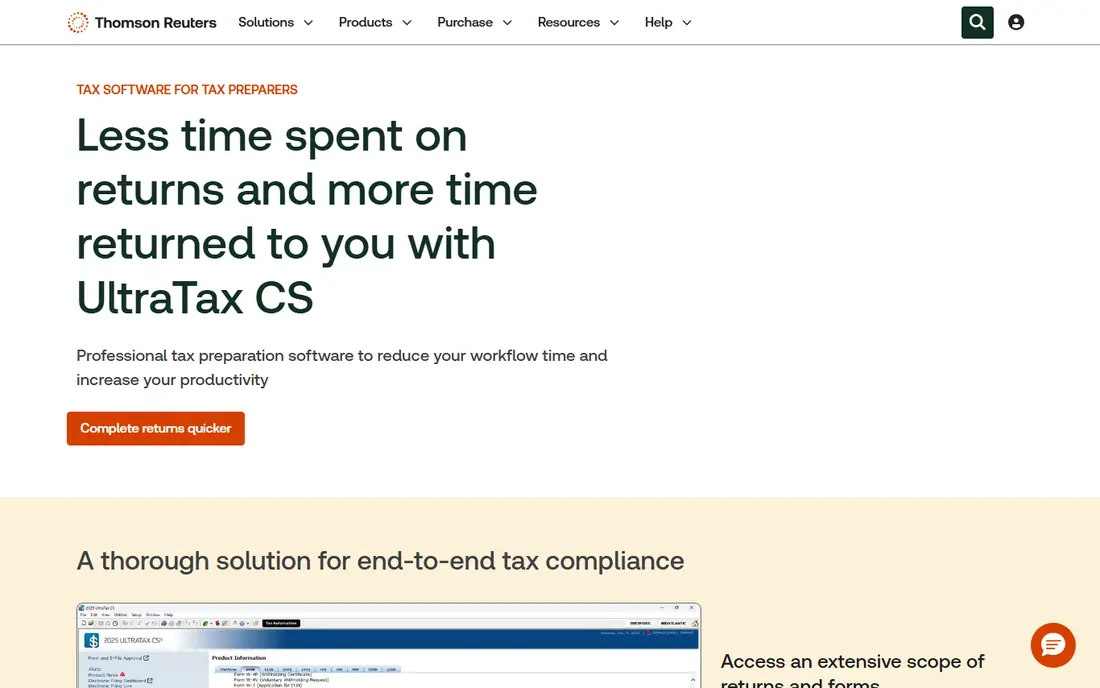
UltraTax CS, from Thomson Reuters, is a long-standing choice for CPA firms that prepare many entity, individual, and trust returns. Form coverage is broad, diagnostics help catch errors before filing, and links to practice management, document, and workflow tools help a larger firm keep work moving. Data can flow from prior years and from accounting tools, which reduces re-entry.
The trade-off is cost and setup. Pricing depends on modules, returns, and users, so a firm should request a detailed quote. Training also matters, since a larger system rewards staff who learn its workflow. For a firm with varied clients and many returns, UltraTax CS offers depth and reliability.
- Broad federal and state form coverage
- Integrated practice tools
- Strong diagnostics
- Pricing is by quote
- Setup and training take time

Intuit Lacerte is widely used by CPA firms for individual, business, and fiduciary returns. Diagnostics flag missing data and potential errors, e-filing tools support federal and state returns, and prior-year data carries forward. That workflow suits a firm that prepares a high volume of returns during tax season.
Pricing is custom and depends on return volume and modules, so a small firm should compare it with Drake Tax before committing. The interface is functional rather than modern, which some new staff may find dated. For a firm that values proven preparation tools, Lacerte is a strong pick.
- Clear diagnostics
- Broad return types
- E-file and client tools
- Pricing is by quote
- Interface feels traditional to some users
CCH ProSystem fx Tax, from Wolters Kluwer, pairs tax preparation with research, workflow, and document management tools used by many accounting firms. That combination helps a firm research a complex issue, prepare the return, and track review steps in related systems. Form coverage and diagnostics suit varied client types.
It is an enterprise-grade system, so pricing and setup suit larger firms more than a solo CPA. A small firm may find the full suite heavy. For a firm that already uses CCH tools for research and workflow, ProSystem fx Tax offers a coherent platform.
- Deep tax research links
- Workflow and document tools
- Broad form support
- Enterprise pricing
- Implementation needs planning
Drake Tax is known for value. It supports many federal and state forms, offers e-filing, and prices below larger firm suites for many users. That makes it attractive for a solo CPA, a small firm, or a firm that wants a second system for overflow work during tax season.
The interface is practical rather than polished, and integrations with practice management tools are thinner than Thomson Reuters or Wolters Kluwer suites. A firm that needs deep workflow and document tools may need add-ons. For price and form coverage, Drake Tax is hard to beat.
- Lower price than many rivals
- Broad form coverage
- Unlimited e-file on many plans
- Interface is traditional
- Some integrations are thinner than larger suites
ProSeries Professional suits a firm that already uses Intuit tools for bookkeeping and client work. It covers many return types, supports e-filing, and links to QuickBooks data where relevant. That familiarity can shorten training for staff who already know Intuit products.
Pricing depends on the number and type of returns, plus state modules, so a firm should model its real season volume. Advanced practice tools are thinner than a full UltraTax or ProSystem fx suite. For an Intuit-centered firm, ProSeries is a practical choice.
- Familiar Intuit workflow
- Broad forms
- Links to QuickBooks and client tools
- Pricing varies by returns and states
- Advanced firm tools need higher tiers
TaxSlayer Pro offers professional tax preparation at a lower price point than many firm suites. It supports individual and business returns, e-filing, and client data entry, with web-based options that suit remote teams. That value helps a new firm, a seasonal preparer, or a small CPA practice control costs.
Enterprise workflow, research, and document tools are thinner than larger suites, so a big firm may need separate systems. Support and training also vary by plan. For affordable pro preparation, TaxSlayer Pro is a credible option.
- Lower pro pricing
- Web and desktop options
- E-file support
- Fewer enterprise workflow tools
- Support depth varies by plan
Canopy is primarily a practice management platform for accounting firms, with client portals, workflow, document, and billing tools, plus tax-related workflows. It suits a firm that wants to organize client work, requests, and deadlines in one place, rather than only preparing returns.
It is not a direct replacement for UltraTax or Lacerte for every complex return, so a firm should check form coverage for its client types. Pricing varies by users and modules. For a firm whose main pain is client workflow and communication, Canopy pairs well with a preparation tool.
- Client portal and workflow tools
- Practice management
- Tax preparation links
- Not a full standalone tax engine for every firm
- Pricing varies by users
How we picked these
We compared official feature pages, form coverage notes, and public reviews for professional tax tools in October 2026. We favored tools used by CPA firms, with federal and state e-filing, diagnostics, prior-year carryforward, and support for multiple return types. We also noted pricing models, since most pro tools price by quote based on volume and modules.
How to choose tax software for a firm
Count returns by type and state
List how many individual, partnership, corporate, and trust returns you prepare, plus how many states you file in. That count drives price more than a headline plan. Ask each vendor for a quote at that exact volume, including state modules and e-file fees.
Test diagnostics and review workflow
Run a complex return through a trial, including carryforward, estimates, and state forms. Check how diagnostics flag errors, how reviewers add notes, and how client data flows back for signatures. A tool that slows review during peak season will cost more than its license.
Check security and client tools
Confirm encryption, access controls, e-file security, and client portal options for sharing documents and signatures. Tax data is sensitive, so access roles, audit trails, and secure portals matter as much as form coverage. This is not financial advice for any specific client, and firms should follow current IRS and state rules for e-filing and record retention.
A final point on tax software choice is season readiness. Test e-filing, state forms, and prior-year carryforward before peak season, and confirm support hours during filing deadlines. Train seasonal staff on diagnostics and review steps early, so returns move through review without bottlenecks. That preparation protects both accuracy and client trust when volume peaks.
FAQ
What is the best tax software for cpa firms overall?
UltraTax CS suits larger firms with broad needs, while Lacerte suits firms that want strong diagnostics and e-file tools. Drake Tax offers the best value for smaller firms. The best pick depends on return volume, states, and workflow tools.
How much does CPA tax software cost?
Most pro tools price by quote, based on returns, states, modules, and users. Drake Tax and TaxSlayer Pro are often lower cost, while UltraTax, Lacerte, and ProSystem fx cost more for larger firms. Request a written quote for your real season volume.
Can these tools handle business and trust returns?
Yes, most tools here support individual, partnership, corporate, and fiduciary returns, though form coverage varies by plan. Check the specific forms and states you need before you buy, especially for less common entity types.
Do pro tools include e-filing?
Yes, federal and state e-filing is standard for pro tools, though e-file fees and state module costs vary. Confirm which states are included, how amended returns are handled, and how client signatures are collected.
Should a solo CPA choose Drake Tax or Lacerte?
Drake Tax often wins on price for a solo CPA, while Lacerte wins on diagnostics and firm workflow depth. A solo CPA with many complex returns may prefer Lacerte, while a solo CPA focused on value may prefer Drake Tax. Trial both with real returns if possible.
What about practice management and client portals?
Canopy suits practice management, client portals, and workflow, while UltraTax and ProSystem fx suites offer related practice tools. Many firms pair a preparation tool with a separate portal or practice system. Choose based on whether workflow or preparation is your bigger pain.