Best SSO Software in 2026: 8 Tools Compared
Compare the best sso software for workforce and customer login, with pricing, multi-factor authentication, integrations, and directory features explained here.

- Editor's choice
 Okta
Vendor-neutral workforce SSO
Starts at$6 per user per monthVisit okta.comFull review - Great alternative
 Microsoft Entra ID
Microsoft 365 organizations
Starts at$7 per user per monthVisit microsoft.comFull review - Also consider
 Auth0
Customer-facing apps
Starts at$35 per monthVisit auth0.comFull review
TL;DR:
- Okta and Microsoft Entra ID lead for workforce SSO, with Okta suiting multi-cloud firms and Entra ID suiting Microsoft 365 firms.
- Auth0 leads for customer-facing login in your own apps, while Keycloak is the best free self-hosted option.
- OneLogin and JumpCloud suit mid-market and small teams that want simpler setup and lower cost.
- Always pair SSO with multi-factor authentication, because single sign-on alone does not stop stolen passwords.
Quick comparison
| Tool | Best for | Starts at | Free plan? | |
|---|---|---|---|---|
| Okta | Vendor-neutral workforce SSO | $6 per user per month | Free trial | Visit |
| Microsoft Entra ID | Microsoft 365 organizations | $7 per user per month | Yes | Visit |
| Auth0 | Customer-facing apps | $35 per month | Yes | Visit |
 OneLogin | Mid-market simplicity | $4 per user per month | Free trial | Visit |
 Ping Identity | Large enterprise federation | See website | Free trial | Visit |
 JumpCloud | Cloud directory plus SSO | See website | Yes | Visit |
 Keycloak | Free self-hosted SSO | Free | Yes | Visit |
 Duo | MFA-first SSO support | $3 per user per month | Yes | Visit |
The best SSO software
Single sign-on software lets staff sign in once and access many apps without a separate password for each one. That cuts password fatigue, reduces help-desk resets, and gives IT one place to turn off access when someone leaves. The best SSO tools differ on workforce versus customer use, directory needs, and price, so pick by your app mix first.
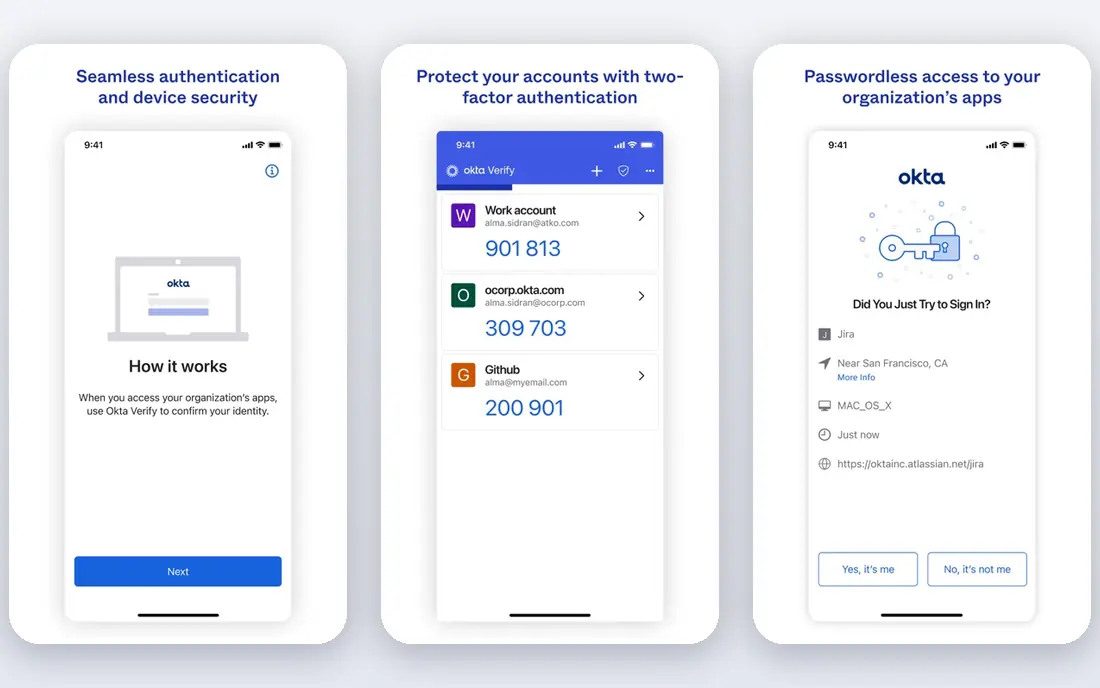
Okta is the best-of-breed workforce identity platform for companies that use many cloud apps from different vendors. Its Starter suite starts at $6 per user per month on annual billing, covering SSO, multi-factor authentication, a universal directory, and basic workflows. A catalog of thousands of pre-built integrations speeds up app onboarding, and lifecycle tools help automate joiner, mover, and leaver processes.
The catch is tiering. Adaptive authentication, lifecycle management, and governance features sit on higher tiers, with Essentials at $17 per user per month in published comparisons. Okta suits multi-cloud firms that want vendor-neutral identity. Microsoft-centered firms should compare it closely with Entra ID before paying a premium for neutrality they may not need.
- Broad app catalog
- Strong MFA and lifecycle tools
- Works across cloud vendors
- Pricing rises with governance features
- Setup needs planning at scale
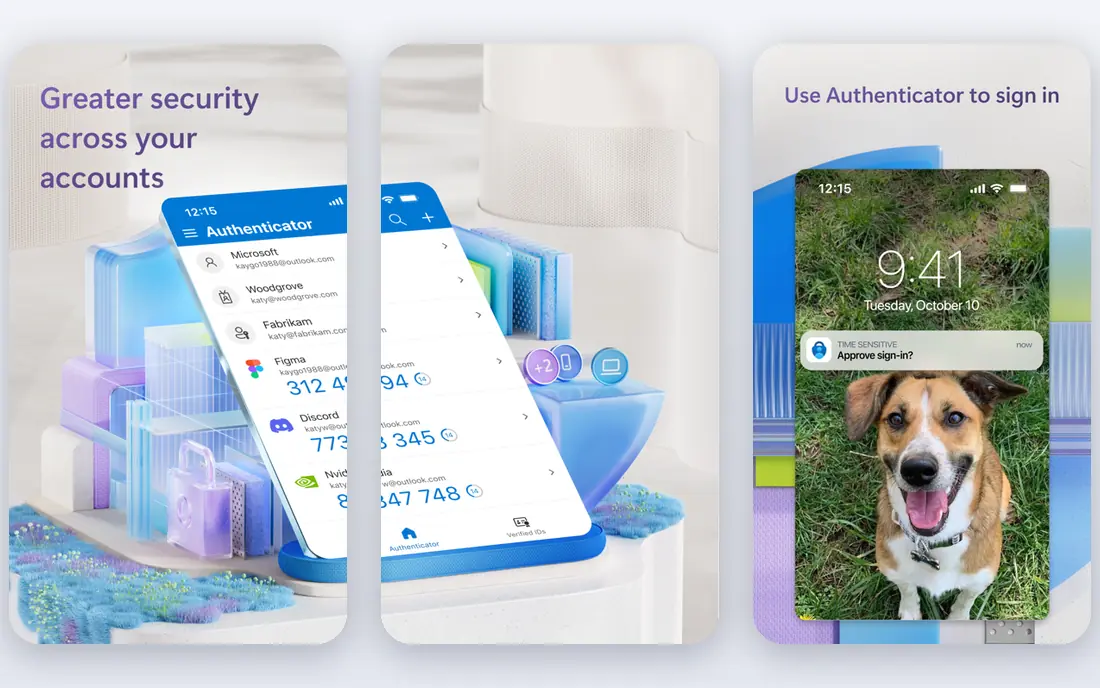
Microsoft Entra ID, formerly Azure Active Directory, is the natural SSO choice for organizations already running Microsoft 365. A free tier covers basic directory and SSO, while P1 at $7 per user per month on annual commitment adds conditional access, self-service password reset, and hybrid identity tools. P2 at $10 adds identity protection and privileged identity management.
Integration is the reason to choose it. Entra ID governs access to Teams, SharePoint, Outlook, and Azure apps without extra directory work, and conditional access policies can require MFA or compliant devices by risk. Firms with little Microsoft footprint may find Okta more neutral, but Microsoft shops often find Entra ID already included in part through existing licenses, which changes the cost picture.
- Deep Microsoft 365 and Azure links
- Free tier with basic SSO
- Conditional access on P1
- Best value inside Microsoft ecosystem
- Hybrid setups need care

Auth0, now part of Okta, is built for customer-facing authentication in your own apps and websites, not just workforce SSO. Developers can add login with email, social accounts, and enterprise connections, plus multi-factor authentication, breached password detection, and branding controls. The free tier covers up to 25,000 monthly active users in published comparisons, and paid Essentials plans start at $35 per month.
Pricing by monthly active users means costs grow with customer growth, so model that growth before launch. Auth0 is the right pick when your users are customers, not staff, and when you need login embedded in your product. For staff-only SSO, Okta or Entra ID is usually a better fit.
- Developer-friendly customer login
- Social and enterprise connections
- Free tier for many users
- Priced by monthly active users
- Workforce features differ from Okta
OneLogin suits mid-market companies that want straightforward SSO without enterprise complexity. Its Advanced bundle is listed from $4 per user per month in published comparisons, with SSO, multi-factor authentication, and a broad catalog of pre-built app connections. Context-aware access can adjust login requirements based on device, location, and risk signals.
The honest catch is that final pricing often depends on a quote, so confirm the full per-user cost for your app count and user count. OneLogin also lacks some of the deeper governance and lifecycle features of Okta and Entra ID at enterprise scale. For a mid-size firm that mainly needs reliable SSO and MFA, that simplicity is a strength.
- Simple setup for mid-market firms
- Broad app catalog
- Context-aware access
- Pricing is often quote-based in practice
- Fewer enterprise governance features than Okta
Ping Identity targets large and complex organizations with hybrid estates, mergers, and federation needs across many domains and partners. It supports SAML, OpenID Connect, and other federation standards, plus workforce SSO, MFA, and API security. That depth helps firms that must connect legacy systems, partner portals, and cloud apps under one identity layer.
Pricing is quote-based, and Ping projects need identity expertise to design well. Smaller firms will find Okta, Entra ID, or OneLogin faster to deploy. Large firms with complex federation, high compliance needs, and hybrid infrastructure get the most value from Ping, especially where a simple cloud SSO tool cannot bridge legacy systems.
- Strong federation for complex estates
- Hybrid and multi-cloud support
- Enterprise security controls
- Quote-based pricing
- Setup needs identity expertise
JumpCloud combines a cloud directory with SSO and device management, which appeals to small and mid-size teams moving away from on-premises Active Directory. Staff get one identity for apps, devices, and networks, and IT can manage users, groups, and policies from one console. A free tier covers up to 10 users and 10 devices in published comparisons, which makes a pilot easy.
Pricing for SSO and device bundles varies, so check the current plan that includes the SSO features you need. JumpCloud suits cloud-first firms with mixed Windows, Mac, and Linux devices. Firms already invested in Microsoft or Okta identity may not need a second directory, so compare total identity cost before adding it.
- Cloud directory replaces on-premises Active Directory
- SSO plus device management
- Free tier for small teams
- SSO pricing varies by bundle
- Device features add cost
Keycloak is the best free SSO option for teams willing to self-host. It is open source, supports SAML and OpenID Connect, and provides user federation, social login, and multi-factor authentication without license fees. That control appeals to developers, regulated teams, and firms that want identity data to stay on their own infrastructure.
The cost is engineering time. You must install, update, back up, and secure Keycloak yourself, and complex setups need identity knowledge. Red Hat support is available through related commercial offerings, but the open-source project itself has no vendor support line. Keycloak is ideal for technical teams with hosting capacity, and a poor fit for firms that want a fully managed service.
- Free and open source
- SAML and OpenID Connect support
- Full control over data
- Self-hosting needs engineering time
- No vendor support without a paid partner
Duo by Cisco is best known for multi-factor authentication, and it also supports SSO for many apps. Its Essentials plan starts at $3 per user per month on annual billing, with a free tier for up to 10 users. Duo is easy to roll out quickly, and its push-based MFA is familiar to staff, which helps adoption.
Duo is not a full identity platform like Okta or Entra ID. It lacks deep lifecycle, governance, and directory features, so larger firms usually pair it with a directory or identity platform. For a small team that mainly needs stronger login security fast, Duo is a low-cost, low-friction starting point, and it can grow into a broader identity setup later.
- Fast MFA rollout
- Broad app support
- Free tier for up to 10 users
- SSO is secondary to MFA
- Full identity features need other tools
How we picked these
We compared vendor pricing pages and published identity comparisons for SSO tools still sold in 2026, covering workforce, customer, and self-hosted use. We favored tools with standard SAML and OpenID Connect support, multi-factor authentication, and a clear pricing or free tier story. Prices are shown where vendors publish them, and marked as See website where pricing is quote-based or bundle-dependent. We did not claim hands-on security testing; our view reflects vendor documentation and widely reported user feedback.
How to choose SSO software without creating new risks
Decide workforce versus customer first
Workforce SSO tools such as Okta and Entra ID manage staff access and offboarding. Customer tools such as Auth0 manage login inside your product. Mixing them up leads to wrong pricing and missing features. If you need both, you may need two products, and that is normal.
Require MFA and test offboarding
SSO without MFA still leaves accounts open to stolen passwords, so require MFA for all staff, especially administrators. Test the full offboarding flow: disable one user and confirm access ends across apps, VPN, and devices. That test reveals gaps faster than any feature list.
Check app coverage and standards
List every app you use, then check for pre-built SSO connections or SAML and OpenID Connect support. Apps without SSO support will need password management or a separate plan. Prioritize SSO for email, cloud storage, finance, and admin tools first, because those carry the highest risk if compromised.
FAQ
What is the best SSO software for most companies?
Okta is a strong default for multi-cloud workforce SSO, while Microsoft Entra ID is the best SSO tool for Microsoft 365 firms. OneLogin suits mid-market simplicity, and JumpCloud suits small cloud-first teams. The best SSO software for you depends on your existing directory and app mix.
What are the best SSO tools for customer login?
Auth0 leads for customer-facing login in your own apps, with a generous free tier and developer-friendly connections. Keycloak is the free self-hosted alternative for technical teams. Workforce tools such as Okta can also serve customers in some cases, but Auth0 is designed for that job.
What is the best SSO tool for small teams?
JumpCloud and Duo offer free tiers for up to 10 users, which suits very small teams. OneLogin and Entra ID free tier also work for small firms. Start with the free tier, test MFA and offboarding, and move to a paid plan when user count or governance needs grow.
Does SSO replace passwords completely?
No. SSO reduces the number of passwords staff must remember, but the main SSO login still needs strong protection, usually with MFA. Some tools support passwordless options such as passkeys, but you should still plan for recovery, device loss, and admin access controls.
How much does SSO software cost?
Entry workforce plans run from $3 to $7 per user per month in this list, while customer tools such as Auth0 start at $35 per month by active users. Enterprise and governance tiers cost more, and some tools are quote-based. Always model cost at your full user count, including contractors and guests.