Best SSO and SCIM Platforms in 2026: 8 Platforms Compared
Searching for the best sso and scim platform? We compare 8 identity tools for single sign on, provisioning, deprovisioning and access security in 2026.
- Editor's choice
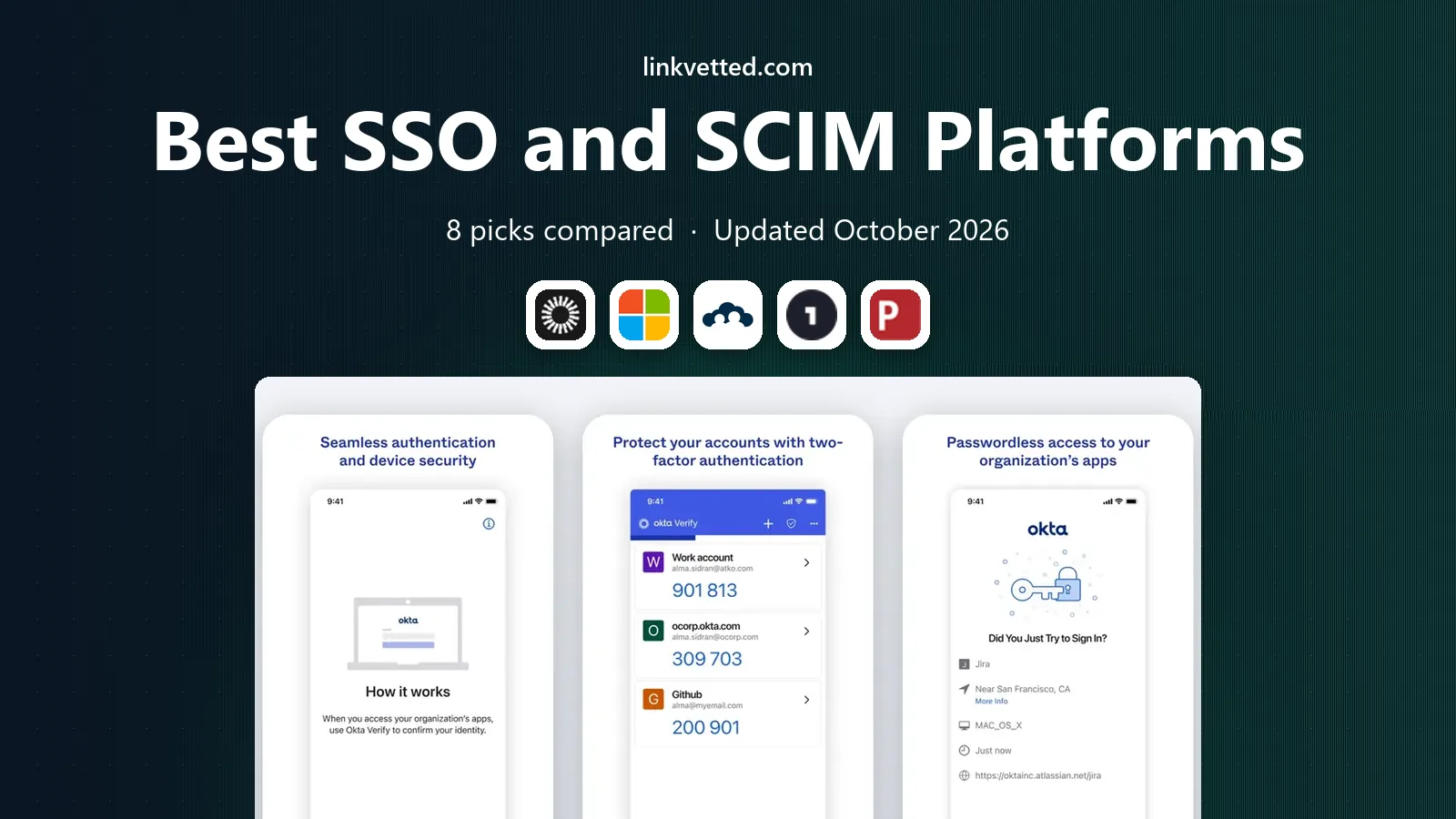
 Okta Workforce Identity
Vendor neutral SSO and lifecycle
Starts at$6 per user per monthVisit okta.comFull review - Great alternative
 Microsoft Entra ID
Microsoft 365 organizations
Starts atFreeVisit microsoft.comFull review - Also consider
 JumpCloud
Small teams and device management
Starts at$9 per user per monthVisit jumpcloud.comFull review
TL;DR:
- SSO lets staff sign in once and reach many apps, while SCIM automates account creation, updates and removal when people join, move or leave.
- Okta and Microsoft Entra ID lead for most teams, with Okta stronger for vendor neutral stacks and Entra ID stronger for Microsoft 365 shops.
- JumpCloud and OneLogin suit smaller and mid sized teams that want simpler pricing and faster setup.
- Auth0 and WorkOS suit developers building customer login, while Keycloak suits teams that can self host.
- Check SCIM support per app, since SSO alone does not remove accounts from every tool when someone leaves.
Quick comparison
| Tool | Best for | Starts at | Free plan? | |
|---|---|---|---|---|
| Okta Workforce Identity | Vendor neutral SSO and lifecycle | $6 per user per month | Free trial | Visit |
| Microsoft Entra ID | Microsoft 365 organizations | Free | Yes | Visit |
| JumpCloud | Small teams and device management | $9 per user per month | Yes | Visit |
 OneLogin | Mid market simplicity | See website | Free trial | Visit |
 Ping Identity | Large hybrid estates | See website | Free trial | Visit |
 Auth0 | Customer facing apps | $35 per month | Yes | Visit |
 WorkOS | B2B apps adding enterprise SSO | See website | Free trial | Visit |
 Keycloak | Self hosted open source identity | Free | Yes | Visit |
The best sso and scim platforms
SSO and SCIM solve different parts of the same problem. SSO reduces password friction, and SCIM keeps accounts in sync. Together they cut onboarding time and close a common security gap, which is accounts that stay active after someone leaves.

Okta is our pick for teams that use many vendors and do not want identity tied to one cloud. Its integration catalog covers thousands of apps, and lifecycle workflows can create, update and remove accounts from SCIM enabled apps when HR data changes. That automation is where Okta earns its price.
Complexity is the trade off. Small teams may need help with initial setup and policy design. For mid sized and large teams with a mixed app stack, Okta is a strong and proven core.
- Large integration catalog
- Strong lifecycle management and SCIM support
- Adaptive MFA options
- Pricing rises with added suites
- Setup can be complex for small teams

Entra ID, formerly Azure Active Directory, is the natural choice for organizations already on Microsoft 365 and Azure. The free tier covers basic SSO and MFA, while P1 and P2 add Conditional Access, risk detection and identity protection. SCIM provisioning covers many popular SaaS apps, and HR driven provisioning can sync from HR systems.
If your stack is mostly Google Workspace or mixed cloud, compare it with Okta before you commit. Inside a Microsoft estate, Entra ID is hard to beat on value and integration depth.
- Included with many Microsoft 365 plans
- Conditional Access
- Broad SaaS gallery with SCIM
- Best value inside Microsoft stack
- Non Microsoft setups need more planning
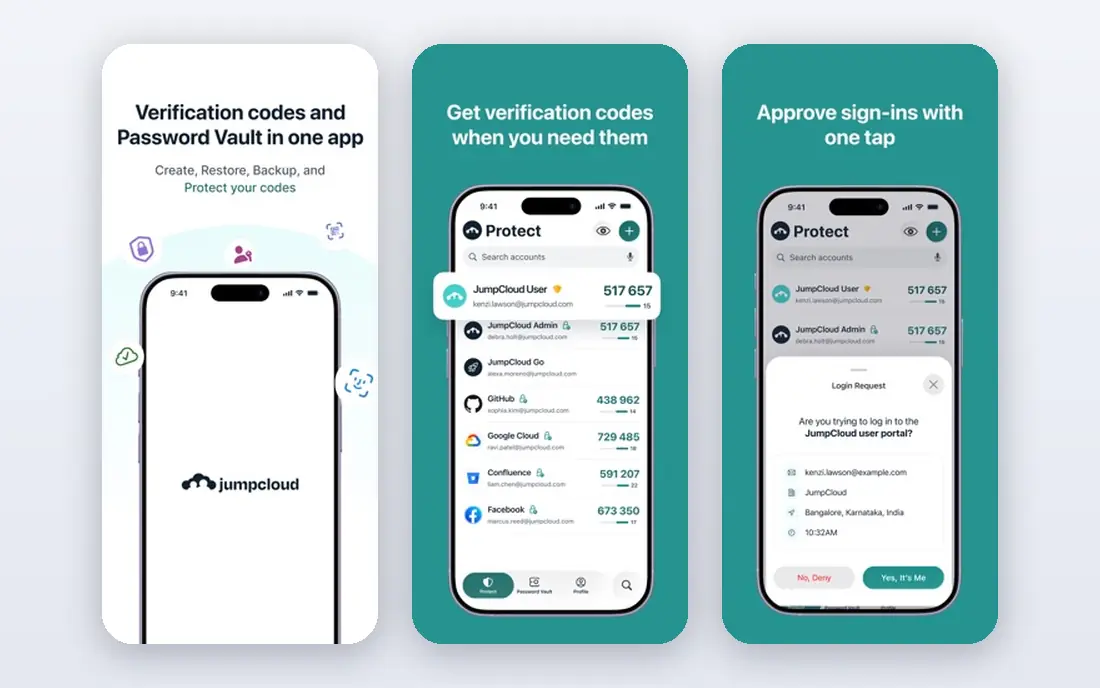
JumpCloud suits small teams that want to replace on premises Active Directory without a large project. It combines directory, SSO, MFA and device management in one console, and it works across Windows, macOS and Linux. The free tier for small teams makes it easy to test.
Larger teams with complex governance needs may outgrow it. For startups and small firms that need SSO, SCIM style provisioning and device control in one place, JumpCloud is a practical pick.
- Cloud directory plus device management
- Free tier for up to 10 users
- Cross platform support
- Enterprise identity governance is thinner than Okta
- SSO pricing is a separate tier
OneLogin, now part of One Identity, focuses on mid market teams that want SSO and lifecycle management without enterprise complexity. Setup is guided, and HR integrations can drive account creation and removal. That makes onboarding faster and reduces manual work for IT.
It lacks some of the depth of Okta and Entra ID for very large estates. For a mid sized firm that wants a clean admin experience and reliable SCIM provisioning, it is a solid choice.
- Simple SSO setup
- HR driven provisioning
- Clear admin console
- Pricing is not always published
- Integration depth is less than Okta
Ping Identity suits large organizations with hybrid systems, legacy apps and complex federation needs. It supports cloud, on premises and hybrid deployment, and it handles workforce and customer identity in one family of products. SCIM and lifecycle tools support large scale provisioning.
This is not a small team tool. Pricing is quoted, and implementation benefits from experienced identity staff or a partner. For large estates with complex requirements, Ping is a serious enterprise option.
- Deep federation and hybrid deployment options
- Strong for large enterprises
- Workforce and customer identity
- Quote based pricing
- Implementation needs expertise
Auth0, owned by Okta, is built for developers adding login to customer facing apps. It supports SSO, social login, passkeys and MFA, with SDKs for common frameworks. The free tier covers many early stage apps, which makes it easy to start without a sales call.
It is not a direct replacement for workforce identity tools. If your users are customers, not staff, Auth0 fits. If your users are employees, start with Okta, Entra ID or JumpCloud instead.
- Developer friendly
- Free tier up to 25,000 monthly active users
- Passkeys and social login
- Built for customer identity, not workforce IAM
- MAU pricing can rise at scale
WorkOS helps B2B software teams add enterprise features that large customers demand, such as SAML SSO, SCIM directory sync and audit logs. Instead of building each integration from scratch, developers use WorkOS APIs to connect to customer identity providers. That shortens sales cycles for B2B startups.
It serves app builders, not internal IT teams managing staff accounts. If you sell software to enterprises and need SSO and SCIM quickly, WorkOS is a focused and developer friendly choice.
- Fast enterprise SSO and SCIM for B2B apps
- Clean APIs
- Directory sync tools
- Not a workforce identity platform for your own staff
- Pricing is quote based for larger use
Keycloak is an open source identity server from Red Hat. It supports SSO, social login, MFA and user federation, and teams can build provisioning workflows around its APIs. For teams with engineering capacity and strict data control needs, it removes vendor fees entirely.
Self hosting is the cost. You handle updates, backups, scaling and security patches. For teams that can run infrastructure well, Keycloak is a powerful free option. For teams that want a managed service, a cloud vendor is a better fit.
- Free and open source
- SSO, SCIM style provisioning via APIs
- Full control over data
- You host, patch and scale it
- Support depends on community or paid partners
How we picked these
We compared official pricing pages, product documentation and public reviews for identity platforms with SSO and SCIM support. We looked for SAML and OIDC support, SCIM provisioning, MFA, lifecycle management and HR integrations. We did not claim hands on testing. We favoured tools that are actively sold in 2026 and that cover workforce, customer or B2B use cases clearly, and we noted where pricing is quote based.
How to choose an SSO and SCIM platform
Start with your user type. Staff, customers and enterprise customers of your own app need different tools. A workforce platform manages employees, a customer platform manages app users, and a B2B toolkit helps your app connect to customer directories. Picking the wrong type is the most common mistake.
Check SCIM app by app
SSO does not guarantee SCIM. List your top twenty apps and check whether each supports SCIM provisioning from your chosen platform. For apps without SCIM, plan a manual or API based removal process, and set a review date for leaver accounts.
Plan joiner, mover and leaver flows
Good identity work is about lifecycle, not login alone. Map what happens when someone joins, changes team or leaves. Test deprovisioning with a test account before you roll out. A platform that removes access quickly from core apps is worth more than a pretty login page.
Test MFA and recovery
MFA protects SSO, since one login now opens many apps. Check passkey support, authenticator options and recovery for lost devices. A recovery process that is too easy defeats MFA, while one that is too hard creates support tickets. Balance both in your policy.
A final check helps avoid a costly mismatch. Ask for a demo with your own data, not only a vendor sample, and invite the people who will use the tool daily to join that demo. Their questions often surface limits that a feature list hides, such as slow reporting, awkward mobile use or missing exports. Note those answers next to price and contract terms, then compare vendors on the same scorecard. That simple step makes the final choice easier to defend and easier to live with after launch.
FAQ
What is the difference between SSO and SCIM?
SSO lets a user sign in once and access many apps without separate passwords. SCIM is a protocol that automates account creation, updates and deletion across apps. SSO improves convenience, while SCIM improves lifecycle security.
Do I need both SSO and SCIM?
Most teams benefit from both. SSO alone leaves manual account work, and SCIM alone leaves users juggling passwords. Together they cut onboarding time and reduce the risk of orphaned accounts after someone leaves.
Which platform is best for a Microsoft 365 team?
Microsoft Entra ID is usually the best fit, since it is included with many plans and integrates deeply with Microsoft apps. Okta is a strong alternative if you want a vendor neutral stack or a larger integration catalog.
Is Keycloak a good free option?
Yes, if you can self host it. Keycloak is free and powerful, but you handle hosting, patching and scaling. Teams without infrastructure capacity should choose a managed platform instead.
How do I check if an app supports SCIM?
Check the app vendor documentation and your identity platform integration catalog. Look for SCIM provisioning, not only SAML SSO. If SCIM is missing, ask the vendor about API based provisioning or plan a manual deprovisioning checklist.