Best Spend Management Software in 2026: 8 Tools Compared
Compare the best spend management software in 2026, with cards, expense tracking, approvals and pricing for Ramp, Brex, Navan and more top tools for US teams.
- Editor's choice
 Ramp
Growth companies
Starts atFreeVisit ramp.comFull review - Great alternative
 Brex
Startups and global teams
Starts atFreeVisit brex.comFull review - Also consider
 Navan
Travel plus expenses
Starts atFreeVisit navan.comFull review
TL;DR:
- Ramp is our pick for most growth companies, with free cards, expenses, and bill pay in one platform.
- Brex suits startups and global teams that want free spend controls plus travel and banking tools.
- Navan is best when travel booking and expenses must live in one flow.
- Expensify remains the easiest choice for teams that want to keep existing cards and automate receipts.
- SAP Concur and Airbase suit larger companies with complex policies, procurement, and multi-entity needs.
Quick comparison
| Tool | Best for | Starts at | Free plan? | |
|---|---|---|---|---|
| Ramp | Growth companies | Free | Yes | Visit |
| Brex | Startups and global teams | Free | Yes | Visit |
| Navan | Travel plus expenses | Free | Yes | Visit |
 Expensify | Existing cards | $5 per member per month | Yes | Visit |
 Zoho Expense | Budget teams | Free | Yes | Visit |
 BILL Spend and Expense | AP-led teams | Free | Yes | Visit |
 Airbase | Procurement-led teams | See website | Free trial | Visit |
 SAP Concur | Large enterprises | See website | No | Visit |
The best spend management software
Spend management covers corporate cards, expense reports, approvals, bill pay, and sometimes travel and procurement. The right tool gives finance real-time visibility without slowing employees down, and the wrong one creates month-end chaos. The tools below cover startups through to large enterprises.
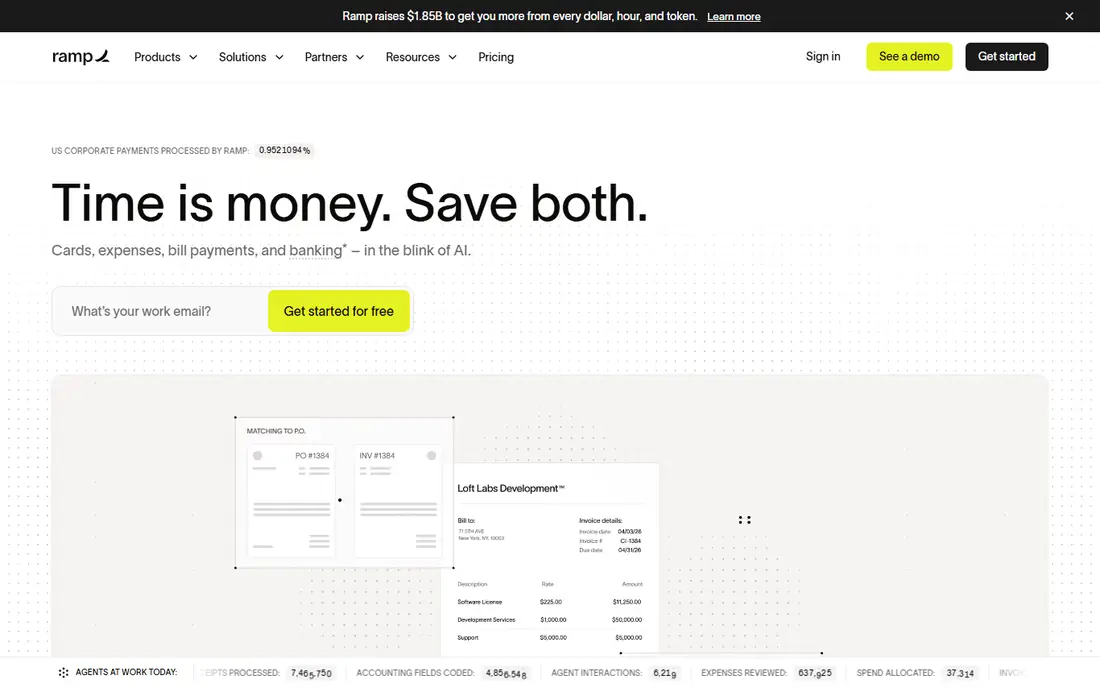
Ramp pairs corporate cards with expense management, bill pay, and travel in one platform, and its free tier covers the core for qualifying companies. Finance teams can set limits by employee, vendor, or category, and expenses code themselves as receipts arrive. That combination reduces manual entry and gives a live view of spend.
The Plus plan, from $15 per user per month plus a platform fee, adds deeper automation and controls. Small teams may not need it at first, but growing companies often upgrade as approval chains and accounting needs grow. For most startups and growth companies, Ramp is the best starting point.
- Free core tier
- Cards plus expenses plus bill pay
- Strong controls
- Plus plan adds per-user fees
- Some features need higher tiers
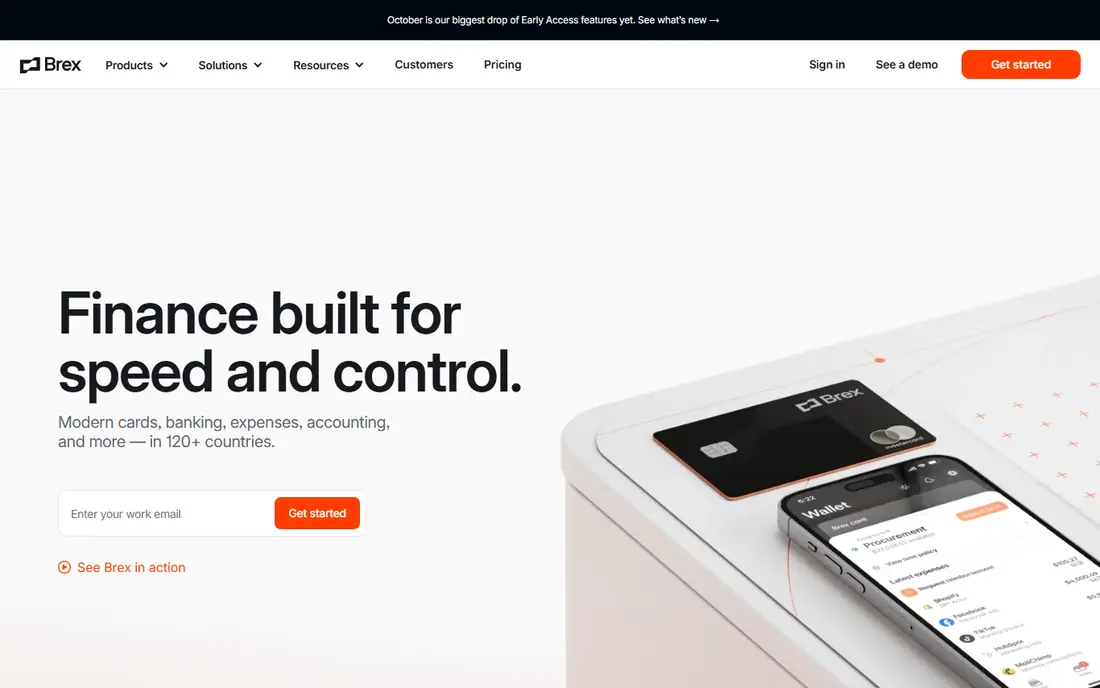
Brex offers cards, expenses, bill pay, travel, and banking tools, with a free Essentials tier for qualifying companies. Its global reach suits teams with entities, contractors, or travel across countries, and multi-currency handling is stronger than many US-first tools. Employees get cards with clear limits, while finance sees spend in real time.
Premium, at $12 per user per month, adds advanced controls, custom approvals, and deeper integrations. Eligibility and credit terms vary, so check qualification early. For venture-backed startups and global teams, Brex is a strong, free-to-start alternative to Ramp.
- Free Essentials tier
- Global cards and payments
- Travel and bill pay
- Premium features need paid plan
- Eligibility rules apply
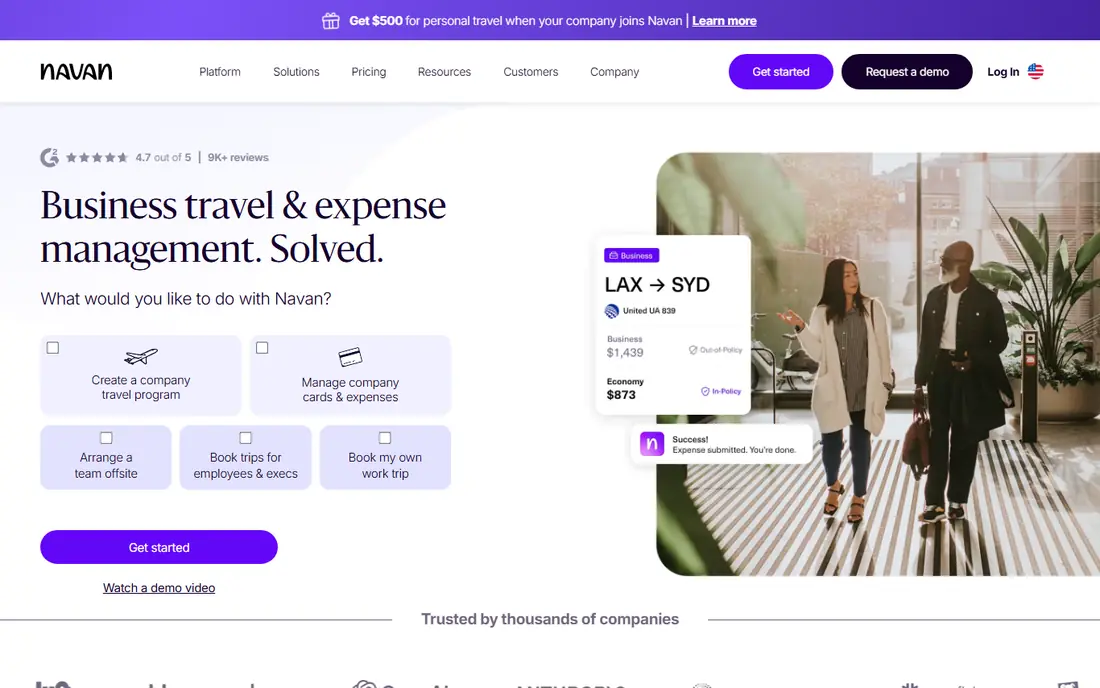
Navan, formerly TripActions, is the pick when travel is a major spend category. Employees book flights and hotels inside policy, and expenses flow from the same trip record, which cuts duplicate entry and missing receipts. Managers see travel and expense totals together, not in separate systems.
The expense plan offers the first five monthly expensing users free for companies under 300 employees, then $15 per user per month. Companies that rarely travel may prefer Ramp or Brex, but frequent travellers will save time and policy headaches with Navan.
- Travel booking plus expenses in one app
- Policy controls
- First users free
- Expense plan costs $15 per user per month after free users
- Travel focus
Expensify is the classic expense tool, and it still suits teams that do not want to switch cards. Snap a receipt and SmartScan codes it, approvals route by policy, and reimbursements process in the same flow. The Collect plan starts at $5 per member per month, with a free tier for individuals.
Its card and travel features are less central than Ramp or Brex, and pricing depends on active members rather than total seats. For small teams, consultants, and companies with existing bank cards, Expensify offers the least disruption with strong receipt automation.
- SmartScan receipt capture
- Works with existing cards
- Easy reimbursements
- Card features need higher plans
- Pricing varies by active members
Zoho Expense gives small teams receipt scanning, approvals, and reporting at a low cost, with a free version for up to three users and paid plans from a few dollars per user per month. Multi-currency and mileage tracking suit small international teams, and Zoho integrations help if the company already uses Zoho Books or Zoho People.
It is not a full card and procurement platform like Ramp, so teams that need cards plus bill pay will need another tool. For pure expense reporting on a tight budget, Zoho Expense is one of the best values on this list.
- Free version for small teams
- Autoscan receipts
- Multi-currency support
- Smaller ecosystem than leaders
- Advanced features need paid plans
BILL Spend and Expense, formerly Divvy, pairs free corporate cards with budgets, expense controls, and approvals, and it connects closely with BILL accounts payable. Accountant-led teams like that spend, bills, and payments reconcile in one workflow, rather than across separate tools. Cards can be issued with limits by team or vendor.
Teams that do not use BILL for AP will get less value, and some advanced features sit on paid plans. For small businesses already using BILL, or planning to, Spend and Expense is a natural, low-cost addition.
- Free card product
- Budgets and controls
- Strong AP integration
- Best with BILL AP
- Some features need paid tiers
Airbase is built for mid-market finance teams that need procurement control, not just expense reports. Purchase requests, approvals, cards, and bill pay flow through one system, with accounting sync to common ledgers. That structure helps companies that must approve spend before it happens, not just record it after.
Pricing is quote-based, and setup takes more time than Ramp or Expensify, since approval chains and procurement rules need design. Small teams will find it heavy, but mid-market companies with serious procurement workflows will value the control.
- Procurement plus cards plus expenses
- Strong approvals
- Accounting sync
- Quote-based pricing
- Heavier setup for small teams
SAP Concur remains the enterprise standard for travel and expense, with deep policy rules, audit trails, and global support. Large companies with many entities, complex approval chains, and SAP systems benefit from its scale and compliance tools. Travel booking, expense capture, and invoice handling can sit in one suite.
Cost and complexity are the trade-offs. Pricing is quote-based, implementation takes planning, and smaller teams will find the interface heavier than modern rivals. Choose Concur when enterprise policy, audit, and SAP integration outweigh speed and low cost.
- Deep travel and expense policy controls
- Global scale
- SAP integration
- Quote-based pricing
- Complex setup
- Dated interface in places
How we picked these
We compared official pricing pages, free tiers, and feature pages in October 2026, plus public reviews. We kept only tools that still serve US companies with cards, expenses, or procurement, and we favoured tools with clear controls, accounting integrations, and a distinct strength. Where pricing was quote-based, we wrote See website rather than guessing.
How to roll out spend management without friction
Start with cards and limits, not with every feature at once. Issue cards with sensible limits, set approval rules for common categories, and train managers on approvals before launch. A pilot with one department will surface policy gaps faster than a company-wide launch, and it gives finance real data to tune limits.
Next, connect accounting early. Sync categories, vendors, and departments to your ledger, and test a full month-end close in the trial. If receipts, approvals, and sync work cleanly for the pilot team, rollout to other teams is far smoother. Also, review card eligibility, fees, and credit terms in writing, since those details affect total cost.
Controls that actually work
Set limits by role and vendor, require receipts above a clear threshold, and use auto-approval for low-risk, policy-compliant spend. Review exceptions weekly at first, then monthly, and adjust limits based on real patterns. Good controls feel invisible for normal spend and firm for risky spend, which is the balance to aim for.
Before you issue cards to everyone, run a pilot with one team and one month of real spend. Reconcile that month in your accounting system, check that receipts match, and ask managers whether approvals felt fast or slow. That pilot often reveals category mapping errors and policy gaps that a demo never shows, and it gives finance a realistic month-end close time to plan around.
FAQ
What is the best free spend management software?
Ramp and Brex both offer free core tiers for qualifying companies, with cards and expense tools included. BILL Spend and Expense also offers a free card product. Check eligibility and card terms, since free does not mean unlimited for every company.
What is the difference between spend management and expense management?
Expense management focuses on reports and reimbursements after spending happens. Spend management adds cards, budgets, and approvals before and during spending, plus bill pay and sometimes procurement. Ramp, Brex, and Airbase cover the wider spend scope.
Which spend management tool is best for travel?
Navan is our pick when travel is a major category, since booking and expenses share one flow. Ramp and Brex also offer travel tools, but Navan leads on policy-controlled booking. Compare travel fees and booking coverage for your usual routes.
Do I need to switch corporate cards to use these tools?
Not always. Expensify and Zoho Expense work with existing cards, while Ramp, Brex, and BILL issue their own cards as part of the platform. If switching cards is a barrier, start with a card-agnostic expense tool and revisit cards later.
How much does spend management software cost?
Many tools start free for core features, with paid plans from $5 to $15 per user per month for deeper controls. Enterprise tools such as SAP Concur and Airbase are quote-based. Always confirm card fees, platform fees, and eligibility before budgeting.