6 Software for Lawn Care Backup Worth Shortlisting in 2026
Shortlisting the best software for lawn care backup? 6 products compared on cost, free access and ideal buyer. Weaknesses are named for every tool. Facts only.

- Editor's choice
 ServiceTitan
Bigger contractors with mixed service and projects
Starts atSee websiteVisit servicetitan.comFull review - Great alternative
 LMN
Landscaping operations with estimates and finances
Starts at$297 a monthVisit golmn.comFull review - Also considerReal Green Systems
Dedicated lawn care scheduling and billing
Starts atSee websiteVisit realgreen.comFull review
Direct answer
ServiceTitan leads the list, best for bigger contractors with mixed service and projects. Listed starting prices: LMN from $297 a month and Housecall Pro from $59 a month. For a different need, LMN covers landscaping operations with estimates and finances and Real Green Systems covers dedicated lawn care scheduling and billing. All 6 tools are compared below on price, free plan and limits.
TL;DR:
- ServiceTitan takes the first slot, best suited to bigger contractors with mixed service and projects.
- Housecall Pro is the lowest-priced starter here at $59 per month.
- Check the limits for Real Green Systems before you commit: lawn care niche may limit broader trades.
- Housecall Pro suits home service firms wanting a simple start.
Last checked November 2026. Prices and plan details were read from the vendors' own pages in November 2026; vendors change plans often, so confirm the current price on the vendor site before you buy.
Quick comparison
| Tool | Best for | Starts at | Free plan? | |
|---|---|---|---|---|
| ServiceTitan | Bigger contractors with mixed service and projects | See website | Free trial | Visit |
| LMN | Landscaping operations with estimates and finances | $297 a month | No | Visit |
| Real Green Systems | Dedicated lawn care scheduling and billing | See website | Not stated | Visit |
 Aspire | Expanding and large-scale landscape contractors | See website | Not stated | Visit |
 Jobber | All-in-one quoting, scheduling and invoicing | See website | Not stated | Visit |
 Housecall Pro | Home service companies wanting a simple start | $59 a month | Free trial | Visit |
The full software for lawn care backup list
Choosing software for lawn care backup usually comes down to price, fit and limits. This LinkVetted guide sets 6 tools side by side on those three points, with the facts kept short and checkable.

ServiceTitan targets bigger contractors with mixed service and projects. ServiceTitan describes its all-in-one software as designed for home and commercial contractors, keeping service visits and construction projects running smoothly.
Beyond that, the product is geared toward bigger contractor operations, so very small lawn care crews may find it more than they need. Also, consider a more straightforward choice if your work is largely recurring maintenance routes with restricted project scope. Check the vendor site for ServiceTitan pricing; none is listed in this comparison. Trial and free access: Free trial.
Watch-outs: Pitched at bigger contractor operations.
- Manages service visits and construction projects
- All-in-one for home and commercial contractors
- Heavier setup than straightforward tools
Choose LMN for landscaping operations with estimates and finances. LMN by Granum is landscape management software that helps landscaping businesses tackle daily operations with job estimates, scheduling crews and finances in one place. Consider a general field service system if you want lighter administration or broader trade coverage.
Points against: Centred on landscaping, not all trades.
As for the details, for lawn care operators who also offer design, install or maintenance services, that combination keeps estimating and crew scheduling connected to the numbers. Its landscaping focus means it is not built for unrelated service trades, so mixed companies may need extra systems. On cost, LMN starts like this: $297 per month. LMN has no free plan.
Highlights: Made for landscaping firms.
- Crew scheduling and finances together
- Supports daily operations
- May not suit non-landscape service work
Real Green Systems
Best for: Dedicated lawn care scheduling and billing
Real Green Systems makes the most sense for dedicated lawn care scheduling and billing. Since it centers on lawn care and landscaping, companies offering unrelated services may need separate tools.
Drawbacks to consider: Lawn care niche may limit broader trades.
Firms with large project-based construction work should check whether the product handles that scope. As for the details, pick it when lawn care scheduling and billing are the core need and you want a focused instead of general system. No starting price is listed for Real Green Systems here; confirm pricing on the vendor site. Free plan details: Not stated.
- Schedule jobs and send estimates
- Lawn care business software focus
- Feature depth varies by business size
Where Aspire fits: expanding and large-scale landscape contractors. Aspire gives you field service management software, including an end-to-end product for large-scale businesses and landscape scheduling software for expanding contractors.
Aspire does not show a starting price in this comparison, so check the vendor site for current pricing. Free access: Not stated.
Points against: Oriented toward bigger operations.
- Field service management focus
- End-to-end product for large firms
- May be complicated for small crews
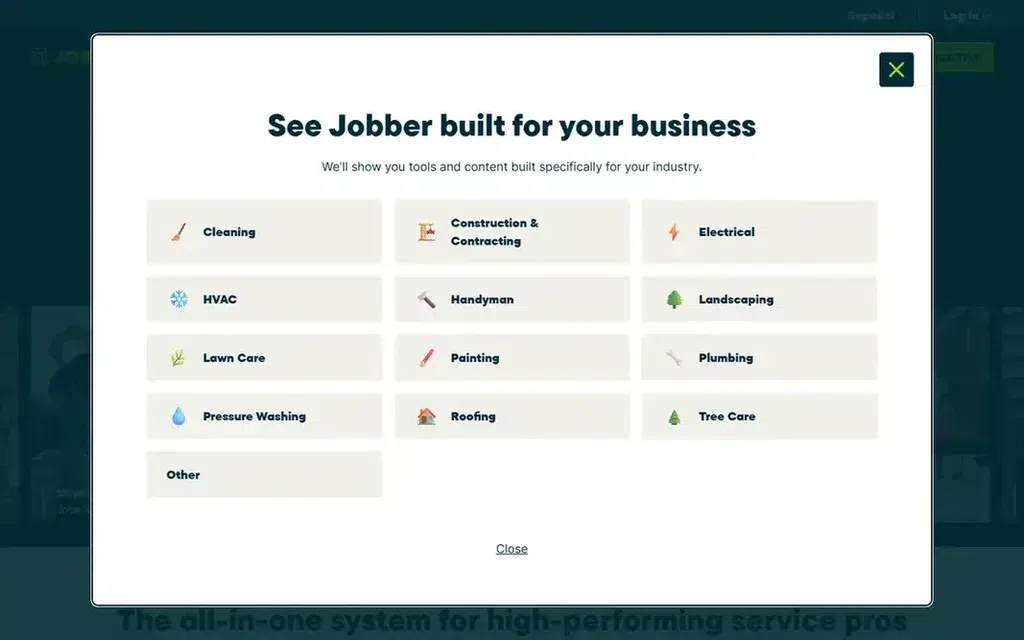
Jobber serves all-in-one quoting, scheduling and invoicing. Since Jobber serves numerous home service trades, it is not tailored specifically to lawn care workflows for example chemical application tracking or seasonal route density.
Honest limits: Advanced needs may need other tools.
Upsides: Designed for home and commercial service work. Pick something else if you need landscape-specific estimating or large-scale field service depth. This comparison lists no price for Jobber; ask the vendor. Free access: Not stated.
- Schedule and invoice in one app
- Payment collection included
- General service focus
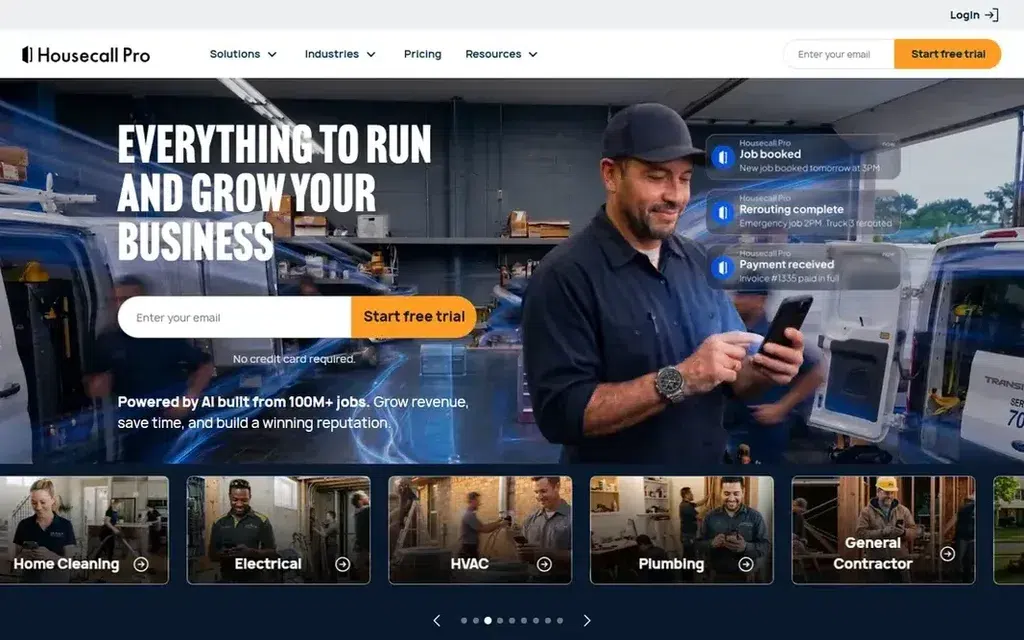
Housecall Pro serves home service companies wanting a simple start. Housecall Pro is home services business management software pitched at field service companies. Its homepage positions it as an option that field service professionals trust for running their operations.
It is a general home services system instead of a lawn care specialist, so features tied to chemical programs, seasonal contracts or landscape estimating may be thinner. Also, firms with heavy routing or agronomic record needs should weigh dedicated lawn care tools. Entry price for Housecall Pro: $59 per month. On free options: Free trial.
Limits to weigh: Not lawn care specific.
- Software aimed at home service companies
- Spans core field service tasks
- Deep landscape features may be restricted
How the list was put together
Questions to settle before buying
- Ask ServiceTitan, Real Green Systems, Aspire and Jobber for a written quote, since no starting price is shown.
- Run a trial of ServiceTitan and Housecall Pro with real work before paying for a year; your own workflow is the best test.
- Read the limits listed for ServiceTitan first: pitched at bigger contractor operations.
- Compare total cost, not headline price: for Real Green Systems, add extra seats, add-ons and any usage-based charges.
- Check the support hours and onboarding help Jobber offers; smaller vendors vary a lot here.
FAQ
Does any tool for software for lawn care backup here have a free plan?
No tool in this list, ServiceTitan and Housecall Pro included, has a permanent free plan. ServiceTitan, Housecall Pro offer a trial. Trials and quotes are the usual route, so plan a short evaluation period.
Is ServiceTitan the right pick for everyone comparing software for lawn care backup?
No single tool suits every team. ServiceTitan comes first because it fits larger contractors with mixed service and projects, while LMN suits landscaping operations with estimates and finances and Real Green Systems suits dedicated lawn care scheduling and billing. Match the tool to your own size, budget and workflow before deciding.
What is the cheapest option for software for lawn care backup in this list?
On published monthly entry prices, Housecall Pro is the lowest here at $59 per month. Entry price is only part of the cost, because seats, add-ons and billing terms can change the total. All 6 picks in this software for lawn care backup comparison list a starting price, free plan details and the main limits on their cards above.
How are the tools for software for lawn care backup ordered?
The order follows typical fit for software for lawn care backup, with ServiceTitan first and Housecall Pro last, then price clarity and free access. It is editorial judgement, not a score, so another team could rank the tools differently.
Should I choose lawn-specific software or a general field service system?
Lawn-specific tools for example Real Green Systems and LMN align closely with recurring service, estimating and crew scheduling for landscaping work. Pick based on whether agronomic and seasonal features matter more than all-trade adaptability.
Sources
- https://www.servicetitan.com
- https://www.golmn.com
- https://www.realgreen.com
- https://www.youraspire.com
- https://www.getjobber.com
- https://www.housecallpro.com