Best Software for Call Center QA and Monitoring in 2026: 9 Tools Compared
Compare the best software for call center qa and monitoring in 2026, from AI scoring and calibration to coaching workflows for support teams and quality teams.
- Editor's choice
 Playvox
Structured QA with coaching
Starts atSee websiteVisit playvox.comFull review - Great alternative
 MaestroQA
AI QA and coaching workflows
Starts atSee websiteVisit maestroqa.comFull review - Also consider
 Scorebuddy
Flexible scorecards for mid-size teams
Starts atSee websiteVisit scorebuddy.coFull review
TL;DR:
- The best call center QA software now scores far more than a small sample of calls, with AI transcription and automated scoring covering most interactions.
- Playvox and MaestroQA lead for structured QA programs with scorecards, calibration, and coaching, while Observe.AI and CallMiner lead for AI analytics at scale.
- Smaller teams should look at Scorebuddy and EvaluAgent, which offer strong scorecard QA without enterprise platform pricing.
- Calibration matters as much as AI. If two evaluators score the same call differently, your QA data will mislead coaching and staffing decisions.
- Our pick for most QA teams is Playvox, because it balances scorecard governance, AI scoring, and coaching workflows in one program.
Quick comparison
| Tool | Best for | Starts at | Free plan? | |
|---|---|---|---|---|
| Playvox | Structured QA with coaching | See website | No | Visit |
| MaestroQA | AI QA and coaching workflows | See website | No | Visit |
| Scorebuddy | Flexible scorecards for mid-size teams | See website | Free trial | Visit |
 Observe.AI | Voice AI and automated QA at scale | See website | No | Visit |
 CallMiner | Interaction analytics and compliance | See website | No | Visit |
 NICE CXone | QA inside a full contact center suite | See website | No | Visit |
 Verint | QA for regulated enterprises | See website | No | Visit |
 EvaluAgent | Calibrated QA with audit trails | See website | Free trial | Visit |
 Balto | Real-time guidance and compliance prompts | See website | No | Visit |
The best software for call center qa and monitoring
Call center QA and monitoring software scores agent interactions against quality and compliance rubrics, then turns those scores into coaching, training, and process fixes. We compared official feature pages, pricing pages, and public reviews to build this list.
Playvox is built around the full QA cycle, not just scoring. Teams design scorecards, calibrate evaluators, score interactions, and turn results into coaching tasks and performance tracking in one place. That closed loop is why many mid-size and enterprise QA programs choose it, since a score without follow-up rarely changes behavior.
The main drawbacks are price and scale. Pricing is quoted, and smaller teams may find it costly, while very large datasets can slow some reporting. For a QA team that wants governance, calibration, and coaching together, Playvox remains a strong, well-regarded choice.
- Flexible scorecards and calibration
- AI-assisted scoring
- Coaching and performance workflows
- Pricing by quote
- Can feel costly for small teams
- Large datasets can slow some reports
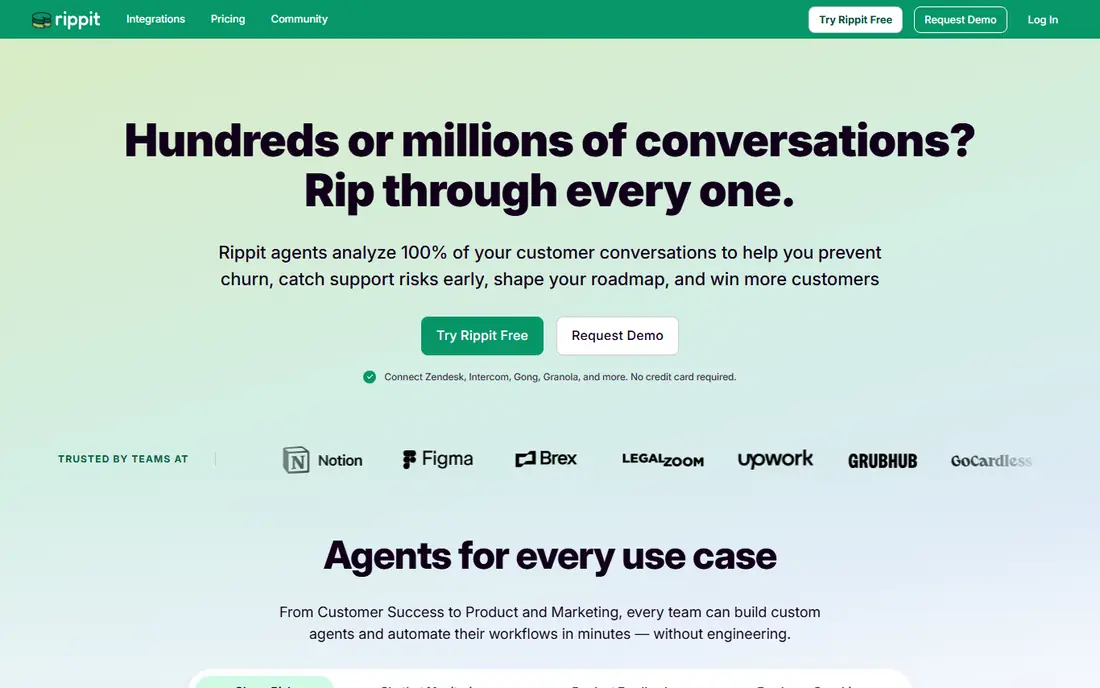
MaestroQA pairs human QA judgment with AI scoring and conversation analytics. Evaluators can work from structured scorecards, while AI surfaces trends, risks, and coaching opportunities across many more interactions than manual sampling alone could cover. Coaching workflows then link scores to feedback and follow-up, so agents see what to change.
Some AI features require additional purchase, which can raise total cost, and complex rubrics still need careful design. For QA teams that want analyst control over scoring logic plus AI scale, MaestroQA is one of the best balances available.
- AI-powered QA and analytics
- Customizable scoring workflows
- Strong coaching and feedback features
- Pricing by quote
- Some AI features need higher tiers
- Setup takes care for complex rubrics
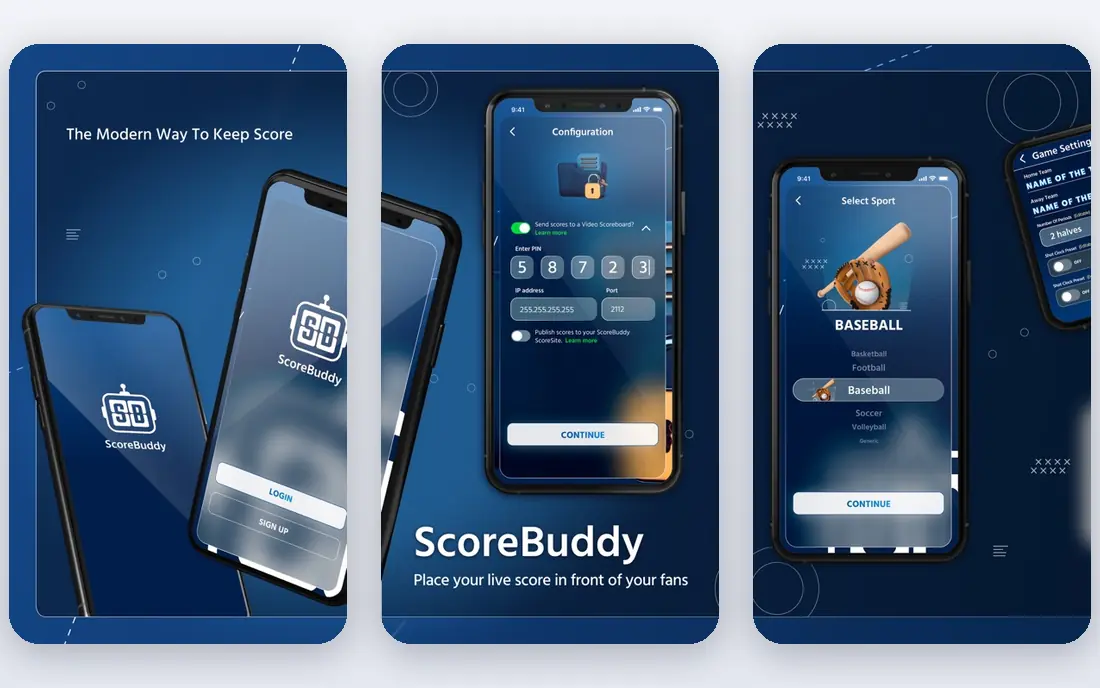
Scorebuddy is praised for an intuitive interface and flexible scorecards. QA managers can build rubrics that match their real compliance and service standards, run calibration, and report trends without a heavy platform project. That simplicity helps mid-size teams run a credible QA program without a large analyst staff.
Scorebuddy is less of an AI analytics platform than Observe.AI or CallMiner, so teams that want deep speech analytics should pair it or look elsewhere. For teams whose core need is fair, consistent human QA at scale, Scorebuddy is a practical and popular choice.
- Intuitive scorecard builder
- Good calibration support
- Clear reporting for QA managers
- AI depth is lighter than Observe.AI or CallMiner
- Pricing needs a quote
- Enterprise integrations vary
Observe.AI uses voice AI to transcribe calls, analyze conversations, and automate much of QA scoring. That lets teams move from sampling a few percent of calls to reviewing patterns across far more interactions, flagging compliance risks and coaching moments that manual QA would miss. Real-time agent assist can also guide agents during live calls.
The focus is voice-first, so omnichannel QA across chat and email needs checking against your mix. Pricing is quoted and implementation needs integration work. For voice-heavy centers that want AI scale, Observe.AI is a leading choice.
- Transcription and speech analytics
- Automated scoring at scale
- Real-time agent assist options
- Pricing by quote
- Voice-first focus
- Needs integration work for full omnichannel QA
CallMiner is the analytics-heavy option for teams with analyst capacity. It mines interactions for sentiment, trends, compliance risks, and root causes, turning call data into business insight rather than just agent scores. Enterprises use it to find process problems, product issues, and training gaps that show up across thousands of conversations.
That depth needs analysts and tuning. Smaller teams without analytics staff may not get full value quickly. For large centers that want QA plus business intelligence from the same interaction data, CallMiner is a strong enterprise pick.
- Deep interaction analytics
- Sentiment and trend analysis
- Strong compliance and root-cause tools
- Pricing by quote
- Analyst-heavy for full value
- Setup and tuning take time
NICE CXone is the suite choice. If your contact center already runs on CXone, adding its QA and workforce management tools keeps recording, scoring, scheduling, and analytics in one ecosystem. AI-powered QA can score interactions and feed workforce planning, which helps large centers manage quality and staffing together.
The suite is also the drawback. It is complex and quoted, and a small team that only needs QA may pay for far more platform than it uses. For enterprises already committed to NICE, CXone QA is the coherent, low-friction option.
- QA, workforce management, and contact center in one suite
- AI-powered QA options
- Broad enterprise scale
- Pricing by quote
- Suite complexity
- Smaller teams may pay for features they do not use
Verint serves regulated enterprises that need measurable, auditable QA without replacing their existing contact center stack. Its quality tools cover automated scoring, compliance checks, and analytics, with integrations to major platforms such as Salesforce, Genesys, and Avaya. That fit matters in finance, healthcare, and other regulated sectors.
Implementation is an enterprise project, and new users may find the breadth complex at first. For regulated companies that need depth, auditability, and integration over simplicity, Verint is a credible, long-standing choice.
- AI-powered quality and compliance tools
- Broad enterprise integrations
- Strong workforce and analytics options
- Pricing by quote
- Enterprise implementation effort
- Interface can feel complex for new users
EvaluAgent focuses on fair, traceable QA. Teams can build custom workflows, monitor quality across channels, and keep audit trails that show how each score was reached and disputed. That transparency helps when agents challenge scores or regulators ask for evidence, and it supports calibration across evaluators.
EvaluAgent is smaller than the enterprise suites, and its AI analytics are less deep than pure AI platforms. For QA teams that rank calibration, fairness, and auditability above raw analytics depth, EvaluAgent offers a focused and well-reviewed alternative.
- Customizable QA workflows
- Multi-channel quality monitoring
- Clear audit and compliance trails
- Smaller vendor than NICE or Verint
- AI features are less deep than Observe.AI
- Pricing needs a quote for larger teams
Balto works during the call, not only after it. Agents see real-time guidance, checklists, and compliance prompts on screen, which helps them handle objections, disclosures, and next steps correctly in the moment. That live support is especially useful for sales and outbound teams where a missed disclosure or a weak close cannot be fixed by later coaching alone.
Balto is not a full retrospective QA platform, so most teams pair it with a scoring tool such as Playvox or MaestroQA. Integration with your telephony system also needs checking. If live compliance and guidance are your gap, Balto fills it in a way retrospective QA cannot.
- Real-time agent guidance during calls
- In-call compliance prompts
- Useful for sales and outbound teams
- Pricing by quote
- Real-time focus differs from retrospective QA
- Needs integration with your telephony stack
How we picked these
We compared official feature pages, pricing pages, and public reviews, and we checked that each product is sold and supported in October 2026. We favored tools that truly cover call center QA and monitoring, meaning scoring, calibration, coaching, or AI analytics for agent interactions, and we included both standalone QA tools and suite options. Where pricing was not published, we wrote See website rather than guessing.
What to check before you buy call center QA software
Start with your rubric, not the AI demo. Write the quality and compliance standards you actually enforce, decide how you will calibrate evaluators, and test scoring on real calls from your own center. An AI score that does not match your standards will create disputes, not insight.
Test calibration and disputes
Run the same set of calls through each shortlisted tool with two or three evaluators, and compare scores. Check how disputes are handled, how evidence is attached to a score, and how coaching tasks follow from results. If calibration is painful in the trial, it will be painful at scale.
Check coverage and integrations
Confirm which channels are covered, including voice, chat, and email, and how the tool connects to your contact center, CRM, and workforce systems. Ask what share of interactions can be scored automatically versus manually, and what that means for staffing. A tool that covers only voice will leave gaps if half your volume is chat.
FAQ
What is call center QA software?
Call center QA software scores agent interactions against quality and compliance rubrics, then turns those scores into coaching, training, and process improvements. Modern tools add transcription, automated scoring, calibration, and analytics across many more interactions than manual sampling alone.
What is the best software for call center QA and monitoring?
Playvox is our pick for most QA teams, because it balances scorecards, calibration, AI scoring, and coaching. MaestroQA is strong for AI-led coaching, Observe.AI leads for voice AI at scale, and Scorebuddy suits mid-size teams that want flexible scorecards.
How much does call center QA software cost?
Most tools price by quote, based on agents, interactions, and features, so published prices are rare. Standalone QA tools are usually cheaper than full contact center suites, but AI features and integrations can add cost. Always ask for total annual pricing.
Can AI replace human QA evaluators?
AI can score far more interactions and flag risks, but human judgment still matters for nuance, calibration, and coaching. The best programs use AI to expand coverage and humans to calibrate, review edge cases, and coach. A tool that promises full replacement deserves careful testing.
What is calibration in call center QA?
Calibration is the process where evaluators score the same interactions and compare results, so scores stay consistent across people and teams. Good QA software supports calibration sessions, tracks agreement, and keeps audit trails for disputed scores.
Do small call centers need QA software?
Small centers can start with simple scorecards and sampling, but QA software helps as soon as manual spreadsheets become inconsistent or coaching follow-up slips. Scorebuddy and EvaluAgent offer lower-friction starting points than enterprise suites.