8 Best Social Media Management Software for Agencies in 2026
Compare the best social media management software for agencies, with client workspaces, approvals, reporting, and current pricing for multi-client teams.
- Editor's choice
 Sprout Social
Large agencies needing deep analytics
Starts at$199 per seat per month, billed annuallyVisit sproutsocial.comFull review - Great alternative
 Hootsuite
Agencies managing many networks
Starts at$99 per user per month, billed annuallyVisit hootsuite.comFull review - Also consider
 Agorapulse
Agencies that live in the inbox
Starts at$79 per user per month, billed annuallyVisit agorapulse.comFull review
TL;DR:
- Per-seat tools such as Sprout Social and Hootsuite suit larger agencies, but model the cost at your full headcount before you commit.
- Sendible, SocialPilot, and Planable keep client work separated at a lower monthly cost, which helps smaller agencies protect margin.
- Approval workflows and permission controls matter more than a long feature list when clients must sign off before posts go live.
- Buffer and Later work well for publishing-heavy teams, but check inbox and reporting depth if community management is part of the retainer.
- Always run a trial with real client accounts, not demo data, so approval steps, reporting, and billing match your daily work.
Quick comparison
| Tool | Best for | Starts at | Free plan? | |
|---|---|---|---|---|
| Sprout Social | Large agencies needing deep analytics | $199 per seat per month, billed annually | No | Visit |
| Hootsuite | Agencies managing many networks | $99 per user per month, billed annually | No | Visit |
| Agorapulse | Agencies that live in the inbox | $79 per user per month, billed annually | No | Visit |
 Sendible | Small to mid-size agencies | $29 per month | No | Visit |
 SocialPilot | Budget-conscious agencies | $25.50 per month, billed annually | No | Visit |
 Buffer | Lean publishing teams | $6 per channel per month | Yes | Visit |
 Later | Visual-first client accounts | $25 per month | No | Visit |
 Planable | Client approval workflows | $33 per workspace per month | No | Visit |
The best social media management software for agencies
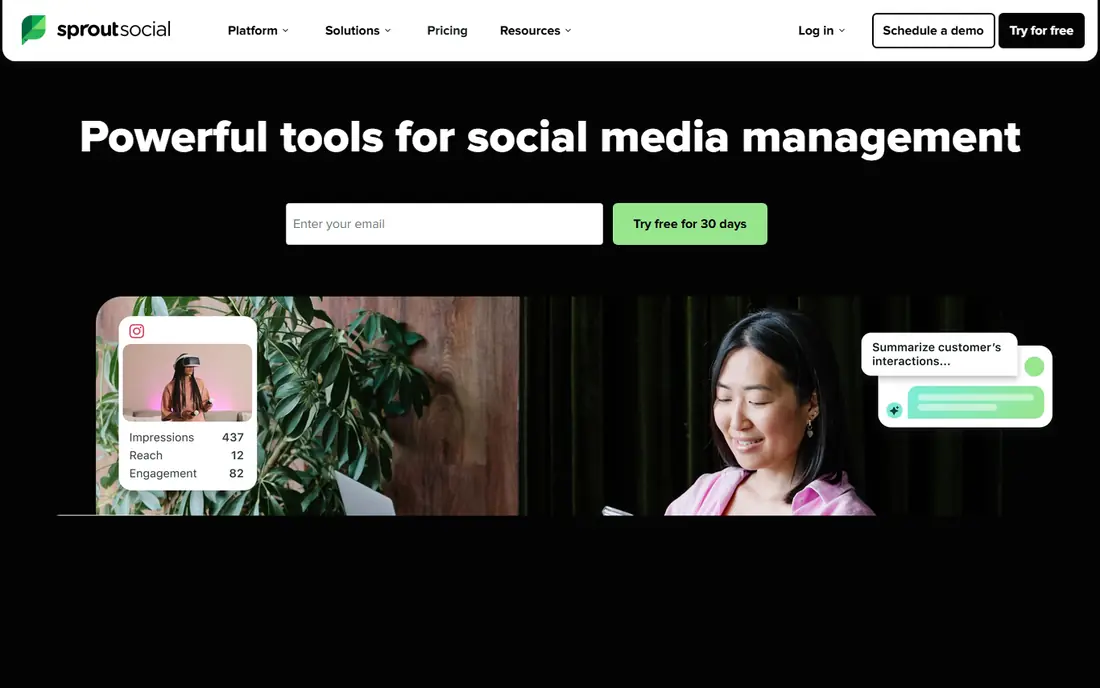
Sprout Social gives agency teams a polished workspace for publishing, engagement, and reporting across major networks. The shared inbox pulls messages and comments into one queue, so account managers can assign replies and see what is still open. Reporting templates are a real strength here, because clients often judge an agency on clear monthly reports, and Sprout makes those reports easy to build and repeat.
The trade-off is price. At $199 per seat per month on the Standard plan billed annually, adding team members adds up quickly, and social listening costs extra on some tiers. Smaller agencies should compare the total seat count, not just the headline price, before choosing Sprout. For larger teams that need governance, approval history, and presentation-ready analytics, the cost is easier to justify.
- Strong reporting, unified inbox, approval workflows
- High per-seat cost, listening is a paid add-on on some plans
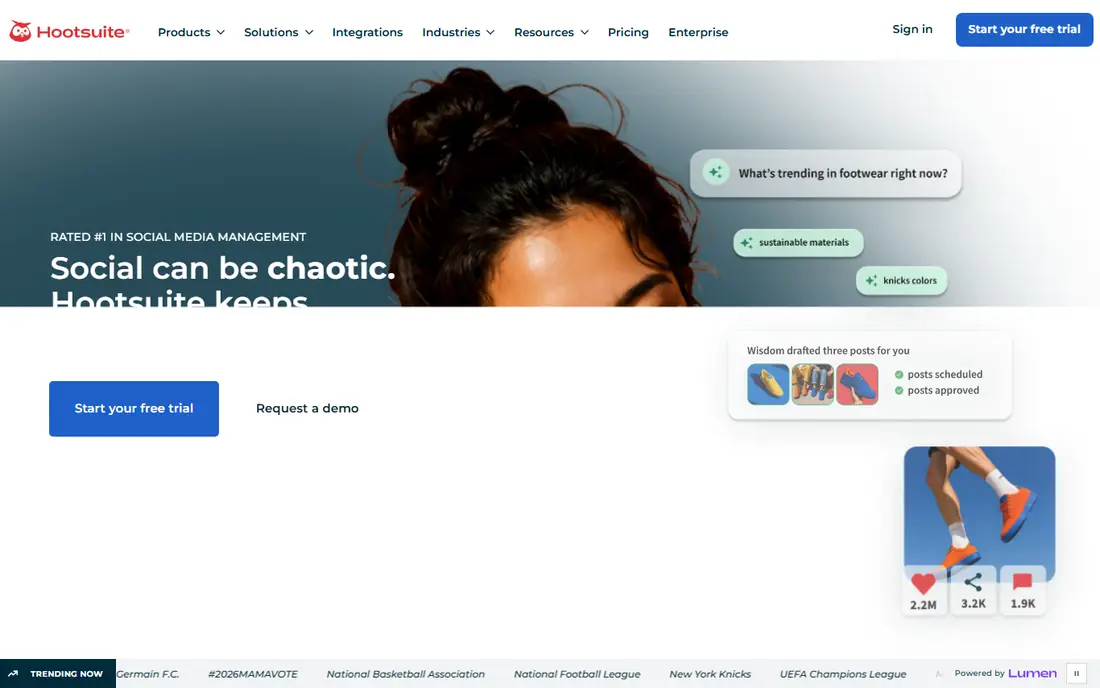
Hootsuite has been an agency staple for years because it covers a wide set of networks and lets teams plan, publish, and monitor from one dashboard. Streams and assignments help a team divide incoming messages by client, and the calendar view makes gaps in a posting schedule easy to spot. It also handles paid social reporting alongside organic work, which matters when a retainer covers both.
The Standard plan starts at $99 per user per month billed annually, with 10 social accounts on that tier, so agencies with many clients will need a higher tier or more seats. The interface packs in a lot, and new hires may need time to learn where everything lives. If your team already knows Hootsuite or needs broad network coverage, it remains a dependable choice.
- Broad network support, team assignments, analytics
- Per-user pricing grows fast, interface can feel busy

Agorapulse stands out for agencies where community management is core work, not an afterthought. Its inbox groups conversations by client, lets team members assign and label messages, and keeps a record of who replied. Publishing and approval tools sit alongside the inbox, so a draft can move from writer to approver to scheduled post without leaving the tool.
Pricing starts at $79 per user per month billed annually on the Standard plan, which covers 10 profiles. That is lower than Sprout and Hootsuite at entry level, but the per-user model still needs careful headcount math. Agencies that answer comments and direct messages for clients all day will get the most value from Agorapulse.
- Excellent unified inbox, clear approval tools, shared calendars
- Per-user pricing, some advanced reports sit on higher tiers
Sendible was built with agencies in mind, and that shows in its client dashboards and workspace structure. Each client gets a separate dashboard, and clients can view scheduled content and reports without seeing other accounts. Team members can be added without the same per-seat penalty found in larger suites, which helps agencies keep costs predictable as they hire.
The monthly starting price of $29 makes Sendible one of the more affordable agency options, though higher tiers are needed for more profiles and white label reporting. Analytics are solid for routine client reports but less deep than Sprout for large accounts. For agencies that need clean client separation at a fair price, Sendible is a strong fit.
- Client dashboards, unlimited users on some plans, good value
- Analytics depth lags the top suites, interface feels dated in places
Buffer takes a simpler path. It focuses on scheduling and basic analytics, with a clean interface that new team members learn fast. The free plan covers up to three channels, which suits a trial or a very small setup, and paid plans charge $6 per channel per month, with unlimited users on the Team plan. That model can be cheap for a team with few channels and expensive for an agency with dozens.
Buffer is not a full agency suite. Client approval and deep reporting are lighter than in Sendible or Planable, so it fits publishing-led work best. If your agency mainly needs reliable scheduling and a clear queue for each client, Buffer delivers without fuss. If clients expect branded reports and approval chains, pair it with a separate reporting step or choose a fuller suite.
- Simple to learn, low cost, clean scheduling
- Per-channel pricing adds up, limited agency reporting
Later works best for agencies whose clients live on Instagram, TikTok, and Pinterest, where the visual grid matters. The drag-and-drop planner shows how a feed will look before posts go out, and the media library keeps approved photos and videos in one place. A link in bio tool helps clients turn social traffic into site visits and sales.
The starting price of $25 per month suits small teams, but Later is less complete for agencies that manage a lot of LinkedIn or X work, and its inbox tools are limited. Treat Later as a visual publishing specialist rather than an all-in-one agency platform. For fashion, food, travel, and other image-led clients, that focus is a plus.
- Visual planner, link in bio tool, easy media library
- Weaker for text-heavy networks, limited inbox features
Planable solves one agency pain point very well: getting client approval without long email threads. Clients can view posts exactly as they will appear, leave comments, and approve or request changes in the workspace. Pricing per workspace rather than per seat can help agencies that involve many clients in review, since clients do not each need a costly seat.
Analytics are basic compared with Sprout or Hootsuite, and Planable does not try to be a listening or community management hub. Agencies that already handle analytics elsewhere, or that need approval speed above all, will like it. Use it as the approval layer for content-heavy retainers, and check whether its publishing coverage matches every network your clients use.
- Clear approval flows, client commenting, per-workspace pricing
- Analytics are basic, not a full listening tool
How we picked these
We prioritized tools with real agency features: separate client workspaces, permission controls, approval workflows, and shareable reporting. We checked current pricing pages and vendor descriptions in October 2026 and favored tools that are actively sold and supported. We also mixed large suites with smaller, lower-cost tools so agencies at different sizes can find a fit. Where a price could not be confirmed on the vendor site, we used the figure shown in the product block only when it came from a recent vendor or reputable pricing summary, and we note that prices change often.
What to check before you buy
Count seats, profiles, and clients together
Agency pricing has three moving parts: how many people need access, how many social profiles you manage, and how many clients you serve. A cheap per-profile tool can turn costly with many clients, while a per-seat tool can turn costly with a large team. Build a simple model with your real numbers for the next 12 months, including planned hires, before you sign an annual plan.
Test approvals with a real client
Approval workflows look similar in sales demos and behave differently in practice. Invite a friendly client to review a week of posts, request changes, and approve on mobile. Watch for friction: unclear notifications, posts that publish before approval, or comments that get lost. The tool that survives this test is the one your account managers will actually enjoy using.
Check reporting and billing fit
Ask how reports are built, whether your logo can appear on them, and whether data exports are easy. Some agencies bill clients for tool access, so check whether seats can be grouped by client for internal cost tracking. Also confirm which networks and post types are fully supported, since short-form video, stories, and LinkedIn documents do not always publish the same way across tools.
FAQ
What is the best social media management tool for agencies on a budget?
SocialPilot and Sendible offer the strongest agency value at the low end, with client separation and bulk scheduling at modest monthly prices. Buffer can also be cheap for teams with few channels, though costs rise as channels grow. Compare total cost at your real profile and seat counts, not just the starting price.
How does agency pricing usually work?
Most tools charge per seat, per channel, per profile bundle, or per workspace. Per-seat tools suit teams where a few people manage many accounts, while per-workspace or flat plans suit teams with many reviewers. Always model the price at your expected team size in six to twelve months.
Do agencies need approval workflows?
Yes, for most client work. Approval workflows prevent off-brand posts, create a record of sign-off, and reduce back-and-forth email. Even small agencies benefit when a client can approve posts in one place and the team can see what is still waiting.
Can one tool handle publishing, inbox, and reporting?
Larger suites such as Sprout Social, Hootsuite, and Agorapulse come closest to covering all three. Smaller tools often excel at one area and stay light in another. If community management is a large part of your retainer, weight the inbox more heavily than the calendar.
Should agencies use white label reporting?
White label reporting helps when clients receive reports directly and your brand should stay front and center. Not every plan includes it, so check which tier includes branded reports and whether scheduled email reports are included. For some agencies, a simple exported report with a cover note works just as well.
Sources
https://sproutsocial.com https://hootsuite.com https://agorapulse.com https://sendible.com https://socialpilot.co https://buffer.com https://later.com https://planable.io
SocialPilot
Best for: Budget-conscious agencies
SocialPilot appeals to agencies that publish a lot and need to watch every dollar of software cost. Bulk scheduling lets a team upload many posts at once, and client management tools keep accounts separated without complex setup. The entry price of $25.50 per month billed annually is hard to beat for a tool that covers the main networks.
The compromise is depth. The inbox and analytics are serviceable for routine work but not as strong as Agorapulse or Sprout for community-heavy retainers. Agencies that mainly plan and publish, and handle replies natively or in a separate helpdesk tool, will find SocialPilot good value. Teams that need advanced listening or detailed reporting should trial a higher tier first.