Best Small Business Computer Security Software in 2026: 8 Tools Compared
Compare the best small business computer security software for endpoint protection, ransomware defense, and simple central management for small teams.

- Editor's choice
 Bitdefender GravityZone
Best value detection
Starts at$3 per device per monthVisit bitdefender.comFull review - Great alternative
 Microsoft Defender for Business
Microsoft 365 teams
Starts at$3 per user per monthVisit microsoft.comFull review - Also consider
 Norton Small Business
Easiest setup
Starts atSee websiteVisit us.norton.comFull review
TL;DR:
- Bitdefender GravityZone and Microsoft Defender for Business offer the lowest entry cost, while CrowdStrike and Sophos add deeper detection and response.
- Central management matters more than a long feature list for a small team, so pick a console your staff will actually check each week.
- Per-device and per-user pricing are not directly comparable, so price every option against your real device and user counts before deciding.
- No antivirus tool replaces backups, patching, and staff training, and ransomware protection should be tested with a restore, not just a scan.
Quick comparison
| Tool | Best for | Starts at | Free plan? | |
|---|---|---|---|---|
| Bitdefender GravityZone | Best value detection | $3 per device per month | No | Visit |
| Microsoft Defender for Business | Microsoft 365 teams | $3 per user per month | No | Visit |
| Norton Small Business | Easiest setup | See website | No | Visit |
 Sophos Intercept X | Threat hunting and response | See website | No | Visit |
 CrowdStrike Falcon Go | Small teams wanting EDR | $59.99 per device per year | No | Visit |
 ESET PROTECT | Lightweight, tech-friendly teams | See website | No | Visit |
 Malwarebytes for Business | Cleanup and layered protection | See website | No | Visit |
 Trend Micro Worry-Free | Simple all-in-one protection | See website | No | Visit |
The best small business computer security software
Small business security software has to protect laptops, desktops, and servers without a full security team. The tools below all offer central management, but they differ in price, device impact, and how much incident response help you get when something slips through.
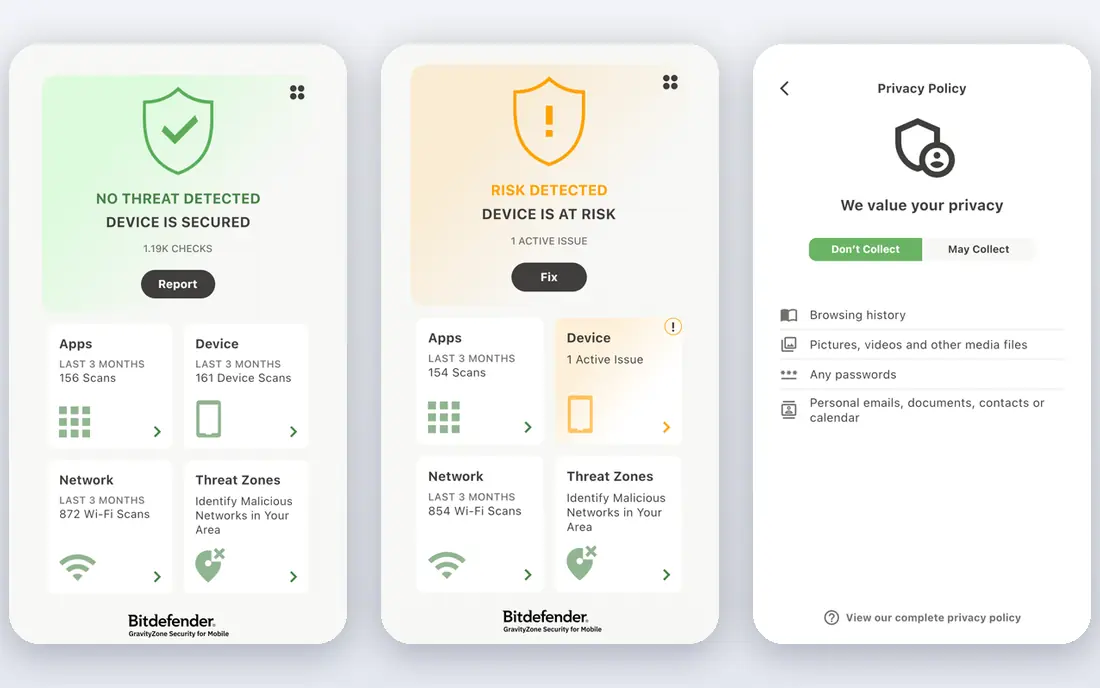
Bitdefender GravityZone is our pick for most small businesses that want strong protection without enterprise cost. It uses machine learning and behavioral checks to catch known and unknown malware, including fileless and script-based attacks, and its cloud console lets one admin manage devices across offices and remote workers. Scans are generally light on system resources, which matters if your team runs older laptops or works with large files all day.
The main drawback is setup. GravityZone has many policies and modules, and a non-technical owner may need help from a partner or IT provider to configure it well. Higher tiers add detection and response features that the entry tier lacks, so check the tier comparison before buying. For a business that wants proven detection at a clear per-device price, it is hard to beat.
- Strong malware detection at a low entry price
- Central cloud console
- Low system impact in most reviews
- Initial setup can feel complex
- Some advanced features need higher tiers
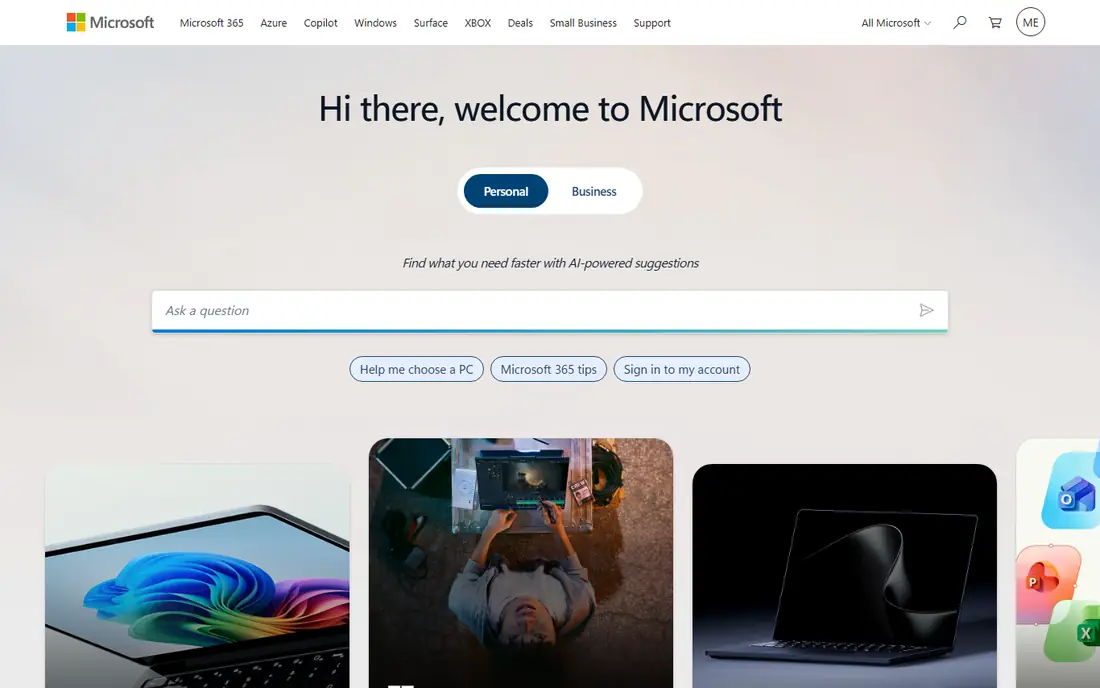
Microsoft Defender for Business is the obvious choice if your business already runs Microsoft 365. It protects Windows, Mac, and mobile devices, offers central management, and at $3 per user per month standalone, or included in Business Premium, it is one of the cheapest credible options. For a team that already lives in Outlook, Teams, and OneDrive, adding Defender avoids another vendor, another console, and another bill.
Defender for Business is not a full managed detection service, so a business that faces targeted attacks or needs 24-hour analyst response should pair it with a managed service or choose a specialist. It also works best when devices are managed through Microsoft tools, so a mixed Mac and Google Workspace shop should test it first. For a Microsoft-centered small business, it is excellent value.
- Low standalone price
- Included in Microsoft 365 Business Premium
- Familiar Microsoft management
- Best inside the Microsoft ecosystem
- Response tools are lighter than specialist EDR

Norton Small Business is built for owners who do not have IT staff and do not want to learn a security console. Setup is guided, devices can be added from a central dashboard, and protection covers malware, phishing, and ransomware basics. For a very small team that currently relies on free consumer antivirus or nothing at all, Norton is a clear step up without a steep learning curve.
The trade-off is depth. Norton is not aimed at incident investigation or advanced threat hunting, and its pricing depends on device count and billing term, so confirm the renewal price, not just the first-year offer. If ease of use matters more than advanced response, and your team is under about 20 devices, Norton is a sensible pick.
- Simple setup for non-technical teams
- Central dashboard
- Well-known consumer brand
- Pricing varies by device count and term
- Fewer enterprise response features
Sophos Intercept X goes beyond basic antivirus with deep learning, behavioral analysis, and ransomware protection that watches file activity and can roll back encrypted files. Its EDR tools let admins investigate how an attack moved, which files were touched, and what to clean up, and Sophos MDR adds human analysts for teams without their own security staff. That combination suits businesses in regulated work or with valuable client data.
Sophos is usually sold through partners and priced by quote, which makes budgeting slower than a self-serve product. It can also use more system resources than Bitdefender or ESET, so test it on your oldest machines. If your business needs investigation and response, not just blocking, Sophos is a strong contender.
- Deep learning and behavioral protection
- Dedicated ransomware defense
- EDR and managed response options
- Pricing is quote based through partners
- Can be heavier on older hardware
CrowdStrike Falcon Go brings enterprise-style endpoint detection to small teams, with a cloud agent, threat intelligence, and a console that shows detections across devices. At $59.99 per device per year for the Go tier, it is priced for a small business that wants more than basic antivirus but cannot justify enterprise Falcon pricing. The agent is cloud native, so there is no server to maintain, and updates arrive without manual work.
Falcon Go has limits, including a 100-device cap and fewer features than Falcon Pro and Enterprise, and managed response through Falcon Complete is sold separately. A team that needs 24-hour human response should budget for that add-on or choose Sophos MDR. For a growing business that wants credible EDR and a simple cloud setup, Falcon Go is a good step up from consumer antivirus.
- Cloud-native EDR for up to 100 devices
- Light agent
- Strong threat intelligence
- Falcon Go is entry level
- Full managed response is a separate product
ESET PROTECT is a long-standing choice for teams that want protection that does not slow machines down. Its agent is light, its console can run in the cloud or on your own server, and its pricing is usually competitive for small device counts. Admins who like granular policy control will appreciate the depth, and ESET supports Windows, Mac, and Linux, which helps mixed environments.
The interface is less friendly than Norton or Microsoft Defender, so a non-technical owner may find the first setup slow. Some advanced features, such as full disk encryption management, sit in higher tiers. If your team is comfortable with IT settings and values speed, ESET is a solid, no-nonsense option.
- Light system footprint
- Flexible cloud or on-premises console
- Good value per device
- Interface feels technical
- Some features need higher tiers
Malwarebytes for Business is best known for cleaning up infections that other tools miss, and its business product adds central management, ransomware protection, and web protection. Small teams often use it as a second layer, because it catches adware, potentially unwanted programs, and browser-based threats that cause daily support calls. The cloud console is straightforward, and deployment is quick compared with enterprise platforms.
Malwarebytes is not the deepest incident investigation tool in this list, so a business that needs full EDR should compare it with Sophos or CrowdStrike. Pricing for larger teams is quoted, so small teams should confirm the per-device rate for their exact count. As a cleanup and layered protection tool, especially for teams that support many remote workers, it earns its place.
- Strong malware removal
- Easy cloud console
- Works alongside other antivirus in some setups
- Not a full replacement for every EDR need
- Pricing is quote based for larger teams
Trend Micro Worry-Free, now sold as Trend Micro Worry-Free Services, is designed for small businesses that want one product for desktops, laptops, and servers, with web and email protection included. It is managed from a cloud console, updates automatically, and has a long history in small business IT, so many IT providers know it well. That familiarity can make support easier if you outsource IT.
The product is less visible in modern EDR comparisons than CrowdStrike or Sophos, and its homepage does not always show a clear starting price, so ask a partner for a quote. The interface also feels older than newer cloud consoles. If your IT provider already supports Trend Micro, or you want server and endpoint protection in one license, it remains a dependable choice.
- All-in-one protection for servers and endpoints
- Simple management
- Long small business history
- Pricing is not always clear on the homepage
- Interface feels dated to some users
How we picked these
We compared official product pages, pricing pages, and public security documentation, focusing on endpoint protection, ransomware defense, central management, and small business pricing. We favored products that are actively sold in 2026, that support Windows and Mac at minimum, and that cover different budgets and skill levels. Where pricing is not published on the vendor site, we use See website rather than repeating a reseller estimate.
What small businesses often miss
Antivirus is only one layer. Keep automatic backups that are separate from your main network, test a restore at least once a quarter, and turn on automatic updates for operating systems and browsers. Use multi-factor authentication on email, banking, and cloud accounts, because stolen passwords cause more small business breaches than exotic malware. Train staff to spot phishing, and run a simple incident plan: who to call, how to isolate a device, and how to report a suspected breach. No product in this list can promise total protection, and any vendor that does should be treated with caution.
FAQ
What is the best antivirus software for small business?
Bitdefender GravityZone is our value pick for detection and price, while Microsoft Defender for Business is best if you already use Microsoft 365. Norton suits non-technical teams, and Sophos or CrowdStrike suit teams that need detection and response rather than basic blocking.
How much does small business antivirus cost?
Entry prices in this list range from $3 per user or device per month to quoted enterprise rates, and the total depends on device count, billing term, and tier. Always price your exact device count, and check renewal prices, since first-year discounts are common.
Do I need EDR or is antivirus enough?
Basic antivirus blocks known malware, while EDR records activity, investigates incidents, and helps contain attacks that get through. A business with client data, regulated work, or remote staff should consider EDR, while a very small low-risk team may start with strong antivirus plus backups and multi-factor authentication.
Can I manage security software without IT staff?
Yes, Norton, Microsoft Defender for Business, and Malwarebytes are designed for small teams, and many vendors sell through IT partners who manage the console for you. If no one on your team will check alerts weekly, consider a managed detection service rather than a tool-only product.
Does small business security software protect phones?
Most products in this list cover Windows and Mac, and many also cover Android and iOS, but mobile protection is often lighter than desktop protection. Check the plan details for each device type you use, and use device management and app controls for phones that access business data.