Best Small Business Accounting Software in 2026: 9 Tools Compared
Compare the best small business accounting software for 2026, from QuickBooks and Xero to free Wave, with pricing, plan limits, payroll, and setup tips.
- Editor's choice
 QuickBooks Online
Most US small businesses
Starts at$38 per monthVisit quickbooks.intuit.comFull review - Great alternative
 Xero
Teams that want many users
Starts at$25 per monthVisit xero.comFull review - Also consider
 FreshBooks
Service businesses that invoice often
Starts at$23 per monthVisit freshbooks.comFull review
TL;DR:
- QuickBooks Online is our pick for most US small businesses, since most accountants already use it and its app integrations are the widest in this list.
- Wave is our pick for a zero budget, with free core accounting and invoicing, while Zoho Books offers the best value paid plan for small firms.
- Entry plan limits matter more than headline prices, since caps on users, invoices, and bills often force an upgrade within a year.
- Payroll, payments, and inventory usually cost extra, so price the full stack, not just the accounting subscription, before you commit.
Quick comparison
| Tool | Best for | Starts at | Free plan? | |
|---|---|---|---|---|
| QuickBooks Online | Most US small businesses | $38 per month | No | Visit |
| Xero | Teams that want many users | $25 per month | No | Visit |
| FreshBooks | Service businesses that invoice often | $23 per month | No | Visit |
 Wave | Free core accounting | Free | Yes | Visit |
 Zoho Books | Budget-conscious growing firms | $20 per month | Yes | Visit |
 Sage Accounting | Established firms with inventory needs | See website | No | Visit |
 FreeAgent | UK-focused small businesses | See website | No | Visit |
 Kashoo | Simplest books for non-accountants | $20 per month | No | Visit |
 Patriot Accounting | Very small US businesses | $20 per month | No | Visit |
The best small business accounting software
The best accounting software for small business owners depends on how you bill, how many people touch the books, and if your accountant already uses a given tool. The tools below cover each case.

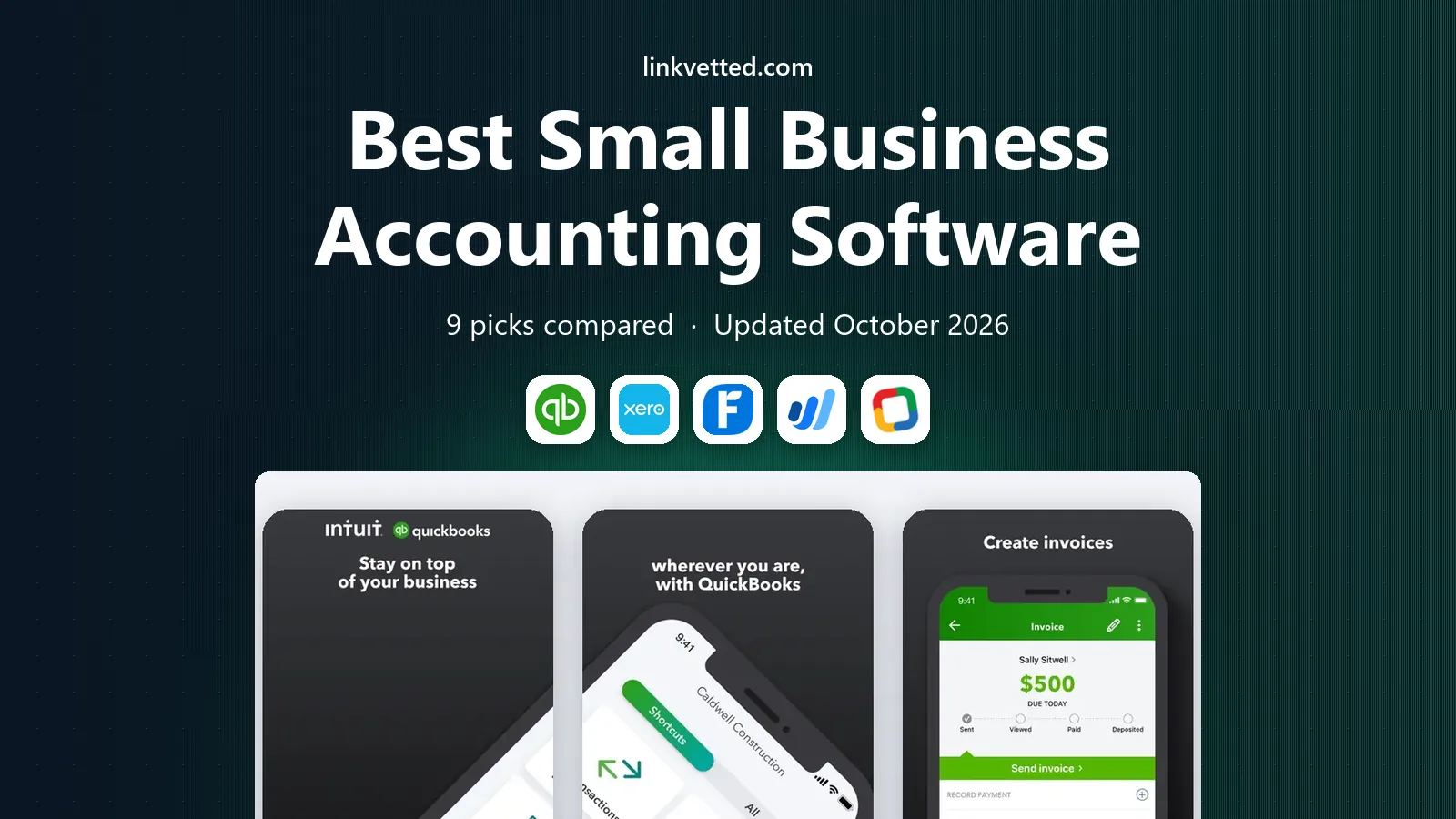
QuickBooks Online is the default for US small businesses for a practical reason: most accountants already know it, which cuts onboarding time and year-end friction. Recent pricing checks list Simple Start at $38 per month, Essentials at $85, Plus at $140, and Advanced at $340, with one, three, five, and 25 users respectively. It covers invoicing, expense tracking, bank feeds, sales tax, and reporting, with payroll and payments as add-ons.
The cost is the catch. Promotional discounts expire, and payroll, payments, and time tracking add to the bill. Simple Start also allows only one user, so teams move up a tier quickly. If you work with a US accountant and plan to grow, QuickBooks Online is still our pick for most businesses.
- Widest US accountant familiarity
- Large app marketplace
- Strong reporting, payroll, and payments add-ons
- Higher price than rivals
- Entry plan allows only one user
- Add-ons raise the total cost

Xero suits small businesses with a team or an outside bookkeeper, since every plan allows unlimited users without per-seat fees. Recent pricing checks list Early at $25 per month, Growing at $55, and Established at $90. It offers invoicing, bank feeds, expense claims, project tracking on higher plans, and multi-currency on the top plan.
Early limits are tight, with 20 invoices and five bills per month, so growing firms should price Growing from the start. US payroll is handled through a partner integration rather than natively, which adds a separate cost. For teams that share the books, Xero is excellent value.
- Unlimited users on all plans
- Clean interface
- Strong bank reconciliation and app ecosystem
- Early plan caps invoices at 20 and bills at 5 per month
- US payroll runs through a partner

FreshBooks is built around getting paid, which suits freelancers and service businesses that invoice constantly. Recent pricing checks list Lite at $23 per month, Plus at $43, and Premium at $70, with extra users at $11 each. Invoices look polished, clients can pay online, and time tracking ties hours to invoices without extra tools.
FreshBooks is weaker for complex bookkeeping, since it lacks some double-entry depth and bank reconciliation features found in QuickBooks and Xero. Lite also allows only five billable clients, so growing firms move up fast. If invoicing drives your business, FreshBooks keeps cash flow front and center.
- Excellent invoicing and client portals
- Time tracking
- Easy payment collection
- Not built for complex double-entry bookkeeping
- Lite plan allows only five billable clients
Wave is the honest free option for very small businesses. Core accounting and invoicing cost nothing, which suits sole proprietors and freelancers with simple books. Recent pricing checks list a free Starter plan and a Pro plan at $19 per month, with card payments charged per transaction and payroll as an add-on.
Free has limits. Recent comparisons note that automatic bank import now sits behind the paid plan, and Wave offers fewer integrations than QuickBooks or Xero. For simple books on a zero budget, Wave is our pick. For growing firms with inventory or a team, a paid tool will fit better.
- Free accounting and invoicing
- Simple setup for sole proprietors
- Payments and payroll as add-ons
- Paid Pro plan at $19 per month for full features
- Bank import limits on free tier in recent checks
- Smaller app ecosystem
Zoho Books offers real double-entry accounting at a lower price than QuickBooks, with a free plan for businesses with revenue up to $50,000 a year. Recent pricing checks list paid plans from Standard at $20 per month up to Ultimate at $275 per month, with lower rates on annual billing. Automation for recurring invoices, payment reminders, and bank feeds covers daily work well.
The Zoho ecosystem is both a strength and a limit. Firms already using Zoho CRM, Inventory, or Mail will benefit most, while firms tied to other tools may find fewer integrations. For budget-conscious firms that want proper accounting without QuickBooks prices, Zoho Books is strong value.
- Free plan for revenue up to $50,000 a year
- Strong automation
- Deep Zoho app integration
- Fewer third-party integrations than QuickBooks
- Free plan limits users and invoices
Sage Accounting serves small businesses that need more than simple invoicing, especially around inventory and job costing. Its plans vary by country, so US buyers should check the local Sage site for current plans rather than relying on UK pricing in reviews. Reporting is solid, and Sage has served established firms for many years.
The trade-off is complexity and price clarity. Setup takes longer than Wave or FreshBooks, and plan names and prices differ across markets. For firms with inventory, manufacturing, or project costing needs, Sage earns its place. For simple service books, a lighter tool will feel faster.
- Strong inventory and job costing on higher plans
- Long track record with established firms
- Good reporting
- Pricing varies by country and plan
- Learning curve is steeper than Wave or FreshBooks
FreeAgent suits UK freelancers, contractors, and small limited companies that want a clear view of income, expenses, and tax. Its dashboard shows profit, tax estimates, and cash flow in plain terms, and invoicing and expense tracking are straightforward. Many UK accountants work with FreeAgent, and some UK bank accounts bundle it.
US businesses should look elsewhere, since FreeAgent tax features and integrations lean UK. Pricing also varies by plan and region, so check the vendor site for current terms. For UK small firms that want simplicity with tax awareness, FreeAgent is a friendly choice.
- Clear dashboard for freelancers and small firms
- Invoicing, expenses, and tax estimates
- Good UK tax features
- UK focus limits US usefulness
- Pricing varies and needs checking on the vendor site
Kashoo, now sold as TrulySmall in some listings, targets owners who want books done without learning accounting language. Recent pricing checks list it at $20 per month, with a trial for new users. Invoicing, expenses, and basic reports cover the needs of a micro-business, and setup takes little time.
The simplicity limits growth. Kashoo offers fewer integrations, less inventory depth, and fewer reports than larger tools, so firms that scale may outgrow it. For a one-person business that wants clean, simple books, Kashoo is a calm and capable pick.
- Very easy interface
- Simple invoicing and expense tracking
- Good for micro-businesses
- Limited features next to QuickBooks or Xero
- Fewer integrations and reports
Patriot Accounting suits very small US businesses that want simple books and US-based support. Recent pricing checks list it at $20 per month, with payroll available as an add-on from the same vendor. Setup is quick, invoicing and expenses are clear, and the price stays low for firms with straightforward needs.
Patriot trails QuickBooks and Xero on reporting depth and third-party integrations, so larger or more complex firms will feel its limits. For a small shop, a solo service business, or a startup that wants low cost and US payroll in one place, Patriot is a practical choice.
- Simple US-focused setup
- Affordable entry plan
- Payroll add-on from the same vendor
- Limited reporting and integrations
- Not suited to complex inventory or multi-entity firms
How we picked these
We compared official pricing pages and recent pricing audits for tools that serve small businesses, cover invoicing and bank reconciliation, and are still open to new users. We favored tools with clear plan limits, US or UK relevance stated honestly, and a mix of free, budget, and full-featured options. We did not claim hands-on testing, and we checked that each homepage below loads and belongs to the named product.
How to choose accounting software for a small business
Start with your accountant, your billing style, and your headcount. If your accountant already uses QuickBooks, switching to another tool adds friction at year-end. If you invoice clients daily, FreshBooks or Zoho may fit better. If several people touch the books, Xero unlimited users can save real money.
Price the full stack
Add payroll, payment processing fees, and any inventory or time tracking tools to the subscription price. A $20 plan with a $36 payroll add-on and card fees can cost more than a $38 plan that bundles more. Check whether bank feeds, multi-currency, and project tracking sit on your tier or on a higher one.
Test with real books before you commit
Import a month of real transactions during a trial, run your usual invoices and reports, and confirm that your bank connects cleanly. A tool that looks simple in a demo can frustrate when your actual categories, taxes, and clients are loaded. Keep your old books until the new tool has closed a full month cleanly.
FAQ
What is the best accounting software for small business overall?
QuickBooks Online is our pick for most US small businesses, thanks to accountant familiarity and integrations. Xero suits teams, FreshBooks suits invoicing-led firms, and Wave suits firms with a zero budget.
What is the best bookkeeping software for small business on a budget?
Wave offers free core accounting and invoicing, while Zoho Books offers a free plan for revenue up to $50,000 a year. Both cover simple books well, and Zoho scales further as revenue grows.
What is the best online accounting software for small business teams?
Xero is our pick for teams, since all plans allow unlimited users. QuickBooks Online charges by user count, so a team of five pays far more for the same headcount.
What is the best financial software for small business with inventory?
QuickBooks Online Plus and Sage Accounting both handle inventory better than FreshBooks or Wave. Compare inventory tracking, purchase orders, and reporting on the exact tier you would buy.
Is free accounting software good enough?
For sole proprietors with simple income and expenses, Wave free or Zoho Books free can be enough. Growing firms with payroll, inventory, or multiple users usually need a paid plan for bank feeds, reporting, and support.
Should I use accounting software or hire a bookkeeper?
Many small firms do both: software keeps daily books tidy, and a bookkeeper or accountant reviews them monthly and handles taxes. If your books take hours each week or tax season feels stressful, outside help often pays for itself.