8 Best S Corp Tax Software Options for Small Businesses in 2026
Find the best S corp tax software for Form 1120-S filing, K-1s, payroll forms, and year-round planning, with current prices and honest trade-offs in 2026.
- Editor's choice
 TurboTax Business
DIY owners filing Form 1120-S
Starts at$180Visit turbotax.intuit.comFull review - Great alternative
 TaxAct Business
Online S corp filing on a budget
Starts at$169.99Visit taxact.comFull review - Also consider
 H&R Block Business
DIY filers who want human backup
Starts atSee websiteVisit hrblock.comFull review
TL;DR:
- An S corp return is Form 1120-S, plus Schedule K-1 for each shareholder, so the software must handle both, not just personal returns.
- DIY software suits owners who understand basis, reasonable salary, and shareholder distributions, while managed services suit owners who want a pro to handle it.
- State filing, payroll forms, and expert review often cost extra, so compare the total filing cost rather than the advertised federal price.
- Keep books clean all year, because tax software can only work well with accurate income, expenses, payroll, and balance sheet data.
- This article is general information, not tax advice, and complex situations deserve a licensed tax professional.
Quick comparison
| Tool | Best for | Starts at | Free plan? | |
|---|---|---|---|---|
| TurboTax Business | DIY owners filing Form 1120-S | $180 | No | Visit |
| TaxAct Business | Online S corp filing on a budget | $169.99 | No | Visit |
| H&R Block Business | DIY filers who want human backup | See website | No | Visit |
 Drake Tax | Professional-grade control | See website | No | Visit |
 Bench | Owners who want books and taxes together | $300 per month | No | Visit |
 Collective | Solo owners who want the S corp run for them | See website | No | Visit |
 1-800Accountant | Year-round tax planning | See website | No | Visit |
 Taxfyle | One-off filing by a vetted pro | See website | No | Visit |
The best s corp tax software
The best s corp tax software helps an owner prepare Form 1120-S correctly, create K-1s, track payroll forms, and avoid the common mistakes that trigger notices.
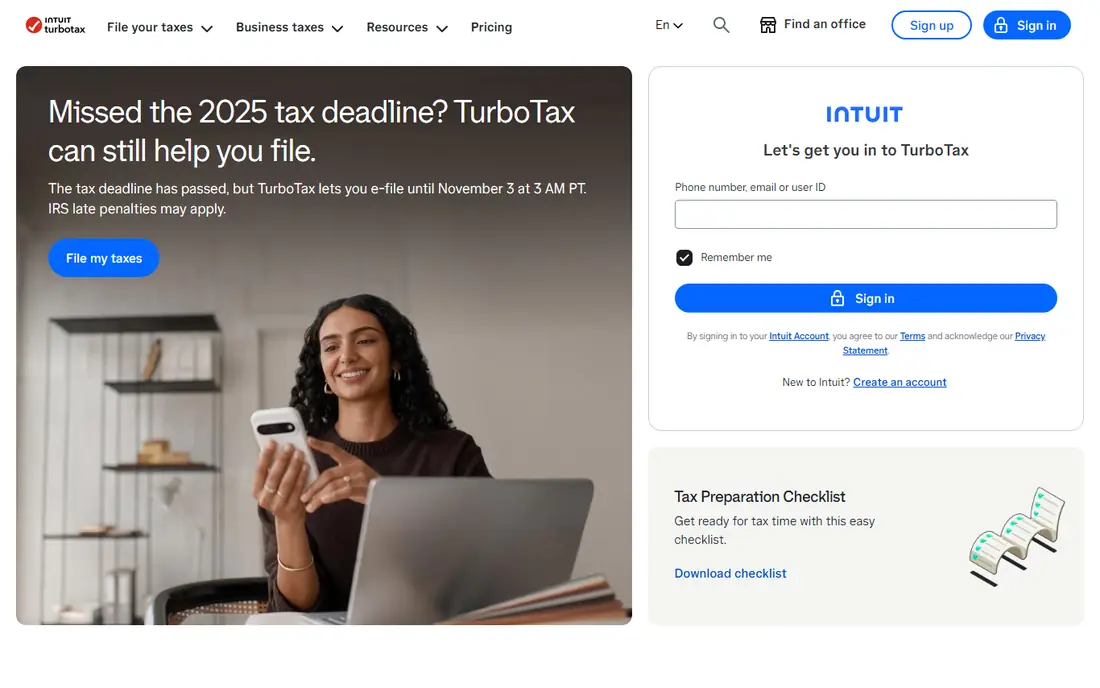
TurboTax Business is the most familiar DIY option for S corp owners, and its interview style is the reason many owners stick with it. It walks through income, deductions, balance sheet items, and K-1 preparation in plain questions, rather than asking the owner to fill blank forms from scratch. Industry-specific deduction prompts can catch vehicle, home office, and travel items that are easy to miss. The limits are clear. Business returns are desktop only, so there is no browser-based version for this product, and state returns cost extra. Owners with multi-state activity, complex basis calculations, or unusual shareholder transactions may still need a professional review. At $180 for the federal product, it is a credible low-cost route for a straightforward S corp return.
- Guided interview for Form 1120-S
- Imports prior-year TurboTax returns
- Handles partnerships, C corps, and trusts too
- Desktop software only, with no online business version
- State e-filing costs extra
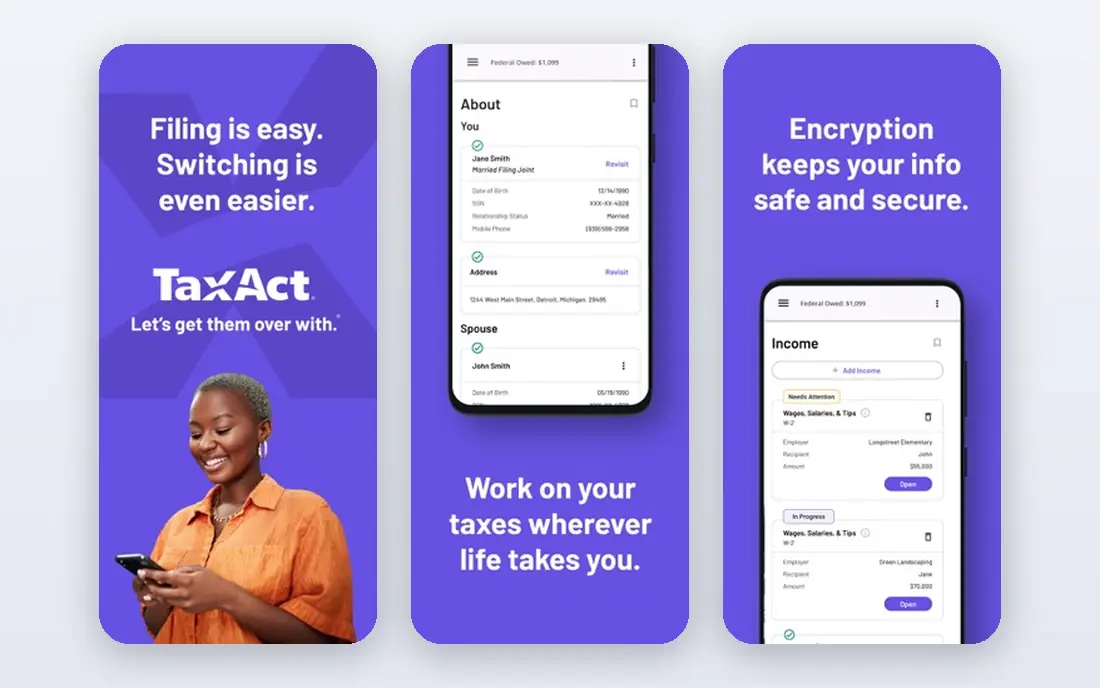
TaxAct Business appeals to owners who want to file online without paying the highest DIY price. The federal price for the business product is listed at $169.99, and it covers S corps, partnerships, and C corporations in one online workflow. That matters for owners who may change entity type later, since they do not need to learn a new tool. The interface is functional rather than polished, and owners who want live expert review may find fewer hand-holding options than with TurboTax. Still, for an owner who is comfortable with tax forms and wants a straightforward online return, TaxAct offers a solid balance of price and coverage. Double-check state requirements before filing, since state returns are billed separately.
- Online filing for S corps, partnerships, and C corps
- Federal price is lower than some rivals
- Step-by-step guidance for entity returns
- Expert help is more limited than TurboTax Live options
- State filing costs extra

H&R Block Business gives DIY filers a safety net that pure online tools cannot match: a local office. Owners who start a return online and then hit a confusing shareholder or payroll question can seek in-person help, which is reassuring during tax season. Audit support on paid tiers adds another layer of comfort for owners worried about notices. Pricing for business products is not as simple as a single advertised number, so owners should confirm the exact federal and state cost before starting. The online interview is solid but can feel less guided than TurboTax on complex business items. For owners who value human backup over the slickest interview, H&R Block is a strong choice.
- In-person office help is available in many areas
- Audit support is included on paid tiers
- Familiar brand for owners who want support
- Business pricing varies by product and year
- Online business guidance can feel less deep than TurboTax
Drake Tax is professional software used by tax preparers, and it shows in both depth and price structure. It handles Form 1120-S, K-1s, payroll forms, and many other returns in one system, with detailed control over forms, diagnostics, and e-filing. An owner with a complex S corp, multiple entities, or a preparer on staff may value that control. For most small owners, Drake is more tool than needed. It is priced for firms, and the interface assumes tax knowledge that a typical owner may not have. Unless you prepare returns regularly or work closely with a preparer who uses Drake, a consumer product or a managed service will be simpler and cheaper.
- Full professional tax preparation software
- Handles complex entity returns
- Strong form coverage and e-filing options
- Priced and designed for preparers, not casual DIY filers
- Learning curve is steeper than consumer tools
Bench combines bookkeeping with tax preparation, which solves the most common S corp problem: messy books at year end. A dedicated bookkeeper tracks income and expenses each month, and the tax team uses those clean books to prepare the return. That monthly rhythm helps owners see profit, payroll, and distributions during the year, not just in April. The cost is the trade-off. At $300 per month, Bench costs far more over a year than a one-time DIY product, so it only makes sense if you also need ongoing bookkeeping. Owners who already keep clean books in QuickBooks or Xero may not need the full service. Owners who dread bookkeeping will find the combined service worth the price.
- Bookkeeping and tax filing handled in one service
- Monthly books keep tax season calmer
- Dedicated bookkeeper support
- Monthly cost adds up over a year
- Less suited to owners who only need a one-time return
Collective is designed for solo owners who form an S corp and want one service to run the back office. It can help with formation, bookkeeping, payroll, and tax filing, with attention to the S corp issues solo owners face most, such as reasonable salary and shareholder distributions. That all-in-one focus reduces the number of vendors an owner must manage. The fit is narrower than a general tax tool. Collective is built around solo owners, so a business with several employees or complex operations may outgrow it. Pricing is also quoted rather than published, so owners should get a full written quote before committing. For a solo consultant or freelancer who wants the S corp handled for them, Collective is worth a close look.
- Built for solo business owners and S corps
- Handles formation, bookkeeping, payroll, and taxes
- Clear focus on owner salary and distributions
- Pricing is quoted, not published
- Best fit is solo owners, not larger teams
1-800Accountant focuses on year-round help rather than a single filing event. Owners can ask accountants about quarterly estimates, reasonable salary, deductions, and year-end moves while there is still time to act. Bookkeeping and payroll services can be added, which keeps the tax work tied to real numbers. The main caution is pricing transparency. Plans are quoted based on services and business complexity, so owners should compare the quoted scope against a DIY product plus a separate CPA consultation. For owners who want ongoing advice and do not want to manage tax questions alone, the year-round model is a clear benefit.
- Access to accountants during the year, not just at filing time
- Bookkeeping and payroll services available
- Planning help for estimates and salary
- Pricing is quoted and varies by service level
- Service quality can depend on the assigned accountant
Taxfyle connects business owners with tax professionals for a specific return, which suits owners who do not want DIY software but also do not need a year-round firm. An owner uploads documents, answers questions, and a professional prepares Form 1120-S and K-1s. That model works well for a first S corp return, a year with unusual transactions, or an owner who wants a second look. The trade-off is control and timing. Pricing is quoted per job, and the process depends on how quickly the owner provides complete records. Owners who want to learn the return themselves or who file very simple returns may prefer DIY software. Owners who want a pro to handle one return without a long-term contract will find Taxfyle practical.
- Matches owners with a vetted tax professional
- Good for a single complex return
- No need to hire a full-time CPA
- Pricing is quoted per return
- Turnaround depends on document readiness and pro availability
How we picked these
We compared official feature pages, published pricing, app store listings, privacy policies, and public reviews for each product. We kept only tools that support Form 1120-S or S corp tax preparation and filing today, and we marked pricing as See website where a vendor quotes rather than publishes a price. We favored tools with clear K-1 support, payroll form coverage, and support options that match how much help an owner actually wants.
What to check before you choose
The cheapest advertised price is rarely the full cost, so compare the whole filing package before you start a return.
DIY, managed, or pro-prepared
DIY software works best when books are clean and the owner understands basis and salary rules. Managed services suit owners who want books and taxes handled together. A pro-prepared return suits complex years, multi-state activity, or owners who want a professional to sign the return. Choose the model first, then compare products inside that model.
Total cost and state coverage
Confirm federal price, state price, payroll form fees, and expert review fees. Ask whether K-1 preparation for each shareholder is included, and whether amended returns cost extra. A product that looks cheap for federal filing can become expensive once state and payroll forms are added.
Records and deadlines
Gather profit and loss statements, balance sheets, payroll reports, shareholder distribution records, and prior-year returns before starting. S corp owners must also track reasonable salary through payroll, since that affects both tax and compliance. A tool that imports bank and payroll data can save hours, but only if the underlying records are accurate.
FAQ
What is the best tax software for S corp?
The best tax software for S corp owners depends on how much help they want. TurboTax Business and TaxAct Business suit DIY filers, while Bench and Collective suit owners who want books and taxes handled together. Owners with complex returns should consider a pro-prepared option such as Taxfyle or a local CPA, especially in the first year as an S corp.
Can TurboTax file an S corp return?
Yes, TurboTax Business files Form 1120-S for S corporations, along with partnerships, C corps, and other entity returns. It is desktop software, not an online business product, and it prepares Schedule K-1 for shareholders. State e-filing costs extra, and complex shareholder situations may need professional review.
How much does S corp tax software cost?
DIY federal products in this list start around $169.99 to $180, while managed services such as Bench start at $300 per month for combined bookkeeping and tax work. Other services quote prices based on complexity and service level. Always add state filing, payroll forms, and expert review to get the true total.
Do I need an accountant for an S corp?
Not every S corp owner needs a full-time accountant, but many benefit from professional advice in the first year, when setting reasonable salary, tracking basis, and handling distributions. DIY software can handle a straightforward return if books are clean. Complex transactions, multi-state activity, or IRS notices are good reasons to involve a licensed professional.
What forms does an S corp need to file?
An S corp files Form 1120-S each year, and each shareholder receives a Schedule K-1 showing their share of income, deductions, and credits. Shareholder-employees also need payroll tax filings, including W-2s, and the business may need 1099s for contractors. Deadlines and state forms vary, so confirm both federal and state requirements for your state.
Is S corp tax software different from personal tax software?
Yes, personal tax software covers individual returns, while S corp software covers Form 1120-S, K-1s, and business balance sheet items. Some personal products include Schedule C for sole proprietors, but that does not cover an S corp return. Owners should buy or use the business product that matches their entity type.