Best Road Trip Apps in 2026: 7 Apps Compared
Find the best road trip apps in 2026, from Roadtrippers and GasBuddy to Waze, iExit, Campendium, and PlugShare, for planning and driving with offline tips.
- Editor's choice
 Roadtrippers
Planning routes and discovering stops
Starts atSee websiteVisit roadtrippers.comFull review - Great alternative
 GasBuddy
Finding cheap fuel along your route
Starts atFreeVisit gasbuddy.comFull review - Also consider
 Waze
Live traffic, hazards, and rerouting
Starts atFreeVisit waze.comFull review
TL;DR:
- Roadtrippers suits planning and discovering stops, while Waze suits live driving, traffic, and rerouting on the day.
- GasBuddy suits saving on fuel, especially on long drives where small per-gallon differences add up across many fill-ups.
- iExit suits US interstate driving, because it shows what is at upcoming exits, from gas and food to rest areas.
- Campendium, Allstays, and PlugShare suit specific trips, from camping and RV travel to electric vehicle charging.
Quick comparison
| Tool | Best for | Starts at | Free plan? | |
|---|---|---|---|---|
| Roadtrippers | Planning routes and discovering stops | See website | Yes | Visit |
| GasBuddy | Finding cheap fuel along your route | Free | Yes | Visit |
| Waze | Live traffic, hazards, and rerouting | Free | Yes | Visit |
 iExit | What is at upcoming interstate exits | See website | Yes | Visit |
 Campendium | Finding campsites and overnight stays | See website | Yes | Visit |
 Allstays | Comprehensive RV and camping listings | See website | No | Visit |
 PlugShare | Finding electric vehicle charging on road trips | Free | Yes | Visit |
The best best road trip apps
Road trips need more than one app, because planning, driving, fuel, and overnight stops are different jobs. The seven apps below cover that stack, from route planning to live traffic to campsites and charging. Download maps for offline use before you leave, because signal can disappear exactly when you need directions most.
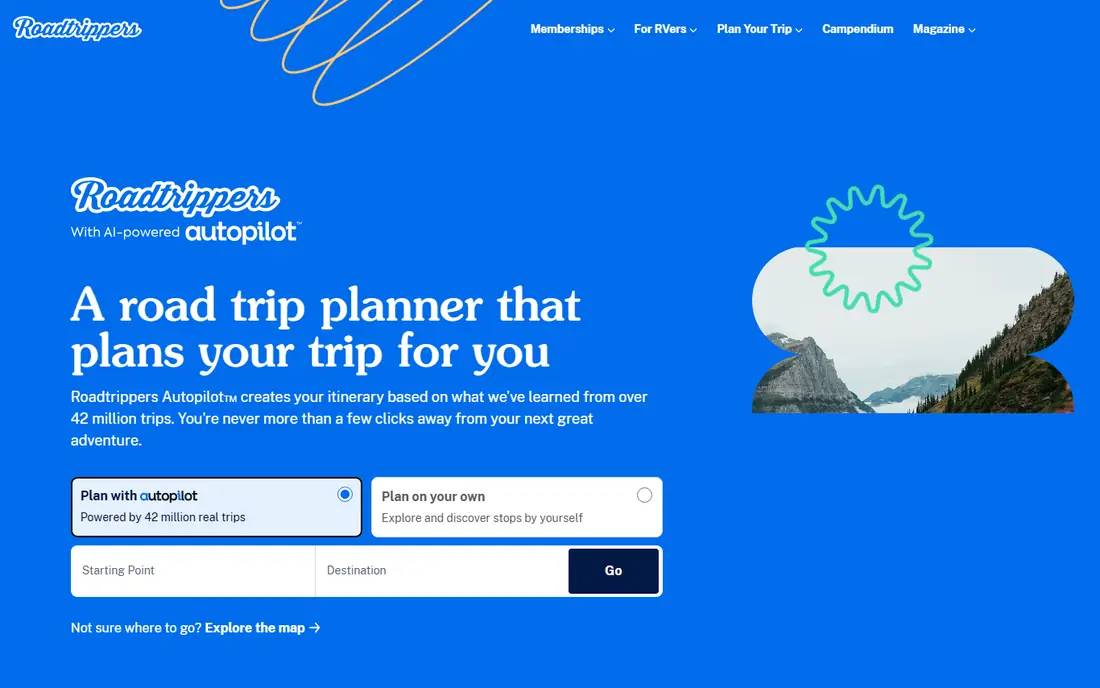
Roadtrippers is the planning app in this stack, and it is built for the fun part of a road trip. You enter a start and end point, add waypoints, and discover attractions, restaurants, hotels, national parks, and roadside oddities along the route. That discovery view helps you turn a long drive into a trip with memorable stops, rather than a straight line between two cities.
The free plan limits waypoints, so longer, multi-stop trips need a paid Plus plan. Roadtrippers is also a planning tool first, not a live navigation app, so most travelers pair it with Waze or Google Maps for turn-by-turn driving. Used that way, Roadtrippers shapes the trip, and the navigation app handles the driving day.
- Route planning with waypoints
- Attractions, hotels, and parks along the route
- Web and mobile sync
- Free plan limits waypoints
- Some features need a paid Plus plan
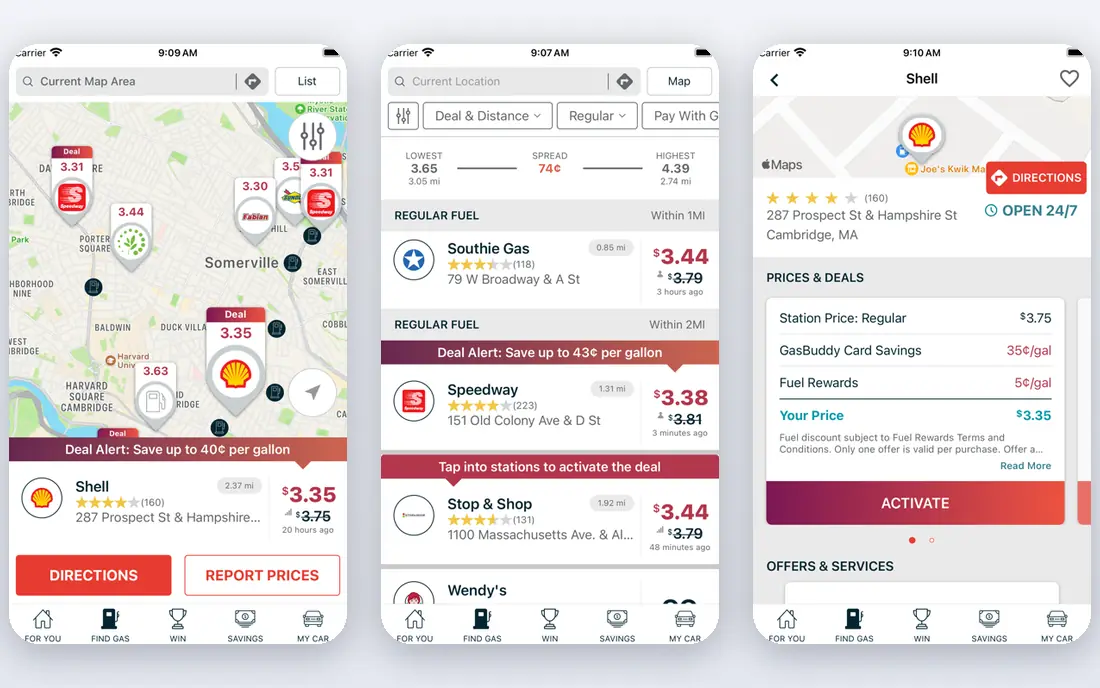
GasBuddy is the fuel app most road trippers should install first. It shows gas prices near you or along a route, helps you estimate trip fuel costs, and highlights cheaper stations before you fill up. On a long drive, stopping at a cheaper station a few exits early can save real money, and the rewards program adds small savings over time.
Prices depend on station reports and user updates, so they can lag or miss rural stations. Always check the price at the pump before filling, and do not drive far out of your way for a small saving. Used as a guide, not a guarantee, GasBuddy is a simple, free way to keep fuel costs down on any road trip.
- Live gas prices
- Station locations
- Trip cost estimates
- Rewards program
- Prices depend on user reports and can lag
- Some stations are missing in rural areas
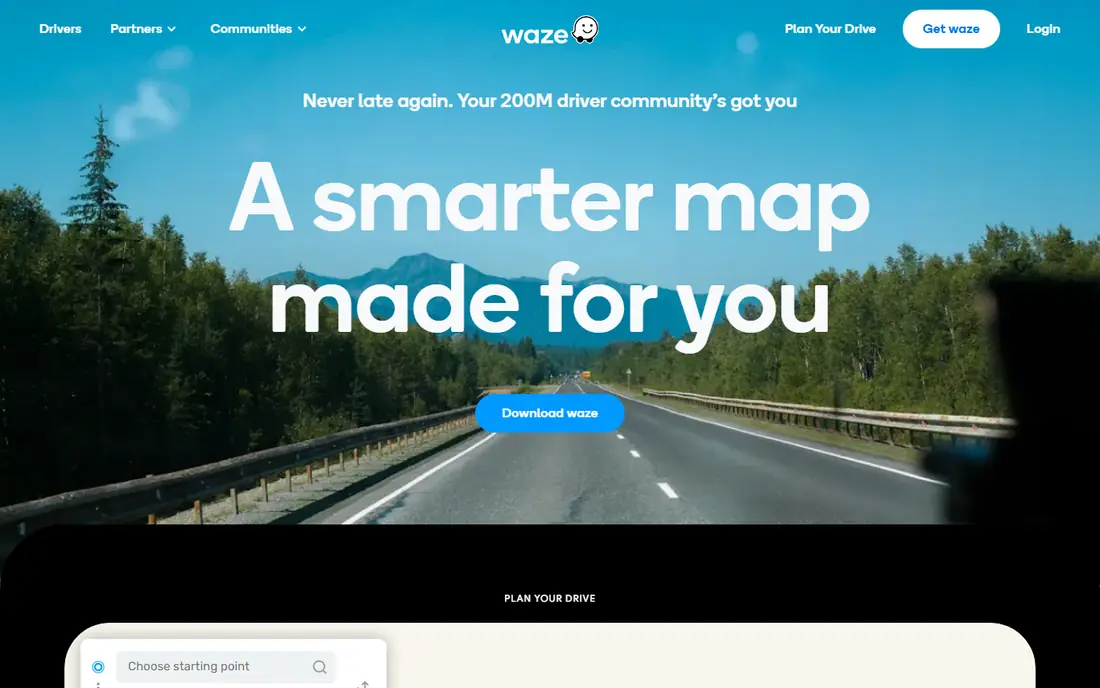
Waze is the driving app for the day itself, because it uses live reports from other drivers to warn about traffic, hazards, road closures, and speed checks. When traffic builds ahead, Waze can reroute you around it, which saves time on busy highways and around cities. Voice guidance and a simple interface also make it easy to use while driving, with a passenger handling the phone.
Waze can sometimes favor shortcuts through residential streets that feel less comfortable, and long use can drain battery and data. Download offline maps as a backup, keep a car charger handy, and let a passenger handle reports and reroutes. For live driving, Waze remains the most useful app in this list, especially on busy or unfamiliar routes.
- Real-time traffic and hazard reports
- Automatic rerouting
- Speed and police alerts
- Can favor busy shortcuts
- Battery and data use on long drives
iExit solves a specific road trip problem very well. As you drive on a US interstate, it shows what is at upcoming exits, including gas stations, restaurants, hotels, rest areas, and amenities such as Wi-Fi or truck parking. That exit view helps you decide whether to stop now or wait for a better option, without searching while driving.
iExit is limited to US interstates, so it is less useful on state highways, rural roads, and outside the US. It also works best as a companion to navigation, not as a replacement for it. If your trip follows interstates, iExit is a small, focused app that removes a lot of guesswork about the next stop.
- Exit-by-exit listings for gas, food, hotels, and rest areas
- Search by brand or amenity
- US interstates only
- Less useful off highways and outside the US
Campendium suits campers, van lifers, and RV travelers who need a place to stay overnight. Listings include reviews, photos, prices, hookup details, and cell coverage notes, which matter if you need to work from the road. Free dispersed sites, campgrounds, and RV parks are all covered, so you can mix paid and free nights on a longer trip.
Coverage is strongest in the US, and some listings rely on recent reviews to stay accurate, so check dates and recent comments before driving to a remote site. Campendium also does not book sites for you, so you still need to reserve through the campground or park system where required. For planning overnight stops on a camping road trip, it is the most useful app here.
- Campsite reviews
- Cell coverage notes
- Free and paid site listings
- Coverage is strongest in the US
- Some listings need recent reviews to stay accurate
Allstays is the data-heavy pick for RV and camping travelers who want detail over design. Listings include RV parks, campgrounds, rest areas, Walmart and other overnight options, plus filters for hookups, amenities, and low-clearance warnings that matter for tall vehicles. That depth helps RV drivers avoid a bridge or route that a standard navigation app would miss.
Allstays is a paid app, and the interface is functional rather than polished, which can put off casual users. It is also most useful for RV and camping trips, not for hotel-based road trips. If you travel in an RV or camper, the low-clearance data and detailed filters can repay the price on a single trip by preventing a costly detour.
- Detailed RV park and campground data
- Low-clearance warnings
- Filters for amenities
- Paid app
- Interface is functional rather than polished
PlugShare is the essential app for electric vehicle road trips. It maps chargers by type, speed, and network, shows recent check-ins and status reports, and helps you plan charging stops along a route. For EV drivers, that planning is not optional, because a missed charger can add hours to a trip, and PlugShare gives you the best available view of where to stop.
Charger status depends on user reports and network data, so a charger listed as available may be busy or out of service when you arrive. Rural coverage is also sparser than in cities, so build in a buffer and have a backup charger in mind. For EV road trips, PlugShare belongs alongside Waze and GasBuddy in your driving stack, even if you do not need fuel prices.
- EV charger map
- Charger types and status
- Trip planning for EVs
- Charger status depends on user reports
- Some rural areas have sparse coverage
How we picked these
We compared official product pages, app store listings, and feature coverage, and we favored apps that are live and usable in October 2026. We did not rank by downloads alone, because a popular navigation app is not a planning app, and a camping app is not a fuel app. We also noted geographic limits, such as iExit for US interstates and Campendium for US camping, because those limits decide whether an app fits a given trip.
How to build a road trip app stack that works offline and on the road
Use three apps, not ten. Pick one planner, such as Roadtrippers, one live navigation app, such as Waze, and one fuel or overnight app for your trip type, such as GasBuddy, Campendium, or PlugShare. More apps mean more switching while driving, which is distracting and slow.
Download before you leave. Save offline maps, download your route, and screenshot key bookings, campsite details, and charger locations. Signal can drop in mountains, deserts, and rural areas, and an offline backup keeps you moving when live data fails.
Plan fuel and charging stops by range, not by price alone. Note your vehicle range, plan stops before you drop below a quarter tank or a comfortable charge level, and keep a backup stop in mind. A cheap station you cannot reach is not a saving, and a charger that is busy needs a plan B.
Let a passenger handle the phone. The driver should focus on the road, while a passenger checks traffic, fuel, and exits. If you travel alone, set the route and stops before you leave, pull over safely to change plans, and use voice guidance rather than typing while driving.
FAQ
What are the best road trip apps overall?
Roadtrippers for planning, Waze for live driving, and GasBuddy for fuel form a strong core stack. Add iExit for interstate trips, Campendium or Allstays for camping, and PlugShare for electric vehicle trips.
Do road trip apps work offline?
Some navigation apps support offline maps if you download them before you leave, but live traffic, gas prices, and charger status need a connection. Download maps and key details in advance, especially for rural routes.
Is GasBuddy free?
Yes, GasBuddy is free to use for finding gas prices and stations, with a rewards program for extra savings. Prices rely on reports, so check the pump price before filling up.
Which app is best for RV road trips?
Campendium and Allstays are the strongest picks for RV travel, with campsite listings, hookup details, and, in Allstays, low-clearance warnings. Pair them with Waze for driving and GasBuddy for fuel.
Do I need PlugShare if I drive a gas car?
No, PlugShare is for electric vehicle charging. Gas car drivers should use GasBuddy for fuel, Waze for traffic, and Roadtrippers for planning instead.