Best Remote Support Software for Real Estate Agents for 2026: Our 5 Vetted Picks
Best remote support software for real estate agents in 2026: 5 tools with starting prices, free plans and limits. Honest caveats for every entry. Details below.
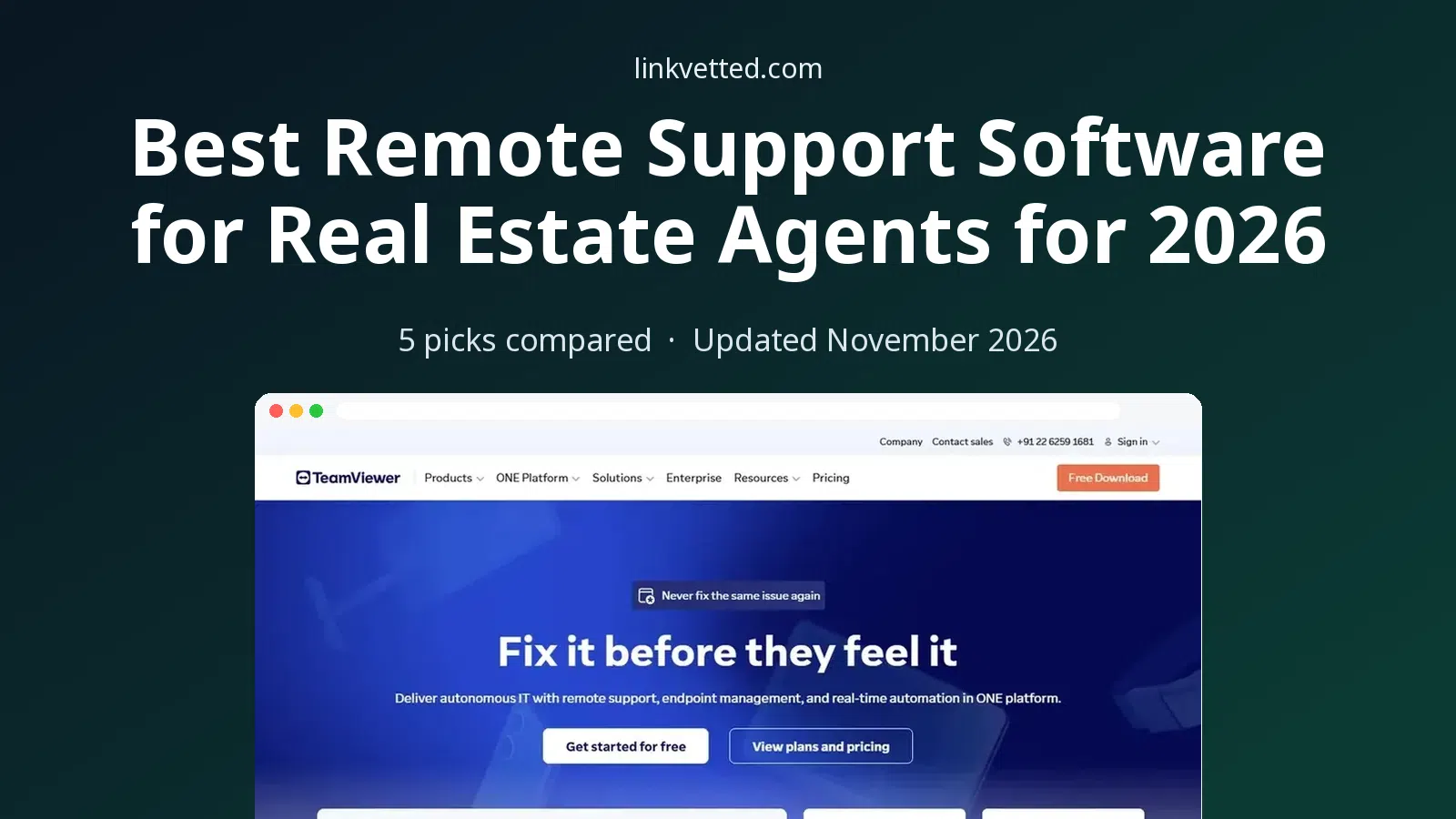
- Editor's choice
 RemotePC
Accessing office desktops from anywhere
Starts at$1.84 a monthVisit remotepc.comFull review - Great alternative
 TeamViewer
Fast remote desktop help and collaboration
Starts atSee websiteVisit teamviewer.comFull review - Also consider
 Splashtop
Quick, secure remote access and support
Starts at$6 a monthVisit splashtop.comFull review
Direct answer
If you need accessing office desktops from anywhere, RemotePC is the first tool to look at here. Listed starting prices: RemotePC from $1.84 a month, Splashtop from $6 a month and Zendesk from $19 agent/month premium yearly. TeamViewer is the stronger choice for fast remote desktop help and collaboration, while Splashtop suits quick, secure remote access and support. The remaining 2 options are covered below with prices and limits.
TL;DR:
- The list opens with RemotePC, aimed at accessing office desktops from anywhere.
- A permanent free plan is missing from all 5 tools, RemotePC and Zendesk included; plan for a trial or a premium start.
- For AI-assisted client service at scale, Zendesk is worth a look.
- Chrome Remote Desktop comes with a trade-off: restricted compared to dedicated support suites.
- Starting prices begin at $1.84 per month with RemotePC.
Last checked November 2026. Prices and plan details were read from the vendors' own pages in November 2026; vendors change plans often, so confirm the current price on the vendor site before you buy.
Quick comparison
| Tool | Best for | Starts at | Free plan? | |
|---|---|---|---|---|
| RemotePC | Accessing office desktops from anywhere | $1.84 a month | Free trial | Visit |
| TeamViewer | Fast remote desktop help and collaboration | See website | Free trial | Visit |
| Splashtop | Quick, secure remote access and support | $6 a month | Free trial | Visit |
 Chrome Remote Desktop | Straightforward browser-based remote access | See website | Not stated | Visit |
 Zendesk | AI-assisted client service at scale | $19 agent/month premium yearly | Free trial | Visit |
The full remote support software for real estate agents list
LinkVetted compared 5 remote support software for real estate agents. The goal is a practical shortlist: published prices, free plan facts, best-fit use cases and honest limits for every entry.
RemotePC was built for accessing office desktops from anywhere. RemotePC is remote desktop and secure remote access software for PC, Mac, Linux and mobile devices. That cross-platform reach helps agents who keep listing files and transaction documents on an office machine but need them whereas traveling between appointments.
The main drawbacks: Needs setup on each device.
Where RemotePC stands out: Linux and mobile. RemotePC concentrates on remote access, so it does not replace a client service system like Zendesk. As for the details, pick RemotePC when the goal is steady access to specific computers across mixed operating systems. Entry price for RemotePC: $1.84 per month. Free plan details: Free trial.
- Straightforward remote desktop use
- Supports PC, Mac
- Not centered on client service tools
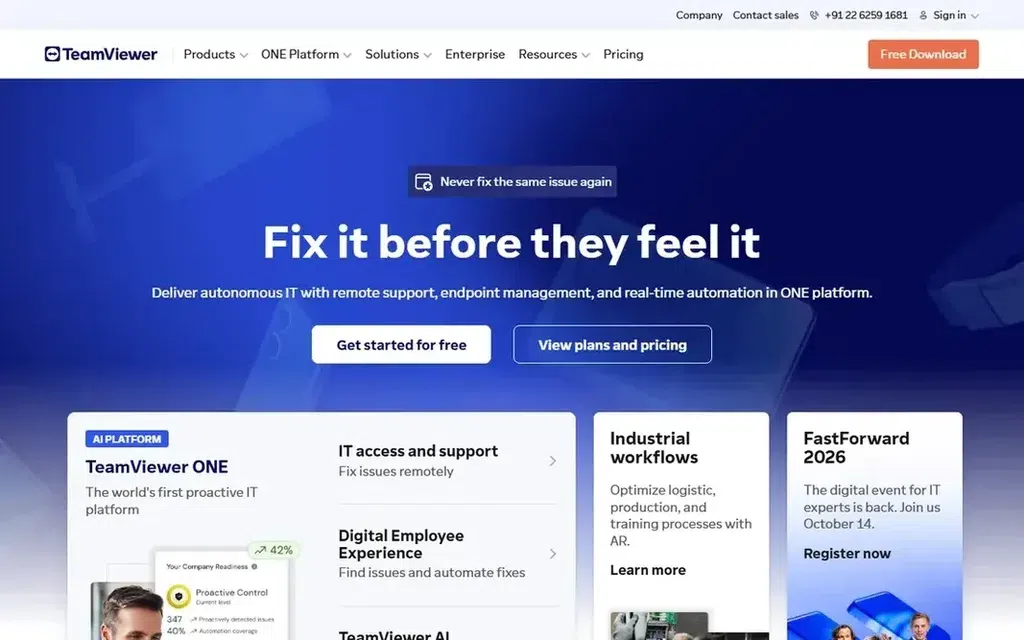
Pick TeamViewer if this describes you: fast remote desktop help and collaboration. TeamViewer positions itself as a digital workplace system, with remote desktop access at its core: connecting to remote computers, providing remote support and collaborating online.
Watch-outs: Wide product can feel feature-heavy.
That makes it a practical choice for real estate agents who require to reach a colleague's laptop to fix a listing upload or guide a client through a portal. Pick TeamViewer when you want remote desktop support plus collaboration from a single established system. Check the vendor site for TeamViewer pricing; none is listed in this comparison. Free options: Free trial.
- Online collaboration features
- Remote desktop access and support
- Personal-use terms differ from business use
In short, Splashtop is for fast, secure remote access and support. Pick Splashtop when straightforward, secure remote access is the core requirement.
The main drawbacks: Less concentrated on client service workflows.
Its product lines differ in depth, so confirm the specific capabilities you need. On cost, Splashtop starts like this: $6 per month. As for free access: Free trial.
- Support and learning use cases
- Emphasis on speed and security
- Feature depth varies by product line
Chrome Remote Desktop
Best for: Straightforward browser-based remote access
Chrome Remote Desktop is designed for straightforward browser-based remote access. For a real estate agent who occasionally needs to reach a home office machine from a laptop, it gives you a familiar, low-friction starting point within the Google ecosystem.
What to check first: Restricted compared to dedicated support suites.
Pricing for Chrome Remote Desktop is not stated here, so ask the vendor for current figures. Free plan details: Not stated.
- Widely known Google tool
- Straightforward remote desktop use
- Most useful for entry-level access needs
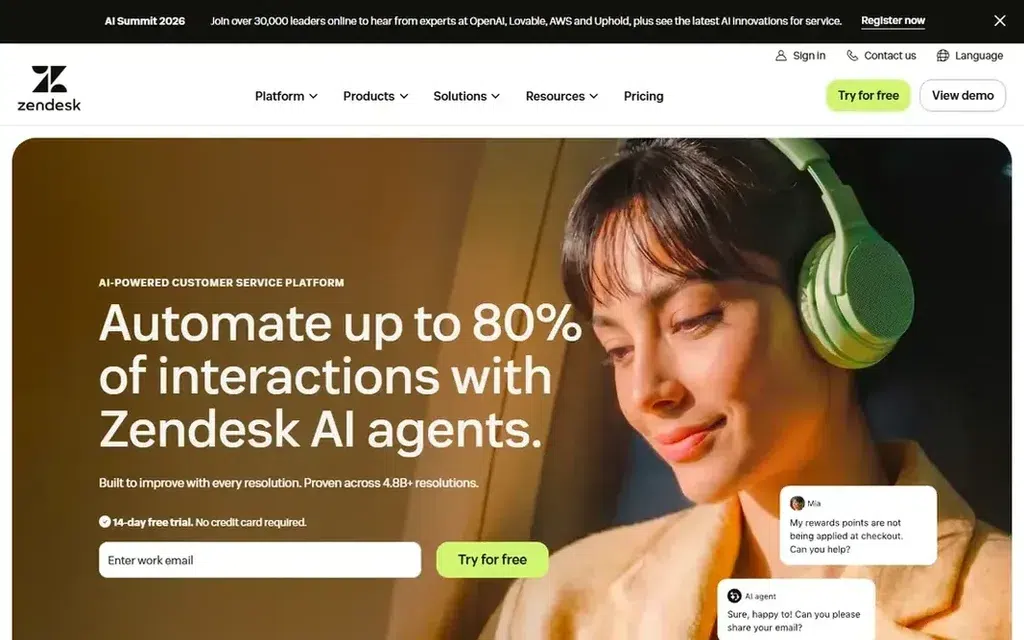
Pick Zendesk if this describes you: AI-assisted client service at scale. Teams that chiefly need practical remote control of a computer should look at TeamViewer or RemotePC instead. Choose Zendesk when the priority is structured, AI-assisted handling of client conversations instead of direct desktop access.
For real estate teams, that means routine client questions about listings, documents or scheduling can be handled consistently whereas agents focus on showings and negotiations. In practice, since Zendesk centers on customer service workflows, it is not a screen-sharing tool for walking a client through a device problem. What you pay to start with Zendesk: $19 agent/month premium yearly. On free options: Free trial.
Trade-offs to know: Broader service system than pure remote control.
- AI agents resolve issues end-to-end
- Scales with expanding support volume
- Setup needs planning
How the list was put together
For each of the 5 tools we noted price, free plan or trial, fit for remote support software for real estate agents and the main limit, using vendor pages and documentation. Plan names, prices and limits change often. Treat the figures here as a starting point and verify them with the vendor. Order on the page follows fit for the typical buyer first, then price transparency and free access. Your own requirements should decide the final pick.
Questions to settle before buying
- Confirm the entry price on the vendor page. For TeamViewer and Chrome Remote Desktop that means a quote rather than a fixed price.
- Run a trial of RemotePC, TeamViewer, Splashtop and Zendesk with real work before paying for a year; your own workflow is the best test.
- Read the limits listed for RemotePC first: not centered on client service tools.
- Ask Zendesk about contract length, onboarding fees and user minimums before you sign.
- Run a one or two week pilot of Splashtop with the people who will use it every day.
FAQ
How are the tools for remote support software for real estate agents ordered?
The order follows typical fit for remote support software for real estate agents, with RemotePC first and Zendesk last, then price clarity and free access. It is editorial judgement, not a score, so another team could rank the tools differently.
Do these tools publish their prices?
Not all of them. TeamViewer and Chrome Remote Desktop publish no starting price, so expect a quote request for those. The rest, RemotePC included, show a starting price, though seats and billing terms still change the final cost.
Do real estate agents need remote support software or a client service system?
Remote support software like TeamViewer or RemotePC helps you reach a computer to fix an issue, whereas a system like Zendesk manages client questions at scale. As for the details, plenty of teams benefit from both, so map your pain points first.
What is the cheapest option for remote support software for real estate agents in this list?
On published monthly entry prices, RemotePC is the lowest here at $1.84 per month. Entry price is only part of the cost, because seats, add-ons and billing terms can change the total. Prices, free plan details and limits for all 5 tools in this remote support software for real estate agents roundup sit on the individual cards above.
Can I try these tools before paying?
Often, yes. RemotePC, TeamViewer, Splashtop and Zendesk offer a free trial. Use your own data and a real task during the test, and check what the free tier or trial limits before you rely on it.
Sources
- https://www.remotepc.com
- https://www.teamviewer.com
- https://www.splashtop.com
- https://remotedesktop.google.com
- https://www.zendesk.com