Best Recruitment Apps for Executives in 2026: 8 Apps Compared
We compared the best recruitment apps for executives for senior roles, recruiter access and pay insight, checking free access so leaders can search well.
- Editor's choice
 LinkedIn
Executive networking and recruiter access
Starts atFreeVisit linkedin.comFull review - Great alternative
 Ladders
Roles paying 100,000 dollars and above
Starts atFreeVisit theladders.comFull review - Also consider
 ExecuNet
Senior leaders who want curated roles
Starts atSee websiteVisit execunet.comFull review
TL;DR:
- LinkedIn leads on recruiter reach, while Ladders leads on filtering for high-salary roles.
- ExecuNet and Ivy Exec suit leaders who want curation, but they work best beside a broad search.
- Glassdoor adds pay and culture research that a listing alone cannot give.
- Free job seeker access is common, while recruiter and employer tools are usually paid.
Quick comparison
| Tool | Best for | Starts at | Free plan? | |
|---|---|---|---|---|
| LinkedIn | Executive networking and recruiter access | Free | Yes | Visit |
| Ladders | Roles paying 100,000 dollars and above | Free | Yes | Visit |
| ExecuNet | Senior leaders who want curated roles | See website | Free trial | Visit |
 Ivy Exec | Executives and senior managers in business roles | Free | Yes | Visit |
 Glassdoor | Researching pay and culture before applying | Free | Yes | Visit |
 Indeed | Broad search with senior filters | Free | Yes | Visit |
 ZipRecruiter | Fast matching and alerts for job seekers | Free | Yes | Visit |
 Hired | Tech and sales leaders who want employer outreach | Free | Yes | Visit |
The best recruitment apps for executives
We compared the options below on current features, pricing pages and public reviews, and we kept only services that work in October 2026. Start with the pick that matches your main job, then check its limits before you sign up.
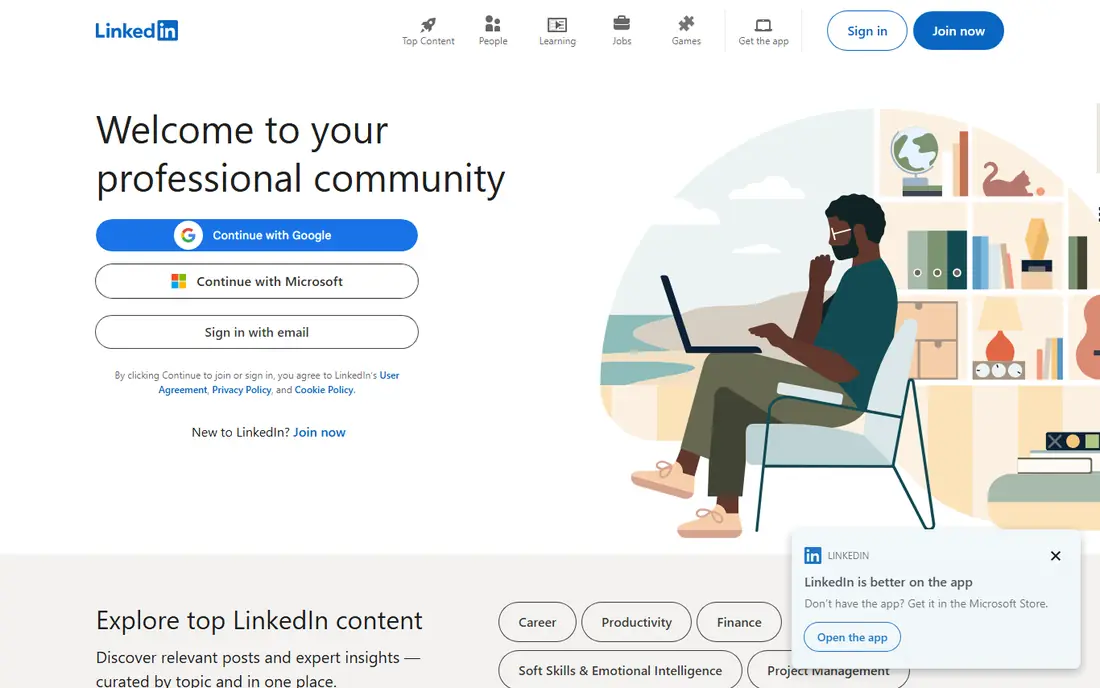
For executives who want visibility with recruiters, LinkedIn is a strong place to start. LinkedIn combines a professional profile, a network and job search, so recruiters can find senior candidates even when they are not actively applying. Premium adds insights and messaging options, but the free profile and network already carry most of the value for senior job seekers. We liked its recruiter reach, which no niche board can match, and standing out needs a complete profile and regular, thoughtful activity
The catch is Premium features are paid; inbox can be noisy Starting price is Free. Check that trade-off against your budget and your patience for setup before you commit, and test the free option first when one is offered.
- Large professional network
- Recruiter search
- Job alerts
- Premium features are paid
- Inbox can be noisy

Ladders is built for senior professionals targeting high-salary roles, and that focus shows in daily use. Ladders focuses on roles at 100,000 dollars and above, with recruiter introductions and salary-based search that save senior candidates from sifting through junior postings. That focus is its main value, though users should verify each listing directly with the employer. We liked its senior focus, which filters out much of the noise, and paid features and occasional stale listings mean users should check dates carefully
The catch is Some features need a paid plan; listing quality varies Starting price is Free. Check that trade-off against your budget and your patience for setup before you commit, and test the free option first when one is offered.
- Focus on senior roles
- Recruiter introductions
- Salary filters
- Some features need a paid plan
- Listing quality varies
If you are in the group of senior leaders who want curated search help, ExecuNet deserves a close look. ExecuNet offers curated executive roles, networking and career resources aimed at senior leaders. Its smaller, focused pool suits leaders who want quality over volume, though pricing and access details need a direct check before joining. We liked its curation, which saves time for busy leaders, and the pool is smaller, so it works best beside LinkedIn, not instead of it
The catch is Membership pricing is not fully public; smaller pool than LinkedIn Starting price is See website. Check that trade-off against your budget and your patience for setup before you commit, and test the free option first when one is offered.
- Curated executive roles
- Career coaching resources
- Networking
- Membership pricing is not fully public
- Smaller pool than LinkedIn
Ivy Exec fits business executives who want senior roles and advice. Ivy Exec lists executive and senior management roles with career advice and company information for business professionals. It suits leaders in finance, marketing, operations and related fields who want both roles and context on employers. We liked its business focus, which keeps listings relevant, and leaders outside core business fields may find fewer matches
The catch is Coverage varies by industry; some content needs membership Starting price is Free. Check that trade-off against your budget and your patience for setup before you commit, and test the free option first when one is offered.
- Executive job board
- Career resources
- Company insights
- Coverage varies by industry
- Some content needs membership
For candidates who research employers before they apply, Glassdoor is a strong place to start. Glassdoor pairs job listings with salary ranges and employee reviews, which helps executives test whether a role and culture fit before a long interview process. Use reviews as a signal, not a verdict, and cross-check pay with other sources. We liked its employer insight, which helps avoid a poor fit, and review quality varies, and small firms may have little data
The catch is Some data needs a contribution; reviews vary in quality Starting price is Free. Check that trade-off against your budget and your patience for setup before you commit, and test the free option first when one is offered.
- Salary data
- Company reviews
- Job listings
- Some data needs a contribution
- Reviews vary in quality
Indeed is built for job seekers who want the widest search net, and that focus shows in daily use. Indeed offers the widest listing volume, with filters for salary, title and location that help senior candidates narrow the search. Its size is both a strength and a weakness, since senior roles sit beside many junior postings. We liked its volume, which catches roles niche boards miss, and filtering takes care, and duplicate or stale listings appear
The catch is Volume includes many junior roles; duplicate listings occur Starting price is Free. Check that trade-off against your budget and your patience for setup before you commit, and test the free option first when one is offered.
- Huge listing volume
- Salary filters
- Job alerts
- Volume includes many junior roles
- Duplicate listings occur
If you are in the group of candidates who want fast alerts for new roles, ZipRecruiter deserves a close look. ZipRecruiter uses matching to surface roles and send alerts, which helps candidates who want speed over manual browsing. Job seekers can apply quickly, though they should tailor each application rather than sending the same profile everywhere. We liked its speed, which helps in a fast-moving search, and relevance varies, so review each match before applying
The catch is Matching quality varies; recruiter contact can be frequent Starting price is Free. Check that trade-off against your budget and your patience for setup before you commit, and test the free option first when one is offered.
- AI matching
- Job alerts
- Easy applications
- Matching quality varies
- Recruiter contact can be frequent
Hired fits tech and sales executives who want inbound interest. Hired reverses the usual search, with employers reaching out to vetted candidates and sharing salary ranges upfront. That transparency suits tech and sales leaders who know their market value and prefer inbound interest over cold applications. We liked its inbound model, which saves application time, and leaders outside tech and sales may find a thinner pool
The catch is Coverage is strongest in tech and sales; other fields are thinner Starting price is Free. Check that trade-off against your budget and your patience for setup before you commit, and test the free option first when one is offered.
- Employers apply to candidates
- Salary transparency
- Curated matches
- Coverage is strongest in tech and sales
- Other fields are thinner
How we picked these
We compared official feature and pricing pages, plus public reviews, with a focus on senior-role relevance: salary filters, recruiter access, listing quality and whether the pool truly serves executives. We favoured apps that let senior candidates filter by seniority and salary, and we noted where a broad board needs extra filtering. Prices for job seekers are usually free, while employer pricing is often quote-based, so we list See website where that applies.
How to run an executive search without drowning in listings
Start with LinkedIn for visibility, then add one senior-focused board such as Ladders or ExecuNet for curation. Set salary and title filters tightly, save searches, and check listings directly with employers when a posting looks stale. Use Glassdoor to research pay and culture before a long process, and keep applications tailored, since senior hiring rewards fit over volume. Tell trusted recruiters what you want and what you will not consider, and keep your profile current even when you are not actively searching, because many senior roles are filled through recruiter outreach.
FAQ
Do executives need to pay for these apps?
Job seekers can usually search and apply free, while premium features such as extra messaging or coaching may cost. Employers and recruiters usually pay, so check whether a paid job seeker plan adds real value before buying.
Is Ladders only for 100,000 dollar roles?
Ladders focuses on roles at that level and above, which is its main filter. Senior candidates below that threshold may find LinkedIn, Indeed or ZipRecruiter more useful.
How do I get found by recruiters?
Keep a complete LinkedIn profile with a clear headline, recent roles and skills, and turn on recruiter visibility. Engage with relevant content and respond promptly to recruiter messages, even to decline politely.
Should I use more than one app?
Yes, but keep it to two or three. A broad network plus one curated senior board and one research tool covers most searches without duplicating effort across many inboxes.
How can I spot a stale listing?
Check the posting date, look for the same role on the employer site, and be wary of vague descriptions with no hiring manager or location. If a recruiter cannot confirm the role is open, move on.