Best Recipe Apps in 2026: 8 Apps Compared
Compare the best recipe apps for saving recipes, meal planning, and grocery lists, including free options, one-time purchases, and subscriptions today.
- Editor's choice
 Paprika
Serious recipe collection
Starts atSee websiteVisit paprikaapp.comFull review - Great alternative
 Yummly
Personalized discovery
Starts atFreeVisit yummly.comFull review - Also consider
 Tasty
Video-driven inspiration
Starts atFreeVisit tasty.coFull review
TL;DR:
- Paprika suits serious recipe collectors who want a one-time purchase, while Yummly and Tasty suit discovery.
- Mealime and Plan to Eat suit meal planning, while AnyList suits shared grocery lists and family planning.
- Check import quality first, because an app is only useful if recipes from the web land cleanly in your library.
- Free tiers vary a lot, so test saving, scaling, and grocery list features before paying.
Quick comparison
| Tool | Best for | Starts at | Free plan? | |
|---|---|---|---|---|
| Paprika | Serious recipe collection | See website | No | Visit |
| Yummly | Personalized discovery | Free | Yes | Visit |
| Tasty | Video-driven inspiration | Free | Yes | Visit |
 Mealime | Guided meal plans | See website | Yes | Visit |
 AnyList | Shared lists and planning | $9.99 per year | Yes | Visit |
 Samsung Food | Free recipe box and planner | $6.99 per month | Yes | Visit |
 Plan to Eat | Calendar meal planning | See website | Free trial | Visit |
 SideChef | Guided step-by-step cooking | $4.99 per month | Yes | Visit |
The best recipe apps
We compared official feature and pricing pages for apps that save recipes, plan meals, and build grocery lists. This guide covers the best recipe app for collectors, the best apps for recipes for beginners, and the best recipe management software for families.
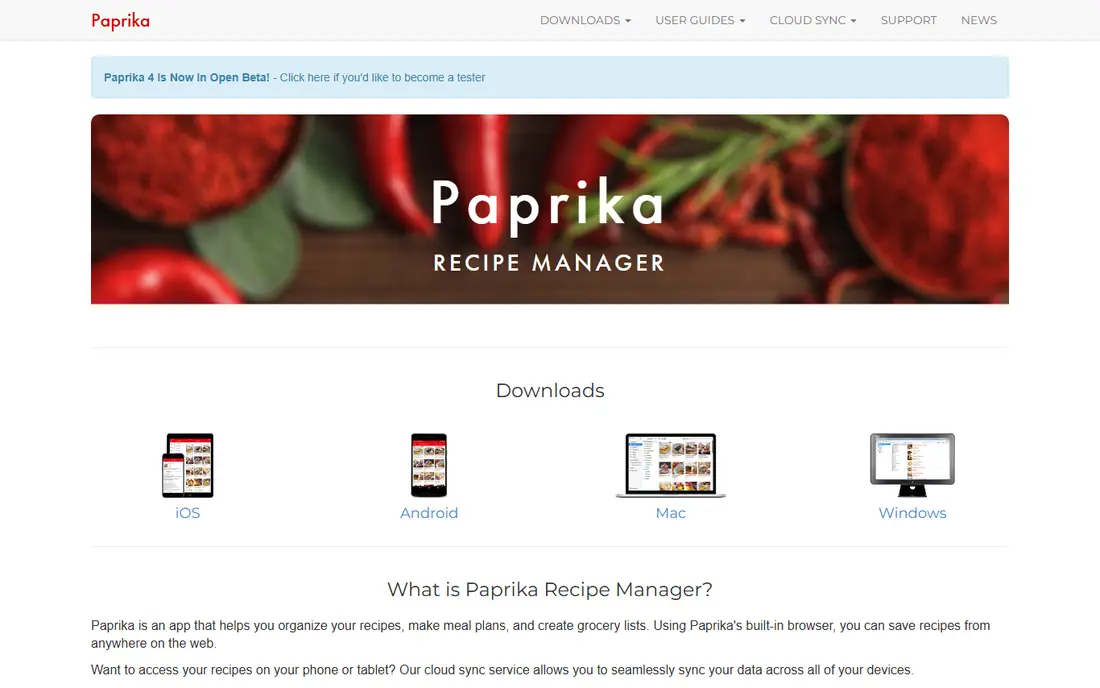
Paprika is our pick for home cooks who collect recipes over years. Its browser tool imports recipes from websites with ingredients, instructions, and photos, and you can edit, scale, and tag them for later. The meal planning calendar and grocery list turn a saved recipe into a shopping trip without extra copying.
The cost model is the main caution. Paprika is sold per platform, so iPhone, Android, Mac, and Windows versions are separate purchases. That can add up for a mixed-device household. We think it fits serious cooks who want a reliable, no-subscription recipe box and who will use it on one or two main platforms.
- Strong web import and editing
- Meal planning calendar and grocery lists
- Offline access on many platforms
- Paid per platform
- No free tier to test fully
- Social and photo import is more limited than newer apps
Yummly suits cooks who want ideas, not just storage. You set dietary preferences, allergies, and tastes, and the app suggests recipes that fit your week. That discovery angle helps when you are stuck in a routine or cooking for varied diets in one household.
The free app covers browsing and basic saving, while Pro adds fuller meal planning, shopping lists, and guided features. We recommend Yummly for people who want a best recipes app for inspiration and who enjoy trying new dishes, rather than a strict recipe manager for a large personal archive.
- Personalized recipe suggestions by diet, time, and taste
- Large recipe library
- Meal planning and shopping tools in Pro
- Free tier includes ads
- Some planning features are paid
- Suggestions improve only with use
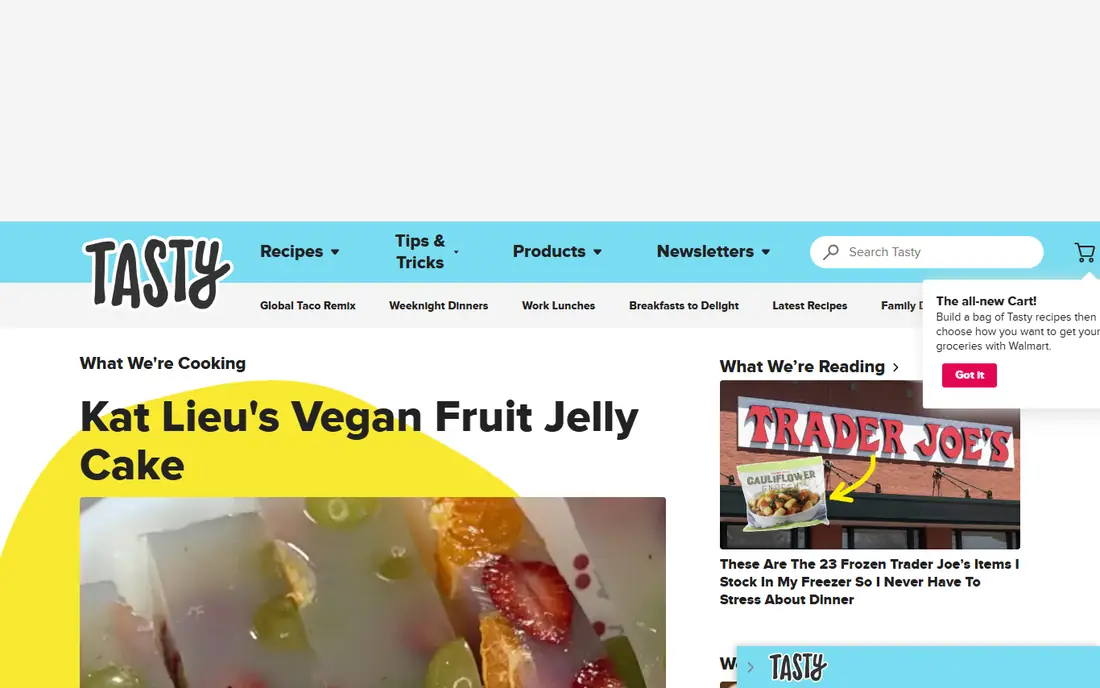
Tasty is best for casual cooks who learn by watching. Short videos show each step clearly, which helps beginners see technique, timing, and portion size before they start. Filters for diet, cuisine, and time also make it easy to find a weeknight dinner quickly.
It is less useful as a personal recipe manager, because import, scaling, and planning tools are thinner than Paprika or Plan to Eat. We think Tasty fits people who want fun, easy inspiration and who cook a few times a week, rather than cooks building a large organized library.
- Short video recipes that are easy to follow
- Simple filters for diet and time
- Free to browse and save
- Less strong for personal recipe import and planning
- Recipe depth varies by video
Mealime suits beginners and busy households who want dinner decided for them. You set household size, diets, and dislikes, and the app builds a weekly plan with a grocery list. That automation removes the hardest part of home cooking for many people, which is choosing what to make.
The trade-off is control. If you have a large personal recipe collection you want to import and plan from, Paprika or Plan to Eat will fit better. We recommend Mealime for people who want a best recipe box app experience focused on plans and shopping, not on archiving recipes from blogs.
- Auto-generated weekly meal plans
- Grocery lists built from the plan
- Filters for diets and dislikes
- Personal recipe import is limited
- Pro needed for fuller customization
AnyList is our pick for families and shared households. Grocery lists sync across phones, so anyone can add an item and everyone sees the same list at the store. Recipes can be saved, planned on a calendar, and turned into list items, which keeps meal planning and shopping in one workflow.
It is less inspiring than Yummly or Tasty for discovering new dishes, because its strength is organization, not browsing. We think AnyList fits households that already have favorite recipes and mainly need shared lists, planning, and a low annual cost for the full version.
- Excellent shared grocery lists
- Recipe saving and meal planning
- Low annual price for Complete
- Recipe discovery is limited
- Design is practical rather than visual
Samsung Food, formerly Whisk, offers a strong free recipe box for cooks who want to save recipes from many sites in one place. You can plan meals, build shopping lists, and organize recipes by category without paying. That free core makes it a practical alternative to a paid recipe manager for many households.
Food Plus adds AI features, pantry management, and more planning tools for a monthly fee. We recommend Samsung Food for cooks who want a free, cross-platform recipe box and planner, and who do not need the per-platform purchase model of Paprika.
- Free recipe saving and meal planning
- Grocery list and pantry tools
- Works across iPhone, Android, and web
- Food Plus features are paid
- Some features vary by region and device
Plan to Eat suits planners who think in weeks. You drag recipes onto a calendar, and the app builds a grocery list from exactly what you planned. That calendar-first approach helps families avoid duplicate shopping and makes it clear what is for dinner each night.
There is no permanent free tier, only a trial, so you need to test it during that window. We think Plan to Eat fits households that plan a full week at a time and who want a best recipe management software option focused on the calendar, rather than discovery or video content.
- Drag-and-drop meal calendar
- Strong recipe import
- Grocery list generated from planned meals
- No permanent free tier
- Interface is more practical than modern social apps
SideChef suits beginners who want guidance while they cook. Step-by-step mode breaks a recipe into clear actions with timers and photos, which reduces the chance of missing a step or burning a dish. Shoppable recipes and meal planning tools also help turn a chosen recipe into a grocery list.
For serious collectors, import and organization are less central than in Paprika. We recommend SideChef for new cooks, students, and anyone who wants a best app for recipes that teaches technique as you cook, rather than just storing a text recipe.
- Step-by-step guided cooking with photos and timers
- Shoppable recipes
- Smart appliance features on some plans
- Premium needed for fuller features
- Library is more curated than a personal import tool
How we picked these
We compared official feature pages, pricing pages, and app listings, and we favored apps that work today and cover recipe saving, meal planning, or grocery lists. We looked at import quality, scaling, offline access, shared lists, platform support, and price model, including one-time purchases and subscriptions. We also weighed discovery versus organization, because a great browsing app is not always a great recipe manager.
How to choose the right recipe app for your kitchen
Start with your main job. If you save recipes from blogs and books, choose Paprika, Samsung Food, or Plan to Eat. If you need dinner ideas, choose Yummly or Tasty. If you need a weekly plan and list, choose Mealime, AnyList, or Plan to Eat. If you need cooking guidance, choose SideChef.
Next, test import with five of your usual recipes. Check whether ingredients, amounts, and steps land cleanly, and whether scaling works for your household size. Then test the grocery list at a real shop: can you share it, check items off, and add pantry staples easily. An app that fails that test will not help, even if it looks good in screenshots.
A simple setup that works
Save recipes in one app, plan three or four dinners for the week, and build one list from that plan. Keep a small set of favorite recipes tagged for busy nights, and add new recipes only after you have cooked them once. This routine keeps your library useful instead of growing into a list you never open.
FAQ
What is the best recipe app for saving recipes?
Paprika is the strongest dedicated recipe manager for saving and organizing recipes, while Samsung Food offers a strong free alternative. Plan to Eat is also strong if you want calendar planning alongside saving.
What is the best cookbook app for beginners?
Mealime and SideChef are strong beginner picks. Mealime plans meals for you, while SideChef guides you step by step while you cook. Tasty also helps beginners with short video recipes.
What is the best recipe software for families?
AnyList and Plan to Eat suit families best, because shared lists and calendar planning keep everyone aligned. Mealime also suits families that want an auto-generated plan and list.
Is there a free recipe app that is actually useful?
Yes. Samsung Food, Yummly, and Tasty offer useful free tiers, and AnyList offers a strong free core. Paprika and Plan to Eat are paid, so test their trials if you want those features.
Can recipe apps help with grocery shopping?
Yes, when the app builds a list from planned meals and lets you share and check off items. AnyList, Mealime, Samsung Food, and Plan to Eat all do this, though the details vary by plan.