Best Quiz Software in 2026: 8 Tools Compared
Compare the best quiz software for classrooms, training, and events, with Kahoot, Quizizz, Mentimeter, and more compared on price and features for teachers.

- Editor's choice
 Kahoot
Live game-show quizzes
Starts atSee websiteVisit kahoot.comFull review - Great alternative
 Wayground
Self-paced learning quizzes
Starts atFreeVisit wayground.comFull review - Also consider
 Google Forms
Free simple graded quizzes
Starts atFreeVisit forms.google.comFull review
TL;DR:
- Kahoot leads for live, game-show energy, while Wayground, formerly Quizizz, is stronger for self-paced homework.
- Google Forms is the best free option for simple graded quizzes, while ProProfs and ClassMarker suit formal testing.
- Mentimeter and Slido are better for live polls in meetings than for graded assessments.
- Participant limits on free plans matter more than features, so check the cap before planning a large session.
Quick comparison
| Tool | Best for | Starts at | Free plan? | |
|---|---|---|---|---|
| Kahoot | Live game-show quizzes | See website | Yes | Visit |
| Wayground | Self-paced learning quizzes | Free | Yes | Visit |
| Google Forms | Free simple graded quizzes | Free | Yes | Visit |
 Quizlet | Recall and revision practice | $7.99 per month | Yes | Visit |
 Mentimeter | Live polls and interactive slides | $11.99 per presenter per month | Yes | Visit |
 ProProfs Quiz Maker | Graded assessments and training | See website | Yes | Visit |
 Typeform | Branded quiz-style forms | $25 per month | Yes | Visit |
 Slido | Live Q and A plus polls | See website | Yes | Visit |
The best quiz software
We compared these tools on official feature pages, pricing, and public reviews, and we picked a mix of leaders and smaller options that fit the topic well. Start with the product that fits your main need, then check price and free limits before you build a workflow around it.
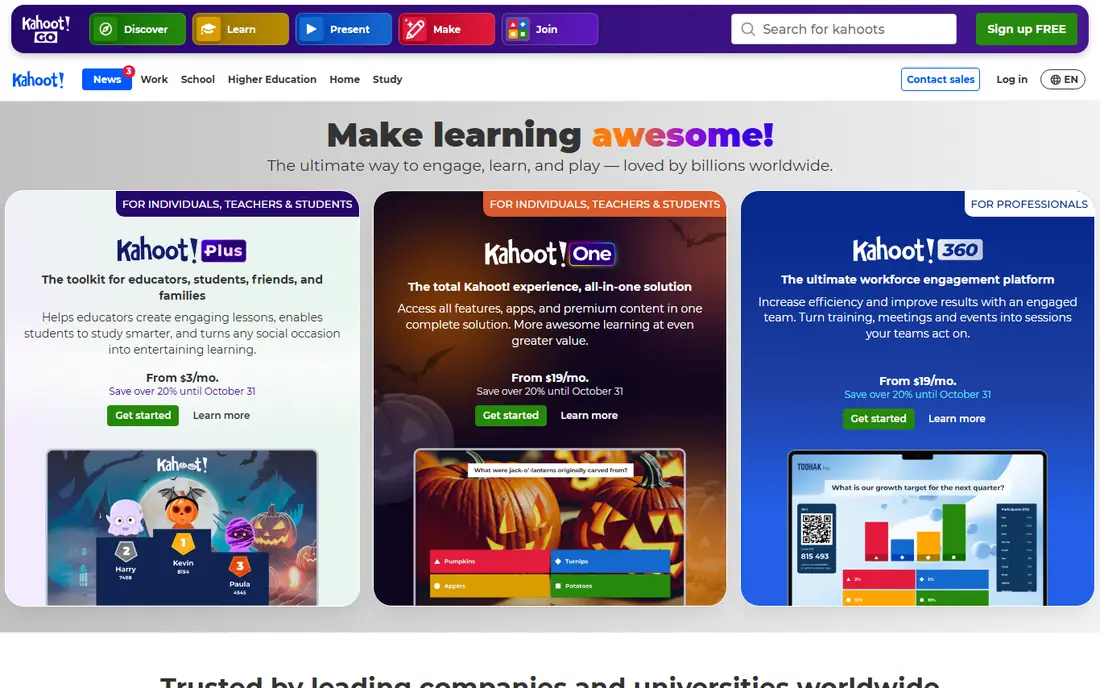
For teams that want a clear plan in one place, this is a strong place to start. Teachers and trainers who want energy in a live session will like Kahoot, since game pins, music, and leaderboards turn review into a competition.
The live energy is the strength, because students join with a pin and no account, which keeps setup fast and attention high in a classroom or training room.
The catch is free limits, since free plans cap players per game, and larger or business use needs a paid plan, so check the cap for your group size.
- Game PIN joining
- Music and leaderboards
- Large question library
- Free player limits are small
- Business plans cost more
If clarity matters more than a long feature list, this option deserves a close look. Teachers who assign quizzes as homework will find Wayground, formerly Quizizz, a practical choice, since students can work at their own pace with instant feedback.
The self-paced design is the appeal, because it suits homework and revision better than a live-only game, and teachers can track results by student.
The downside is live feel, since it lacks some of the game-show drama of Kahoot, so teachers who want a live event may prefer Kahoot for that session.
- Self-paced quizzes
- AI generation
- Teacher-friendly free tier
- Business pricing is higher
- Less live game-show feel than Kahoot
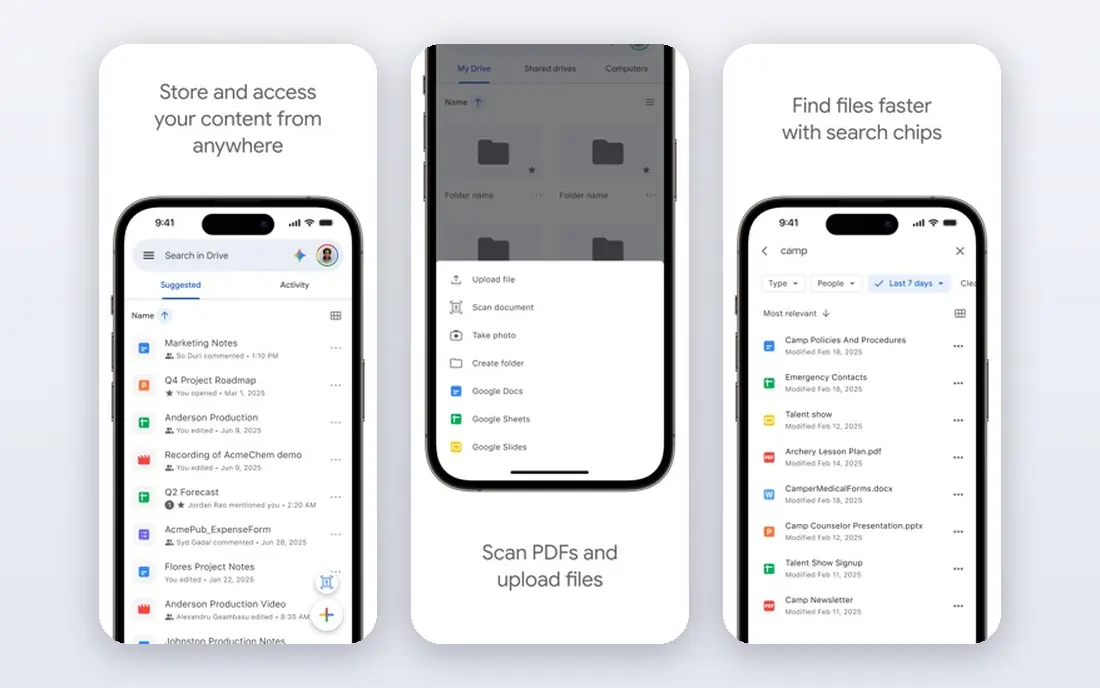
This one suits people who want structure without a long setup process. Schools and small teams that need a simple graded quiz for free will find Google Forms hard to beat, since it costs nothing and auto-grades basic questions.
The free value is the point, because unlimited forms, auto grading, and Sheets results cover most basic assessment needs without a subscription.
The limit is engagement, since there is no live game mode, leaderboard, or rich question design, so it suits tests more than events.
- Free and unlimited
- Auto grading
- Sheets results
- No live game mode
- Limited question design
A practical choice for busy teams, this tool keeps the important work visible. Students and teachers focused on recall will like Quizlet, since flashcards and learn modes help learners practice terms, facts, and vocabulary repeatedly.
The practice loop is the strength, because spaced repetition and test modes turn a study set into a short quiz that learners can repeat until it sticks.
The weakness is formal testing, since Quizlet is weaker for graded exams, proctoring, or detailed reporting than ProProfs or ClassMarker.
- Flashcards
- Learn modes
- Large study sets
- Quiz design is basic
- Best for recall, not formal testing
When a team is growing past spreadsheets, this is often the next sensible step. Presenters who want audience polls inside slides will find Mentimeter a strong fit, since polls, word clouds, and quizzes sit inside a presentation.
The slide integration is the appeal, because a presenter can move from a point to a live poll without switching apps, which keeps a meeting flowing.
The catch is quiz depth, since graded quizzes and detailed reporting are thinner than dedicated quiz tools, so it suits meetings more than exams.
- Live polls
- Word clouds
- Interactive presentations
- Free participant limits
- Quiz features are thinner than Kahoot
This option works well for people who value a clean view over extra controls. Training teams that need graded assessments, certificates, and reports will value ProProfs Quiz Maker, since it is built for formal learning checks.
The assessment focus is the strength, because scoring, certificates, and question banks suit compliance and onboarding better than a live game tool.
The downside is feel, since the interface is less playful than Kahoot, and pricing varies by plan, so teams should confirm limits before a large rollout.
- Graded quizzes
- Certificates
- Reporting and LMS links
- Interface feels dated
- Pricing needs a check for larger teams
For smaller teams on a tight budget, this choice keeps costs and complexity down. Marketers and HR teams who want a quiz that also captures leads will like Typeform, since its forms look polished and logic can branch by answer.
The design is the standout, because a quiz feels like a conversation, which helps completion rates for website quizzes and screening forms.
The trade-off is testing, since Typeform is not built for live games or proctored exams, and lower plans limit monthly responses.
- Beautiful forms
- Logic jumps
- Lead capture
- Response limits on lower plans
- Not built for live games
If you need a tool that others can read at a glance, this one makes that easy. Event hosts who need live polls and audience questions will find Slido useful, since it handles Q and A and polls inside large meetings and events.
The event fit is the point, because attendees can ask questions, vote on them, and answer polls without leaving the event flow.
The limit is quiz depth, since Slido is stronger for polls and Q and A than for graded quizzes, so classrooms should pair it with a dedicated quiz tool.
- Live polls
- Q and A
- Event integration
- Quiz features are basic
- Free participant limits apply
How we picked these
When we compared quiz tools, we reviewed official pricing pages, feature pages, and app listings, plus public reviews that describe live play, grading, and reporting. We favored tools with clear free limits, practical question types, and reporting that suits their use, and we noted where a tool is better for events than for exams. We did not claim hands-on testing. We also checked that each product is still offered in October 2026 and that its official site matches the product name, and we left out tools with unclear pricing, weak safety controls, or a poor fit for the topic.
How to pick quiz software for live games, homework, or graded tests
Start with the setting, since a live classroom game, a homework quiz, and a graded exam need different tools. A live game needs fast joining and a leaderboard, while a graded exam needs question banks, timing, and secure results.
Next, check participant and response limits, since free plans often cap players, responses, or questions. A tool that works for a class of 20 may fail for a school event of 200, so test the cap with your real group size.
Design for cheating and guessing
For graded quizzes, use question pools, shuffled answers, and time limits to reduce answer sharing, and avoid relying on one question type. For low-stakes revision, guessing is less of a problem, and instant feedback matters more than security.
Keep results usable
A quiz is only useful if results can be reviewed by student, question, and class, so check exports and reports before a term starts. Tools that export to Sheets or an LMS save hours compared with copying scores by hand.
Before you commit, run a short trial with real data, real users, and a real deadline, since a demo with sample data hides the limits that matter most. Note what feels slow, what needs support, and what the free plan leaves out, then compare that note with the price for your actual team size.
A good choice should feel clear after a week of real use, not only after a sales call. If setup feels heavy, if pricing is hard to explain, or if safety controls are hard to find, keep looking, since those problems tend to grow once more people rely on the tool every day. Keep a short note of what you tested, so the final choice rests on evidence, not on a first impression.
FAQ
What is the best quiz software?
Kahoot is best for live games, Wayground is best for self-paced homework, and Google Forms is best for free graded quizzes. ProProfs suits formal training tests.
Is Kahoot free?
Kahoot offers a free plan, but player limits are small, so larger classes need a paid plan. Check the current free cap before planning a large live game.
What is the best quiz app for groups?
Kahoot and Mentimeter are strong for live groups, since joining is fast and results appear live. Slido suits large events where Q and A matters beside polls.
What is the best online quiz platform for teachers?
Wayground and Kahoot are the most teacher-friendly, with libraries, AI generation, and classroom controls. Google Forms is the best free backup for simple tests.
Can quiz software grade automatically?
Yes, Google Forms, ProProfs, and Wayground auto-grade many question types. Open answers and essays still need manual review, so check which types are auto-graded.