Best Push Notification Software for Developers in 2026: 8 Products Compared
Looking for the best push notification software for developers? We compare 8 APIs and platforms for reliable mobile and web push delivery. Updated for 2026.
- Editor's choice
 OneSignal
Managed mobile and web push
Starts atFreeVisit onesignal.comFull review - Great alternative
 Firebase Cloud Messaging
Free raw push transport
Starts atFreeVisit firebase.google.comFull review - Also consider
 Pusher Beams
Clean transactional push API
Starts atFreeVisit pusher.comFull review
TL;DR:
- Raw transport APIs are free but leave queuing, tokens, and analytics to you.
- Managed platforms add segmentation, scheduling, and delivery handling for a monthly fee.
- Notification infrastructure tools help when one message must reach push, email, in app, and SMS.
- Compare pricing by monthly active users, subscribers, or sends, since each vendor counts volume differently.
Quick comparison
| Tool | Best for | Starts at | Free plan? | |
|---|---|---|---|---|
| OneSignal | Managed mobile and web push | Free | Yes | Visit |
| Firebase Cloud Messaging | Free raw push transport | Free | Yes | Visit |
| Pusher Beams | Clean transactional push API | Free | Yes | Visit |
 Courier | Cross channel orchestration | Free | Yes | Visit |
 Knock | Product notification workflows | Free | Yes | Visit |
 Novu | Open source notification infra | Free | Yes | Visit |
 Pushwoosh | Omnichannel push and in app | Free | Yes | Visit |
 Amazon SNS | AWS native push at scale | See website | Yes | Visit |
The best push notification software for developers
We compared official feature pages, pricing pages, API docs, and public reviews to find tools developers can integrate and run without marketing suite overhead.
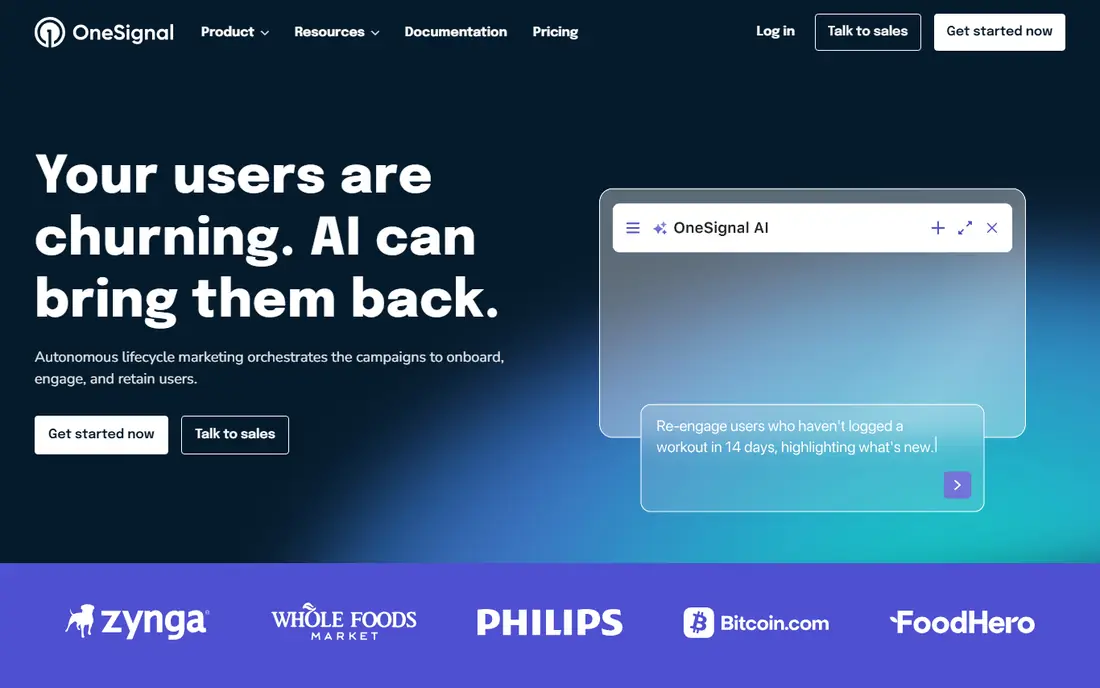
OneSignal is the fastest managed start for many apps. You add an SDK, create segments, and send mobile push, web push, email, SMS, and in app messages from one dashboard. Journeys let you schedule follow up messages without building a campaign engine yourself.
The pricing model needs care. Free use covers up to 1,000 mobile monthly active users in current listings, and paid plans add per user charges. For a small app, that is generous. For a large app, model your real user count before you commit.
- Unlimited mobile push on free tier up to limits
- Segmentation and journeys
- SDKs for major platforms
- Pricing is based on monthly active users, so costs rise with audience
- Advanced features sit on paid plans
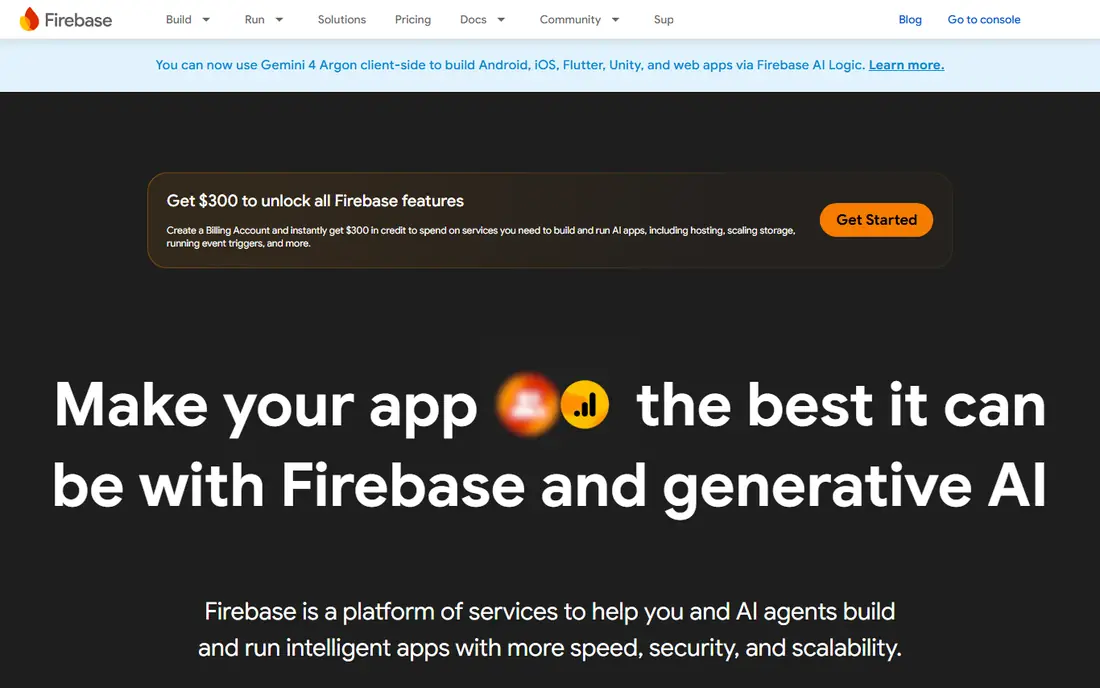
Firebase Cloud Messaging, known as FCM, is the transport layer under many push tools. If your app already uses Firebase, it is a natural and free way to send push to Android, iOS, and web. You control the sending code and the data payload.
That control is also the cost. FCM does not give you a ready made inbox, preference center, or campaign dashboard. Teams with developer time often pair it with their own backend, while teams that want those features should look at a managed platform.
- Free delivery with no per message fee
- Deep Android integration
- Works for iOS and web
- You build queuing, retries, token handling, and analytics yourself
- No built in inbox
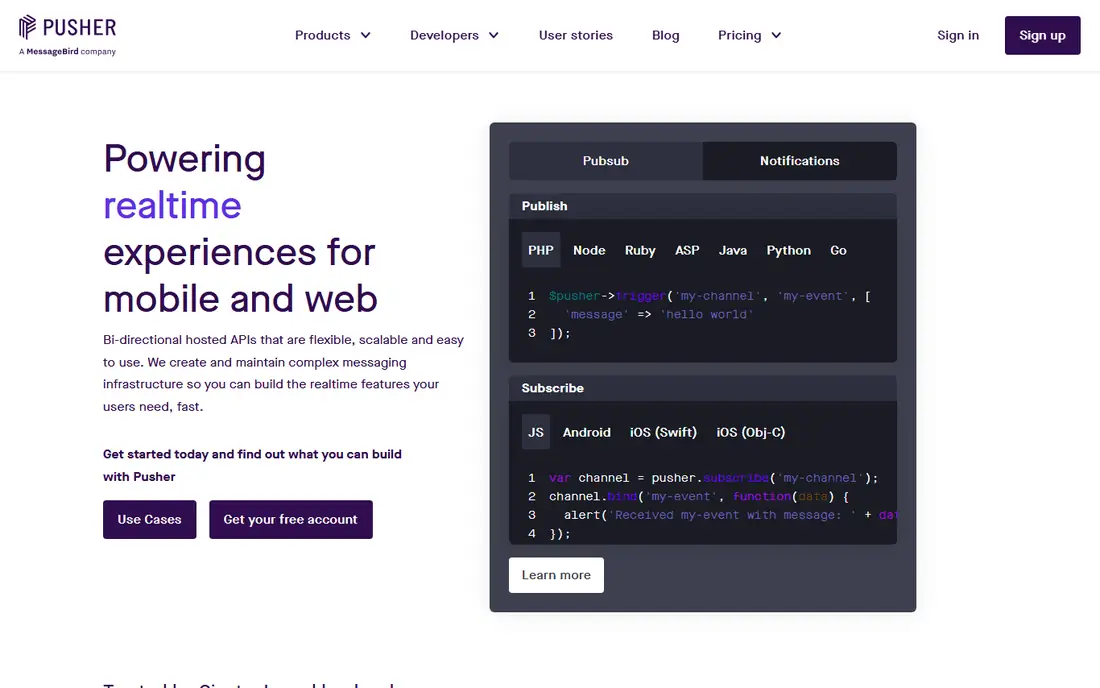
Pusher Beams suits developers who want push without a marketing platform. You publish to interests or users, and Beams handles delivery to Apple and Google push services. It fits transactional alerts, order updates, and app events that should arrive promptly.
It is less suited to long lifecycle campaigns with deep segmentation and email journeys. If your main need is reliable transactional push with a clean API, Beams keeps the surface area small.
- Simple publish API
- Interest based delivery
- Works with Pusher realtime tools
- Free tier caps subscribers
- Marketing campaign features are thinner than OneSignal
Courier helps when a notification should reach a user on the best channel available. You define templates and routing in code, then Courier sends through your chosen providers and handles preferences and failover. That central logic saves teams from wiring each channel separately.
Pricing is per message after a free allowance, so high volume apps should model send counts carefully. For product notifications that span channels, the single API often pays for itself in saved engineering time.
- One API for push, email, SMS, and in app
- Template and routing in code
- Free tier for testing
- Per message pricing adds up at high volume
- You still manage provider accounts for some channels
Knock is built for product notifications inside an app, such as comments, mentions, billing alerts, and digests. Its workflow engine handles batching, delays, preferences, and channel choice, so users do not get flooded with single alerts. Developers define workflows in code and let Knock run them.
The free tier suits testing and small products, while paid plans start at a higher monthly level in current listings. If your app sends many small product events, Knock can turn a messy set of triggers into a calm inbox.
- Workflow engine with batching and preferences
- Cross channel delivery
- Developer friendly APIs
- Paid starter plan is a jump from free
- Setup takes thought for complex workflows
Novu gives teams an open source notification infrastructure they can run themselves or use as a cloud service. You build workflows, connect providers, and manage templates in one place. That openness appeals to teams that want to avoid lock in or keep data in their own systems.
Self hosting is not free in effort. You will manage updates, scaling, and provider keys. Novu Cloud removes much of that work, but then you should compare workflow run limits on the vendor pricing page.
- Open source and self hostable
- Workflow based notifications
- Many provider integrations
- Self hosting adds ops work
- Cloud pricing scales with workflow runs
Pushwoosh is a practical middle ground between a raw API and an enterprise suite. It covers mobile and web push plus in app messages and email, with segmentation and automation for retention campaigns. Small apps can start free and learn what their audience responds to.
As with OneSignal, watch the per user pricing as you grow. For apps that need several channels but do not need enterprise contracts, Pushwoosh offers a clear path.
- Mobile push, web push, email, and in app in one tool
- Free tier to 1,000 monthly active users
- Segmentation included
- Pricing is per monthly active user
- Interface can feel busy for simple transactional use
Amazon Simple Notification Service, known as SNS, is a strong choice for teams already on AWS. It can send mobile push at a low per message cost, with a free tier that covers a large number of pushes each month. It fits backends that already use AWS queues, lambdas, and monitoring.
SNS is infrastructure, not a messaging product. You will build segmentation, templates, preferences, and analytics yourself or pair it with another tool. For AWS native transactional push, the price and scale are hard to beat.
- Very low per message cost at scale
- Integrates with AWS services
- Free tier for push
- Setup is AWS heavy
- No built in campaign or inbox features
How we picked these
We compared official pricing pages, API docs, and public reviews for tools that are live today and focus on developer push delivery. We mixed raw transport, managed push platforms, and cross channel infrastructure, since developers start from different stacks. We checked free tiers, SDK coverage, and whether a tool handles tokens, retries, and preferences or leaves that work to the developer.
We did not claim hands-on testing. Where a vendor prices by users, subscribers, or sends, we noted the unit so readers can compare like with like.
What to check before you integrate
Count the right unit
One vendor may charge by monthly active user, another by subscriber, and another by send. Run your last three months of users and sends through each model before you pick a winner. A cheap headline price can turn costly on the unit you actually use most.
Plan permission and quiet hours
Ask for push permission at a moment when value is clear, not on first launch. Add quiet hours, frequency caps, and an easy opt out. Good delivery means little if users turn notifications off after a noisy first week.
Handle tokens and failures
Devices change tokens, users uninstall apps, and push services reject stale tokens. Pick a tool that cleans tokens and retries sensibly, or build that logic into your backend. Test on both Android and iOS before launch.
Keep a fallback channel
Push is not guaranteed delivery. For billing, security, and order alerts, add email or in app fallback so a missed push does not become a missed payment or a locked account. Cross channel tools make that fallback easier to manage.
FAQ
What is the cheapest way to send push notifications?
Firebase Cloud Messaging and Amazon SNS are the lowest cost transport options, since FCM has no per message fee and SNS has a low per message cost with a free tier. The trade is that you build segmentation, scheduling, and analytics yourself.
Do I need a managed platform if I use Firebase?
Not always. If you only send simple transactional alerts and have backend developers, FCM alone can work. A managed platform helps when you need segments, journeys, A/B tests, in app messages, and a dashboard non-developers can use.
How do push notifications work on iOS and Android?
Your server sends a message to Apple Push Notification service for iOS or Firebase Cloud Messaging for Android, which then delivers it to the device. Your app must request permission, register a device token, and handle the message when it arrives.
Can I send web push without a mobile app?
Yes. Web push works in supported browsers once a user grants permission on your site. Managed tools such as OneSignal and Pushwoosh offer web push SDKs, and FCM also supports web push for sites that use Firebase.
What should I do about users who opt out?
Respect the opt out at once and stop sending marketing push to that user. Keep transactional messages that are needed for security or an order separate, and give users a preference center so they can choose topics instead of turning everything off.
How do I avoid push being marked as spam?
Send only to users who opted in, keep messages relevant and timely, limit frequency, and avoid misleading titles. Use clear sender identity and a working opt out. High opt out and delete rates can hurt delivery over time.