Best Project Portfolio Management Software in 2026: 8 Tools Compared
Compare the best project portfolio management software for roadmaps, budgets, resources, and reporting. We cover enterprise PPM and mid-market options.
- Editor's choice
 Planview
Strategic enterprise portfolio
Starts atSee websiteVisit planview.comFull review - Great alternative
 Adobe Workfront
Enterprise work management
Starts atSee websiteVisit business.adobe.comFull review - Also consider
 Smartsheet
Spreadsheet-style portfolio tracking
Starts atSee websiteVisit smartsheet.comFull review
TL;DR:
- Enterprise PMOs should shortlist Planview, Adobe Workfront, and Clarity for governance, budgets, and capacity planning.
- Mid-market teams get strong portfolio views from Smartsheet, Wrike, and monday work management without enterprise setup.
- Microsoft Project suits organizations already standardized on Microsoft 365, with Planner for tasks and Project for schedules.
- The best PPM tool is the one executives and project managers both update, so ease of reporting matters as much as features.
Quick comparison
| Tool | Best for | Starts at | Free plan? | |
|---|---|---|---|---|
| Planview | Strategic enterprise portfolio | See website | No | Visit |
| Adobe Workfront | Enterprise work management | See website | No | Visit |
| Smartsheet | Spreadsheet-style portfolio tracking | See website | Free trial | Visit |
 Microsoft Project | Microsoft 365 project portfolios | See website | Free trial | Visit |
 Wrike | Cross-team portfolio dashboards | See website | Yes | Visit |
 monday work management | Visual portfolio planning | See website | Yes | Visit |
 Asana | Goals and cross-project execution | See website | Yes | Visit |
 Clarity | Large-scale portfolio investment | See website | No | Visit |
The best project portfolio management software
Project portfolio management, or PPM, connects individual projects to strategy, budgets, and staff capacity. A good PPM tool shows which projects are on track, which are over budget, and where people are overloaded, all in one view. These eight tools cover enterprise PMOs and mid-market teams.
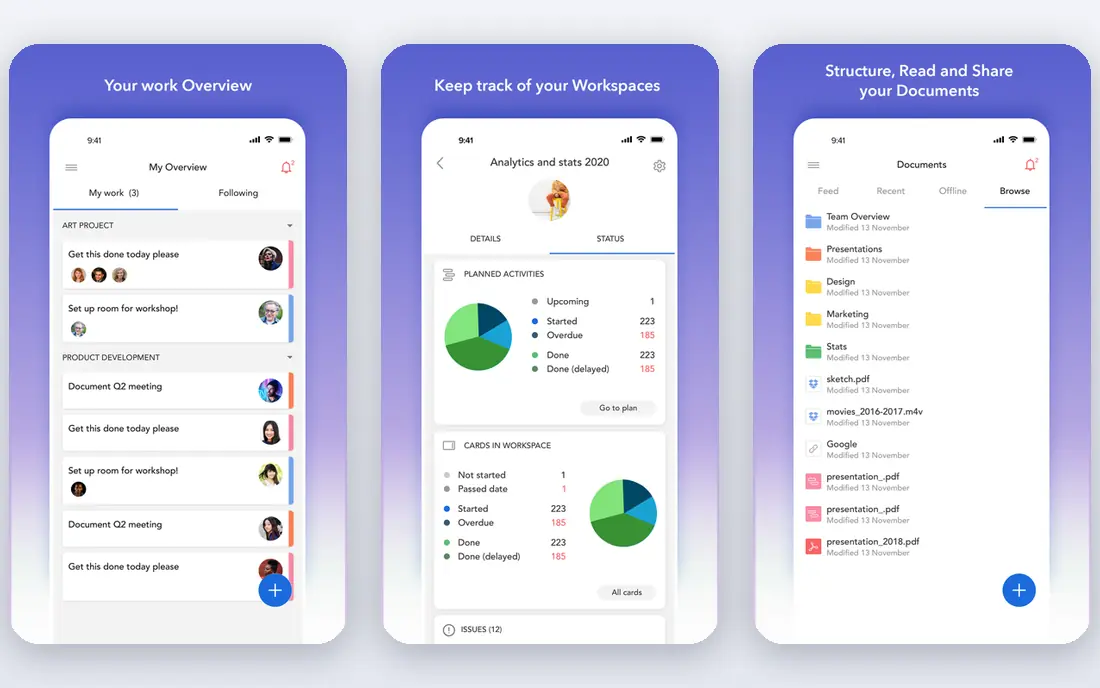
Planview suits large organizations that need to link strategy to funded work. Its portfolio tools cover planning, roadmaps, financial tracking, and resource capacity, so leaders can compare projects on value, cost, and risk rather than status alone. Integrations with common enterprise systems help keep project data in sync.
The trade-off is scale. Pricing is quote-based, and a full rollout needs planning, configuration, and training. Small teams will find the platform more than they need, and the value grows with portfolio size. For an enterprise PMO that must justify funding choices across many programs, Planview is a leading shortlist option.
- Strategic planning and roadmaps
- Portfolio financials
- Enterprise integrations
- Quote-based pricing
- Implementation takes time
- May be heavy for small teams

Adobe Workfront suits enterprises that manage a high volume of work requests, approvals, and cross-team projects. Its intake forms, workflows, and portfolio views help a central team triage requests, assign work, and report progress to leaders. Marketing and creative teams often use it alongside other Adobe tools.
Setup complexity is the main drawback. Workfront needs a clear owner, agreed workflows, and training to avoid becoming a dumping ground for requests. Pricing is also quote-based, so budget planning needs a sales conversation. For large teams with formal intake and approval needs, Workfront offers control that simpler tools lack.
- Strong intake and workflow tools
- Portfolio reporting
- Marketing work support
- Quote-based pricing
- Complex setup
- Needs admin ownership
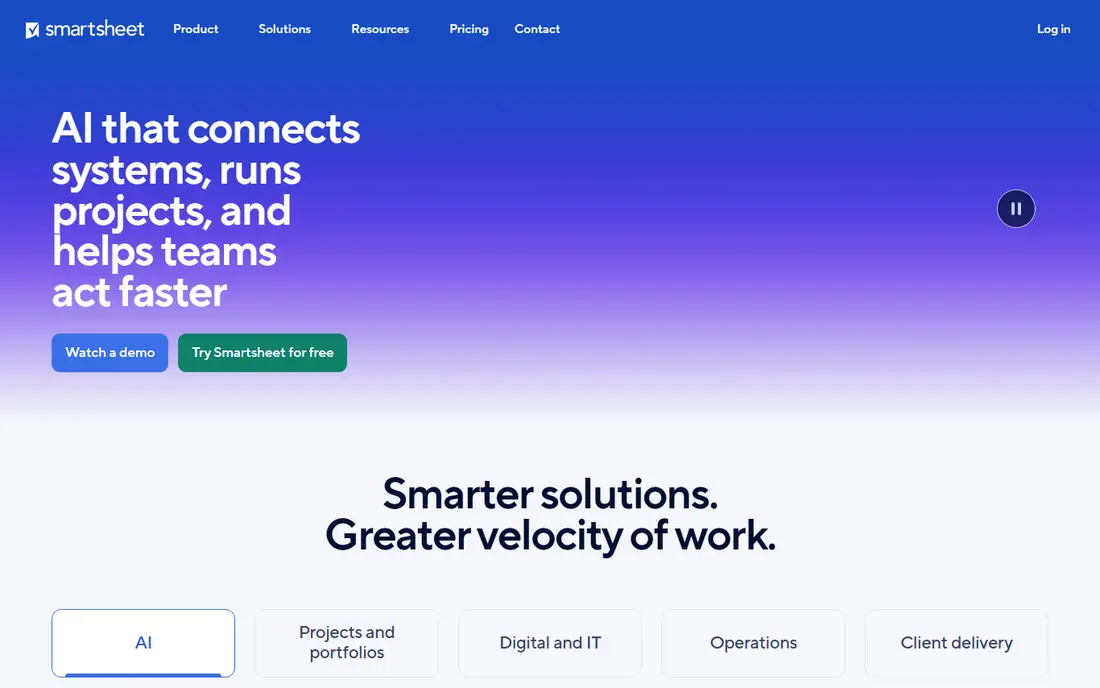
Smartsheet suits teams that live in spreadsheets but need shared dashboards, approvals, and portfolio rollups. The grid view feels familiar, while dashboards, reports, and Gantt charts turn rows into an executive view. Project sheets can roll up into portfolio reports, so leaders see status, budget, and milestones without opening every project.
The entry paid plans limit automation and some advanced features, so growing teams may need a higher tier. There is no permanent free plan, only a trial, which makes evaluation time-sensitive. For a mid-market PMO that wants portfolio visibility without a long enterprise rollout, Smartsheet is a practical middle ground.
- Familiar spreadsheet grid
- Dashboards and reports
- Gantt and card views
- No free plan
- Automation limits on lower tiers
- Costs rise with users
Microsoft Project suits organizations already using Microsoft 365 for email, files, and Teams. Project plans cover detailed schedules, dependencies, baselines, and resource assignments, while Planner covers simple task boards for smaller teams. Together, they give a PMO both detailed control and light task tracking inside one ecosystem.
The range of plans can confuse buyers, because Planner, Project Plan 1, Plan 3, and Plan 5 differ in features and price. Casual users may also find Project dense compared with a board tool. If your organization already pays for Microsoft 365 and your schedulers need real critical-path control, Project is the natural PPM choice.
- Deep scheduling and dependencies
- Microsoft 365 integration
- Planner for simple tasks
- Pricing varies by plan
- Full features need training
- Less simple for casual users
Wrike suits mid-size teams that need portfolio dashboards, workload views, and cross-project reporting without enterprise weight. Its free plan covers basic task work, while paid plans add dashboards, time tracking, and resource views. Multiple views, including tables, boards, and Gantt charts, let different teams work in the style they prefer.
Automation limits on lower tiers can frustrate teams that rely on rules to move work and send updates. Higher tiers remove those limits but raise cost. Wrike works best when one owner designs the folder structure, dashboards, and workflows before the whole company starts using it. With that setup, it scales well from team projects to a portfolio view.
- Free plan for small teams
- Dashboards and workload views
- Flexible project views
- Automation limits on lower tiers
- Enterprise tiers are quote-based
- Setup needs care
monday work management suits teams that want a visual portfolio view and fast setup. Boards, timelines, and dashboards make project status easy to read in a meeting, and templates cover common project types. A free plan lets small teams try the core board experience before paying.
Seat-based pricing means cost grows as the team grows, and advanced reporting and automation sit on higher tiers. Portfolio features also need careful board design, or dashboards can show inconsistent data. For visual teams that want a portfolio view without a formal PMO platform, monday work management is an accessible option.
- Visual boards and dashboards
- Free plan for small teams
- Many templates
- Costs rise with seats
- Automation limits on lower tiers
- Reporting needs higher plans
Asana suits teams that want to connect company goals to projects and tasks without a heavy PPM rollout. Portfolios group projects, show status updates, and track progress toward goals, while timelines and workload views help managers spot overload. The free plan covers personal and small-team task work.
True PPM depth, such as detailed financial tracking and capacity planning, is lighter than in Planview or Clarity. Paid plans add portfolios and advanced reporting, so budget for at least the tier that includes those features. For teams that value adoption and clear execution, Asana offers portfolio visibility with a gentler learning curve.
- Free plan
- Goals and portfolios
- Clear task and timeline views
- Advanced portfolio features need paid plans
- Resource management is lighter than PPM suites
Clarity, from Broadcom, suits very large organizations that manage portfolios as investments. It covers demand, project financials, resource capacity, and roadmaps, so leaders can compare funding options and staffing trade-offs across a large portfolio. Governance and reporting tools support formal stage gates and executive reviews.
Clarity is not a small-team tool. Pricing is quote-based, implementation is an enterprise project, and users need training to use it well. For a global PMO that must manage hundreds of projects, budgets, and resources in one system, Clarity offers depth that mid-market tools cannot match.
- Portfolio investment and capacity planning
- Roadmaps
- Enterprise governance
- Quote-based pricing
- Enterprise implementation
- Steep learning curve
How we picked these
We compared official feature pages, pricing pages, and portfolio features for tools that manage groups of projects, not just single tasks. We kept enterprise PPM suites and mid-market work management tools that offer portfolios, because both serve PPM buyers at different scales. We left out single-project tools with no portfolio view and tools with no clear current pricing or product page. We compared documentation and public plan details rather than claiming hands-on portfolio rollouts.
How to choose PPM software for your team
Start with the decision the tool must support. If leaders need to choose which projects to fund, you need financials, capacity, and scenario views. If they only need status and milestones, a portfolio dashboard in Smartsheet, Wrike, monday work management, or Asana may be enough. Buying enterprise depth for a status need wastes money and slows adoption.
Next, test reporting with your real data. Import a few current projects, set owners and dates, and build the executive view you will actually use in a monthly review. Check whether budget, workload, and risk data stay accurate when project managers update their own projects. A tool that looks good in a demo but needs manual data entry every month will go stale fast.
Finally, assign an owner and a simple update rhythm. PPM tools fail when only the PMO updates them, because leaders stop trusting the data. Pick a weekly or biweekly update cycle, keep status fields short, and review one portfolio report in a real meeting before you roll the tool out widely. Adoption, not feature count, decides whether PPM software earns its cost.
FAQ
What is project portfolio management software?
It is software that manages a group of projects together, linking them to strategy, budgets, and staff capacity. Instead of tracking one project at a time, PPM tools show portfolio status, spending, risks, and resource overload in one view. Leaders use that view to fund, pause, or stop projects.
What is the best PPM software for small teams?
Smartsheet, Wrike, monday work management, and Asana suit small and mid-size teams because they offer portfolio views without enterprise implementation. Start with a free plan or trial, test a portfolio dashboard with real projects, and upgrade only when reporting or automation limits block your work.
Is Microsoft Project good for portfolio management?
Yes, for Microsoft 365 organizations that need detailed schedules and resource planning. Project covers dependencies, baselines, and capacity, while Planner covers simple tasks. Casual users may prefer a board tool, but schedulers will value Project depth.
How much does PPM software cost?
Mid-market tools often start around 9 to 25 dollars per user per month on paid plans, while enterprise suites such as Planview, Workfront, and Clarity are quote-based. Total cost also includes implementation, training, and admin time, so ask for a full quote before you compare headline prices.
What is the difference between PPM and project management software?
Project management software tracks tasks, dates, and work inside one project. PPM software tracks many projects together, with portfolio views, budgets, capacity, and strategy alignment. Many mid-market tools cover both, while enterprise PPM suites focus on the portfolio level.
Sources
- https://www.planview.com
- https://business.adobe.com/products/workfront.html
- https://www.smartsheet.com/pricing
- https://www.microsoft.com/en-us/microsoft-365/project
- https://www.wrike.com/pricing
- https://monday.com/pricing
- https://asana.com/pricing
- https://www.broadcom.com/products/software/value-stream-management/clarity