Best Procurement Card for Software Purchases in 2026: 8 Tools Compared
best procurement card for software purchases compared: 8 corporate cards for SaaS, subscriptions and IT spend, with controls, pricing and honest pros and cons.
- Editor's choice
 Ramp
Free cards plus spend controls
Starts atFreeVisit ramp.comFull review - Great alternative
 Brex
Startups and global teams
Starts atFreeVisit brex.comFull review - Also consider
 BILL Spend and Expense
Budget-first card controls
Starts atFreeVisit bill.comFull review
TL;DR:
- A procurement card for software spend should control who can buy, how much they can spend, and which vendors are allowed, before the charge happens.
- Virtual cards are especially useful for software, since each subscription can get its own card, limit, and renewal date.
- Accounting sync matters: cards that code SaaS spend to the right category and vendor save hours at month-end close.
- Watch approval rules, since card approval depends on business bank balance, revenue, or credit in many cases, not just a signup form.
Quick comparison
| Tool | Best for | Starts at | Free plan? | |
|---|---|---|---|---|
| Ramp | Free cards plus spend controls | Free | Yes | Visit |
| Brex | Startups and global teams | Free | Yes | Visit |
| BILL Spend and Expense | Budget-first card controls | Free | Yes | Visit |
 Mercury | Banking plus cards for startups | See website | Yes | Visit |
 Airbase | Procure-to-pay control for mid-market | See website | Free trial | Visit |
 Expensify | Expense reporting with cards | $5 per member per month | Yes | Visit |
 Navan | Travel plus software spend | $15 per user per month | Yes | Visit |
 Rho | Free banking and cards for US firms | Free | Yes | Visit |
The best procurement card for software purchases
We compared official pricing pages, feature lists, and public reviews for corporate card platforms that help teams buy software with control. Each tool below issues physical or virtual cards, but we note how well it handles SaaS renewals, approvals, and accounting for software spend.

Ramp is our pick for most teams buying software, because its free tier covers corporate cards, expense management, bill pay, and travel at no software cost. Virtual cards let each SaaS subscription get its own card and limit, so a cancelled tool cannot keep charging, and a renewal that exceeds its limit is blocked. Receipts are matched automatically, and transactions are coded to the ledger to speed up close.
The catch is qualification. Ramp underwrites the card on business bank balance and cash flow rather than a personal guarantee, so very early firms with thin balances can be declined. Deeper ERP integrations and multi-entity tools sit on Ramp Plus at $15 per user per month plus a platform fee. For a team that qualifies, Ramp offers the strongest free starting point for software spend.
- Free tier with unlimited cards
- Virtual cards for each subscription
- Strong accounting sync
- Card approval depends on business bank balance
- Advanced ERP features need Plus
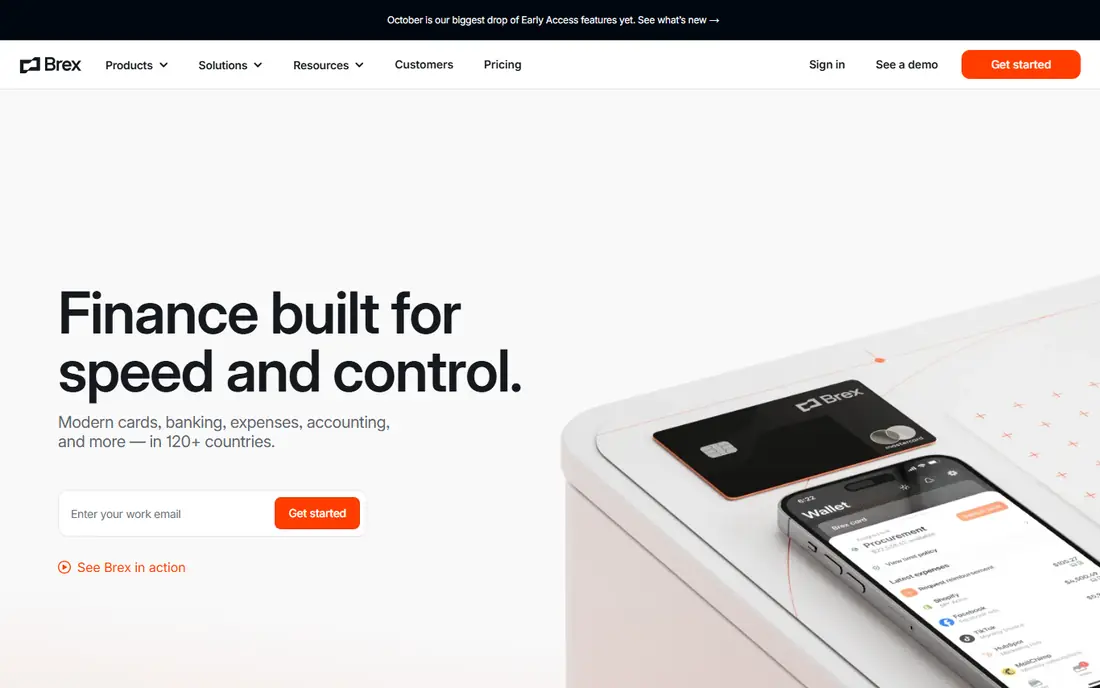
Brex suits startups and global teams that need cards, spend controls, and accounting sync in one place. Virtual cards can be limited by vendor, category, or amount, which helps finance teams control SaaS trials and renewals. The platform also supports multi-entity and global spend, which matters for firms with teams abroad.
Brex has historically set a higher bar for some accounts, such as funding or revenue thresholds, though terms change, so check current eligibility. Premium features sit on a paid tier at $12 per user per month. For a funded startup or global team, Brex is a strong, well-reviewed choice.
- Free Essentials tier
- Virtual cards with category controls
- Global spend support
- Higher bar for account opening for some firms
- Premium features need a paid tier

BILL Spend and Expense, formerly Divvy, takes a budgeting-first approach to software spend. Finance sets budgets by team, department, or project, and cards enforce those budgets before a purchase clears. That proactive control helps firms that want to stop overspend on SaaS, rather than reviewing it after the fact. It syncs with QuickBooks Online, NetSuite, Sage Intacct, and Xero.
The wider BILL accounting suite, including payables and receivables automation, is sold as paid add-ons, so the free card platform is not the full BILL product. Card qualification also applies. For a firm that wants budgets to lead card controls, BILL is a practical, free starting point.
- Free card platform with budgets
- Top-down budget controls
- Syncs with major accounting tools
- Deeper BILL accounting features are paid add-ons
- Card limits depend on qualification
Mercury suits startups that want banking and cards together, without a separate card vendor. Teams can issue virtual and physical cards, set limits, and manage spend from the same account they use for banking and treasury. That simplicity helps a small team that does not yet need a full spend management suite.
Expense and accounting features are more basic than Ramp or Brex, so a growing finance team may need extra tools for coding and approvals. Cashback terms also vary by card type. For a startup that values banking plus cards in one place, Mercury is a clean, low-friction choice.
- Banking and cards in one account
- Virtual and physical cards
- Simple controls for small teams
- Expense and accounting features are more basic than Ramp or Brex
- Card cashback terms vary
Airbase suits mid-market firms that want software purchases to follow a full procure-to-pay path: request, approval, purchase order, card payment, and accounting sync. That workflow gives finance control over SaaS requests before money is spent, which matters once software spend grows across many teams. Approvals, budgets, and vendor records sit in one system.
Airbase is quote-based and heavier to implement than a free card tool, so it fits firms with a finance team ready to run procurement properly. Small teams may find it more system than they need. For a mid-market firm that wants procurement control, not just cards, Airbase is a strong option.
- Procurement, cards, and bill pay together
- Strong approval workflows
- Good for mid-market firms
- Quote-based pricing
- Implementation is heavier than free card tools
Expensify suits teams that mainly need expense reporting, with card controls as part of that workflow. It can work with existing corporate cards, capture receipts, and code spend to categories and projects. That flexibility helps a firm that does not want to switch card issuers but still wants better software spend tracking.
Card controls are less deep than Ramp or Brex, especially for virtual cards per subscription and proactive budget enforcement. Some plans also have member minimums or pricing nuances to check. For a small team that values expense reporting first, Expensify is a familiar, practical choice.
- Expense reporting and card controls together
- Works with existing cards
- Good for small teams
- Card features are less deep than Ramp or Brex
- Some plans need a minimum member count
Navan, formerly TripActions, is best for firms where travel and expenses belong together, with software spend tracked alongside. The expense plan starts at $15 per user per month, with the first users free for firms under a size limit. Cards, receipts, and approvals help finance teams see software and travel spend in one place.
Navan's main strength is travel, not procurement, so a firm that needs purchase orders, vendor approvals, and SaaS renewal management may need another tool. The per-user cost also grows with headcount. For a travel-heavy firm that also buys software, Navan is a useful combined platform.
- Travel booking and expenses together
- First users free for smaller firms
- Clear spend controls
- Main strength is travel, not procurement
- Expense plan cost grows with users
Rho suits US firms that want free banking, cards, and spend controls in one platform. Virtual cards, limits, and approvals help teams control SaaS purchases, and the free platform keeps costs down for a growing firm. Treasury and banking tools sit beside cards, which simplifies cash management for some teams.
Rho is US-focused, so global spend features are thinner than Brex, and accounting depth is less than Ramp Plus or Airbase. For a US firm that wants banking plus cards without a software fee, Rho offers a clean, affordable starting point.
- Free banking and card platform
- Virtual cards and spend controls
- Good for US small to mid-size firms
- US-focused, so global features are thinner
- Accounting depth is less than larger suites
How we picked these
We compared official pricing pages, feature lists, and public reviews for corporate card platforms that are still available in 2026. We favored tools with virtual cards, vendor and category controls, approval workflows, and accounting sync, since those features matter most for software purchases. Where pricing was not published, we marked it as See website rather than guessing.
How to control software purchases with a procurement card
Start by listing every SaaS tool your team already pays for, including trials, renewals, and forgotten subscriptions. That list is often longer than finance expects, and it shows where virtual cards will help most. Give each recurring subscription its own virtual card with a limit near its real price, so a price rise or a duplicate charge is flagged rather than paid silently.
Next, set approval rules that match risk, not just amount. A low-cost tool with access to customer data may need more review than a higher-cost tool with no data access. Route requests by vendor, category, and data risk, and require a named owner and renewal date for every subscription. That owner should review the tool before each renewal, not just at signup.
Finally, connect cards to accounting from the start. Code each card to a vendor, category, and department, and sync transactions daily so month-end close does not become a hunt for receipts. Review software spend monthly by owner, vendor, and renewal date, and cancel tools that no one uses. A card program that only controls payment, without renewal review, will still waste money on unused software.
FAQ
What is a procurement card?
A procurement card, often called a P-card or corporate card, is a payment card issued to employees for approved business purchases, with limits and controls set by finance. Unlike a personal card, it can be limited by vendor, category, amount, and time, and transactions sync to accounting. For software, virtual procurement cards are especially useful, since each subscription can have its own card.
Why use a virtual card for software purchases?
A virtual card gives each subscription its own card number, limit, and expiry, so cancelling a tool is as simple as closing its card. Price rises that exceed the limit are blocked, and duplicate or forgotten charges are easier to spot. Virtual cards also reduce the risk of a shared card number leaking across many vendors.
Do procurement cards replace purchase orders?
Not always. Cards suit low-risk, recurring software purchases with clear limits, while larger or higher-risk purchases may still need a purchase order and approval workflow. Tools such as Airbase combine both, with requests, approvals, and purchase orders feeding into card payments. Match the control to the risk of each purchase.
How do I get approved for a corporate card?
Approval depends on the issuer and the product. Some issuers underwrite on business bank balance and cash flow, others on revenue, funding, or credit. Very early firms may be declined by some issuers but approved by others with lower thresholds. Check eligibility before rolling out cards to a team, and have a backup payment method for essential software.
How can procurement cards reduce SaaS waste?
Virtual cards per subscription, renewal dates, named owners, and monthly spend reviews together surface unused tools and duplicate purchases. When a renewal is blocked by a limit or flagged for review, the owner must justify keeping the tool. That review step, more than the card itself, is what cuts waste.