Best Platforms to Analyze Customer Data in 2026: 8 Platforms Compared
best platforms to analyze customer data compared: funnels, cohorts, journeys and CDP tools for product, marketing and growth teams in 2026. for teams in 2026.
- Editor's choice
 Amplitude
Behaviour analytics at scale
Starts atFreeVisit amplitude.comFull review - Great alternative
 Mixpanel
Product funnels and user journeys
Starts atFreeVisit mixpanel.comFull review - Also consider
 Segment
Collect once, send everywhere
Starts atSee websiteVisit segment.comFull review
TL;DR:
- Amplitude and Mixpanel lead for product behaviour analysis, with funnels, retention and cohorts that non-technical teams can use daily.
- Segment is the plumbing choice: collect customer data once, then send it to analytics, marketing and warehouse tools without rebuilding tracking.
- PostHog suits engineering-led teams that want analytics, session replay, flags and surveys in one open-source friendly product.
- Start with a free tier, define three core events first, and only add a paid plan when event volume or governance needs demand it.
Quick comparison
| Tool | Best for | Starts at | Free plan? | |
|---|---|---|---|---|
| Amplitude | Behaviour analytics at scale | Free | Yes | Visit |
| Mixpanel | Product funnels and user journeys | Free | Yes | Visit |
| Segment | Collect once, send everywhere | See website | Free trial | Visit |
 PostHog | All-in-one analytics for developers | Free | Yes | Visit |
 Heap | Autocapture and retroactive analysis | See website | Yes | Visit |
 Google Analytics 4 | Website and app traffic basics | Free | Yes | Visit |
 Kissmetrics | Revenue-linked customer journeys | $99 per month | No | Visit |
 Woopra | Real-time customer journey analytics | See website | Free trial | Visit |
The best platforms to analyze customer data
We compared official feature pages, pricing pages, app listings and public reviews to shortlist these 8 options for best platforms to analyze customer data. Our pick for most people is the first option in the list, but the best choice depends on your team size, budget and daily workflow, so read the trade-offs for each option before you decide.
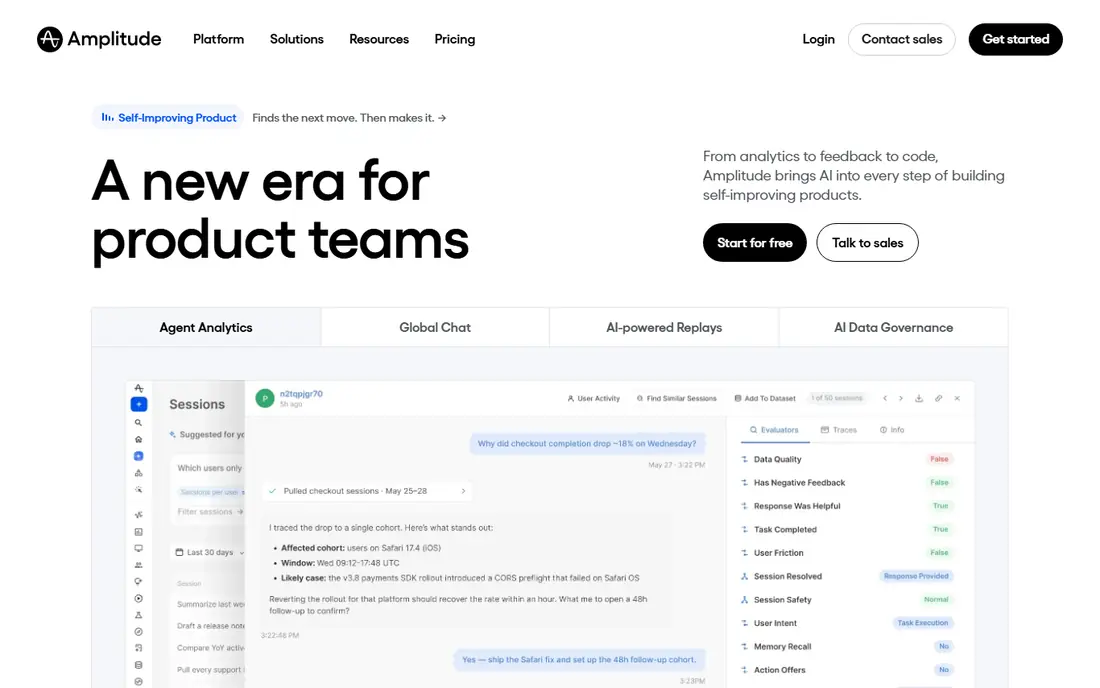
Amplitude is the strongest choice for teams that live in behavioural data every day. Its funnel, retention and cohort tools are deep, and its forecasting and anomaly features help teams spot a change before it becomes a trend. Product and growth teams can slice by user properties, device and campaign without waiting for a data analyst.
The catch is scale and setup. Larger plans move to custom pricing, and advanced features take time to learn well. Teams that only need basic page or event counts may find Amplitude more than they need. For a growing product with clear retention goals, it is a solid long-term pick.
- Strong funnels and cohorts
- Forecasting and anomaly alerts
- Generous free tier
- Paid plans are quote-based for larger use
- Learning curve for advanced analysis
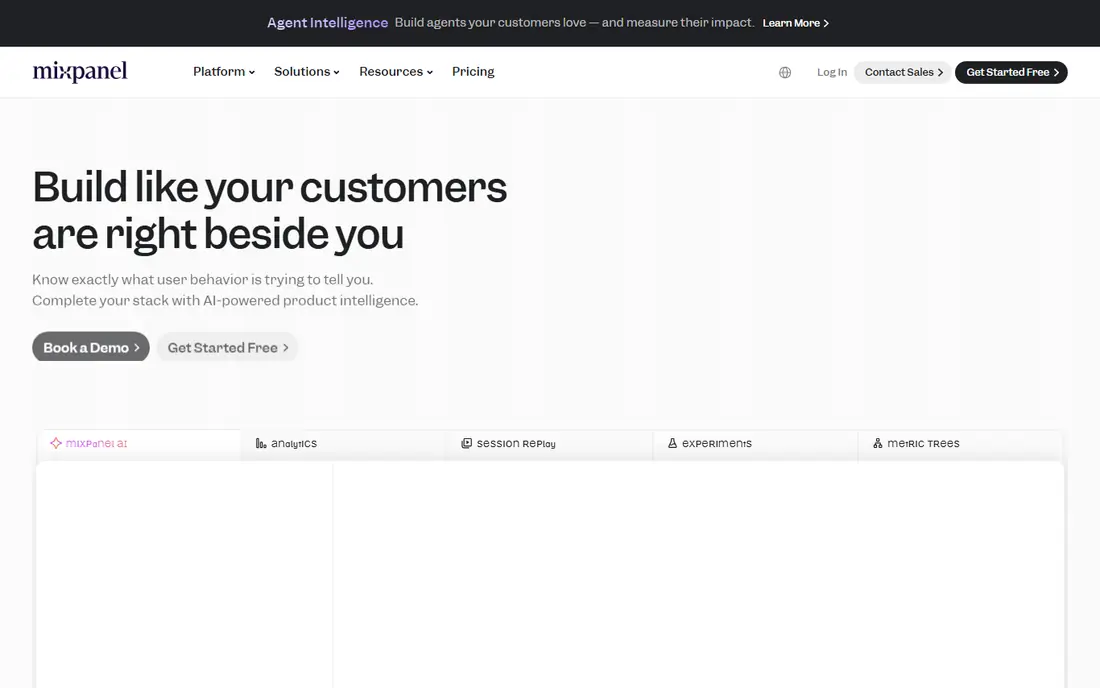
Mixpanel remains a favourite for product managers because its funnel reports are fast to build and easy to read. You can see where users drop off, build a cohort in a few clicks and compare segments without writing SQL. That speed matters when a team tests onboarding changes every week.
Mixpanel is narrower than an all-in-one suite. Session replay costs extra, and there is no built-in feature flag system of the same depth as PostHog. Event volume pricing also needs care at scale. If funnels and cohorts are your core need, Mixpanel delivers them with little friction.
- Clear funnel reports
- Flexible queries
- Strong cohort building
- Session replay is an add-on
- Pricing rises with event volume

Segment solves a different problem from the analytics tools on this list. Instead of analysing data itself, it collects customer data once and routes it to analytics, marketing, advertising and warehouse destinations. That saves engineering time each time a team adds a tool, and it keeps event definitions consistent.
The trade-off is that Segment is plumbing, not insight. You still need an analytics or activation tool on top of it, so total cost includes both layers. Smaller teams with only one or two destinations may not need it yet. For teams with many tools, it prevents tracking sprawl.
- One tracking setup for many tools
- Warehouse sync
- Governance controls
- No built-in product analytics depth
- Pricing is quote-based
PostHog appeals to engineering-led teams because it bundles product analytics, session replay, feature flags, experiments and surveys in one product. The open-source option and self-hosting choice help teams with strict data control needs. Its free cloud tier lets a startup start without a sales call.
The interface for funnels and cohorts is good but less polished than Mixpanel for daily product work. Self-hosting also adds maintenance that small teams may not want. For teams that value breadth and control over a single polished report type, PostHog is a strong value choice.
- Analytics plus replay, flags and surveys
- Open-source option
- Generous free tier
- Funnel polish lags Mixpanel
- Self-hosting needs DevOps time
Heap stands out because it captures user actions automatically, so teams can define events after the fact instead of planning every event in advance. That helps teams that missed tracking for a new feature or want to explore behaviour they did not predict. Journey and funnel views then turn that raw capture into readable paths.
The cost model needs care. Paid plans are quote-based, and autocapture can collect noisy data if teams do not clean it. Heap also suits product analysis more than marketing activation on its own. For teams with weak tracking discipline, its retroactive power is a real advantage.
- Autocapture reduces upfront tracking work
- Retroactive reports
- Journey analysis
- Paid pricing is quote-based
- Free tier is limited
Google Analytics 4 remains the baseline for website and app traffic because it is free, widely supported and familiar to marketing teams. It reports sessions, channels, conversions and basic funnels, and it connects to advertising tools many teams already use. For a small site, it may be all you need at first.
Its product analytics depth is thinner than Amplitude or Mixpanel. Retention, cohort and in-product journey analysis require more setup and still feel less natural. Privacy and consent settings also need attention in Europe. Use it for traffic and marketing, and add a product tool when in-product behaviour becomes the key question.
- Free and widely used
- Marketing channel reports
- BigQuery export option
- Product funnel depth is limited
- Setup and consent work still needed
Kissmetrics focuses on the person behind the events, linking behaviour to revenue and customer lifetime value. That view helps marketing and growth teams answer which journeys lead to paying customers, not just which pages get visits. Its funnel and cohort reports are built around that revenue question.
The starting price is higher than the free tiers of larger rivals, and its integration ecosystem is smaller. Teams that need deep product experimentation may prefer Amplitude or Mixpanel. For revenue-focused teams that want person-level journeys, Kissmetrics is a focused and useful pick.
- Person-level journeys
- Revenue attribution
- Funnel and cohort reports
- Higher starting price
- Smaller ecosystem than larger rivals
Woopra gives teams a live view of customer journeys, with person profiles that show actions across web, app and support touchpoints. Real-time triggers can alert a team when a high-value customer shows a churn signal or completes a key step. That immediacy suits support and success teams as much as marketing.
The platform is smaller than Amplitude or Mixpanel, so community resources and integrations are fewer. Pricing is quote-based, which makes early budgeting harder. For teams that value live journey visibility over the deepest funnel library, Woopra is worth a demo.
- Real-time journey views
- Person profiles
- Triggers and automation
- Pricing is quote-based
- Smaller community than leaders
How we picked these
We started with the topic and the products that genuinely fit it, then checked official vendor pages for features, pricing and access rules. We removed products that were discontinued, that did not fit the topic, or whose official homepage could not be verified. We compared strengths and weaknesses from documentation, pricing pages and public user feedback, and we favoured products with clear safety, privacy and support practices where those mattered.
We did not claim hands-on testing we did not do. Instead, we compared what vendors publish, what reviewers report and what pricing pages show in October 2026. Where a vendor does not publish a price, we wrote See website rather than guessing a number. That approach keeps the comparison honest, even when it means less detail for quote-based enterprise tools.
Before you shortlist, note the limits of any comparison. Vendor pages show best-case features, and public reviews skew toward very happy or very unhappy users. That is why we weigh official pricing and documentation most heavily, use reviews only for recurring themes, and flag quote-based pricing instead of inventing a figure. If a feature matters to your workflow, confirm it in a trial or demo with your own data and your own team, since a checklist match does not always mean a good daily fit.
How to choose a customer data platform
Define the question before you pick a tool. Product teams usually need funnels, retention and cohorts. Marketing teams need journeys, attribution and segments they can send to email or ads. Data teams need clean schemas, warehouse sync and governance. One tool can serve all three, but only if you agree on event names, user identity rules and who owns the tracking plan.
Watch event volume, identity and privacy from day one. A generous free tier can turn costly when tracking is noisy, so name events clearly, drop duplicate events and use sampling where it fits. Check consent handling, data residency and deletion options, especially for customers in Europe. A short pilot on one product area will reveal more than a long vendor demo.
Before you pay, run a short trial with real work and real users, not just a demo dataset. Set a clear success measure, such as time saved, tickets deflected, errors found or conversion improved, and review it after two to four weeks. Check onboarding help, support response times and export options, since switching later is often more costly than the first subscription. If two options look close, choose the one your team actually enjoys using, because adoption decides whether the tool delivers value.
FAQ
What is the difference between product analytics and a CDP?
Product analytics tools analyse behaviour inside your product, such as funnels and retention. A customer data platform collects data once and routes it to many tools. Many teams use both: a CDP for collection and a product analytics tool for analysis.
Which tool is best for a small startup?
PostHog, Mixpanel and Amplitude all offer free tiers that suit early startups. PostHog adds replay and flags in one place, while Mixpanel and Amplitude offer stronger funnel and cohort interfaces for product managers.
Do I need engineers to use these platforms?
You need engineering help to install tracking and define events well. After that, product and marketing teams can usually build reports without code. Segment and similar tools reduce repeat engineering work when you add new destinations.
How much does customer analytics cost at scale?
Cost usually follows event or user volume, plus paid features. Free tiers cover early use, but high-volume products can reach hundreds or thousands of dollars a month. Model your monthly events before signing an annual plan.
Can these tools replace Google Analytics?
For product behaviour, yes, they go deeper than page views. For website traffic and marketing channel reporting, Google Analytics 4 still has a role. Many teams run both and compare totals during setup.